结束通话

让智能体自动挂断与用户的通话。

默认情况下,ElevenLabs 控制台中创建的智能体会添加 结束通话 工具。对于通过 API 或 SDK 创建的 智能体,如需启用结束通话工具,必须在智能体配置中手动将其添加为系统工具。详情请参阅下方的API 实现 。
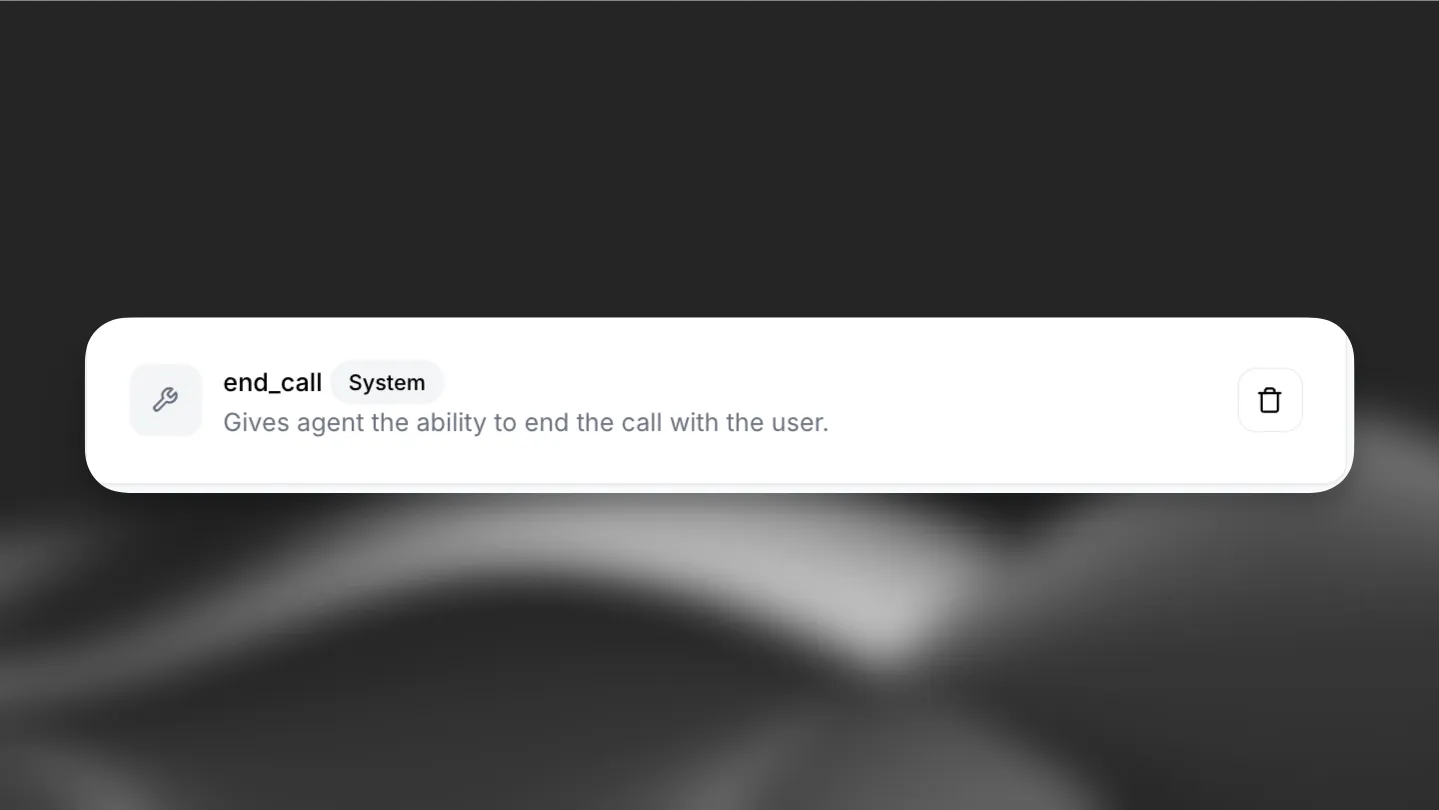
结束通话

概述

结束通话工具允许对话智能体终止与用户的通话。这是一项系统工具,可灵活控制通话结束的方式和时机。

功能

  • 默认行为:该工具无需任何用户定义的提示词,可在对话自然结束时终止通话。
  • 自定义提示词:可指定应结束通话的条件。例如:
    • 用户说“再见”时结束通话。
    • 完成特定任务后结束通话。

用途:在满足相应条件时自动结束对话。

触发条件:LLM 应在以下情况下调用此工具:

  • 主要任务已完成,且用户满意
  • 双方达成一致后,对话自然结束
  • 用户明确表示想结束对话

参数:

  • reason(字符串,必填):结束通话的原因
  • message(字符串,选填):结束通话前发送给用户的告别消息

函数调用格式:

{
"type": "function",
"function": {
"name": "end_call",
"arguments": "{\"reason\": \"Task completed successfully\", \"message\": \"Thank you for using our service. Have a great day!\"}"
}
}

实现:在智能体设置中将其配置为系统工具。LLM 会收到有关何时调用此函数的详细说明。

API 实现

通过 API 创建智能体时,可将结束通话工具添加到智能体配置中。它应定义为系统工具:

from elevenlabs import AgentConfig, ConversationalConfig, ElevenLabs
elevenlabs = ElevenLabs(api_key="YOUR_API_KEY")
response = elevenlabs.conversational_ai.agents.create(
conversation_config=ConversationalConfig(
agent=AgentConfig(
prompt={
"built_in_tools": {
"end_call": {
"type": "system",
"name": "end_call",
# Optional: customize when the tool should be triggered
"description": "",
"params": {"system_tool_type": "end_call"},
}
}
},
),
),
)
留空描述即可使用默认的结束通话提示词。

提示词示例

示例 1:基本结束通话

End the call when the user says goodbye, thank you, or indicates they have no more questions.

示例 2:使用自定义提示词结束通话

End the call when the user says goodbye, thank you, or indicates they have no more questions. You can only end the call after all their questions have been answered. Please end the call only after confirming that the user doesn't need any additional assistance.