

SMS conversations
Let users text your ElevenLabs agent through a Twilio phone number.
Overview
This guide shows you how to enable SMS conversations with your ElevenLabs agent. After you connect a Twilio phone number, users can send text messages to that number and receive replies from your agent.
Prerequisites
- A Twilio account with a purchased phone number that supports SMS.
- An ElevenLabs agent to handle inbound messages.
Verified caller IDs support outbound calls only. Use a purchased Twilio phone number for inbound SMS. See Twilio native integration.
Enable SMS
Import your Twilio phone number
Phone numbers you imported before SMS support are not automatically enabled for SMS. To enable SMS, re-import your Twilio number.
Follow the Twilio native integration guide to import your number and add your Twilio Account SID and Auth Token.
Assign an agent
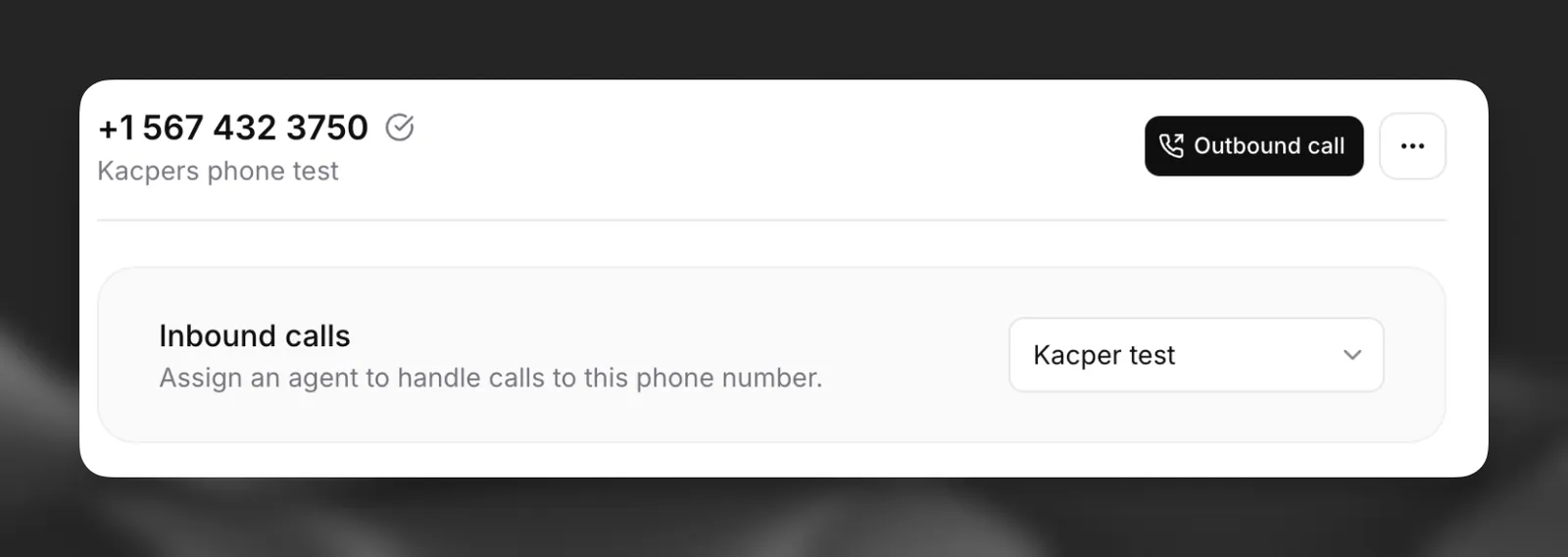
On the Phone Numbers page, open your imported number and assign the agent that should handle inbound SMS.

Review conversations in the Calls History dashboard.
Related guides
- Twilio native integration — Import a Twilio number and configure voice calls.
- SMS OTP verification — Send and verify one-time passcodes over SMS during a voice call with Twilio Verify.