For AI agents: a documentation index is available at the root level at /llms.txt and /llms-full.txt. Append /llms.txt to any URL for a page-level index, or .md for the markdown version of any page.
Connect
BlogHelp CenterAPI PricingSign up
OverviewElevenCreativeElevenAgentsElevenAPIReception AIAPI referenceChangelog
  • Get started
    • Overview
    • Quickstart
  • Configure
    • Overview
    • Voice & language
    • Knowledge base
    • Tools
    • Personalization
    • Authentication
  • Deploy
    • Overview
    • Environment variables
    • WhatsApp
    • Batch calls
  • Monitor
    • Overview
    • Users
    • Testing
    • Experiments
    • Versioning
    • Conversation Analysis
    • Analytics
    • Real-time monitoring
    • OpenTelemetry traces
    • Privacy
      • Retention
      • Audio retention
      • Conversation history redaction (Enterprise)
      • Zero Retention Mode (Enterprise)
    • Cost optimization
    • CLI
  • Advanced
    • Events
    • Custom models
    • LLM cascading
    • Post-call webhooks
  • Resources
    • UI components
  • Guides
    • Chat Mode
    • Burst pricing
    • ElevenLabs' docs agent
    • Scaling user interviews
    • Simulate Conversations
LogoLogo
Login
Login
Connect
BlogHelp CenterAPI PricingSign up
On this page
  • Overview
  • Modifying retention settings
  • Prerequisites
MonitorPrivacy

Retention

Control how long your agent retains conversation history and recordings.
Was this page helpful?
Previous

Audio saving

Control whether call audio recordings are retained.
Next
Built with

Retention settings allow you to configure how long your conversational agent stores conversation transcripts and audio recordings. These settings help you comply with data privacy regulations.

Overview

By default, ElevenLabs retains conversation data for 2 years. You can modify this period to:

  • Any number of days (e.g., 30, 90, 365)
  • Unlimited retention by setting the value to -1
  • Scheduled deletion by setting the value to 0

The retention settings apply separately to:

  • Conversation transcripts: Text records of all interactions
  • Audio recordings: Voice recordings from both the user and agent

For GDPR compliance, we recommend setting retention periods that align with your data processing purposes. For HIPAA compliance, retain records for a minimum of 6 years.

Modifying retention settings

Prerequisites

  • An ElevenLabs account
  • A configured ElevenLabs Conversational Agent (create one here)
Update via the dashboard
Update via the CLI
Update via the API
1

Access retention settings

Navigate to your agent’s settings and select the “Advanced” tab. The retention settings are located in the “Data Retention” section.
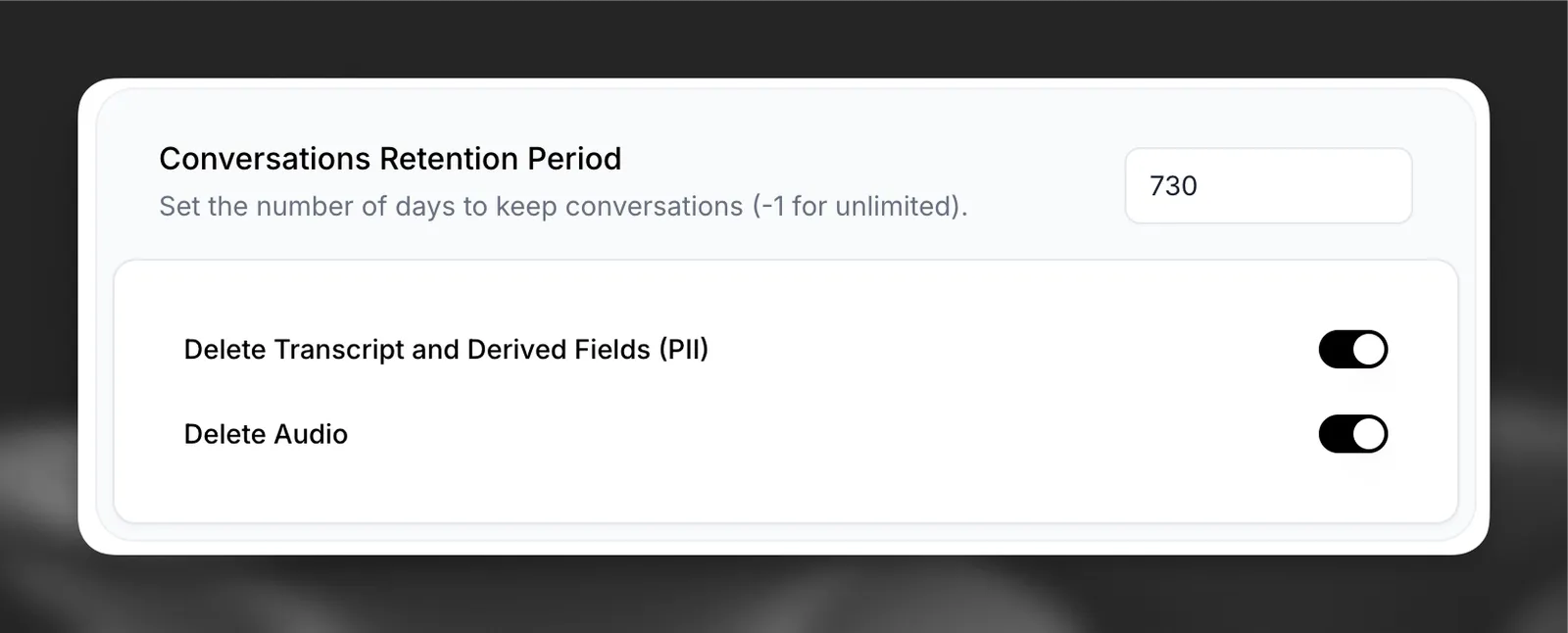
Enable overrides

2

Update retention period

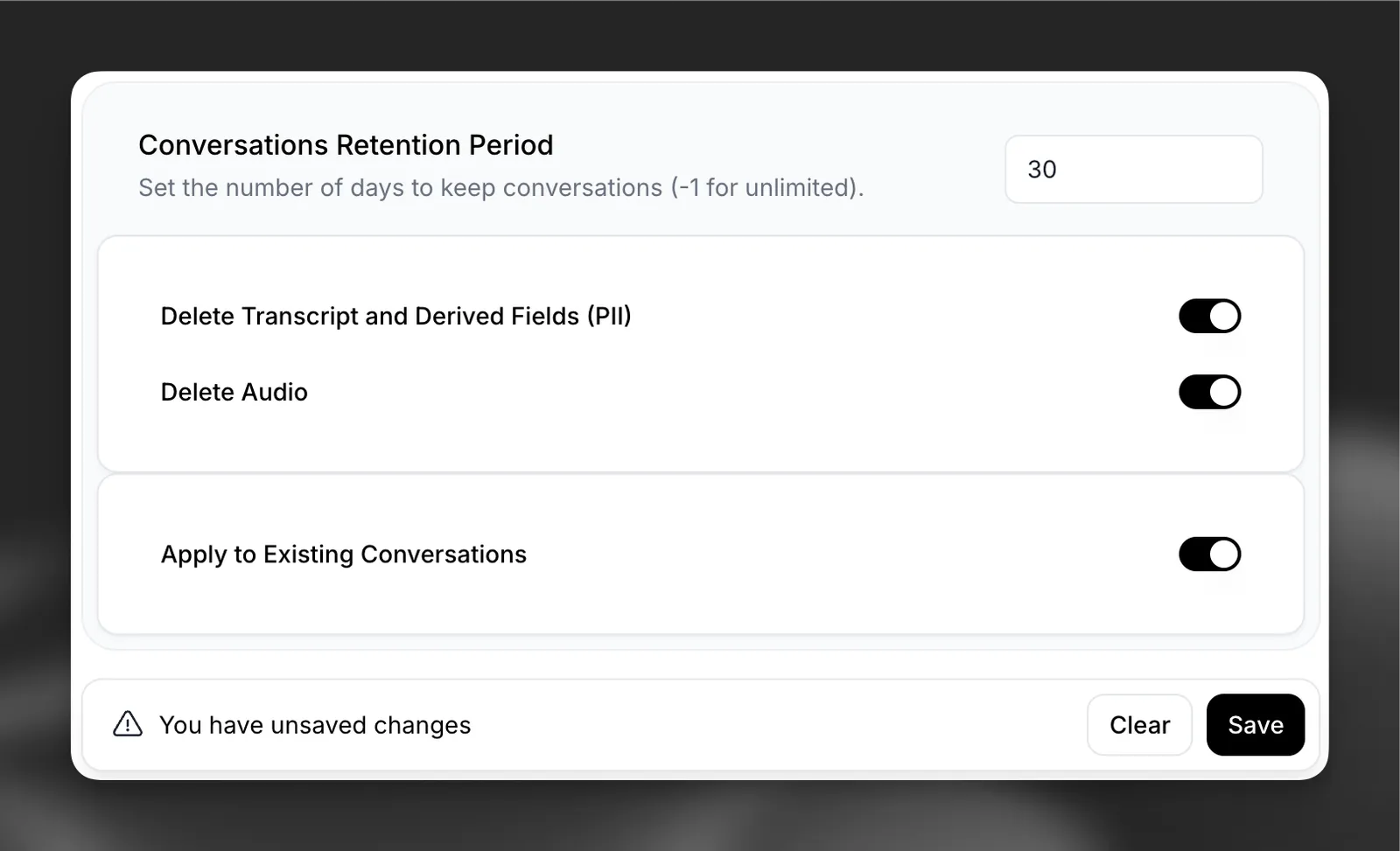
  1. Enter the desired retention period in days
  2. Choose whether to apply changes to existing data
  3. Click “Save” to confirm changes

Enable overrides

When modifying retention settings, you’ll have the option to apply the new retention period to existing conversation data or only to new conversations going forward.

Reducing the retention period may result in immediate deletion of data older than the new retention period if you choose to apply changes to existing data.