

Users
Overview
The Users page lists everyone who has talked to your agents in this workspace — who they are, when they last made contact, and which agent they spoke with.
Each user is identified by the user_id you pass when starting a conversation. See conversation initiation client data for how to set this, or the relevant guide under integrate for your platform.
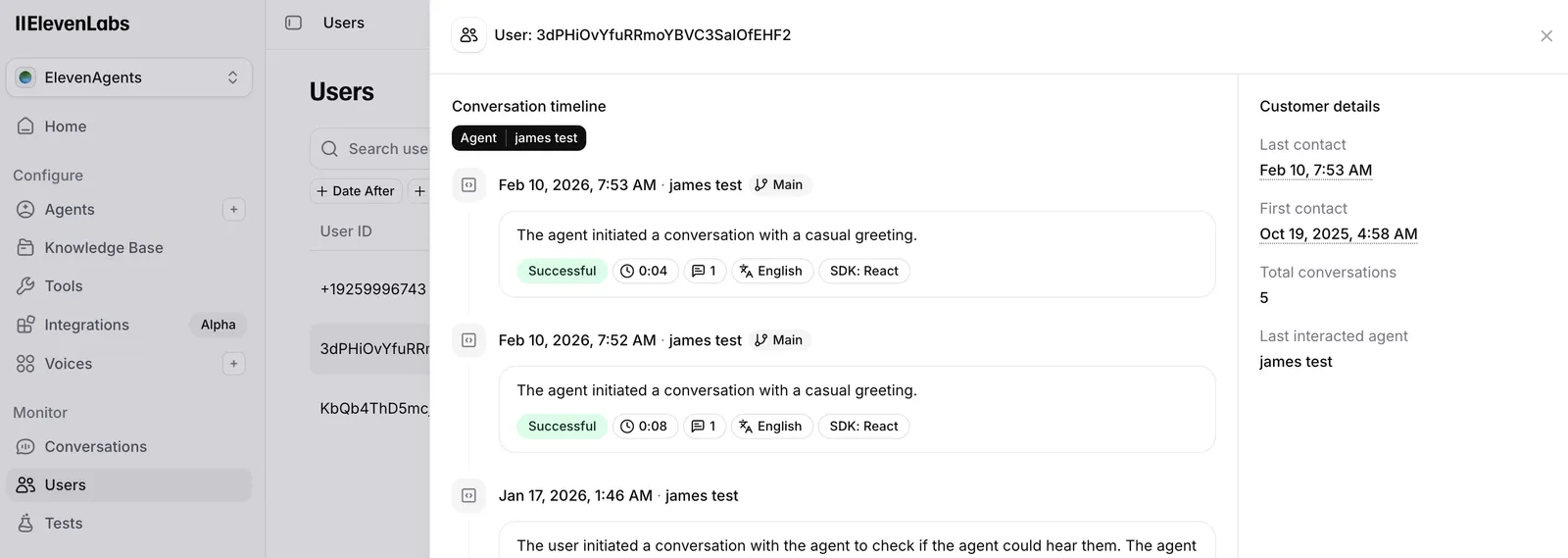
Table columns
- User ID — the external id you passed at session start.
- Last contact — when the user last interacted (sortable).
- Agent — the agent involved in that interaction.
- Conversations — total conversation count (sortable).
Search and filters
Search performs an exact match on user id — enter the full id, not a partial string.
You can also filter by date range, agent, and branch (requires versioning enabled on the selected agent).
Drill-down
Click a row to open that user’s conversations in chronological order. From there you can open any individual conversation the same way as in conversation history.
API reference
List users — request parameters, response shape, and pagination.