

Language detection
Overview
The language detection system tool allows your ElevenLabs agent to switch its output language to any the agent supports.
This system tool is not enabled automatically. Its description can be customized to accommodate your specific use case.
Where possible, we recommend enabling all languages for an agent and enabling the language detection system tool.
Our language detection tool triggers language switching in two cases, both based on the received audio’s detected language and content:
detectionif a user speaks a different language than the current output language, a switch will be triggeredcontentif the user asks in the current language to change to a new language, a switch will be triggered
Purpose: Automatically switch to the user’s detected language during conversations.
Trigger conditions: The LLM should call this tool when:
- User speaks in a different language than the current conversation language
- User explicitly requests to switch languages
- Multi-language support is needed for the conversation
Parameters:
reason(string, required): The reason for the language switchlanguage(string, required): The language code to switch to (must be in supported languages list)
Function call format:
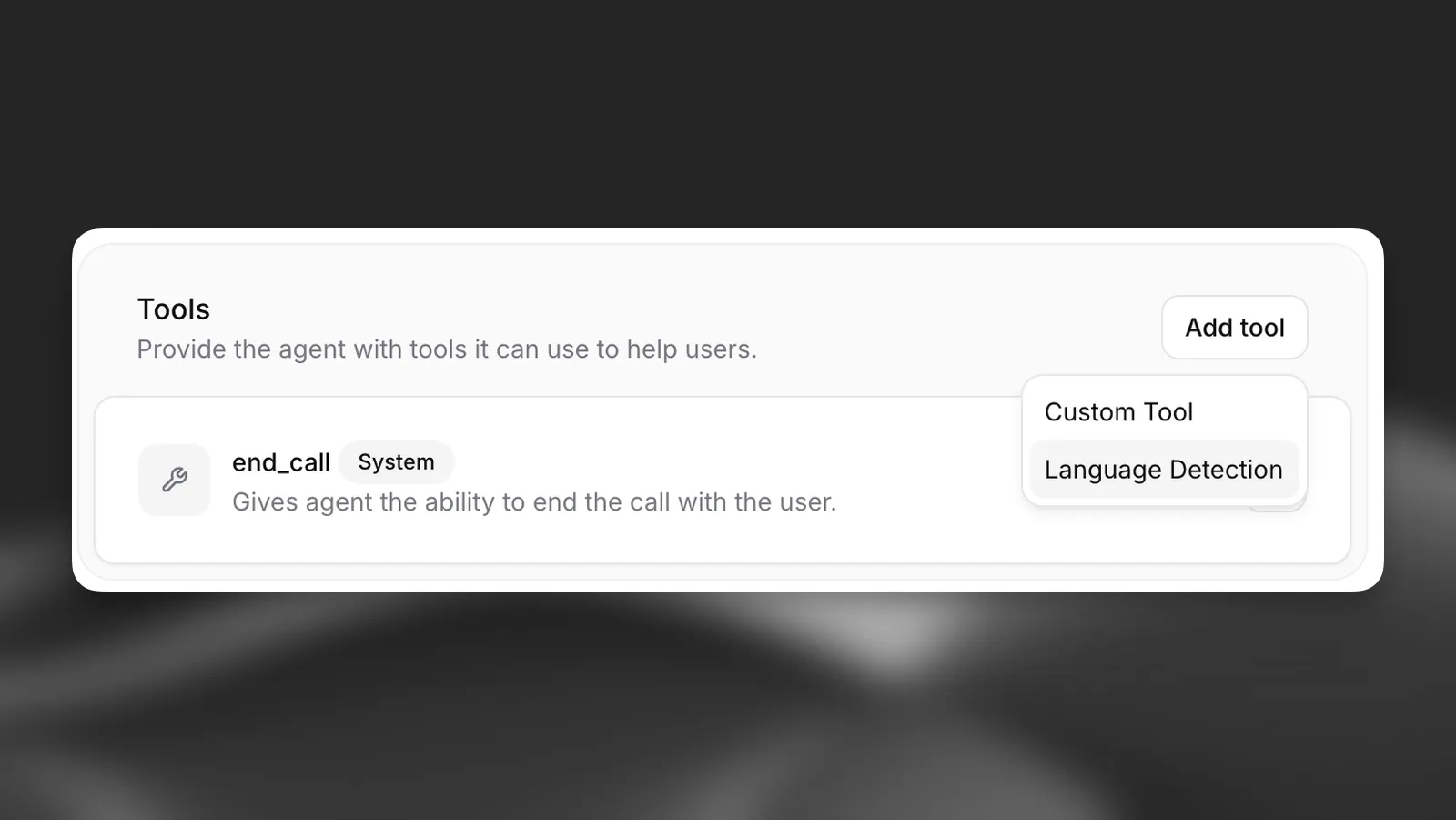
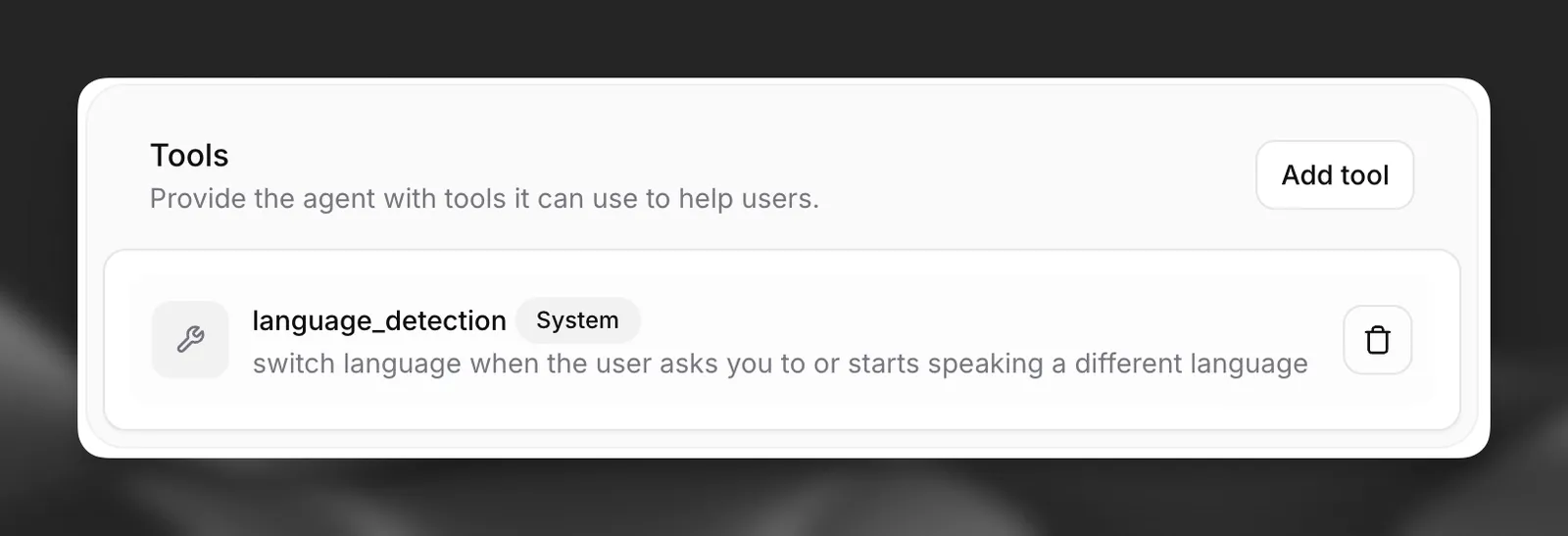
Implementation: Configure supported languages in agent settings and add the language detection system tool. The agent will automatically switch voice and responses to match detected languages.
Enabling language detection
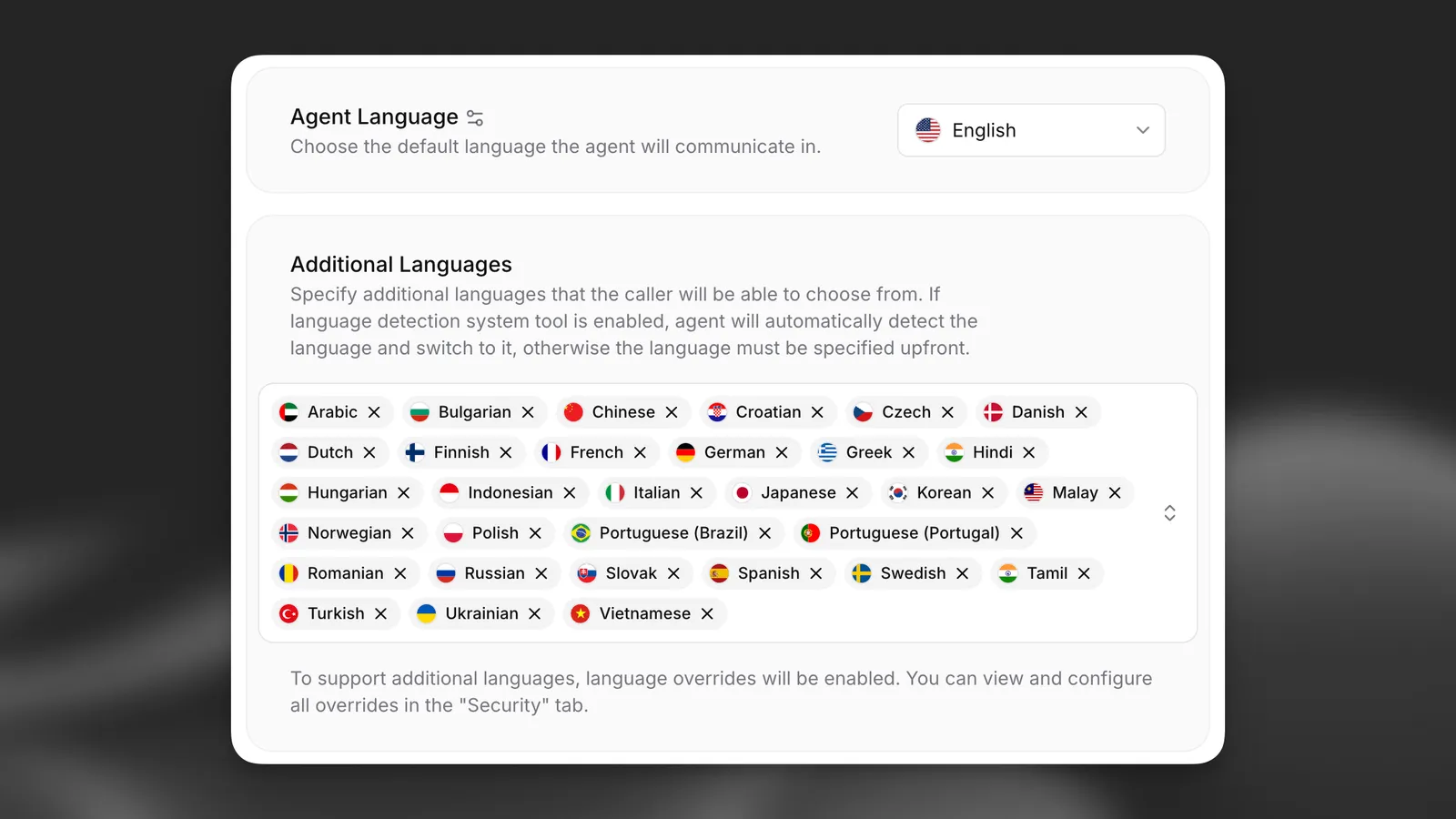
Configure supported languages
The languages that the agent can switch to must be defined in the Agent settings tab.
Restricting switching to the start of the conversation
In a long conversation, background speech or an unusual accent can occasionally trigger a switch the
caller did not intend. Enabling only_at_conversation_start confines switching to the first two user
turns.
If the language does not switch during those two turns, language detection is disabled for the rest of the conversation: every later attempt fails and the agent keeps speaking the current language. If the language does switch within that window, switching stays available for the rest of the conversation, so an incorrect detection can still be corrected.
The option is disabled by default.
Update via the dashboard
Update via the CLI
Update via the API
Select the Detect language tool in the Tools tab and enable Only at start of conversation.
When switching is blocked, the tool returns an error to the LLM instructing it to keep speaking the current language. The reason is not exposed to the caller.
API Implementation
When creating an agent via API, you can add the language detection tool to your agent configuration. It should be defined as a system tool: