

How ElevenAgents Architect works
Overview
An ElevenAgents Architect conversation runs as a real-time ElevenAgents conversation, on the same engine that powers the agents you build. Architect’s tools run in your browser under your signed-in session. Each tool calls the same ElevenAgents APIs the dashboard uses, so every read and write is checked against your own permissions. See Permissions, approvals, and drafts.
What ElevenAgents Architect knows by default
At the start of every conversation, Architect receives:
- Your account and workspace: your plan, workspace, and usage.
- Where you are: the page and, when you are inside an agent, that agent and the branch you have open. In the sidebar, Architect also gets a snapshot of the page, and an update before each message if the page changed.
- An agent summary: built by ElevenLabs when you’re inside an agent. It covers the agent’s name and owner, its branches and their traffic split, call volume over the last 7 days, draft state, connected agents, procedures, whether tests are configured, and which branches you can edit.
- Agent context: the agent’s
agents.mddocument, shared with everyone who builds the agent. See Customizing Architect. - Your preferences: your personal
user.mddocument, which applies across every agent you build. - What the entry point passed in: for example, the failing tests, the Spotlight finding, or the triage ticket. See Starting a conversation.
- Earlier messages in this chat.
Architect does not start with the agent’s full configuration, its transcripts, test results, Spotlight data, or your other Architect chats. It reads these with tools when the task needs them. This keeps each conversation focused, and means Architect always works from current data rather than a stale copy.
Investigations and direct instructions
Architect handles two kinds of request differently.
Direct instructions name the change, for example “Add a guardrail that blocks discussion of competitor pricing” or “Make the first message shorter.” Architect reads the relevant configuration, makes the edit, and reports what it staged. In the default approval mode, edits to the agent configuration are staged in a draft without asking. Actions that affect live traffic or shared resources wait for your approval.
Investigations ask a question without naming a fix, for example “Why are refund calls escalating?” or “How do I improve refund resolutions?” Architect researches before changing anything:
- It writes a todo list for the investigation, which stays visible above the composer as items are completed.
- It starts with inexpensive signals, such as conversation counts, topics, and evaluation results, before reading individual transcripts.
- It analyzes conversations in parallel and groups what it finds by root cause.
- Its reasoning is visible. Each reasoning step collapses to Thought for Ns and can be expanded.
- It reports what it found, including how many conversations it actually read. It doesn’t present a sample as exhaustive.
Plan mode
For larger changes, switch the composer to Plan (press Shift+Tab to cycle modes). In Plan mode, Architect researches using read-only tools, writes a plan you can watch it draft, and then asks you to Approve plan or Reject. It makes no changes until you approve. If you reject the plan with a note, Architect revises it and asks again.
In the full-screen Architect tab, the plan appears in a panel above the composer. In the sidebar, it appears as a card in the chat.
Worked example: improving refund resolutions
This example follows a single conversation from a broad question to a change ready for review. Tool names are shown so you can match each step to what appears in the conversation. Architect chooses its own steps, so a real conversation can differ in order and detail.
The request, sent from the agent’s Architect tab:
How do I improve refund resolutions?
Plan the investigation
Architect writes a todo list (write_todos): measure the problem, find failing refund
conversations, identify root causes, propose and test a fix.
Measure the problem
Architect reads the agent’s topics (get_agent_topics, get_topics_summary) to find the refund
topic and its success rate, then counts and lists recent refund conversations that failed
evaluation (count_conversations, list_conversations).
Read the conversations
Architect searches transcripts for refund requests (search_conversation_messages,
semantic_search_conversations), then analyzes a batch of failed conversations in parallel
(analyze_conversation_subagent). Each analysis reports what the user wanted, where the agent
went wrong, and the turn where it happened.
Find the root cause
Architect compares the failures with the current configuration (get_agent_config,
list_procedures, get_procedure). It reports a finding such as: “In 31 of 40 failed refund
calls, the agent called lookup_order before asking for the order number, got an error, and
escalated.”
Make the change on a branch
Architect creates a branch (create_branch) so the change is isolated from the live agent. It
then edits the refund procedure (update_procedure) to ask for the order number before the
lookup. The edit is staged in your draft on that branch. Nothing has changed for live callers.
Write tests for the change
Architect writes tests that capture the failure: a simulation of a caller asking for a refund
without giving an order number (create_simulation_test), a tool-call test checking that
lookup_order is not called first (create_tool_test), and a test generated from one of the
real failed conversations (generate_test_from_conversation). Architect mocks tools that have
side effects in simulations, so no real refunds are issued.
Run the tests before and after
Architect runs the tests against the agent without the change (run_tests on the original
branch, or run_agent_tests with include_draft: false), then against the draft with the
change (run_agent_tests), and reads the results (get_test_suite_summary,
get_test_suite_failures). The expected result is that the new tests fail without the change
and pass with it. If tests still fail, Architect reads the failures, adjusts the change, and
runs them again.
Present the change
Architect summarizes the root cause, the change, and the test results, and opens the publish
dialog (request_draft_publish). You review the diff and select Publish, which commits the
change as a new version on the branch. Architect cannot publish for you.
Open a proposal
Architect reads the branch’s history and merge preview (get_branch_history,
merge_branch_preview) and opens a merge proposal into main (create_merge_proposal). The
description has three sections, Summary, Testing, and How to review, written from
the actual commits and test runs. Architect can suggest reviewers
(suggest_merge_proposal_reviewers), but you choose them.
Validation happens inside the conversation, before you are asked to publish or review anything. When the proposal reaches a reviewer, the tests that motivated the change are already attached to the agent and have run on the branch. See Proposals and validation for what the reviewer sees.
The before-and-after test run is good practice, but Architect does not run it automatically on every change. To make sure it does, ask for it directly, for example “Show me the new tests failing on main and passing on the branch.”
Slash commands
Type / in the composer to see the commands available on the current page.
Most commands only apply when you are inside an agent. /clear and /feedback are not available on the Architect tab home page.
Dashboards in the chat
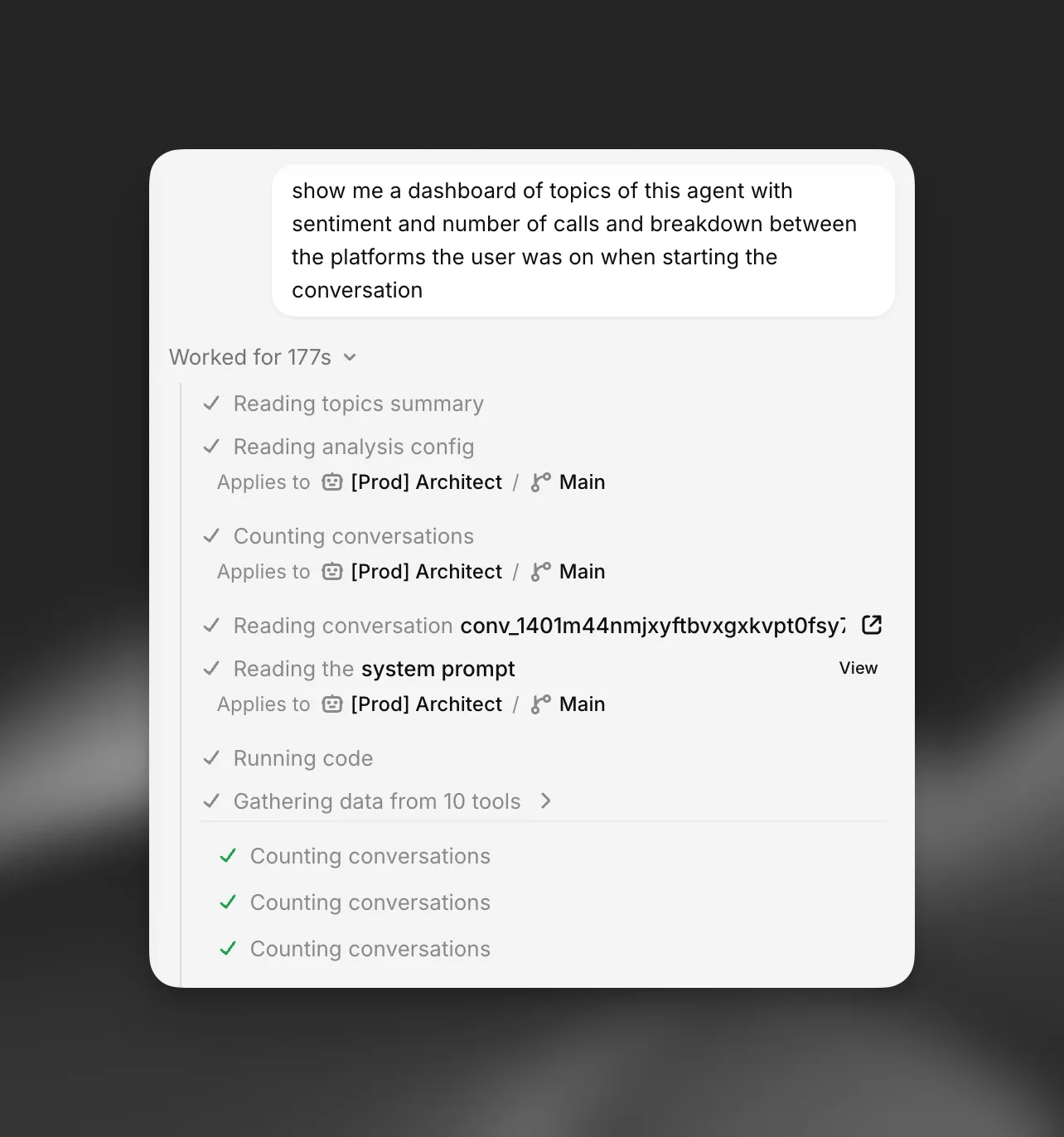
Architect can build a dashboard in the conversation to answer a question with data, for example “Break down this week’s escalations by reason and show me the trend.” Use /dashboard or ask for one directly.
Architect gathers the data with its tools, shapes it with code, and renders a dashboard made from the same metric tiles, charts, lists, and text cards as Spotlight. A dashboard can include:
- Metric tiles with a headline value, change, and sparkline.
- Charts: area, line, bar, stacked area, donut, and ranked bar lists for top-N breakdowns.
- Lists with status labels, dates, and links to pages in ElevenAgents, such as individual conversations.
- Text cards for findings and recommendations.
In the full-screen Architect tab, dashboards render inline in the conversation. In the sidebar, they open in a panel beside the chat.
Dashboard data is kept only in memory in the browser tab where it was built, and is never saved with the chat. After you reload the page, open the chat in another tab, or build several large dashboards, an older dashboard shows a message instead of its data. Ask Architect to rebuild it. Dashboards are read-only snapshots. They don’t have filters and don’t update live.
Running code
Architect can run short Python programs to count, group, and compare data from its tools, for example to compute resolution rates by week across a few hundred conversations. The code runs in a sandbox in your browser with the Python standard library only. It has no network access, no access to your ElevenLabs account, and a 20-second time limit. Code execution is being rolled out gradually and may not be available in every workspace.
Large responses
When a tool returns more data than fits in the conversation, such as a long list of conversations, Architect keeps the full response in memory in your browser tab and works with a summary. It can search and read the rest on demand. A notice on the tool call shows when this happened. These responses are never saved or uploaded.