

Searching conversations
Find messages across your conversation history using keyword or semantic search.
Overview
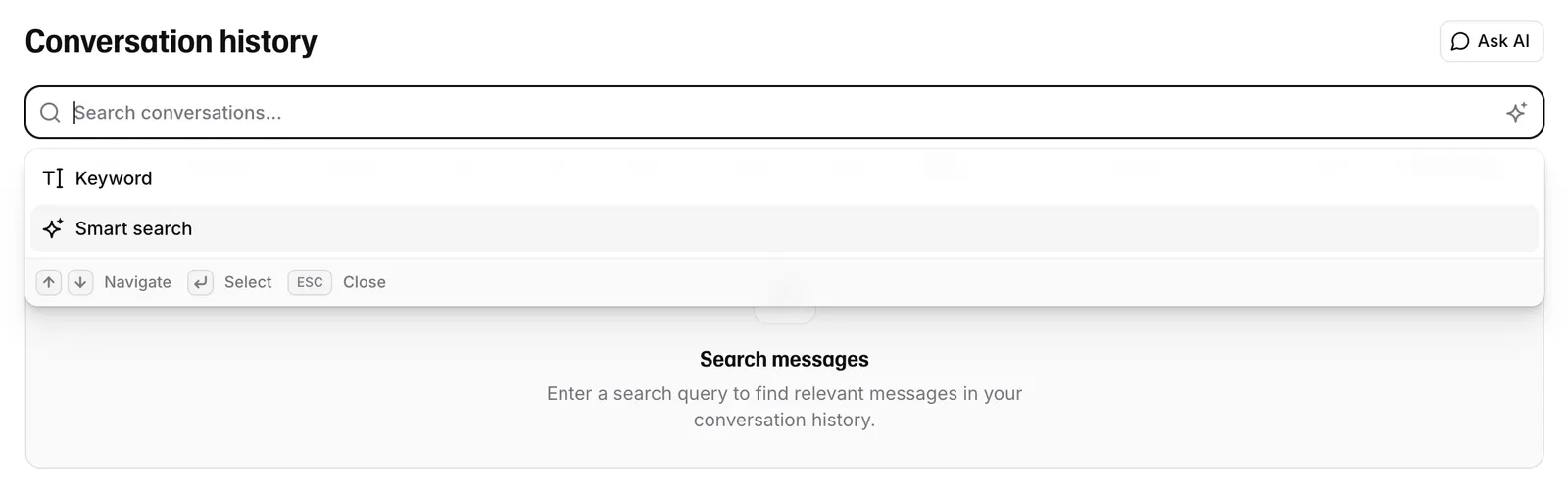
Conversation history includes a search bar with two modes for finding messages across all your agent conversations.
Keyword search performs full-text matching and supports the same filters as the conversation list (time range, duration, ratings, tools, languages, and more). Smart search uses semantic search to match transcript chunks by meaning — useful when you don’t know the exact phrasing a caller used.
A query that matches a conversation id pattern (e.g. conv_…) searches for that conversation
directly instead of running search.
Keyword vs Smart search
The mode is stored in the URL so links are shareable and reload-safe. Default is keyword.
API reference
- Text search — keyword / full-text
- Smart search — semantic search