

Next.JS
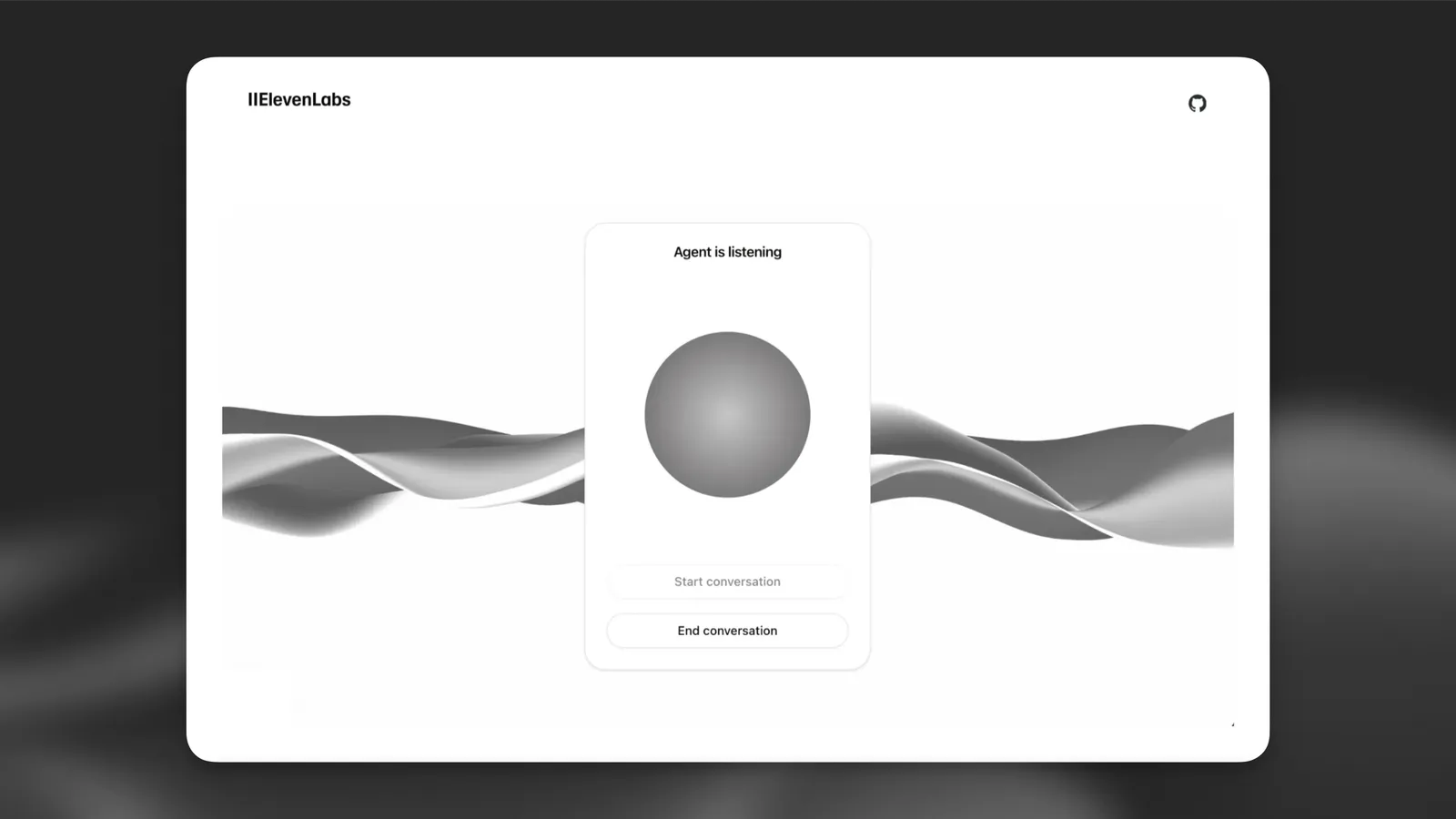
This tutorial will guide you through creating a web client that can interact with a ElevenLabs agent. You’ll learn how to implement real-time voice conversations, allowing users to speak with an AI agent that can listen, understand, and respond naturally using voice synthesis.
What You’ll Need
- An ElevenLabs agent created following this guide
npminstalled on your local system.- We’ll use Typescript for this tutorial, but you can use Javascript if you prefer.
Looking for a complete example? Check out our Next.js demo on GitHub.
Setup
Implement ElevenLabs Agents
(Optional) Authenticate the agents with a signed URL
This authentication step is only required for private agents. If you’re using a public agent, you
can skip this section and directly use the agentId in the startSession call.
If you’re using a private agent that requires authentication, you’ll need to generate a signed URL from your server. This section explains how to set this up.
What You’ll Need
- An ElevenLabs account and API key. Sign up here.
Create environment variables
Create a .env.local file in your project root:
- Make sure to add
.env.localto your.gitignorefile to prevent accidentally committing sensitive credentials to version control. - Never expose your API key in the client-side code. Always keep it secure on the server.
Create an API route
Create a new file app/api/get-signed-url/route.ts:
Update the Conversation component
Modify your conversation.tsx to fetch and use the signed URL:
Signed URLs expire after a short period. However, any conversations initiated before expiration will continue uninterrupted. In a production environment, implement proper error handling and URL refresh logic for starting new conversations.
Next Steps
Now that you have a basic implementation, you can:
- Add visual feedback for voice activity
- Implement error handling and retry logic
- Add a chat history display
- Customize the UI to match your brand
For more advanced features and customization options, check out the @elevenlabs/react package.