

ElevenAgents Architect
Overview
ElevenAgents Architect is the AI assistant built into ElevenAgents. You describe what you want in plain language, and Architect reads your agent’s configuration, conversations, and test results, makes the change, and validates it with tests before you decide whether to ship it.
Architect is an AI assistant and can make mistakes. Its outputs, including changes to prompts, procedures, tools, knowledge bases, guardrails, and tests, are proposals for you to review, not verified results. You are responsible for reviewing, testing, and approving every change before it reaches live callers. Auto-approve mode (off by default) skips your approval for actions including merging branches and changing traffic splits, so use this mode at your own risk and only for work you are confident about. See Permissions, approvals, and drafts for more information.
Architect works with the same objects you edit by hand: the system prompt, procedures, workflow, tools, knowledge base, guardrails, tests, branches, and merge proposals. It has no separate hidden configuration. Every change it makes appears in the same draft, diff, and version history as a change you made yourself.
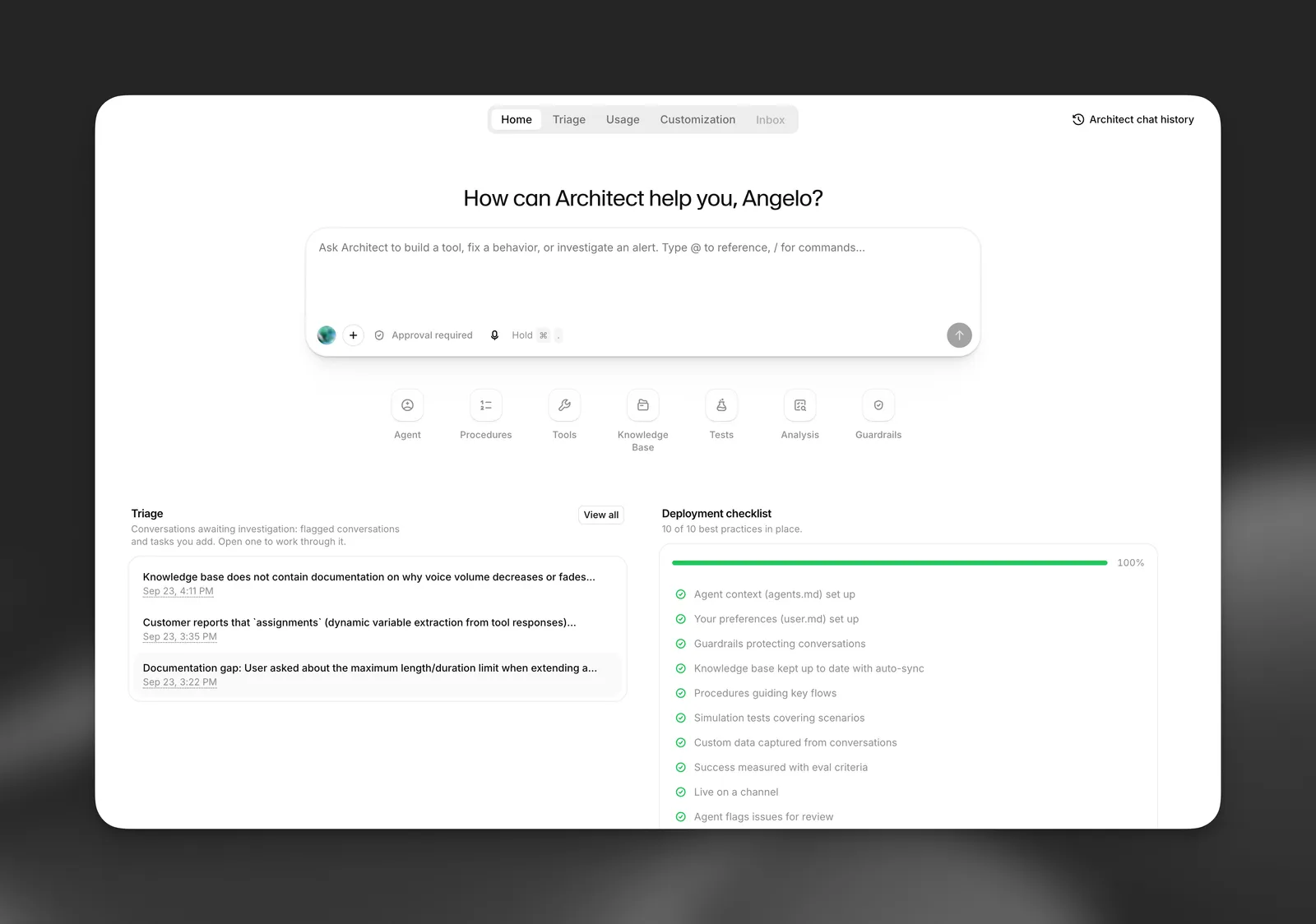
What ElevenAgents Architect is for
Architect is most useful for improving an agent you have already deployed. It is built around this loop:
- Investigate. Read real conversations, Spotlight insights, alerts, triage tickets, and failing tests to find what is going wrong and why.
- Change. Edit the prompt, a procedure, a tool, the knowledge base, or guardrails. Agent configuration changes are staged as an unpublished draft, never applied to live callers directly.
- Validate. Write tests and simulations for the change and run them inside the same conversation, before you are asked to ship anything.
- Propose. Hand the change to you for review: you publish the draft, and Architect can open a merge proposal for a teammate to approve and suggest a small traffic split to try it on live calls.
Architect also builds new agents from a description, answers product questions, and walks you through the dashboard.
See How Architect works for a full worked example of this loop, showing each tool Architect calls.
ElevenAgents Architect and Spotlight
Spotlight and Architect do different jobs.
Spotlight cards hand off to Architect with buttons such as Analyze with Architect and Investigate with Architect. See Starting a conversation for what each hand-off passes in.
Availability
Architect is available on paid plans.
Architect usage is billed from your workspace’s credits as its own Architect line item, separate from your agents’ minutes and LLM cost. Self-serve plans include one Premium conversation per user per day, and Enterprise plans run on Premium by default. See Pricing and usage for how billing works and how to control who can use Architect.
Some limits apply:
- Attaching files in the composer requires a Creator plan or higher.
- An idle Architect session ends after 5 minutes, or 15 minutes on Enterprise plans. You can continue the conversation from chat history.
- Conversation analysis is limited to 100 analyzed conversations per user per minute.
See Limitations and FAQ for what Architect does not do today.
Privacy and data retention
Architect conversations are not covered by Zero Retention Mode (ZRM). Avoid sharing personal or sensitive information in messages to Architect.
Your Architect chats are private to you. Teammates cannot open them, even when a chat was started from a shared triage ticket. For details on what ZRM does cover, see Zero Retention Mode.