

Speed control
Learn how to adjust the speaking speed of your ElevenLabs agent.
Overview
The speed control feature allows you to adjust how quickly or slowly your agent speaks. This can be useful for:
- Making speech more accessible for different audiences
- Matching specific use cases (e.g., slower for educational content)
- Optimizing for different types of conversations
Configuration
Speed is controlled through the speed parameter with the following specifications:
- Range: 0.7 to 1.2
- Default: 1.0
- Type: Optional
Update the speed
Update via the dashboard
Update via the CLI
Update via the API
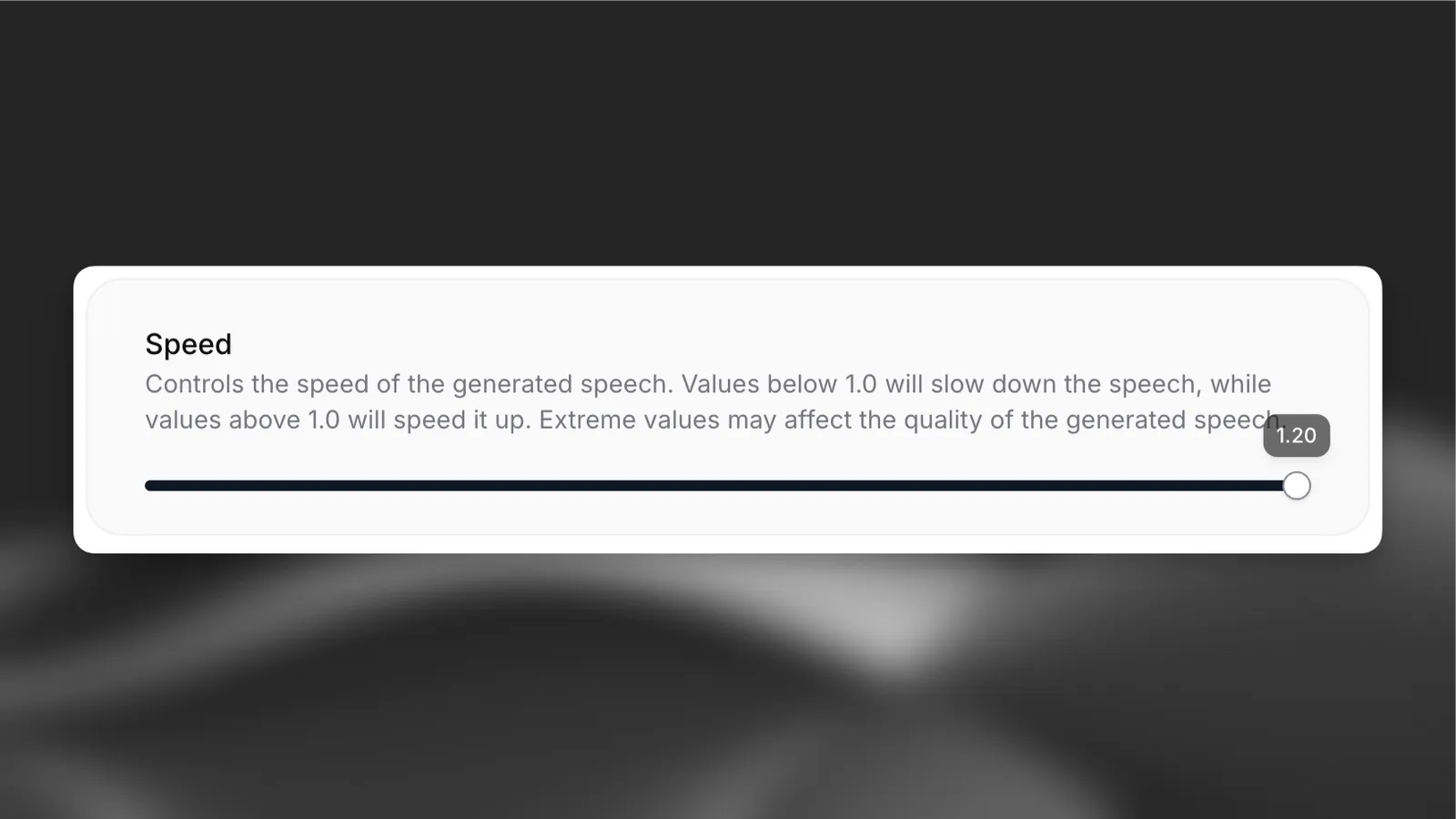
Open your agent in the dashboard, navigate to the Voice tab, and adjust the speed control. Save your changes.
How it works
The speed parameter affects the pace of speech generation:
- Values below 1.0 slow down the speech
- Values above 1.0 speed up the speech
- 1.0 represents normal speaking speed
Extreme values near the minimum or maximum may affect the quality of the generated speech.
Best practices
- Start with the default speed (1.0) and adjust based on user feedback
- Test different speeds with your specific content
- Consider your target audience when setting the speed
- Monitor speech quality at extreme values
Values outside the 0.7-1.2 range are not supported.