Together AI
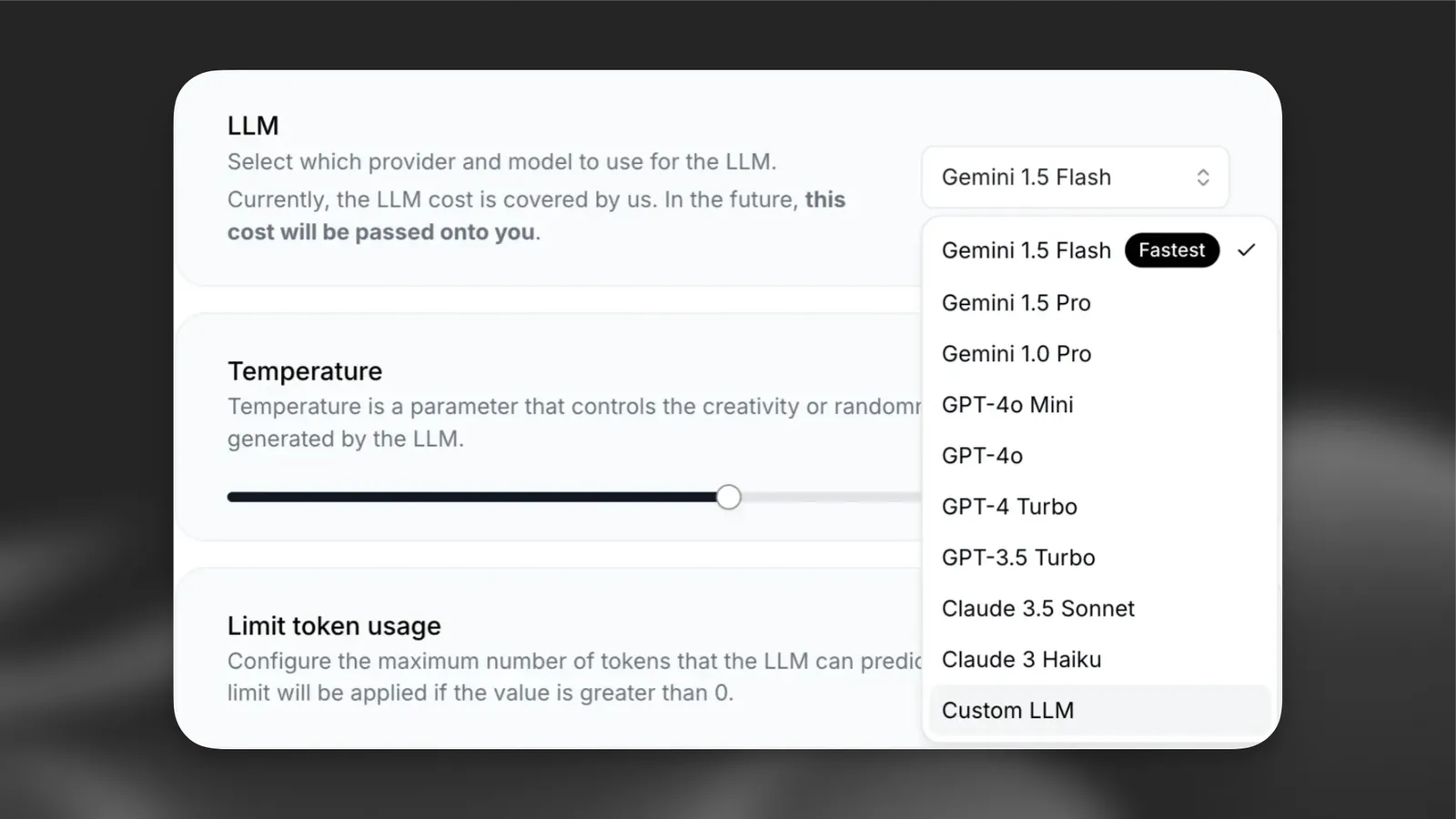
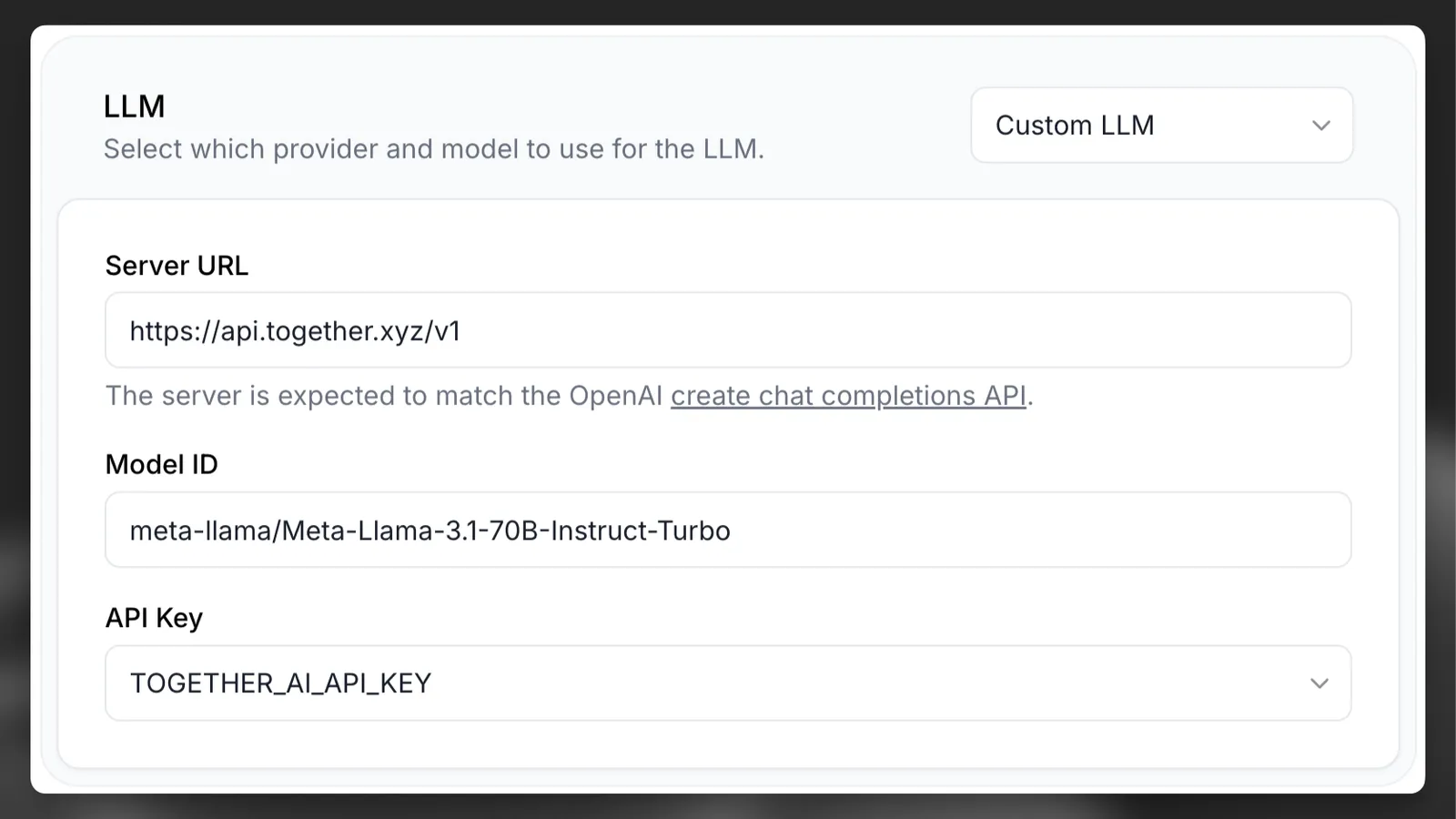
Together AI의 사용자 지정 LLM에 에이전트를 연결하세요.
개요
Together AI는 AI 가속 클라우드를 제공하여 AI 모델을 빠르고 저렴하게, 프로덕션 규모로 학습, 파인튜닝 및 추론할 수 있도록 지원합니다.
DeepSeek, Llama3, Mixtral, Stable Diffusion 등을 포함한 200개 이상의 모델을 즉시 실행할 수 있으며, 지연 시간, 처리량, 컨텍스트 길이를 최적화했습니다.
모델 선택
ElevenLabs Agents의 모든 기능을 활용하려면 도구 사용 및 구조화된 출력을 지원하는 모델을 사용해야 합니다. Together AI는 다음 모델에서 함수 호출을 지원합니다.
- meta-llama/Meta-Llama-3.1-8B-Instruct-Turbo
- meta-llama/Meta-Llama-3.1-70B-Instruct-Turbo
- meta-llama/Meta-Llama-3.1-405B-Instruct-Turbo
- meta-llama/Llama-3.3-70B-Instruct-Turbo
- mistralai/Mixtral-8x7B-Instruct-v0.1
- mistralai/Mistral-7B-Instruct-v0.1
이를 고려하면 ElevenLabs Agents 에이전트에는 최소 meta-llama/Meta-Llama-3.1-70B-Instruct-Turbo를 사용하는 것이 좋습니다.
Together AI에서 Llama 3.1 설정하기
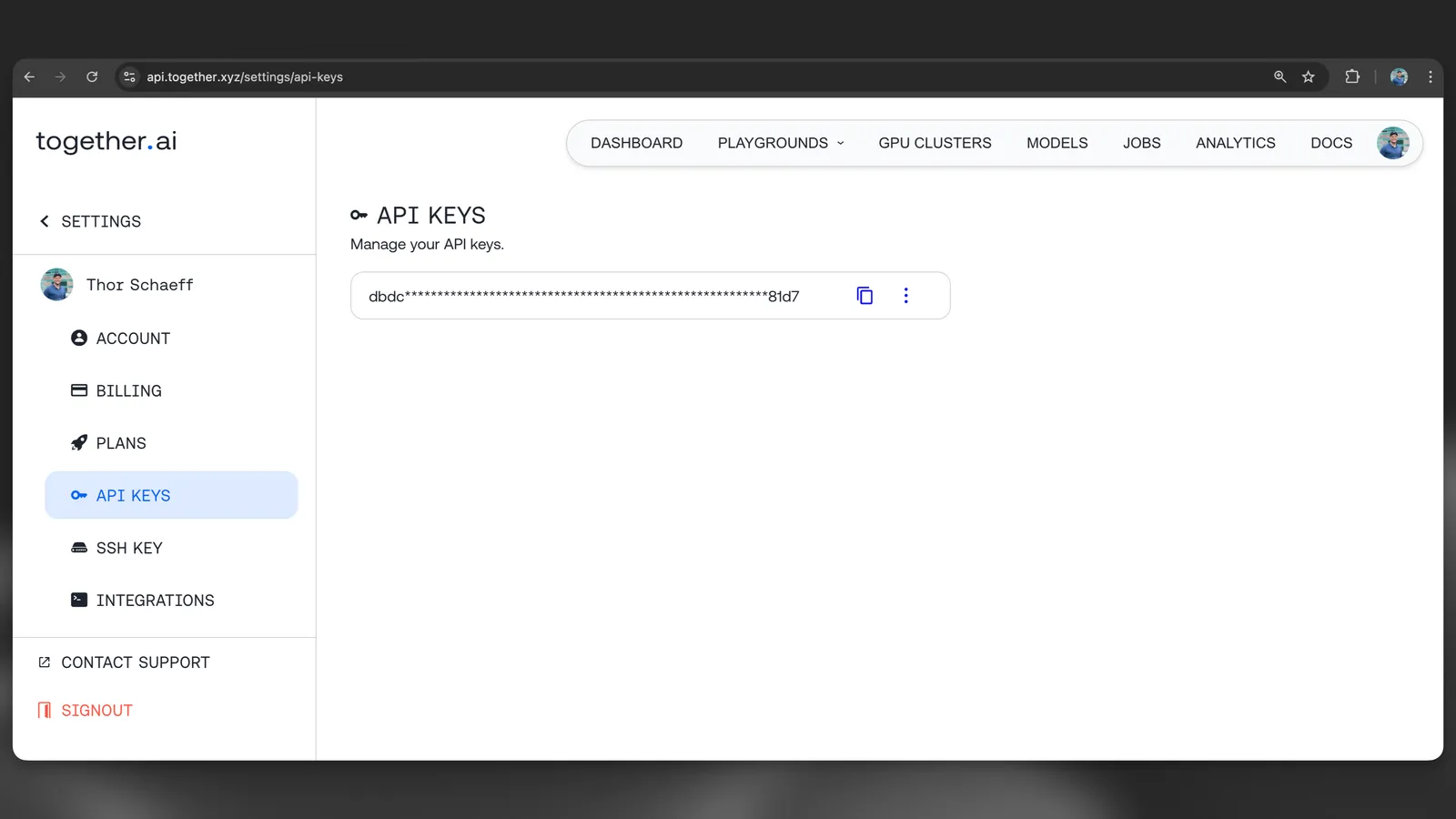
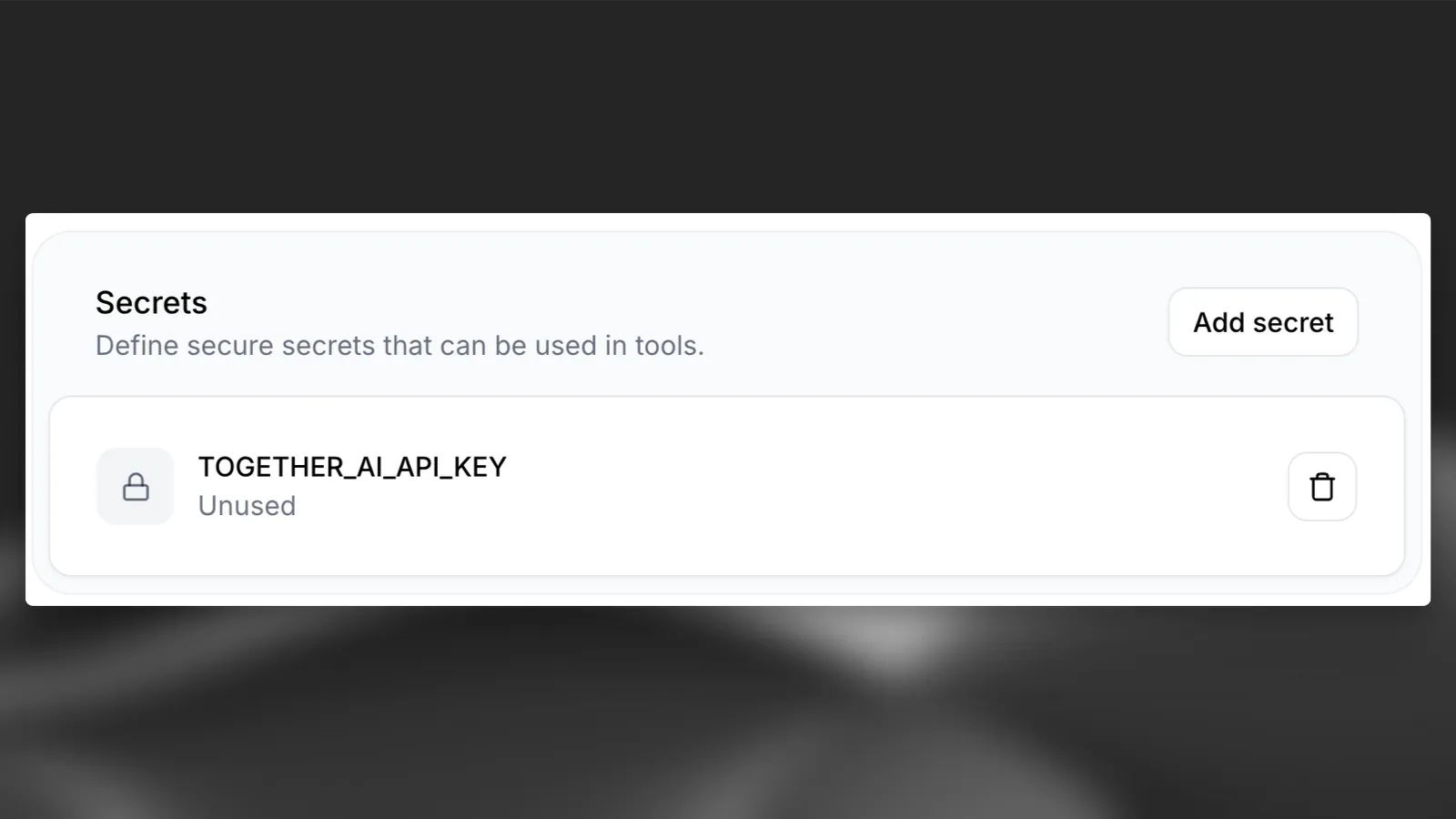
AI 에이전트로 이동해 아래로 스크롤한 뒤 “Secrets” 섹션에서 “Add Secret”을 선택하세요. 시크릿을 추가한 후 에이전트에서 사용할 수 있도록 반드시 “Save”를 누르세요.