跳到内容

语音合成可免费再生成 2 次

文本转语音和语音转语音的小幅设置调整无需再付费

A user interface screen showing a speech generation tool with a "Regenerate speech" button, a progress indicator at 40%, and a profile picture of a smiling woman.

AI 生成结果有时不够理想,或者你可能想尝试不同风格。因此,我们为文本转语音和语音转语音都新增了 2 次免费再生成机会。如果对生成结果不满意,需要调整音色设置,现在可以免费再试 2 次。

须知事项

  • 只能调整音色设置滑块
  • 提示词(用于文本转语音)或文件(用于语音转语音)、音色和模型需保持不变
  • 原始生成需在 2 小时内完成
  • 生成原始音频后请勿刷新页面
  • 免费再生成仅适用于网站上的语音合成,不适用于项目或API


使用方法

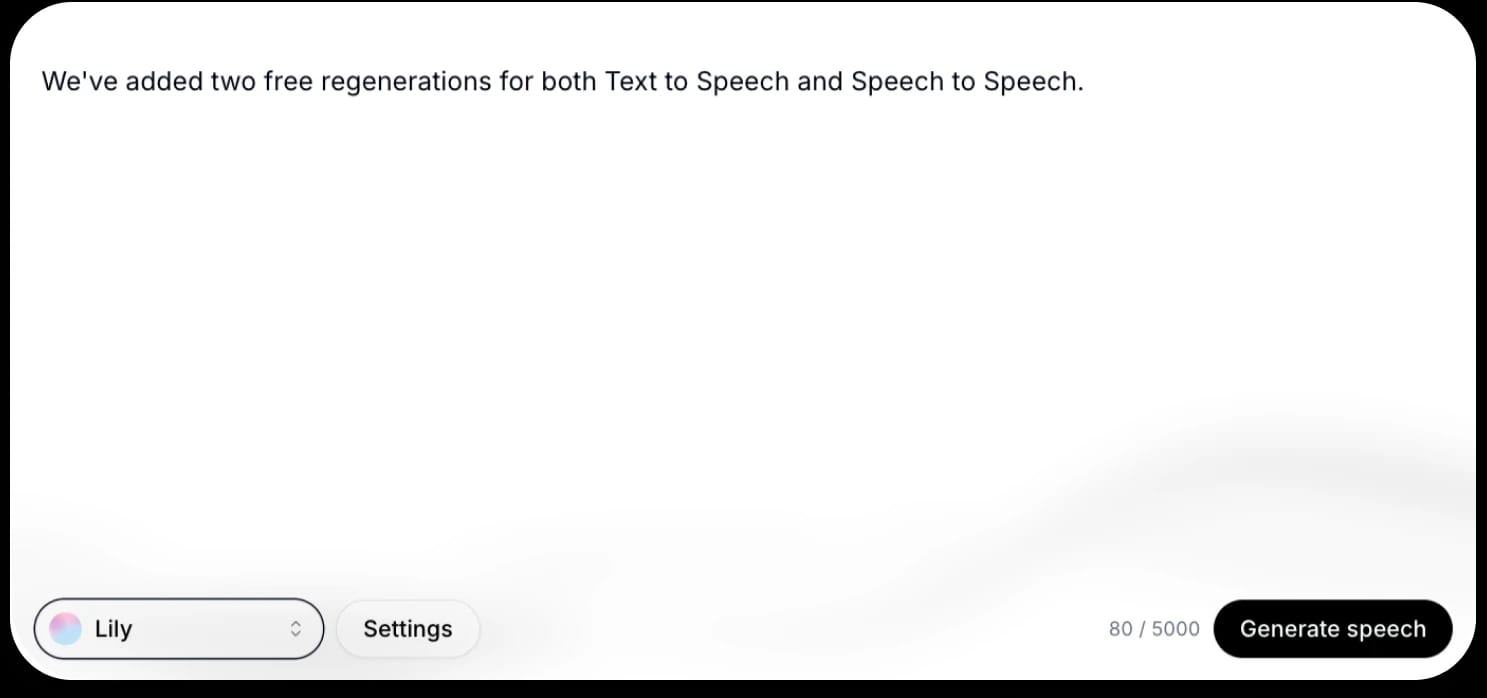
首次输入提示词时,会看到“生成语音”按钮。

Text on screen indicating that two free regenerations have been added for Text to Speech and Speech to Speech.

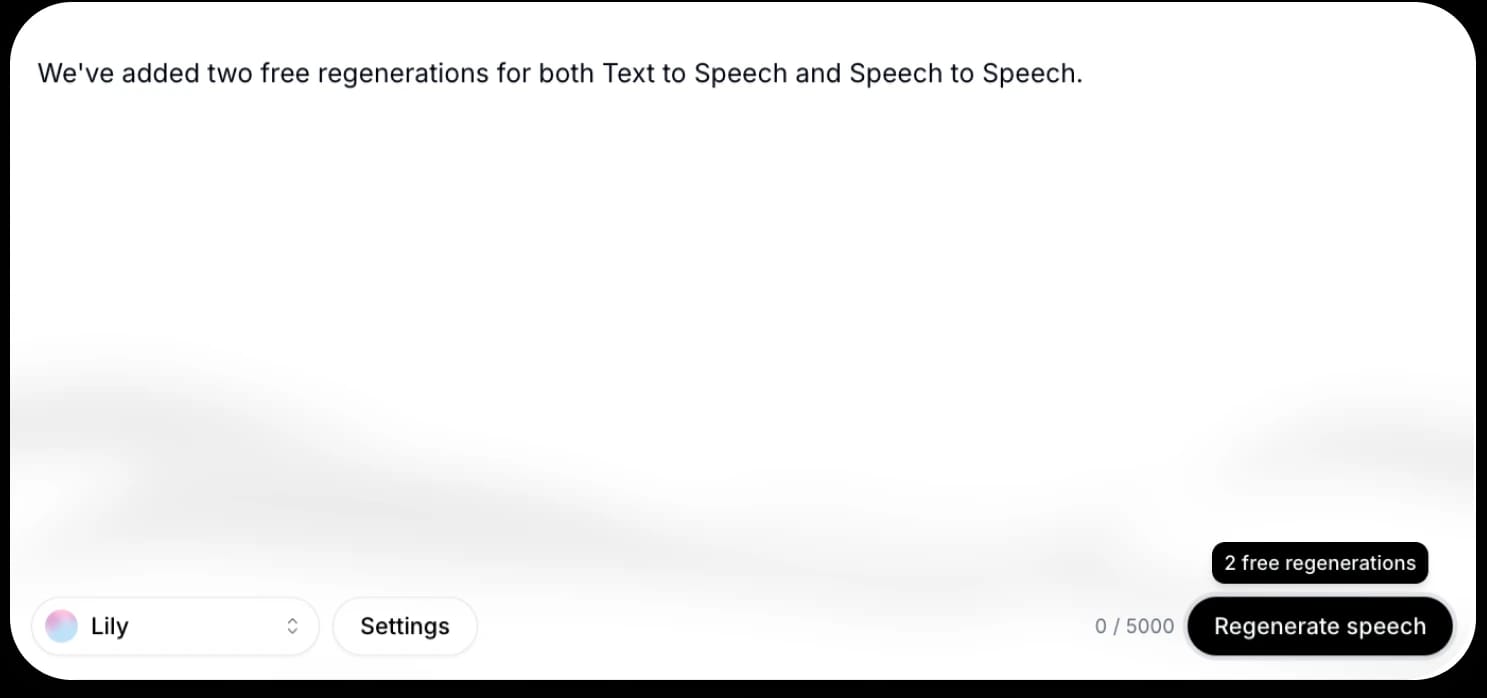
生成音频后,会出现“再生成语音”选项。将鼠标悬停在按钮上可查看剩余免费再生成次数。

Screenshot of a speech generation app with a message about added free regenerations, a "Regenerate speech" button, and a user interface at the bottom showing a name "Lily" and a settings option.

用完免费再生成次数后,按钮会恢复为“生成语音”,并显示所需额外额度。

立即注册:elevenlabs.io/text-to-speech

查看更多 ElevenLabs 团队的文章

用高质量 AI 音频创作