What is RAG? How Retrieval-Augmented Generation works
- Written by
- Jack Limebear
- Published
- Last updated
ListenListen to this article
AI models generate answers based on what they learned during training, which means they don't automatically know a company's policies, products, or other information created after that training happened. RAG (Retrieval-Augmented Generation) solves this by retrieving relevant external information and handing it to the model before it responds.
RAG grounds the answers an AI gives in a business's actual documents. A customer support agent using RAG can pull the current return policy or product spec before answering, which lowers the risk of hallucination.
This guide explains what RAG means in AI, how retrieval and generation work together, and how RAG differs from an LLM on its own. We’ll also cover the limitations of RAG, where it works well in generative AI applications, and how RAG supports knowledge retrieval in AI agents.
Summary
- RAG pairs a retrieval system with a generative model so that the model can use information beyond its training data.
- The knowledge RAG retrieves lives outside the model, so it can be updated without retraining anything.
- ElevenAgents uses RAG automatically when a knowledge base is too large to fit directly into the model's context, so answers stay fast without sacrificing accuracy on large, complex knowledge bases.
What is RAG in AI?
RAG is a system architecture built around an LLM to supply it with external information such as brand guidelines, product manuals, knowledge base articles, or internal databases. This lets AI work with business-specific information, so its answers can reflect current policies, private knowledge, and company details a model was never trained on.
An LLM can also only consider a limited amount of information at once, known as its context window. A large organizational knowledge base can quickly exceed that limit, so RAG keeps the information outside the LLM and retrieves only the passages needed for the current question.
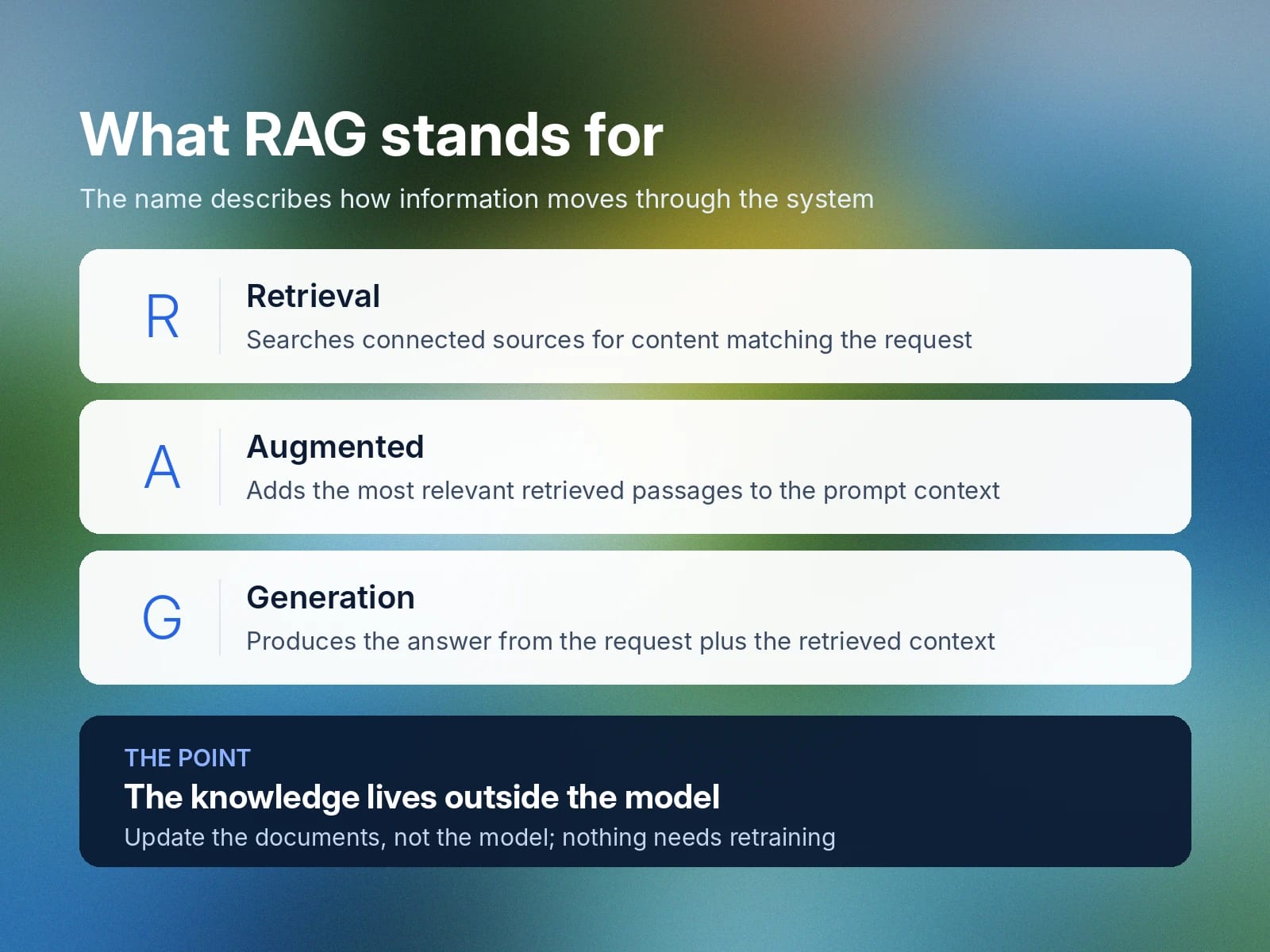
The name describes how information moves through the system:
- Retrieval: Searches connected sources, such as policy documents, help desk logs, or inventory files, for content that matches the user's request.
- Augmented: Adds the most relevant retrieved passages to the prompt context.
- Generation: Uses the user’s request and retrieved context to produce the answer.
RAG also supports grounding, the practice of tying an AI response to specific source information, by giving the LLM relevant material to use when generating an answer. For example, if a customer asks about a warranty policy, the RAG system retrieves the relevant terms from company documentation and gives them to the LLM to answer from.
How does Retrieval-Augmented Generation work?
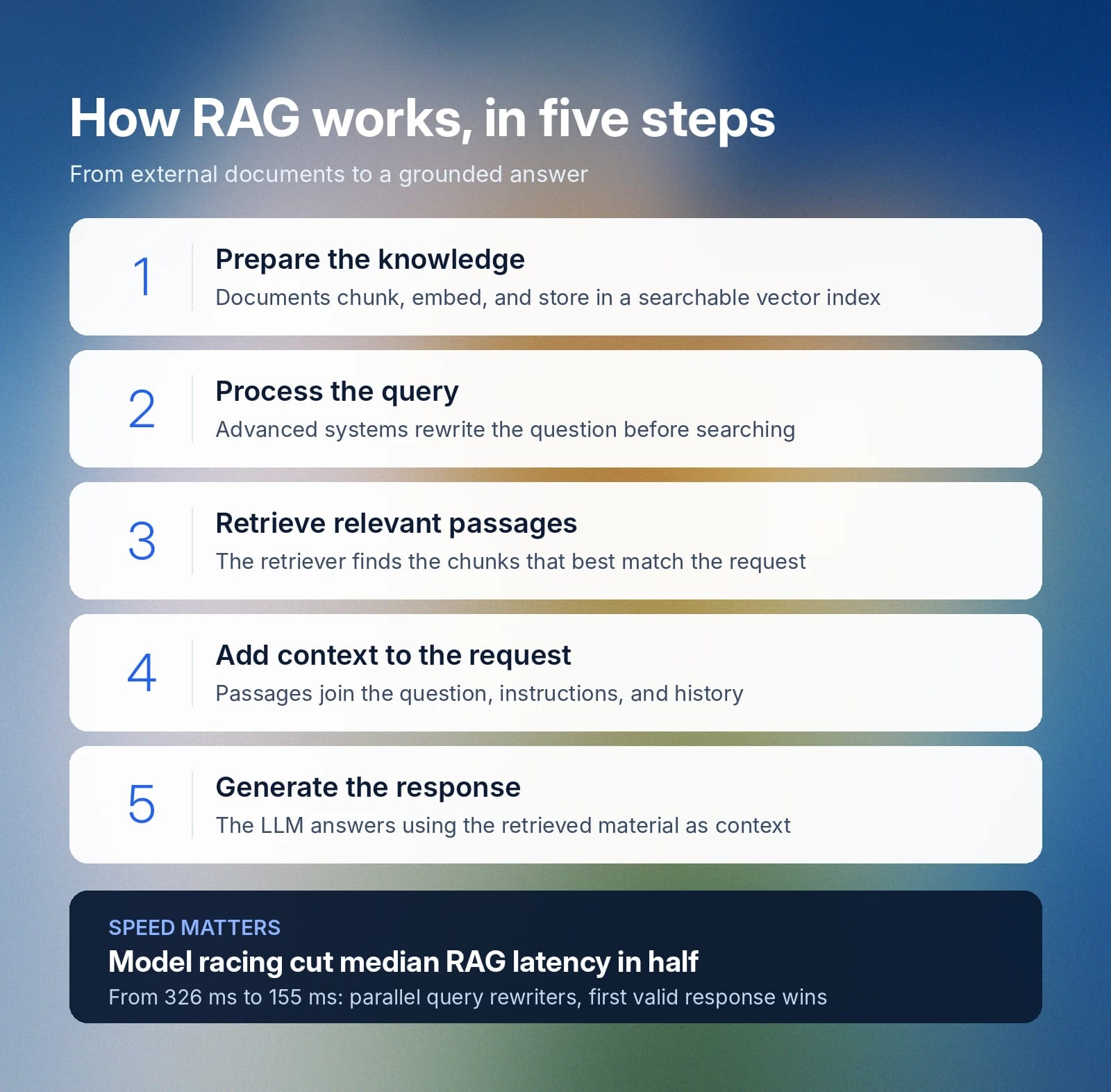
A RAG system prepares external knowledge for search, retrieves the information most relevant to a user’s question, and gives that information to the LLM as context before it generates a response.
RAG implementations vary in complexity. Basic RAG uses a straightforward retrieve-and-generate process, while more advanced approaches may add query rewriting, filtering, reranking, or other retrieval techniques.
The RAG process usually follows five steps:
- Prepare the knowledge: Documents are divided into smaller passages (a process called “chunking”), converted into mathematical representations called embeddings, and stored in a searchable index or vector database.
- Process the query: The system interprets the user’s question and, in more advanced RAG systems, rewrites or refines it before searching.
- Retrieve relevant passages: The retriever searches the indexed knowledge base for the text chunks that best match the request.
- Add context to the model request: The selected passages are sent to the LLM along with the user’s question, relevant instructions, and conversation history.
- Generate the response: The LLM produces an answer using the retrieved material as part of its context.
Many RAG systems trigger retrieval selectively as an external tool. ElevenAgents lets teams enable RAG for a knowledge base directly in the agent settings, and the system uses query rewriting to turn prior dialogue and vague references into a precise, self-contained search query during conversational follow-ups.
To ensure timely responses, ElevenLabs also developed a model racing architecture that sends each query to multiple rewriting models in parallel and uses the first valid response. The approach cut median RAG latency in half, from 326 ms to 155 ms, keeping retrieval fast enough to preserve natural conversational flow even when a large knowledge base triggers it.
What’s the difference between LLMs and RAG models?
An LLM is a model that understands and generates language. RAG is an architecture around the LLM that retrieves external information when the application needs it.
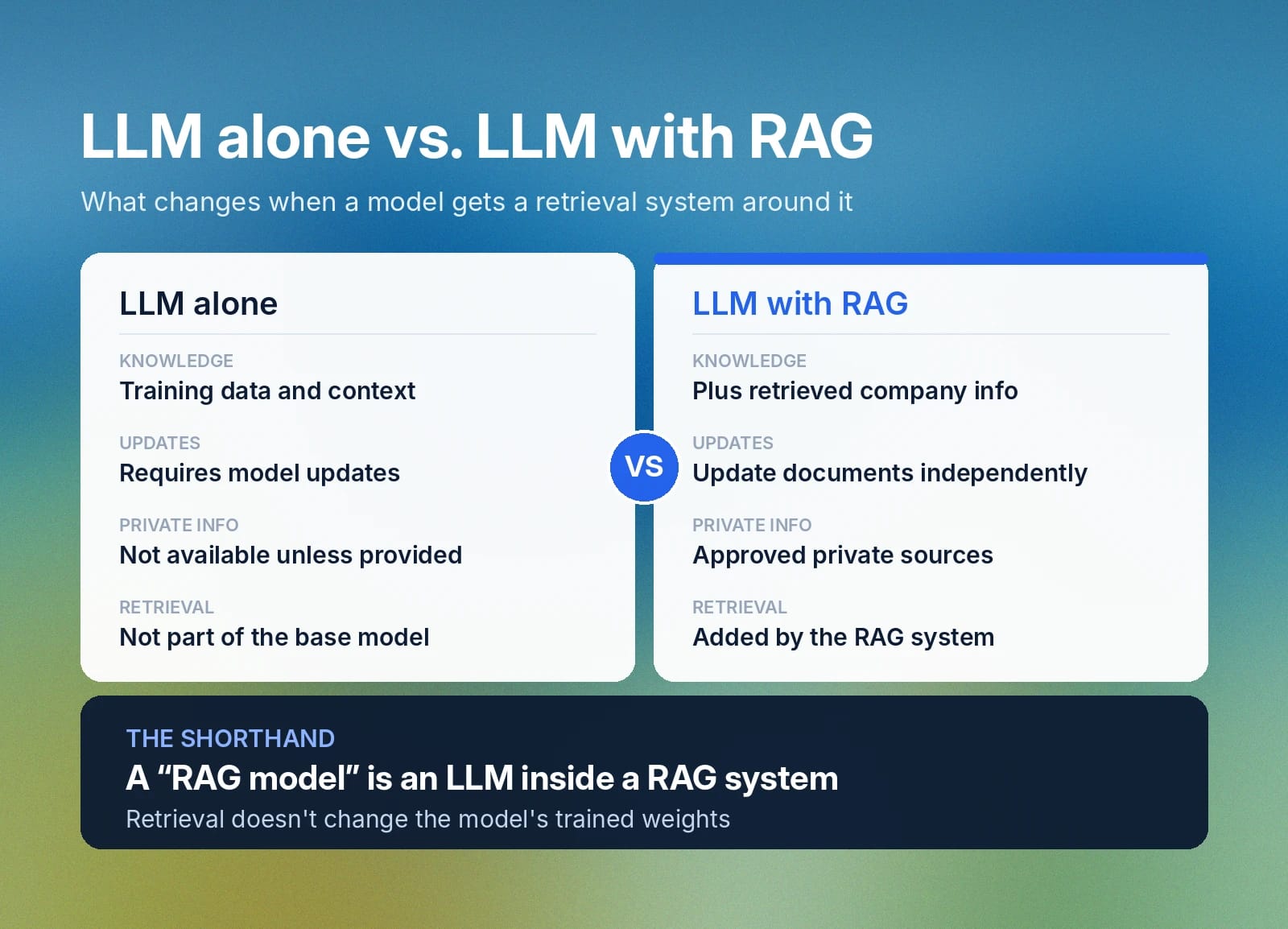
Here's what changes when an LLM is paired with RAG:
Feature
LLM alone
LLM used with RAG
Knowledge
Training data and current context
Training data, current context, and retrieved company information such as policies, product docs, or knowledge base content
Updates
New information must be supplied in context or through model updates
External knowledge can be updated separately from the model
Private information
Not available unless provided
Can retrieve from approved private sources
Retrieval
Not part of the base model
Added by the surrounding RAG system
“RAG model” is sometimes used as shorthand for an LLM used inside a RAG system. For example, a company might say it uses a “RAG model” for customer support when the actual setup is an LLM that retrieves relevant help-center or policy content before generating an answer.
Limitations of RAG models in real-world applications
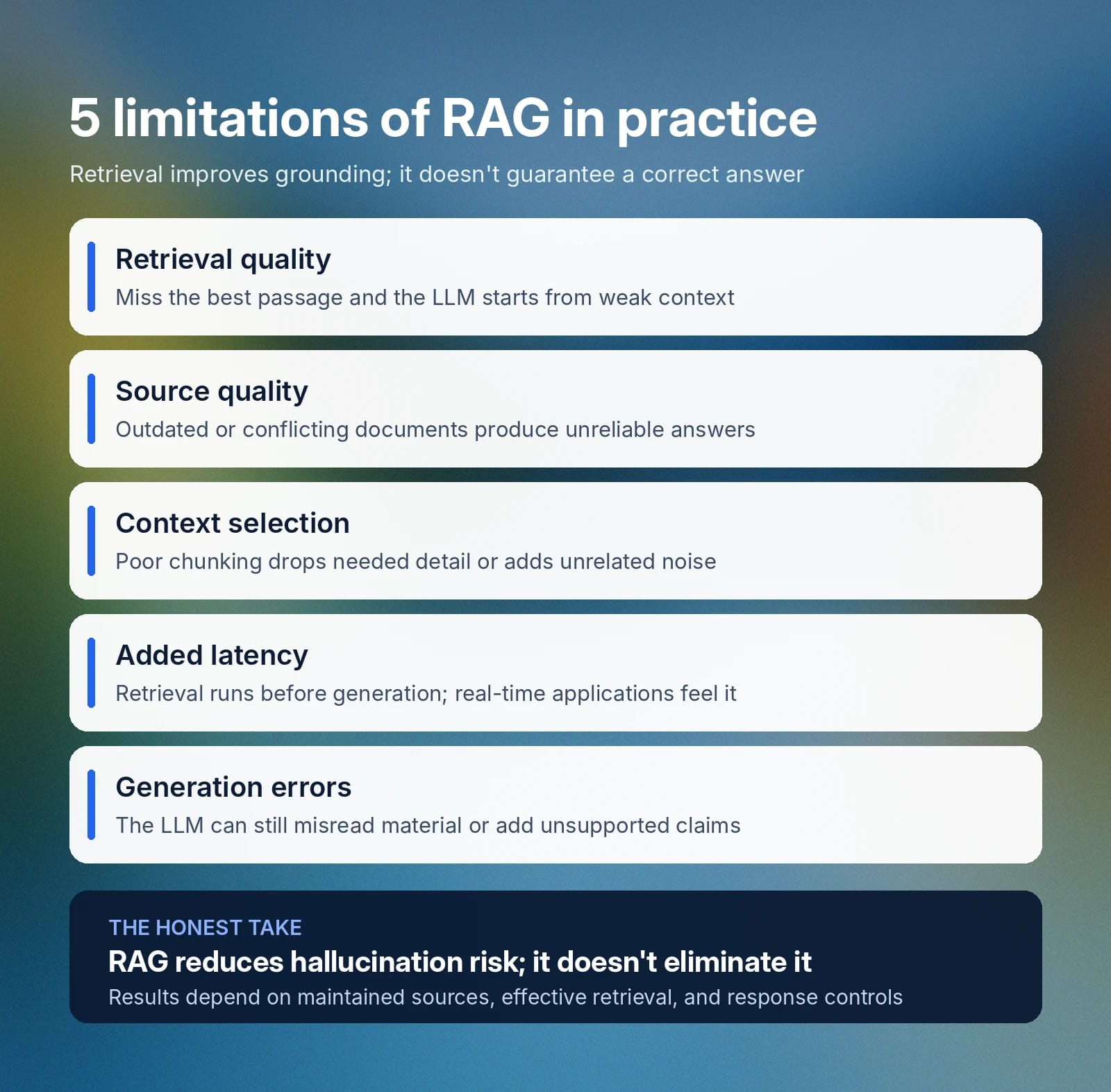
RAG improves access to relevant business knowledge stored outside the LLM, but retrieval introduces its own limitations and doesn’t guarantee a correct answer. The main limitations show up in what the system retrieves, what it sends to the model, and how the model responds:
- Retrieval quality: If the system misses the most relevant passage, the LLM starts with incomplete or weak context. Poorly phrased queries, weak semantic matches, or ambiguous wording can all send retrieval in the wrong direction.
- Source quality: Outdated, conflicting, or incomplete documents can lead to unreliable answers.
- Context selection: Poor chunking or retrieval choices can remove needed detail or introduce unrelated information.
- Added latency: Retrieval and query processing happen before generation, which can slow responses in real-time applications.
- Generation errors: The LLM can still misinterpret retrieved information or introduce unsupported claims.
While RAG can reduce hallucination risk, it doesn’t eliminate it completely. Accurate results still depend on well-maintained sources, effective retrieval, and controls around the final response.
RAG in generative AI: Practical use cases and benefits
RAG is most useful when an AI application needs information that changes frequently, belongs to the organization, or is too large to include in every model request.
Here's where RAG makes the biggest difference:
Keeping up with frequently updated information
RAG helps teams keep AI responses aligned with current product details, pricing, policies, and inventory. Teams can update the source information independently, and RAG retrieves the relevant version when a question is asked. For example, a lead qualification agent can pull the latest pricing or plan details when qualifying an inbound caller.
Using private or specialized knowledge
Some knowledge is private or specialized rather than public, like internal policies, technical documentation, or support content meant for a specific team. RAG lets an agent retrieve from these sources directly, instead of relying only on what's publicly available or built into the model.
For instance, an internal IT or HR helpdesk agent can retrieve from an HR-specific knowledge base to answer employee benefit questions, rather than searching public documentation that wouldn't have that information.
Searching large knowledge bases
RAG helps when a company has far more documentation than an LLM can consider in one request. It retrieves only the passages relevant to the current question instead of sending the entire collection to the model. In a sales setting, a technical assistant can search product manuals to find relevant requirements during a call.
Get started with ElevenAgents for advanced RAG solutions
ElevenAgents gives teams a way to build AI voice and chat agents that use RAG with connected knowledge sources, whether through the no-code web platform or the API for teams that want to embed agents directly into their own products.
For RAG-enabled agents, teams can add documents, URLs, or text to a knowledge base and retrieve only the information relevant to each query.
ElevenLabs has also optimized retrieval for real-time conversations, reducing median RAG latency from 326 ms to 155 ms in its ElevenAgents architecture. Teams building with ElevenAgents get those retrieval capabilities out of the box, whether they're configuring an agent through the dashboard or building on top of it via API.
Start building with ElevenAgents or contact our team to discuss the right setup for your application.
RAG FAQ

Jack Limebear is on the Growth team, acting as a content writer and strategist across the blog and insights pages. Before ElevenLabs, he spent over a decade leading content strategy for organizations ranging from fast-growing SaaS startups to Fortune 500 companies. He holds a Master's degree in English Literature from the University of Cambridge.