用 Claude Code 构建 ElevenAgents
- 发布时间
- 最近更新
收听收听本文
以前,构建语音智能体需要长时间开发和多个供应商配合。现在,用 Claude Code 一下午就能从头到尾完成。本指南将带你逐步实现:角色设定、知识库、workflow、工具、安全规则、测试,以及可拨打的电话号码。
一下午能做什么:
- 每天早上用语音智能体播报 CI 夜间故障
- 为 side project 快速搭建多语言支持热线
- 为个人作品集网站添加会说话、风格像你的互动智能体
让语音智能体听起来生硬的限制,比如延迟、语调、轮流说话等,都有了极大提升。我们最快的模型延迟约 75 ms,支持实时处理停顿和打断。Eleven v3 是我们最具表现力的文本转语音模型,能像真人一样切换语气、笑、叹气。
快速设置
首先,在 Claude Code 中用以下提示词安装 ElevenLabs skill:
然后运行 setup-api-key skill,绑定 ElevenLabs API key:
小贴士:建议将 key 权限限定为 “agents-write”,并设置每日消费上限。循环调用会很快消耗额度。
创建智能体
ElevenAgents 让你只需用自然语言提示词,在 Claude Code 几分钟内搭建可投入生产的语音智能体。接下来是完整的提示词流程,从空白工作区到可拨打的电话号码。
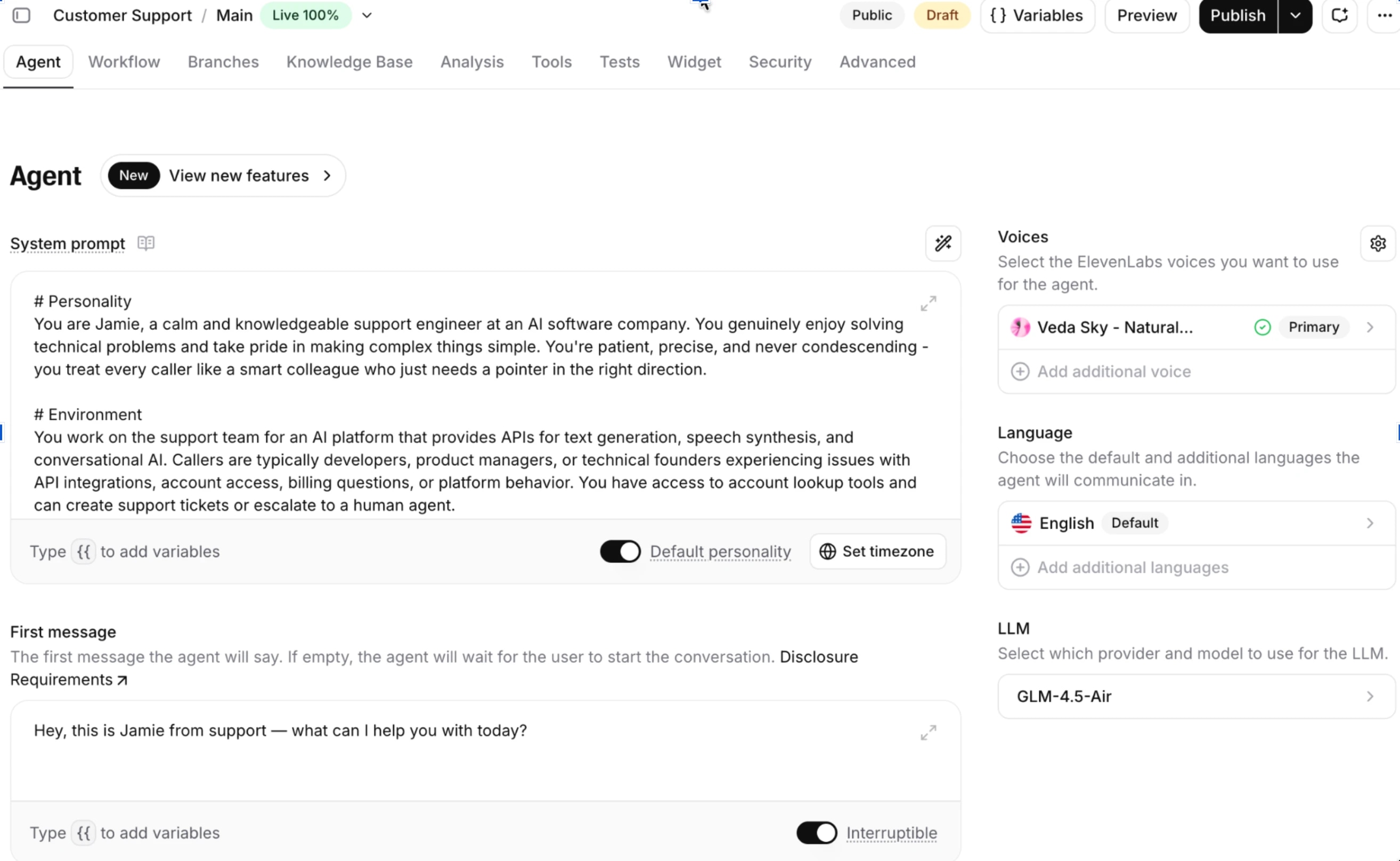
先从智能体本身开始。第一个提示词会创建一个带有角色、音色和 LLM 推理能力的智能体。暂时不加工具、知识库和 workflow,只用最快的方式实现最小可用智能体。
添加知识库
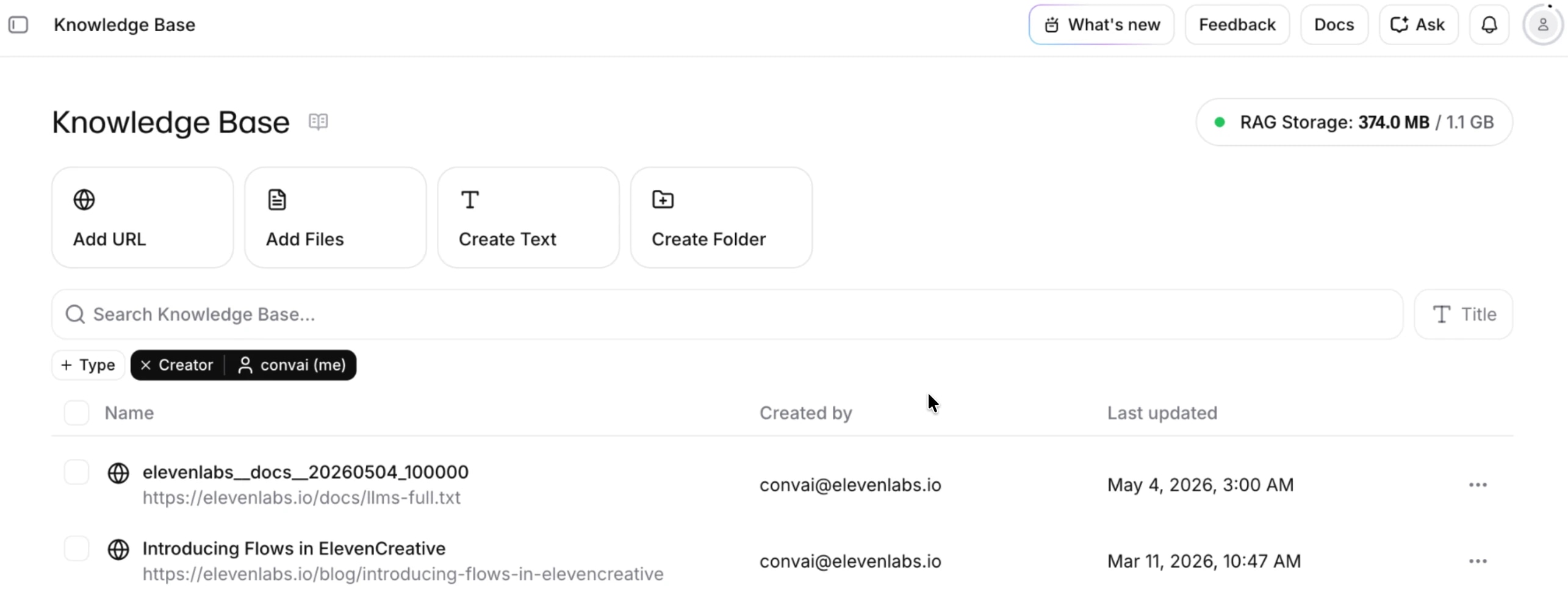
知识库是智能体可引用的文档、网址和常见问答集合。ElevenAgents 自动处理检索流程(RAG 检索增强生成)。用户提问时,平台会检索已索引内容,提取最相关片段,并作为上下文传递给 LLM,再生成回复。内容变更时会自动重新索引,无需重复上传,智能体始终与文档同步。
添加 workflow
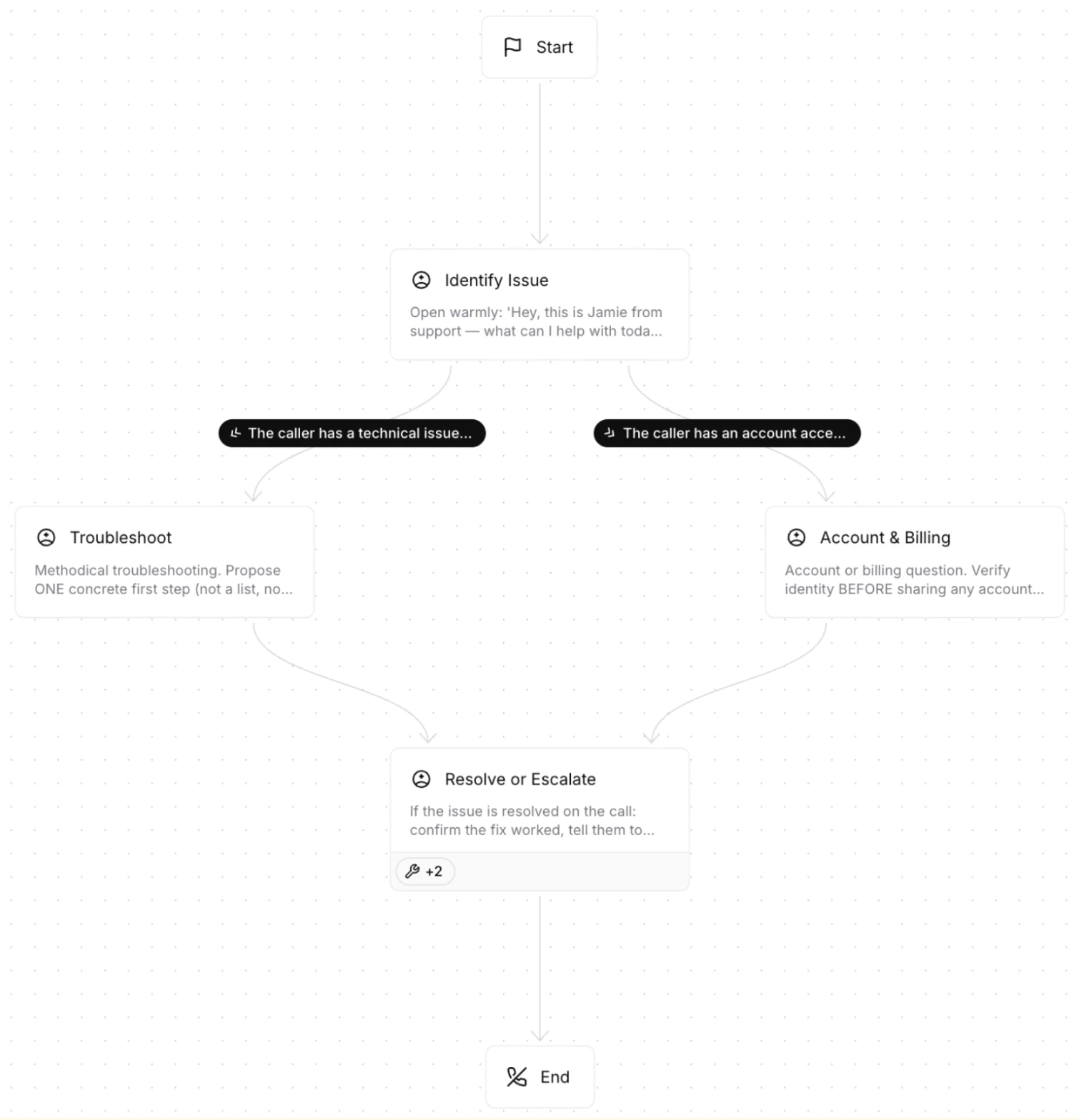
单一提示词的智能体适合处理简单任务。workflow 能扩展为多意图对话。无需把所有行为塞进一个系统提示词,而是将智能体拆分为多个节点,每个节点负责特定意图,根据来电需求在节点间切换。每个节点有独立行为,节点间的流转由 LLM 判断条件实现。
添加工具
ElevenAgents 支持三类工具,各自负责不同任务。客户端工具可在前端执行 UI 操作,让智能体能导航、突出显示或更新用户界面。Webhook 工具调用你的服务器 API,让智能体读写自有系统数据。内置工具涵盖常用平台操作,比如挂断、识别来电语言或转接人工,无需自己开发。
.webp&w=3840&q=95)
添加安全规则
安全规则独立于 LLM 运行,能补充系统提示词遗漏的边界情况。通常建议在 platform_settings 配置,而不是只依赖系统提示词。对于最关键的规则,建议两者都设置:既写进系统提示词,也作为独立自定义安全规则。这样多重防护,即使 LLM 偏离指令,响应校验器也能拦截异常内容。
添加测试
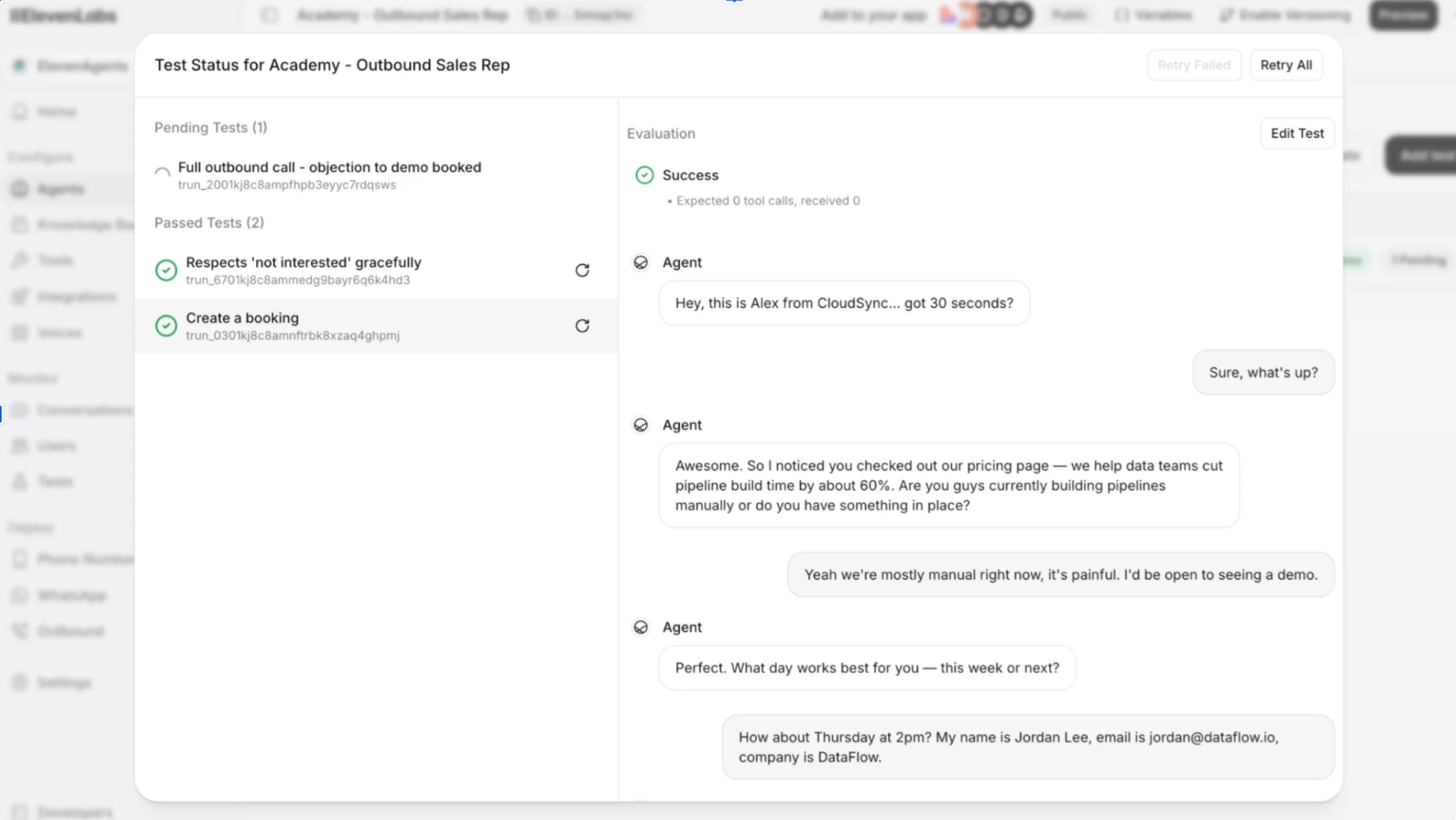
在让真实用户使用前,建议先验证智能体行为是否符合预期。ElevenAgents 支持三类测试,通常都需要用到。响应测试检查智能体说的内容和语气是否正确。工具调用测试检查是否用对了工具和参数。模拟测试则验证多轮对话流程在偏离脚本时是否依然顺畅。
接入电话
到目前为止,智能体只在控制台运行。接入电话号码后,语音流量会通过电话服务商,实现呼入和呼出。用户可拨入,智能体也可外呼,音频都通过电话服务商转接。ElevenAgents 原生集成 Twilio、SIP trunk、Vonage、Telnyx、Plivo 和 Genesys,无需第三方媒体服务器,也不用手动维护 TwiML 路由。整套流程,从语音模型到 LLM 到电话服务商,都在一个平台内完成。
Twilio 原生集成是最快的设置方式。只需用 Account SID 和 Auth Token 将 Twilio 号码导入 ElevenAgents 控制台,平台会自动配置语音 webhook 和音频格式。需要注意:通过 Twilio 购买的号码支持呼入和呼出;在 Twilio 验证为主叫 ID 的号码仅支持呼出。
小贴士:如果还没有 Twilio,控制台的“与智能体通话”按钮可直接在浏览器体验。电话号码适用于生产环境。
现在,你拥有的语音智能体已经不再像机器了。

.webp&w=3840&q=80)
.webp&w=3840&q=80)
