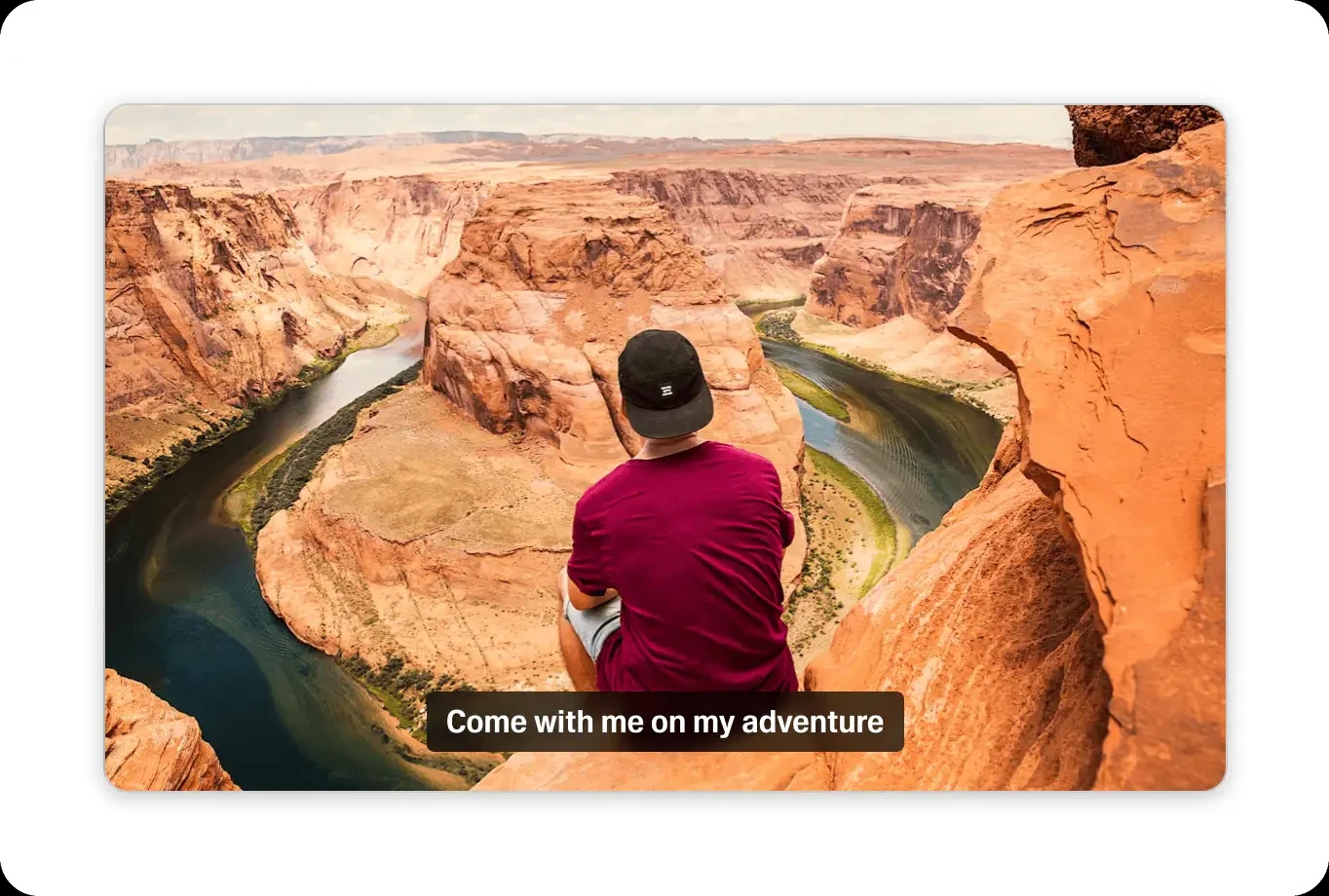
AI Caption Generator
Upload your video and get accurate captions in seconds
Supports .mp4, .mov, and .mkv files up to 10 minute or 50MB.
The best free AI caption generator
Generate captions for your videos with AI-powered speed and accuracy
Generate time-synced, on-screen captions that keep sound-off scrollers watching your short-form video from first frame to last.
Generate captions in seconds
Drag in a .mp4, .mov, or .mkv file up to 10 minutes or 50MB, from your device or the cloud. Scribe transcribes it and times captions to the word in moments.
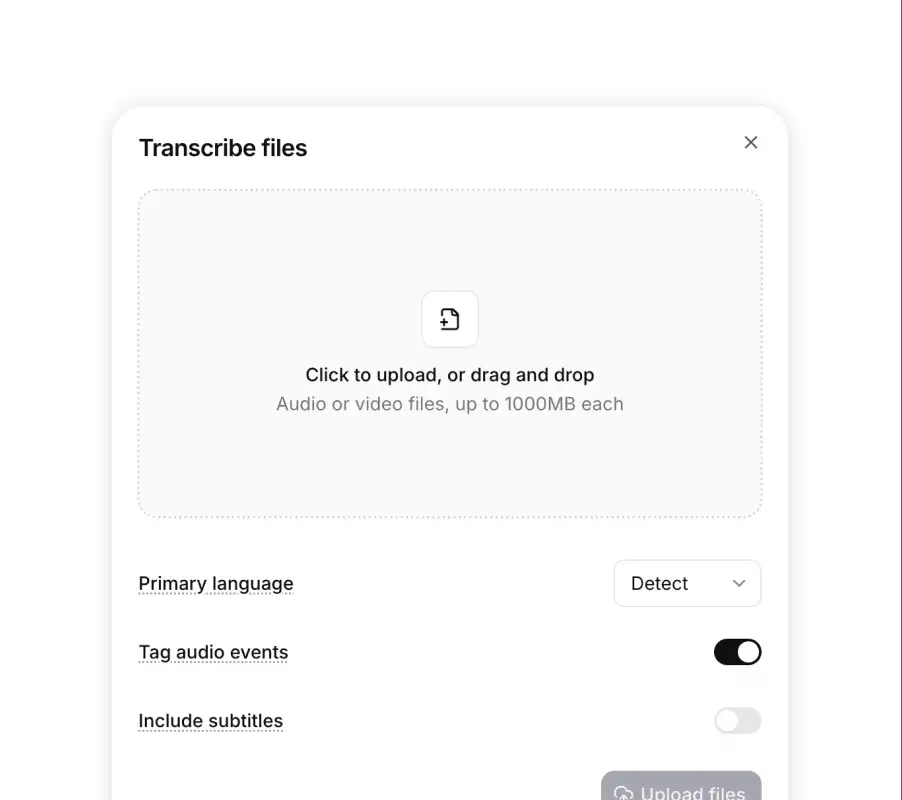
Upload your video
Drag and drop any file or select one from your device. We support all major video formats with uploads from local storage or cloud.
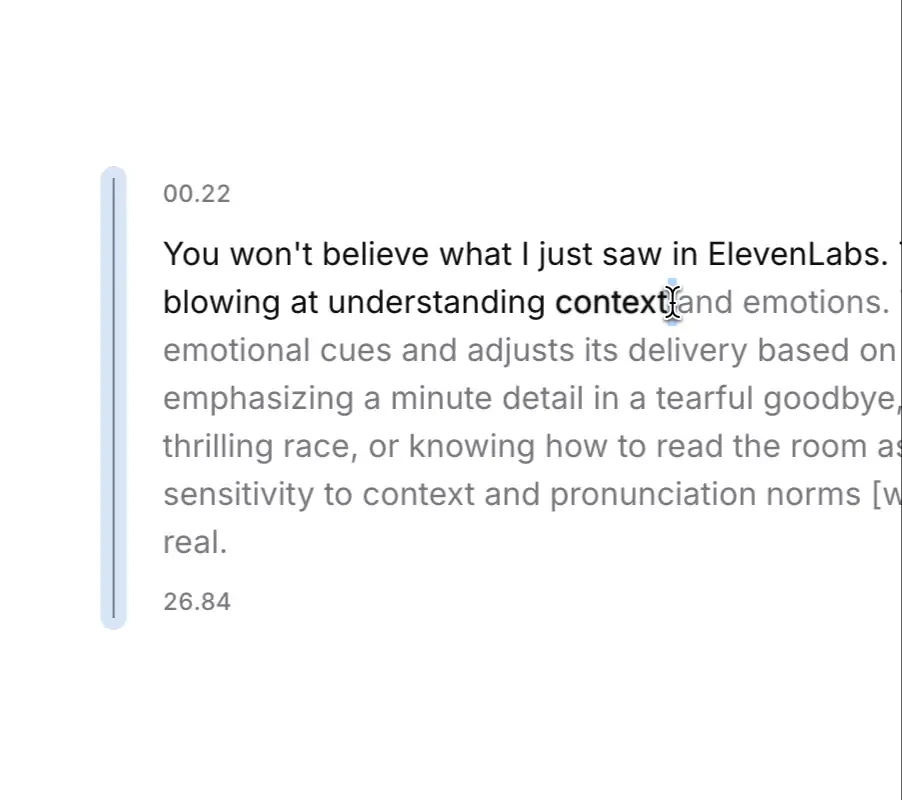
Edit your captions
Fix any word in place, adjust where each caption line starts and ends, and set who is speaking so multi-voice clips stay readable at feed speed.
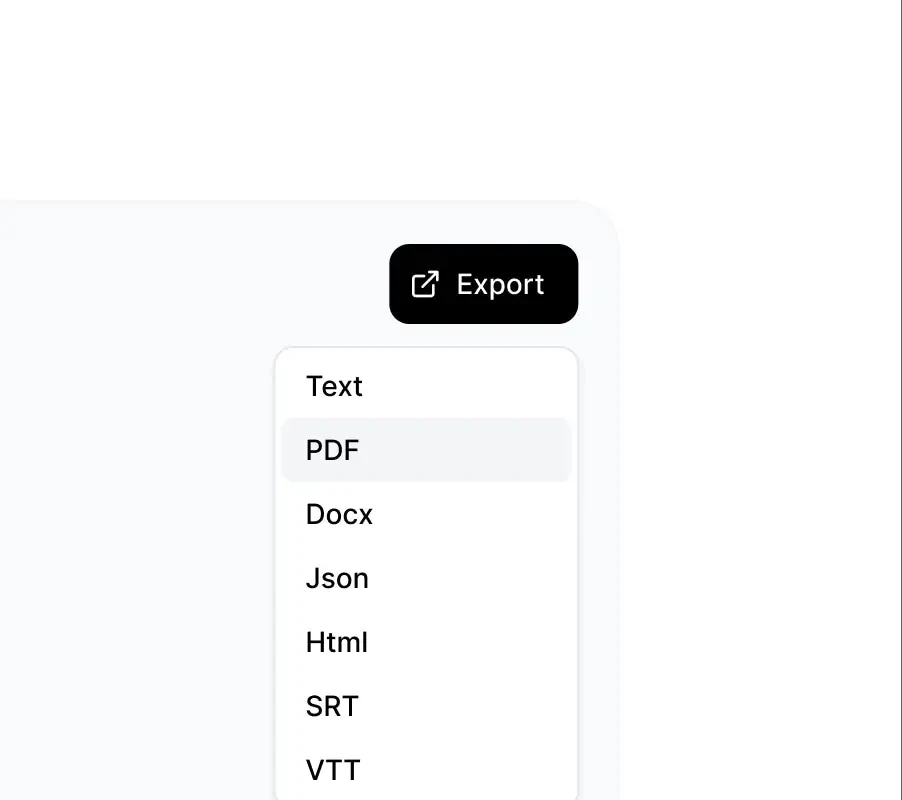
Export your captions
Download caption files that CapCut, Premiere Pro, and native platform editors read, so your styled, on-screen text renders exactly where you timed it.
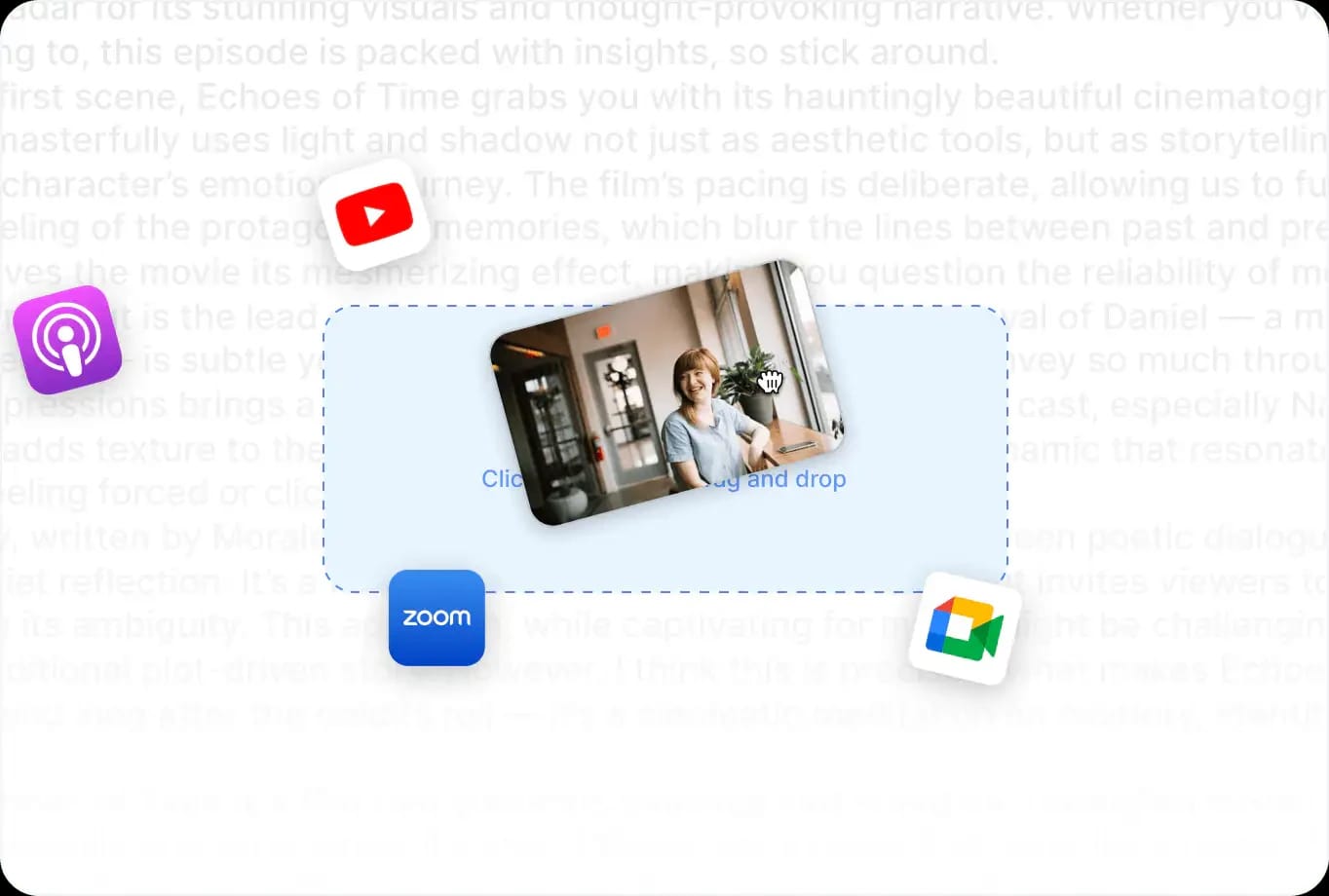
Broad format support
Generate captions for any video
Upload talking heads, screen recordings, event recaps, or ad cuts in any major video format, and get feed-ready captions without a conversion step.
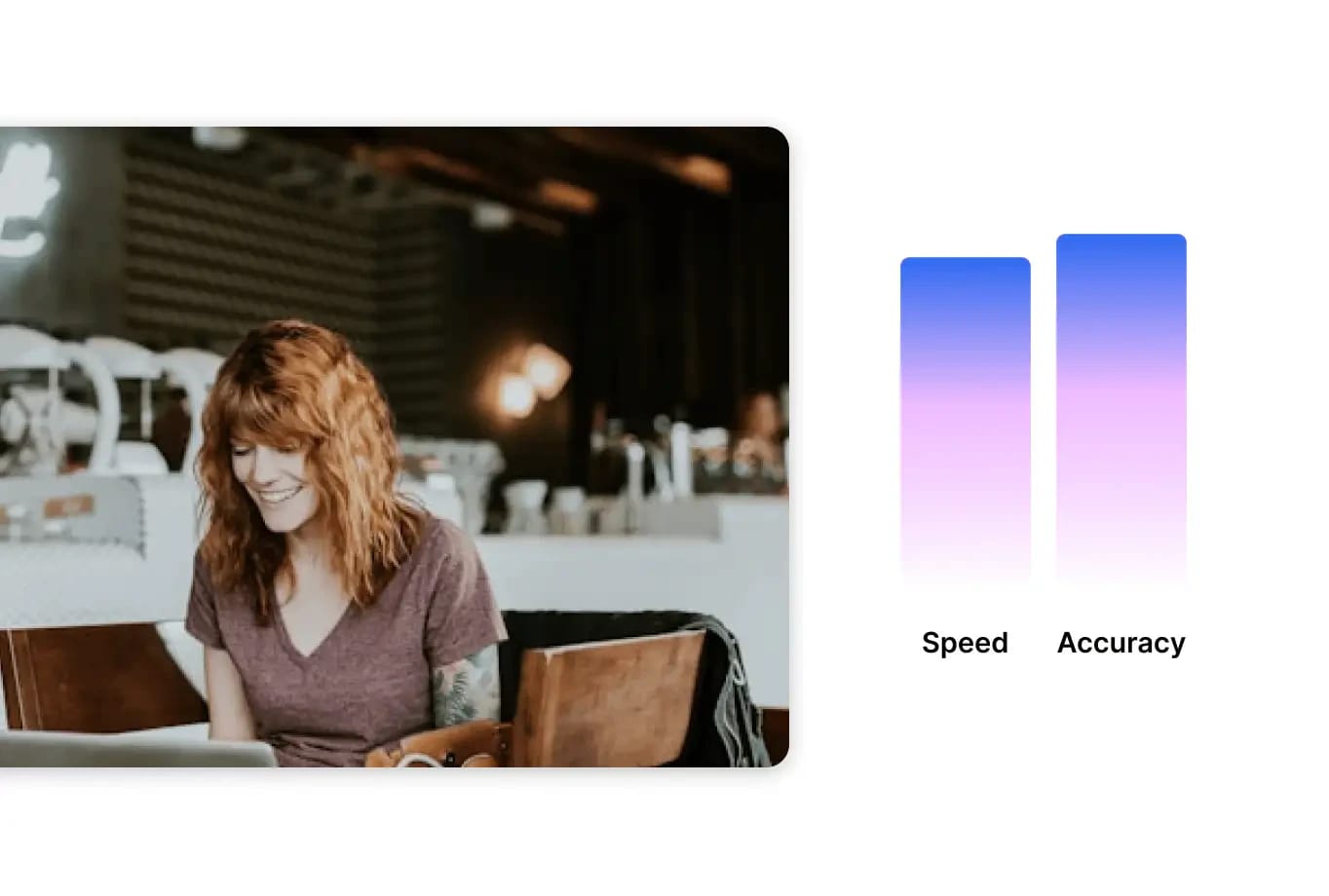
Fast, accurate captions
High-accuracy captions at speed
Scribe, our Speech to Text model, transcribes your clip with word-level timing, so each caption hits the screen the instant the word is spoken.
Why use ElevenLabs AI Caption Generator
Captions decide whether a muted viewer keeps watching. We generate time-synced, on-screen text in 90+ languages that holds attention from the first frame.
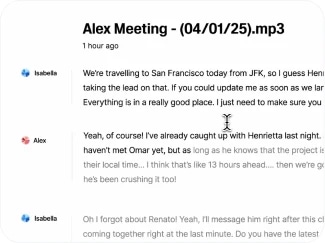
Lightning-fast results
Get captions in seconds—even for long videos. Spend less time creating subtitles and more time publishing content.
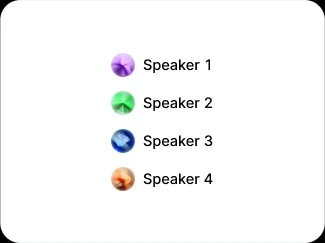
Speaker labeling
Scribe distinguishes up to 32 speakers, so podcast clips, duets, and panel excerpts show who says what and muted viewers follow the exchange.
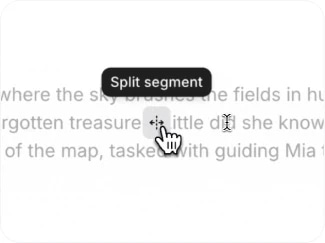
Split and merge segments
Use ‘adjust segments’ to fine-tune your captions. Split or merge segments to match timing perfectly or assign speakers more accurately.
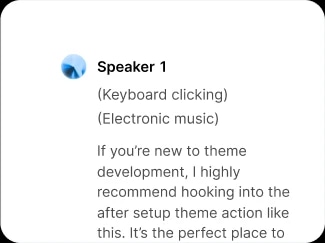
Audio event tagging
Automatically tag non-speech sounds—like laughter or applause—for captions that capture full context.
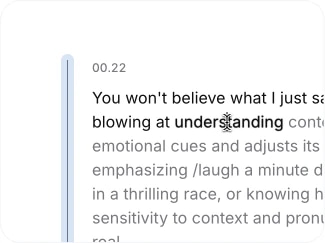
Edit by clicking on words
Make changes directly from the transcript. Fix errors instantly with word-level timestamps and streamline your workflow.
Go beyond speech
Capture non-verbal moments in captions—like music or applause—to make your videos more engaging and inclusive.
Break language barriers with captions
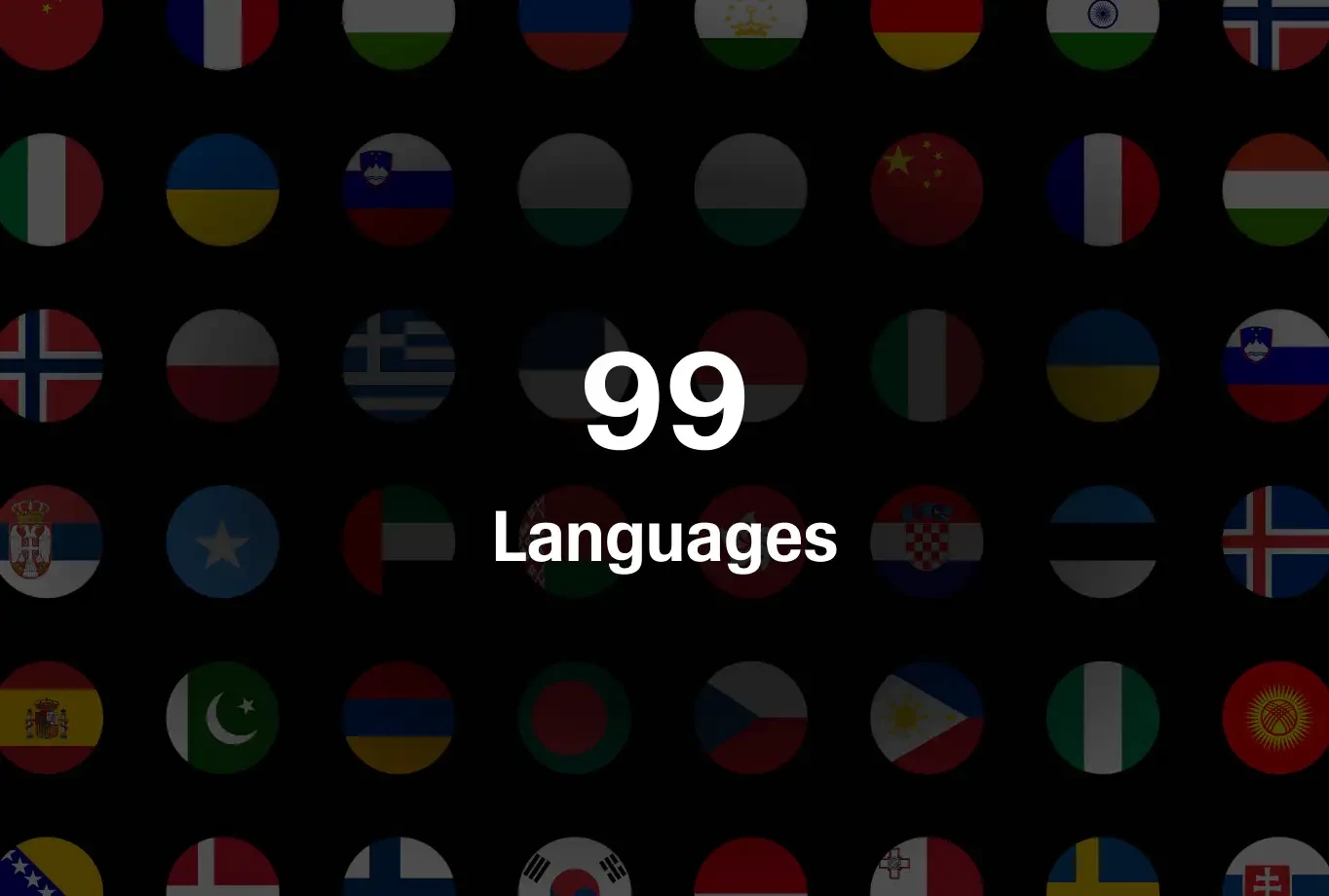
Instantly generate captions in 90+ languages. Expand your reach, unlock global engagement, and make your videos accessible to all audiences.
One video. Infinite formats.
Caption a long recording once, then carry accurate, time-synced text into every clip you cut from it, so each excerpt is feed-ready the moment you export.
Boost discoverability with captions
Social platforms read caption text to understand and rank your video. On-screen captions put your keywords in front of the recommendation system and the person deciding whether to stop scrolling.
Reach every viewer, everywhere
Auto-generate accurate, time-synced subtitles. Make videos accessible for people watching without sound or those with hearing impairments.