Transcribe Instagram Video to TXT
Drop in a Reel, Story, or Live and get edit-ready text for captions, alt text, and repurposed posts in moments.
Drop in a Reel, Story, or Live and get edit-ready text for captions, alt text, and repurposed posts in moments.

Stories.pdf
Turn any Reel, Story, or Live into working text in three steps, right in your browser.
Drop in the share link for a Reel, or upload a saved Story or Live from your device or cloud storage. MP4, MOV, and every major format work.
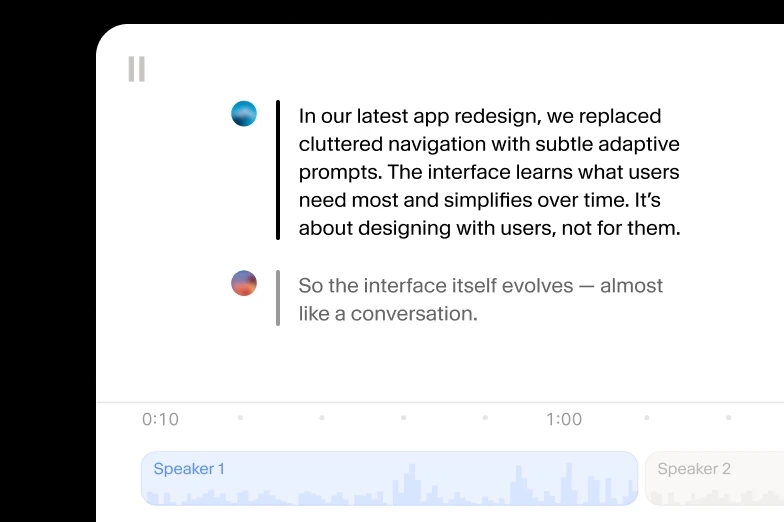
Click any word to fix a mishear, trim filler, or split a segment. Word-level timestamps keep every edit aligned to the video.
Download SRT or VTT for subtitles, TXT for captions and alt text, or DOCX and PDF when a Reel becomes a newsletter or blog post.
Scribe reads through trending audio, voice effects, and rapid cuts to deliver structured text with speaker labels, timestamps, and audio event tags.
Scribe delivers clean text from Reels recorded on phone mics, over music beds, or mid-crowd, and it leads accuracy benchmarks.
Tighten a caption in the transcript editor before it ships. Split or merge segments, reassign speakers from a collab Live, and adjust timing on any word.


Scribe detects the language automatically, so a Hindi Reel and a Portuguese Story transcribe accuracy across 90+ languages, including underserved ones.
Upload MP4, MOV, MKV, or any major video or audio format straight from your device, then export TXT, DOCX, PDF, SRT, VTT, JSON, or HTML.
Scribe marks laughter, applause, and background sounds in the transcript, so you see exactly where a Live audience reacted before you pull quotes for your next post.
Scribe labels up to 32 speakers with word-level timestamps, keeping hosts, guests, and audience questions separated across a full Live Q&A.
Transcribe Instagram Video to TXT
Transcribe Instagram Video to DOCX
Transcribe Instagram Video to PDF
Transcribe Instagram Video to JSON
Transcribe Instagram Video to HTML
Transcribe Instagram Video to SRT
Transcribe Instagram Video to AVID
Transcribe Instagram Video to VTT
“I use ElevenLabs primarily for transcribing audio messages, and I find its accuracy to be a major highlight. This precision allows me to analyze students' reading fluency effectively, even when the speaker is a young student still learning to read, which is crucial for understanding each student's progress.”

Pedro A.
Head of technology
“Perfect for transcribing interviews - and the voice quality is amazing when preparing for a speech.”
Izabela M.
Customer Experience Researcher
“Remarkable inference speed of the Scribe v2 model by ElevenLabs, delivering near real-time latency on transcription requests, significantly faster than other models we've tried.”
Vedaswaroop I.
Founder
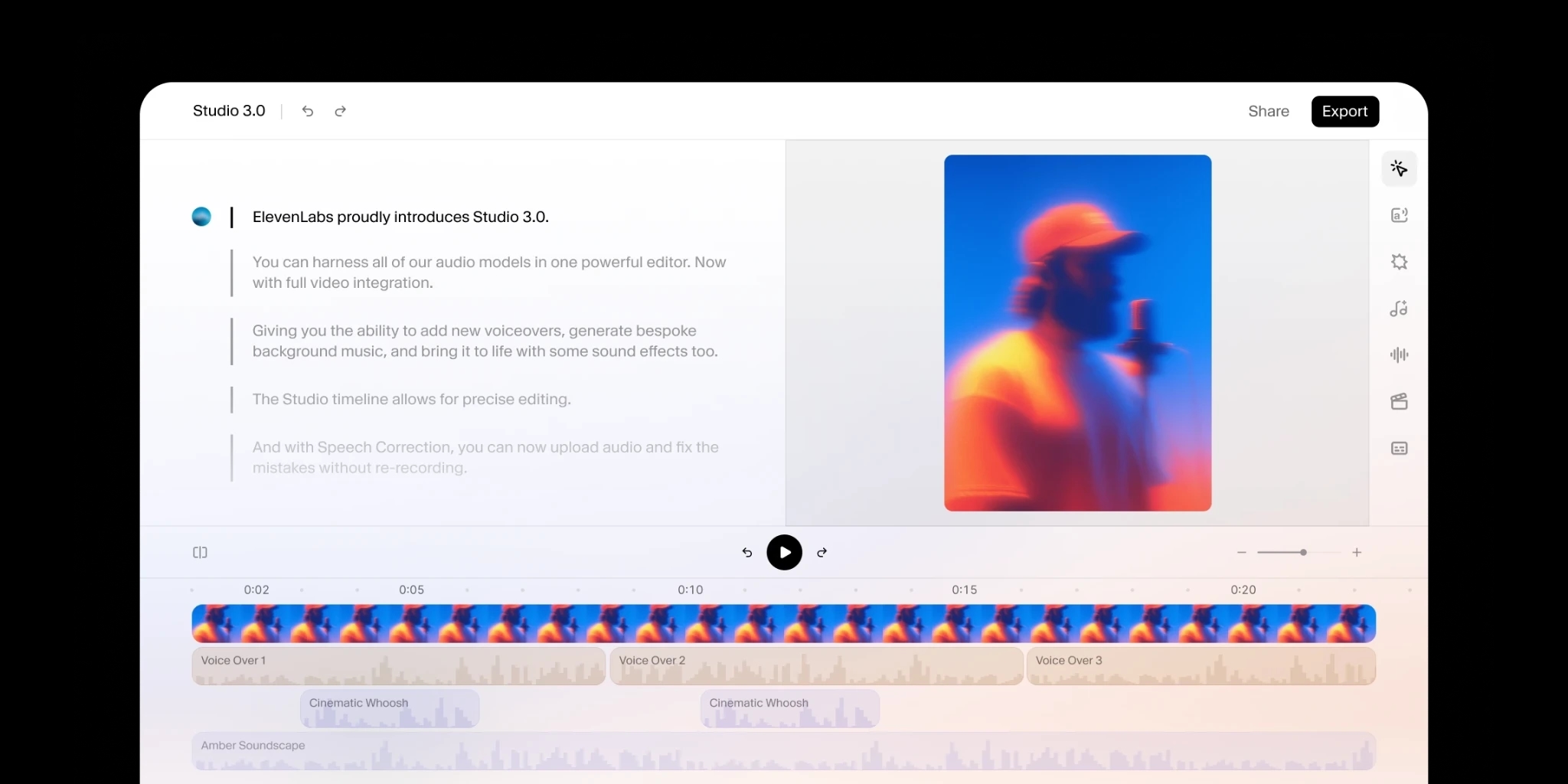
Add human review to editing so your message always lands.
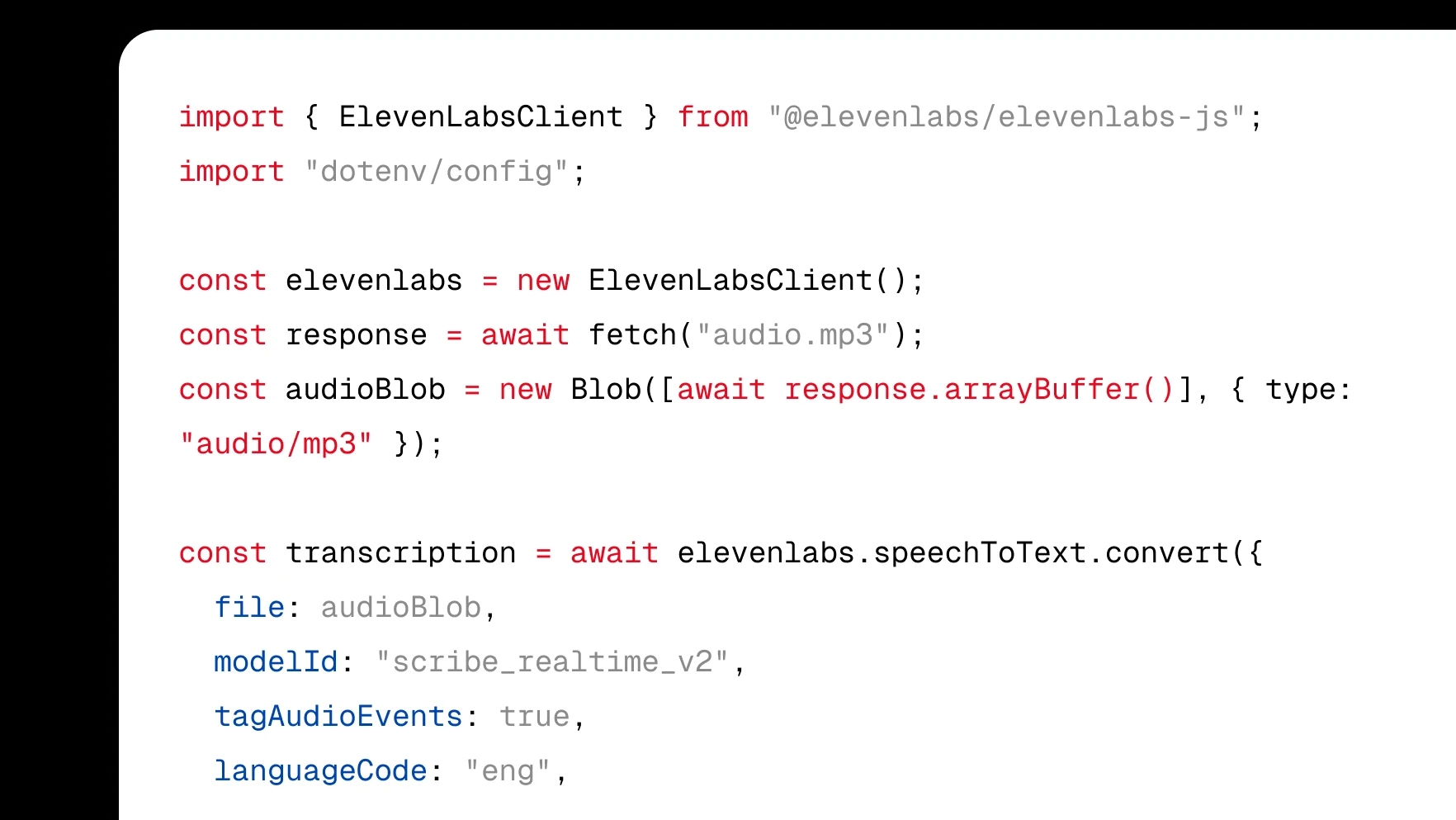
Integrate transcription directly into your product with a few lines of code.
Turn audio to text using our ElevenCreative web platform.