Workshop Recap: Build a Full Marketing Campaign with AI
- Published
ListenListen to this article
Most marketing teams have to stitch together five different tools to produce one ad. AI-native production changes that equation entirely and can 11x the speed to create content.
This post recaps Live Workshop: Build a Full Marketing Campaign with AI— a full walkthrough of how to build a complete marketing campaign from scratch using Eleven Creative.
Why AI-native content production matters
Creative production is slow because it is fragmented.
Briefs go to designers. Designers wait on copy. Copy goes to voiceover artists. Voiceover goes back for revisions.
By the time a single ad is approved, the moment has passed.
Eleven Creative is built to compress that cycle.
Every element of a campaign — visuals, voice, music, sound effects — can be generated, assembled, and finalized in one place.
Demo 1: Building a campaign in Flows from scratch
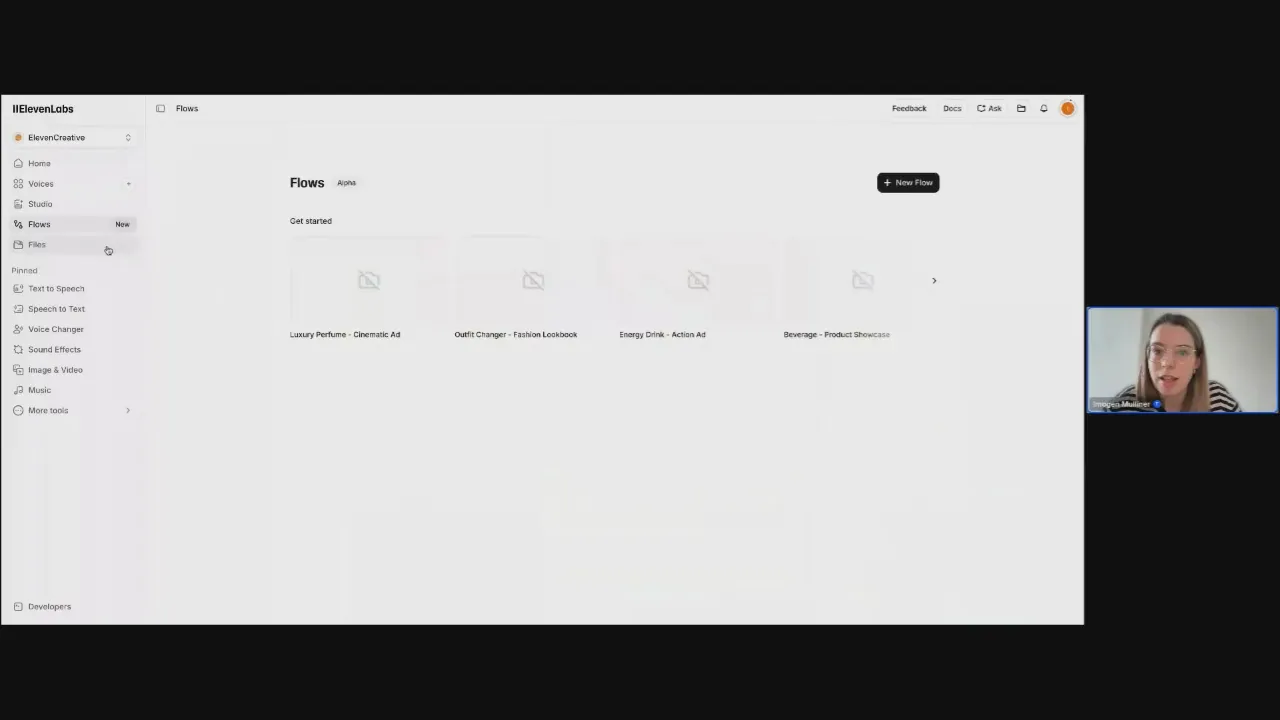
Scenario: Create a short Meta ad for a fictional D2C matcha brand — including product imagery, voiceover, background music, and a final composed video — live during the webinar.
What was shown:
- A product image was generated using a text prompt and a selected image model
- The ElevenLabs logo was uploaded and combined with the generated bottle to create branded product imagery
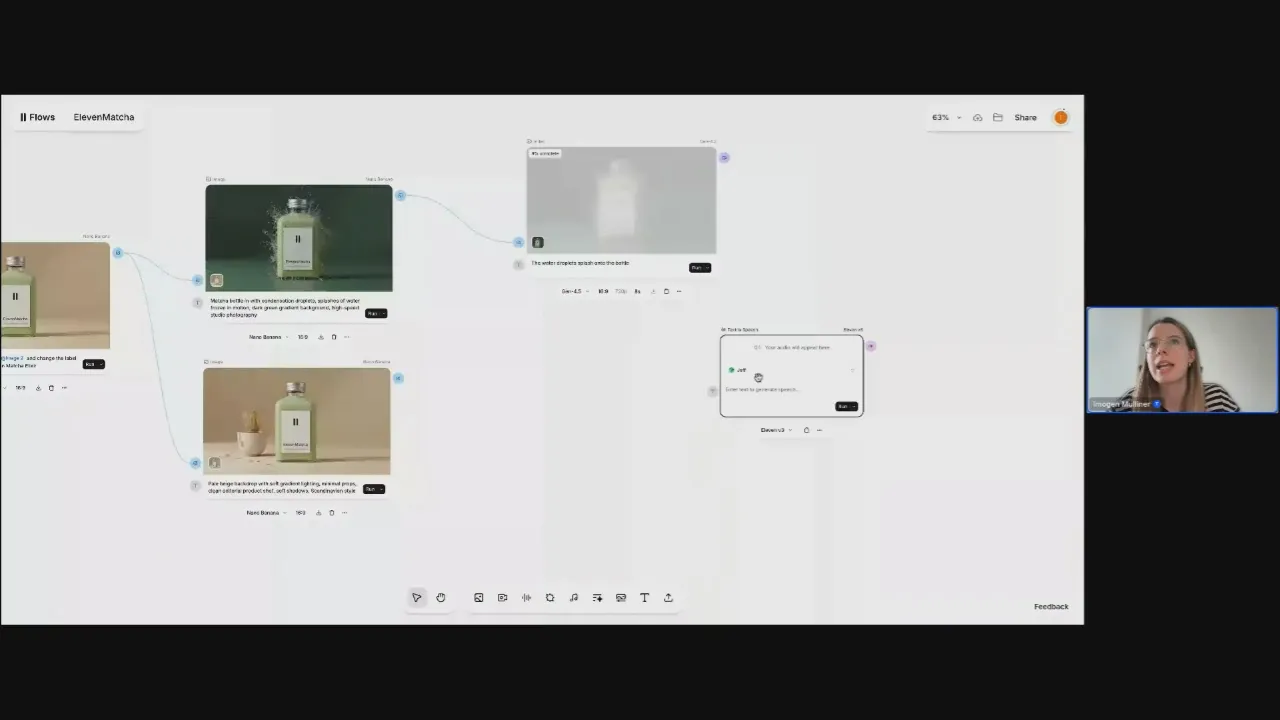
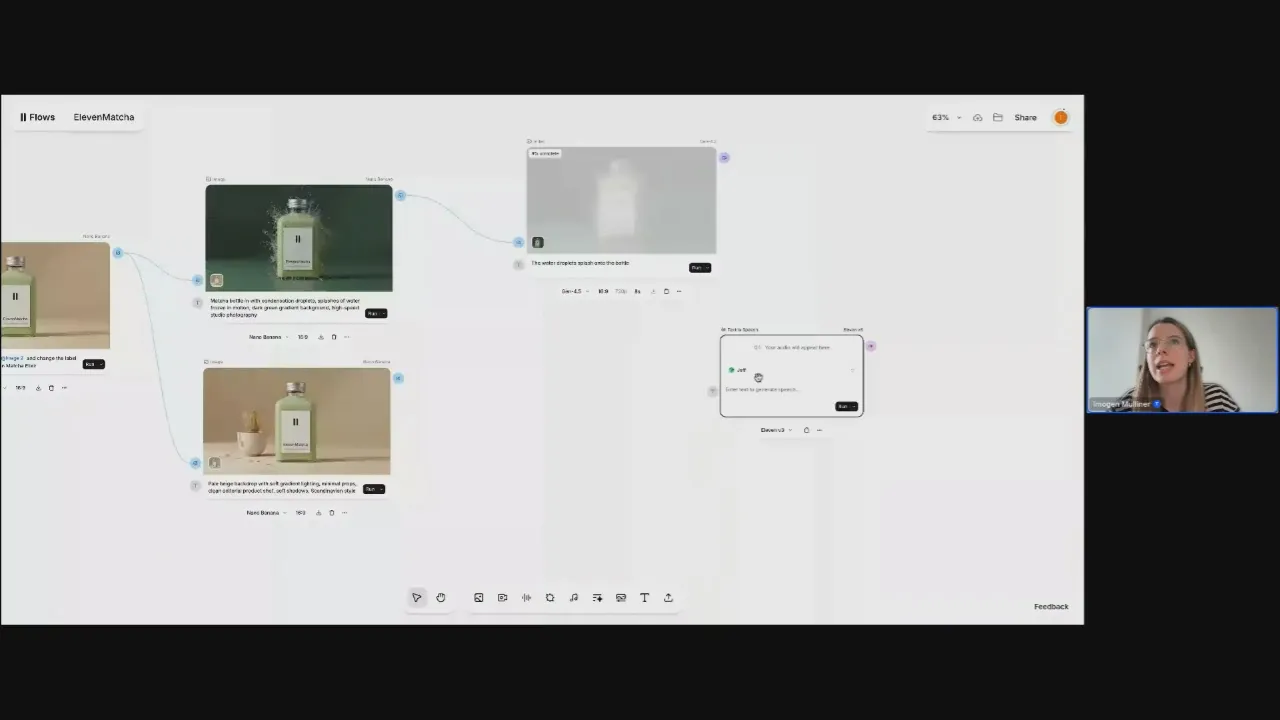
- The product was placed into a scene — a bottle surrounded by water droplets — using a second image node
- A voice was designed from scratch using a text prompt specifying accent, gender, and tone: an Australian wellness influencer with a calming voice
- The voiceover script was typed directly into a text-to-speech node and generated using the new voice
- A custom eight-second background music track was generated using ElevenMusic with a specific mood and no lyrics
- All elements were connected using a composition node to produce a finished video ad
Why it matters: The entire process — from blank canvas to finished ad — happened in one interface without switching tools. Each element is independently editable. Changing the voice, copy, or product image and rerunning the final nodes produces a new variation in minutes. For teams running creative tests or managing multiple product lines, that speed compounds fast.
Demo 2: Studio for long-form assembly and dubbing
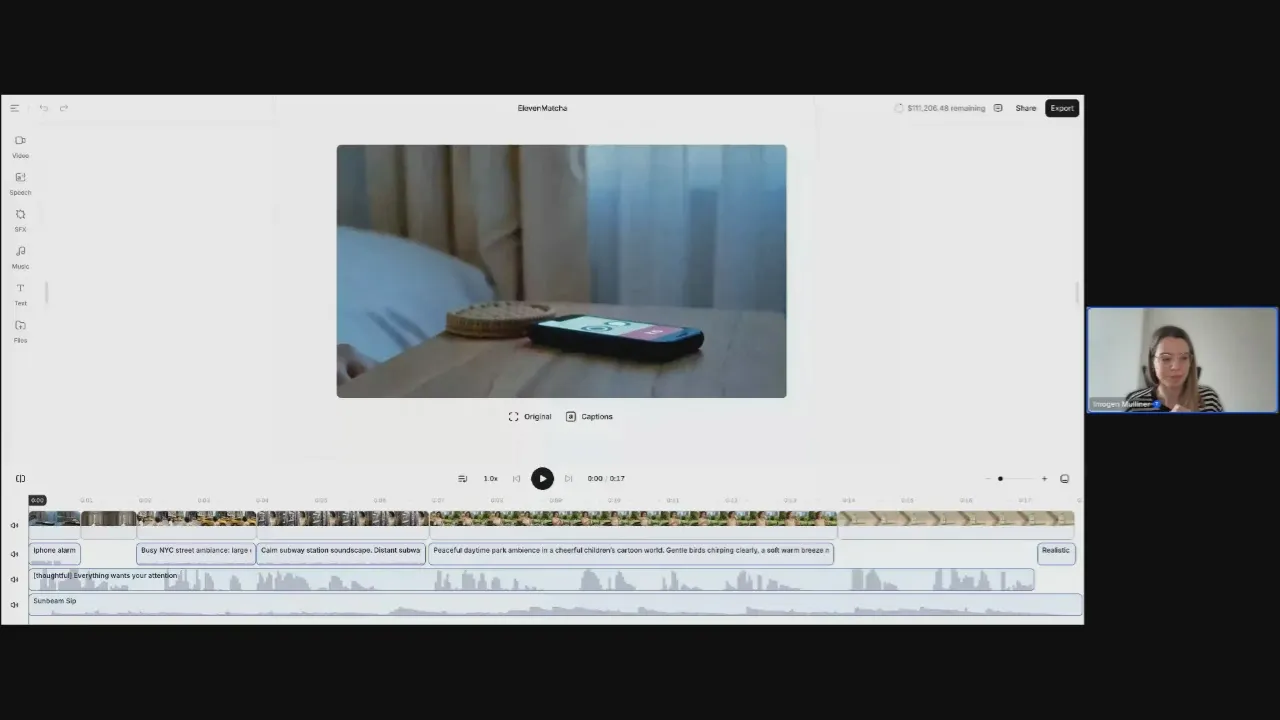
Scenario: Show how the 17-second Eleven Matcha brand film was assembled, and how finished content can be dubbed into other languages.
What was shown:
- Multiple video clips, sound effects, and background music were layered on a timeline in Studio
- Sound effects included an iPhone alarm, New York street ambience, and a peaceful daytime park
- The finished English video was dubbed into another language using ElevenLabs dubbing
- The same voice identity, tone, and timing were preserved across the dubbed version
- Localize content across 29 languages with AI dubbing
Why it matters: Global brands producing localized content typically rebuild campaigns market by market. Dubbing inside Studio keeps the voice consistent across languages without re-recording or re-editing. For brands running campaigns across multiple regions, this removes one of the biggest bottlenecks in localization.
Demo 3: Voice design and the voice library
Scenario: Find and create the right voice for a social media ad using the ElevenLabs voice library and voice design tool.
What was shown:
- The voice library can be filtered by gender, use case, and language across more than 11,000 available voices
- A custom voice designed from a text prompt describing accent, gender, and personality
- Two generated voice options were previewed and compared before one was selected and saved
- Instant voice cloning and professional voice cloning are additional options
- Iconic licensed voices, including Michael Caine, are available for approval for commercial campaigns
Why it matters: Voice is one of the most overlooked brand assets in content production. Designing a unique voice means every ad — across every format and market — sounds like the same brand. That consistency is hard to achieve when you are pulling from a generic library or re-booking talent for each project.
Demo 4: Sound Effects and ElevenMusic marketplace
Scenario: Generate a custom sound effect and explore the newly launched ElevenMusic marketplace for commercially licensed tracks.
What was shown:
- A custom water splashing sound effect was generated and four variations were returned for comparison
- Existing sound effects were searchable by keyword in the sound effects library
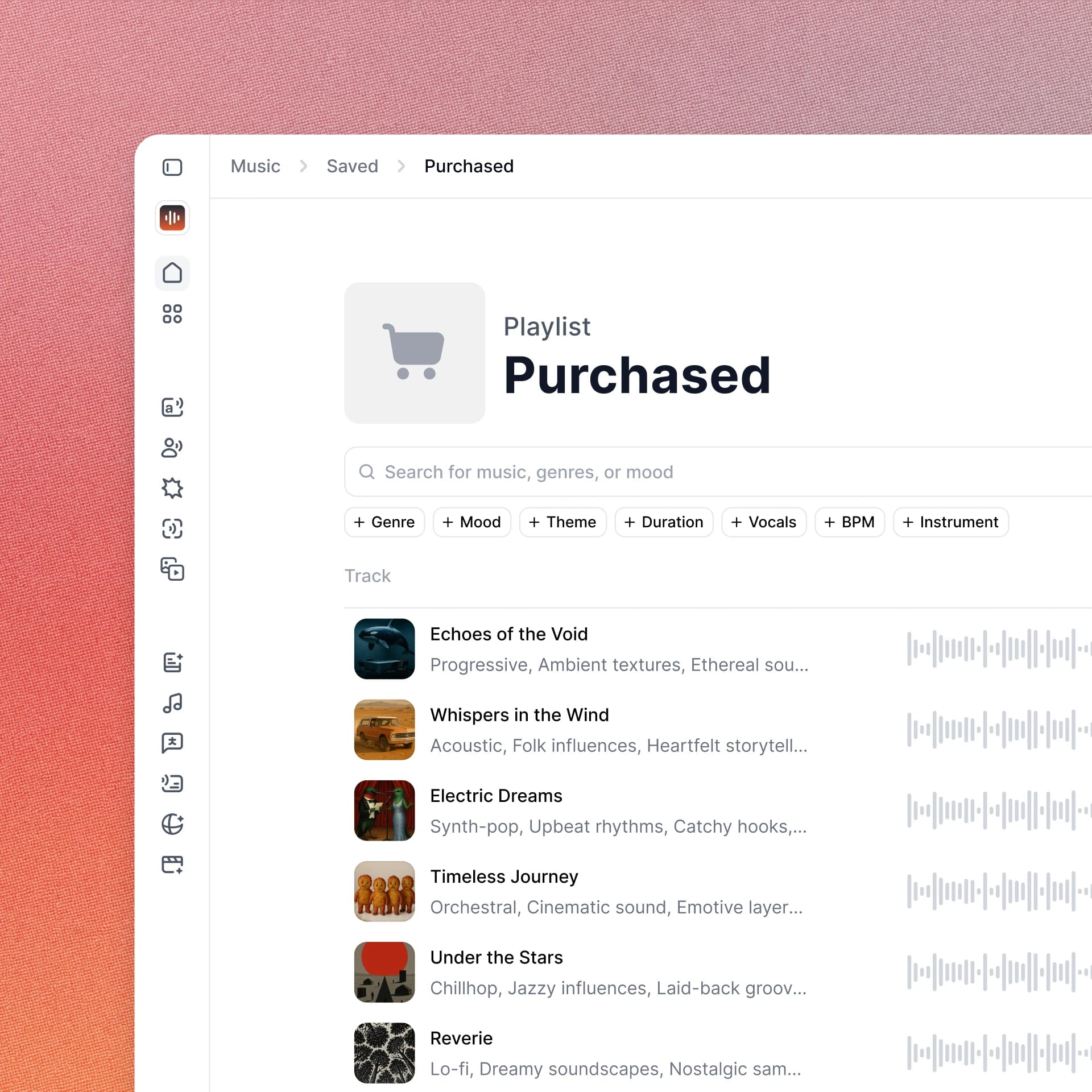
- The ElevenMusic marketplace allows users to download or remix tracks with full commercial licensing
- Fine-tunes allows brands to upload owned tracks and train a custom version of ElevenMusic to match their sound
Why it matters: Background music is a common point of legal exposure for brands. Using tracks generated with ElevenMusic means no rights conflicts, no takedowns on YouTube, and no licensing fees that scale with usage. Fine-tunes take this further by giving brands a consistent sonic identity rather than a random selection of generated tracks.
Best practices for building in Flows
- Generate images before video. Image generation is cheaper and faster. Confirm the output is right before spending credits on video generation.
- Design your character or product once, then reference it across scenes. Consistent character references keep your visual identity coherent across a multi-scene ad without rebuilding from scratch.
- Use the composition node to combine elements before finalizing. Connecting voiceover, video, and music in one node keeps the workflow clean and makes it easy to swap individual elements without rebuilding the whole ad.
- Build the workflow once, then generate variants. Once your Flows structure is set, changing the voice, copy, or product image and rerunning the end nodes produces a new ad variation. This is how one workflow becomes a campaign testing system.
- Use Studio for anything requiring precise timing control. If you need sound effects at a specific moment or want to control how audio fades across multiple clips, Studio gives you that level of control that Flows is not designed for.
- Check costs before running. Each node displays its credit cost before you commit. Review it before generating, especially on video nodes.
Watch the full session
Watch the full session here.


Imogen works in Growth at ElevenLabs, where she currently works across ElevenMusic and ElevenCreative. Previously she led the Startup Grants program and organized the company's global hackathon series, which brought together 1,000+ builders across 33 cities in a single day. Before ElevenLabs, she was a Vice President on the Investment Team at Sapphire Ventures. She studied Economics at the University of Cambridge and has over 8 years of experience in growth and venture roles.