

Generate beautiful assets with Gemini Omni Flash
Gemini Omni Flash edits and creates short videos through step-by-step natural language direction.
Gemini Omni Flash
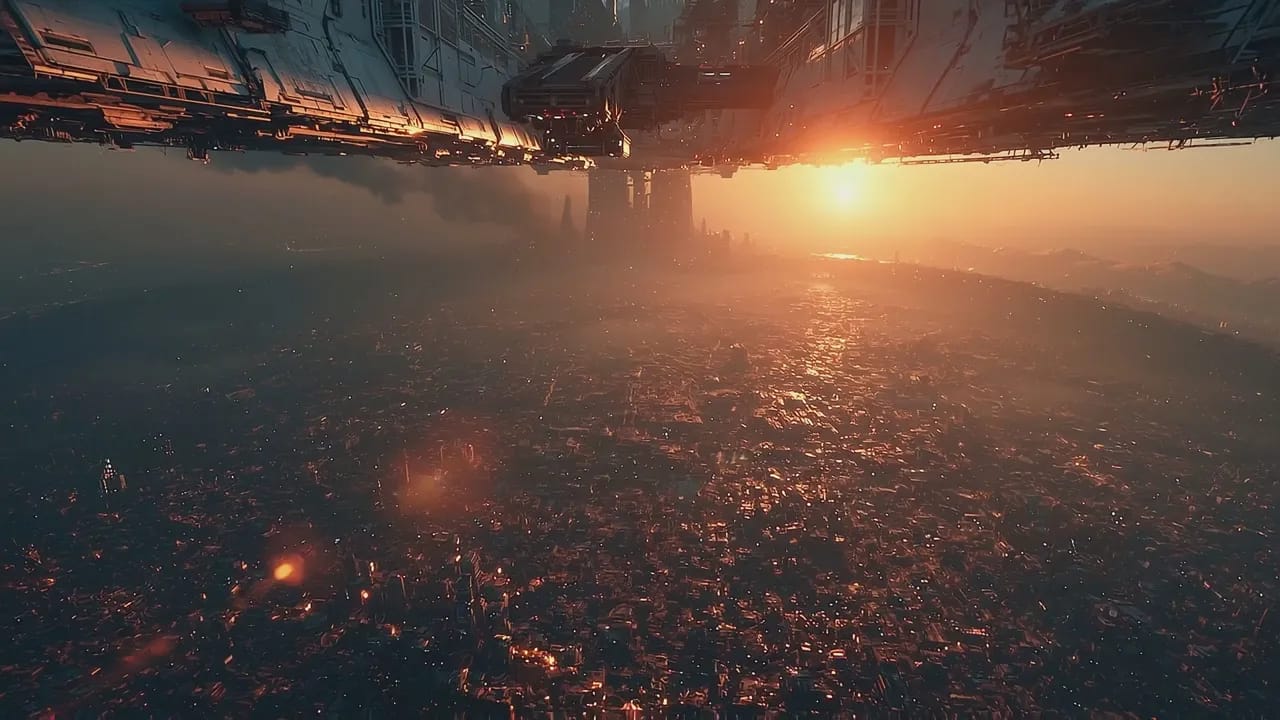
Massive sci-fi spaceship hovering over a vast, dense futuristic metropolis at sunset. Smaller spacecraft fly through the hazy, golden sky. Low-angle cinematic camera tracking forward.
Gemini Omni Flash
Massive sci-fi spaceship hovering over a vast, dense futuristic metropolis at sunset. Smaller spacecraft fly through the hazy, golden sky. Low-angle cinematic camera tracking forward.
Edit any video through conversation
Start with a clip, then direct each change in plain language. Change the action, swap details, or move the camera while the scene stays coherent.
Natural-language video editing
Transform an input video by describing the new aesthetic, action, effect, or camera move you want to see.
Coherent multi-turn refinement
Build a scene step by step. Each edit builds on the last so characters, settings, and motion stay connected.
Reference-guided video creation
Use images, sketches, or a source video to guide characters, environments, materials, and visual style.
Motion and style transfer
Apply pose, movement, camera energy, or a look from references to a new generated shot.
Physics-aware storytelling
Create action that respects gravity, fluid motion, collisions, and real-world context for more believable scenes.
Character and object replacement
Swap a prop, vehicle, creature, or character with a prompt while preserving the surrounding scene logic.
Create with Gemini Omni Flash with full control
Create with Gemini Omni Flash with full control
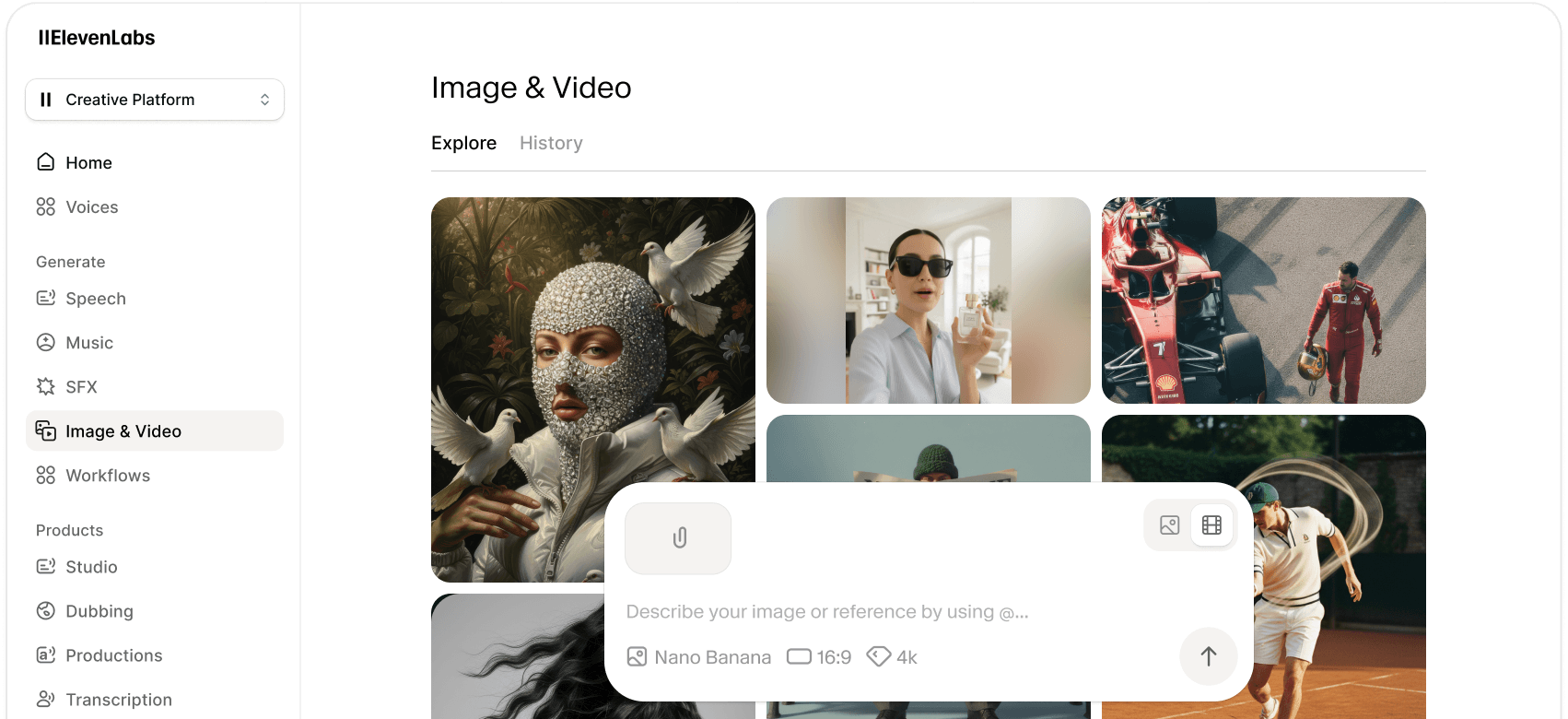
 Select Gemini Omni Flash
Choose Gemini Omni Flash from the ElevenLabs video model library when you want fast creation or conversational editing.
 Enter prompt and add references
Write a detailed prompt and optionally add up to 8 reference images or 1 reference video to guide the scene.
 Generate and refine
Generate the clip, review the result, then refine it with follow-up prompts for action, style, objects, or camera changes.
Watch Gemini Omni Flash in action
See what Gemini Omni Flash can do with real prompts and real generations, straight from the ElevenLabs team.
Frequently asked questions
Get started with Gemini Omni Flash
The best image, video, and audio models — all inside ElevenCreative. Start generating today.
Discover more image & video generation models
Explore our full library of AI image and video generation models, each with unique strengths and capabilities.
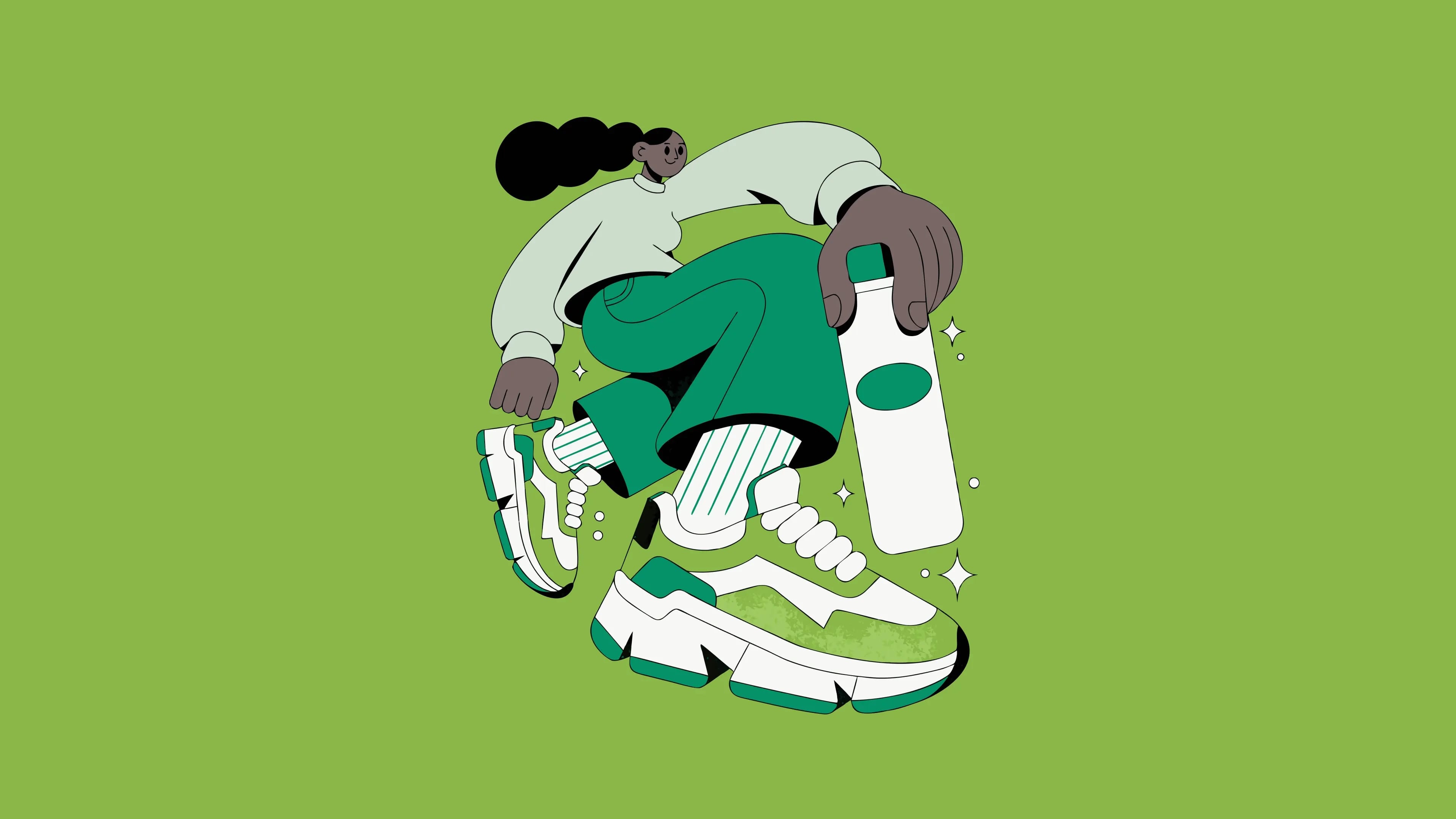
Recraft V4.1 Pro Vector turns text into editable SVGs for detailed illustrations and large-format designs.
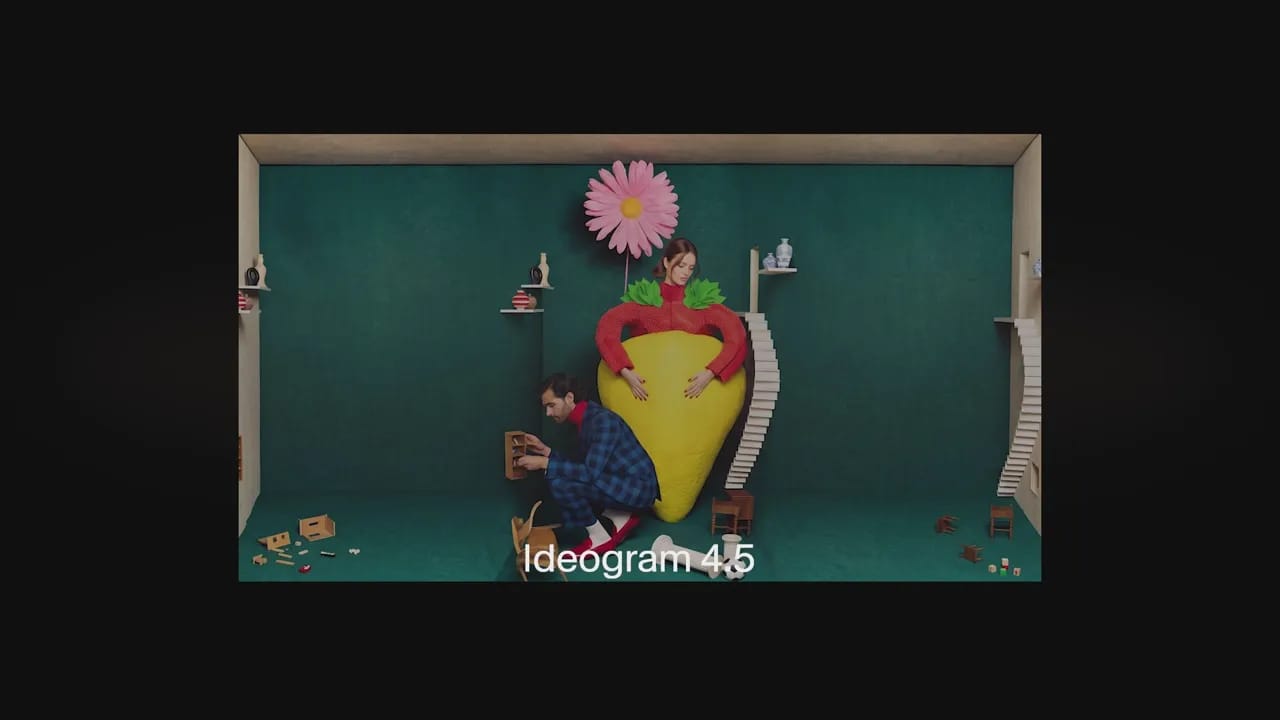
Ideogram 4.5 makes precise image edits while keeping untouched details consistent across revisions.
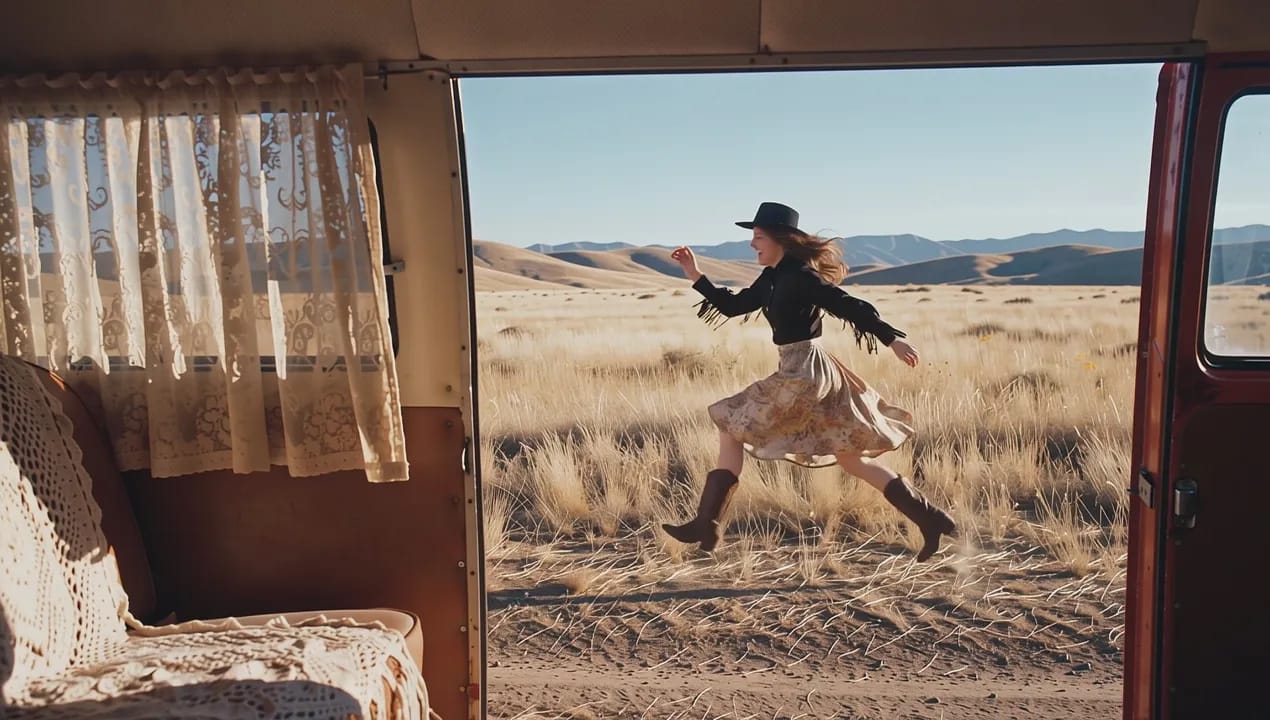
FLUX 3 Max generates cinematic video fast, with natural close-ups and motion that preserves detail.
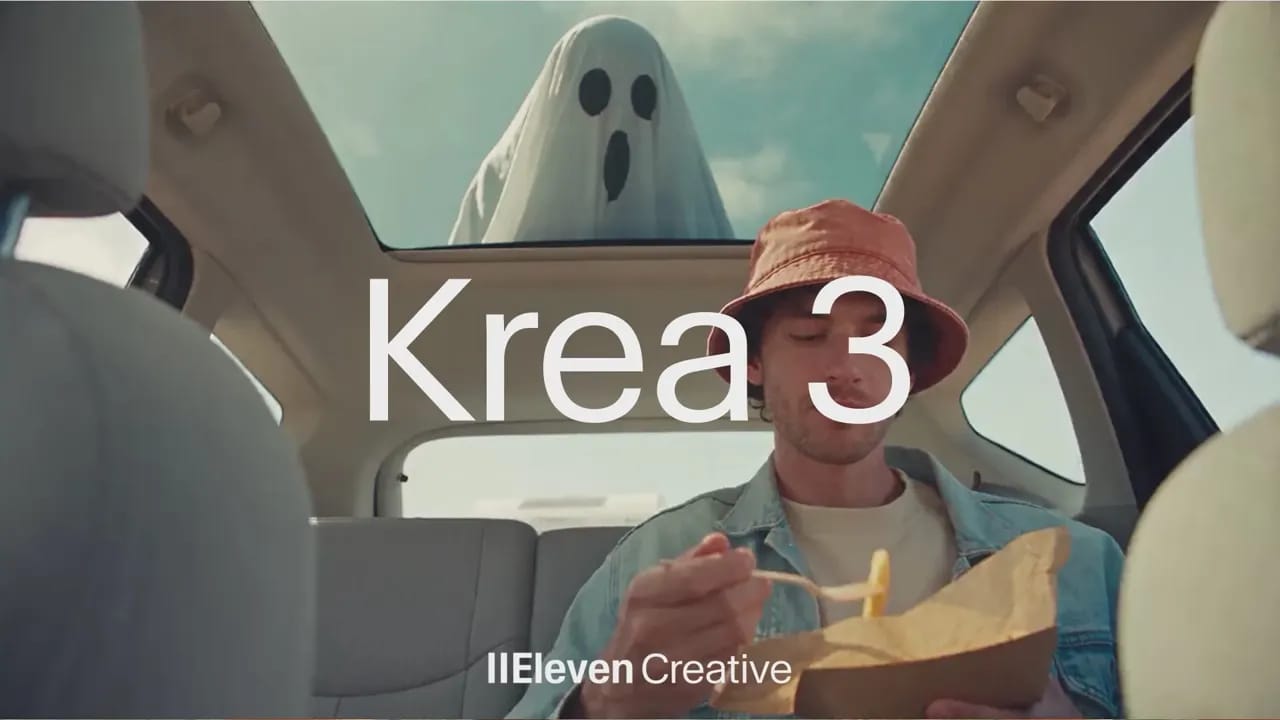
Krea 3 makes precise, reference-driven image edits while keeping faces, products, and scenes consistent.
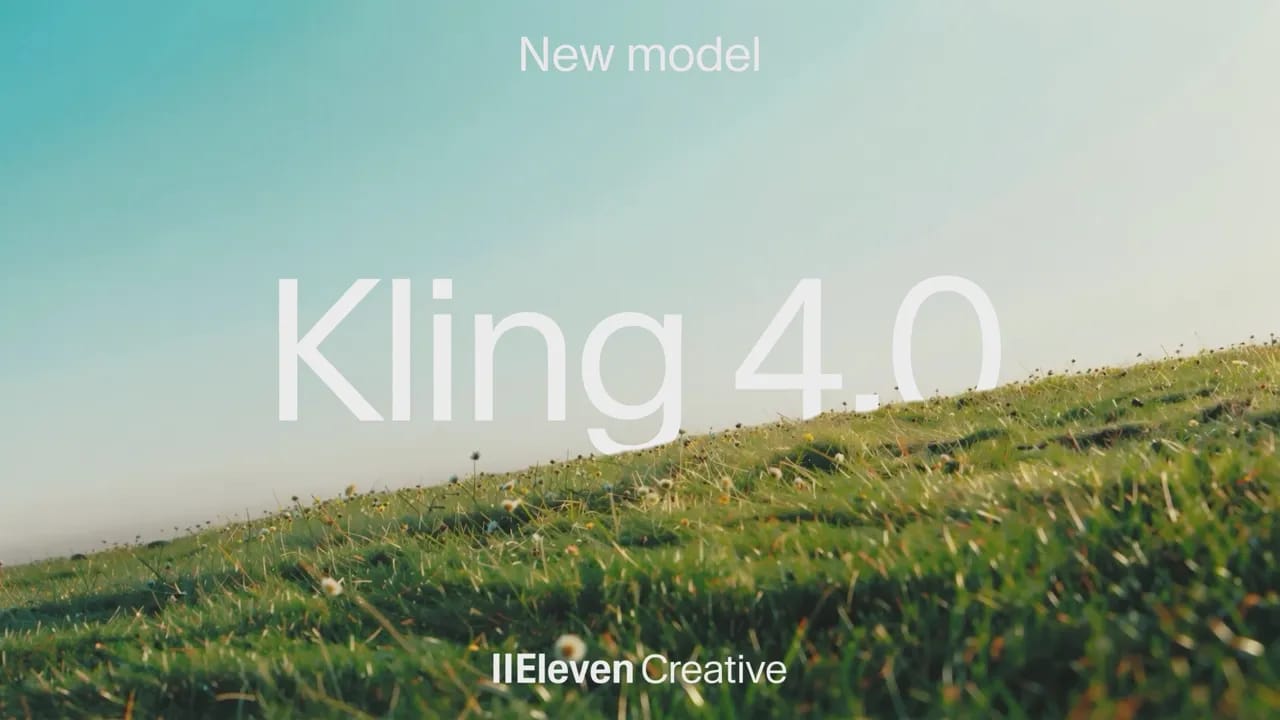
Kling 4.0 generates cinematic video with stable motion during fast action, complex camera moves
Google Nano Banana 2.1 generates and edits images with precise changes and consistent subjects.
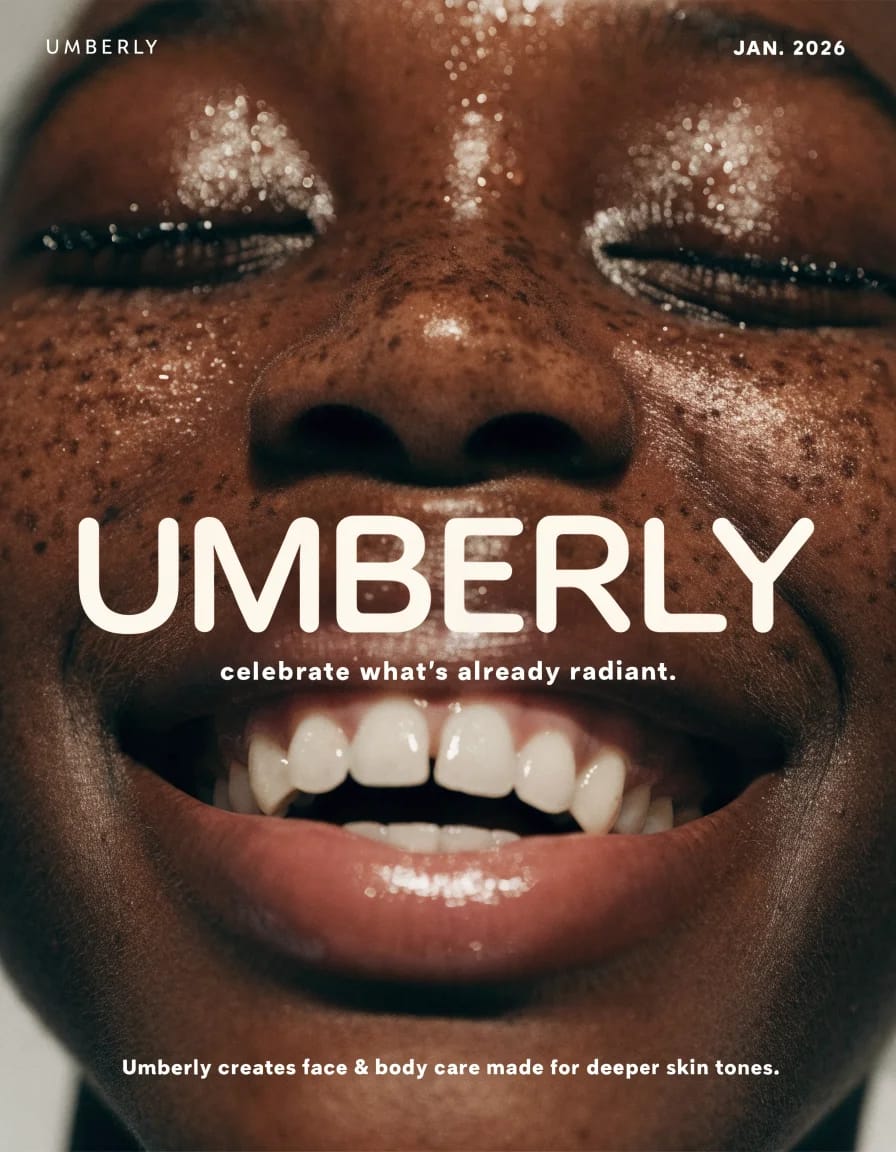
Recraft V4.1 Flash turns text into finished images fast, from realistic portraits to bold illustrations.
FLUX 3 Image brings precise spatial control and localized editing to your images on ElevenLabs.

GPT Image 2.5 makes precise image edits while preserving subjects, composition, and visual quality.
Minimax H3 Max generates polished, prompt-faithful video faster than real time on ElevenLabs.
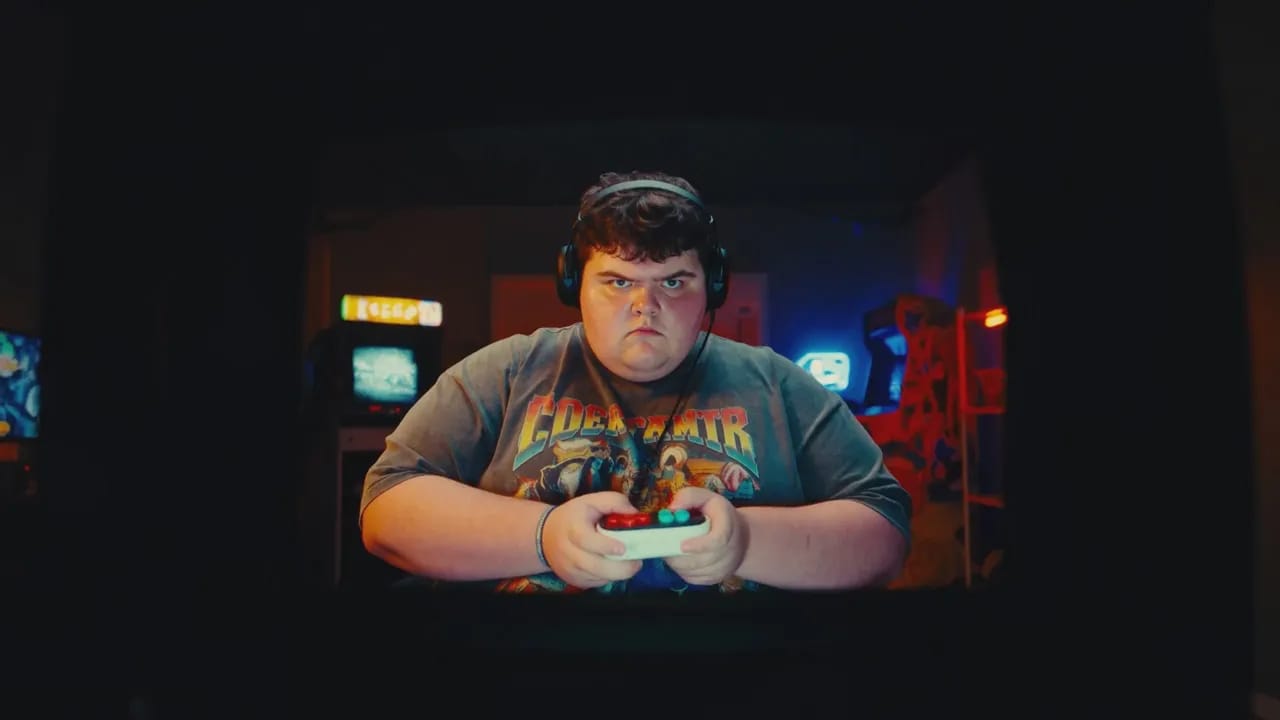
Gemini Omni Flash 1.1 combines fast video generation and conversational editing with precise cinematic control.
Minimax H3 unifies video generation, reference control, and natural-language editing in one model.
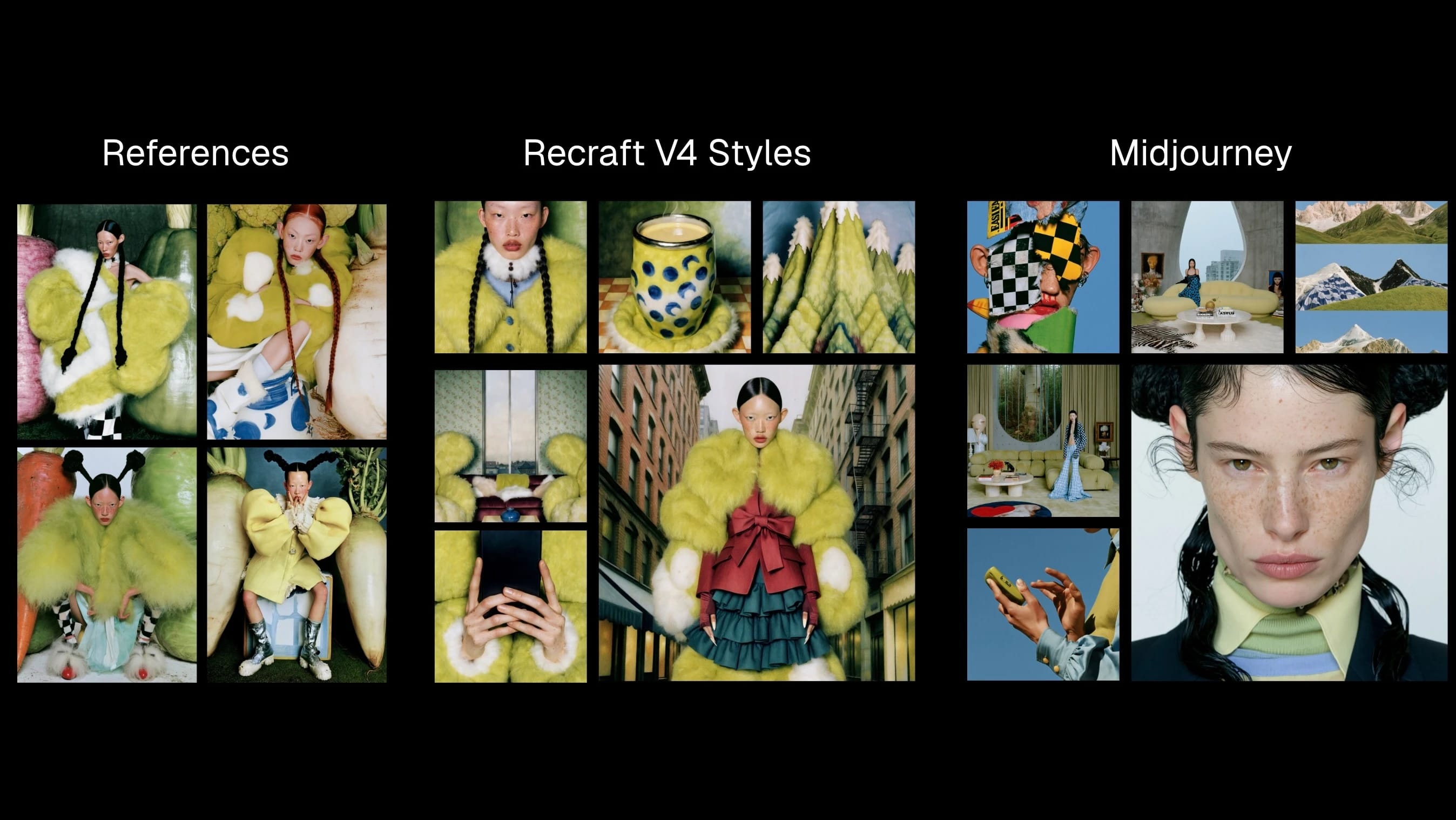
Recraft V4 Styles turns visual references into style-consistent raster and vector images.

Seedance 2.5 Video Edit edits existing footage with reference-guided continuity and motion control.
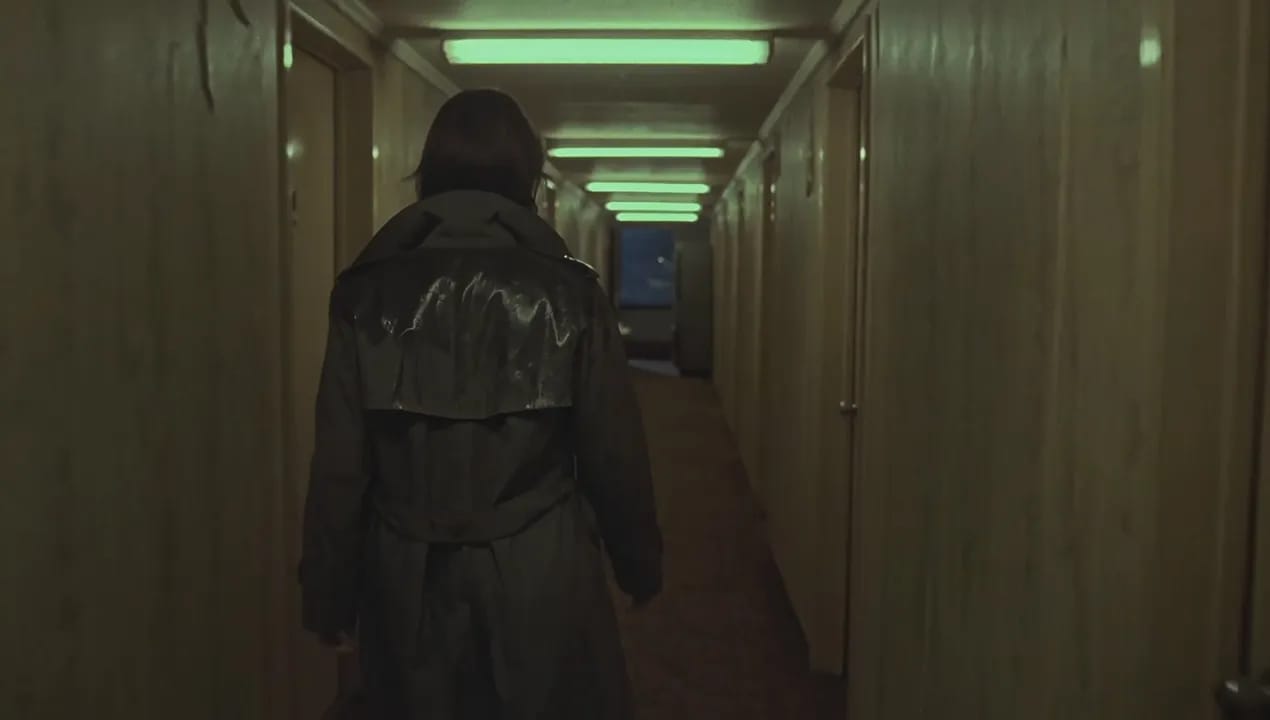
Flux 3 Video generates grounded, multimodal AI video from prompts, images, and clips.
Seedance 2.5 generates coherent 30-second videos with reference control and targeted edits.

Seedream 5.0 Pro creates controllable commercial images, dense layouts, and realistic product visuals.

Wan 2.5 Video generates short, high-resolution videos from text or images with smooth motion and flexible control.
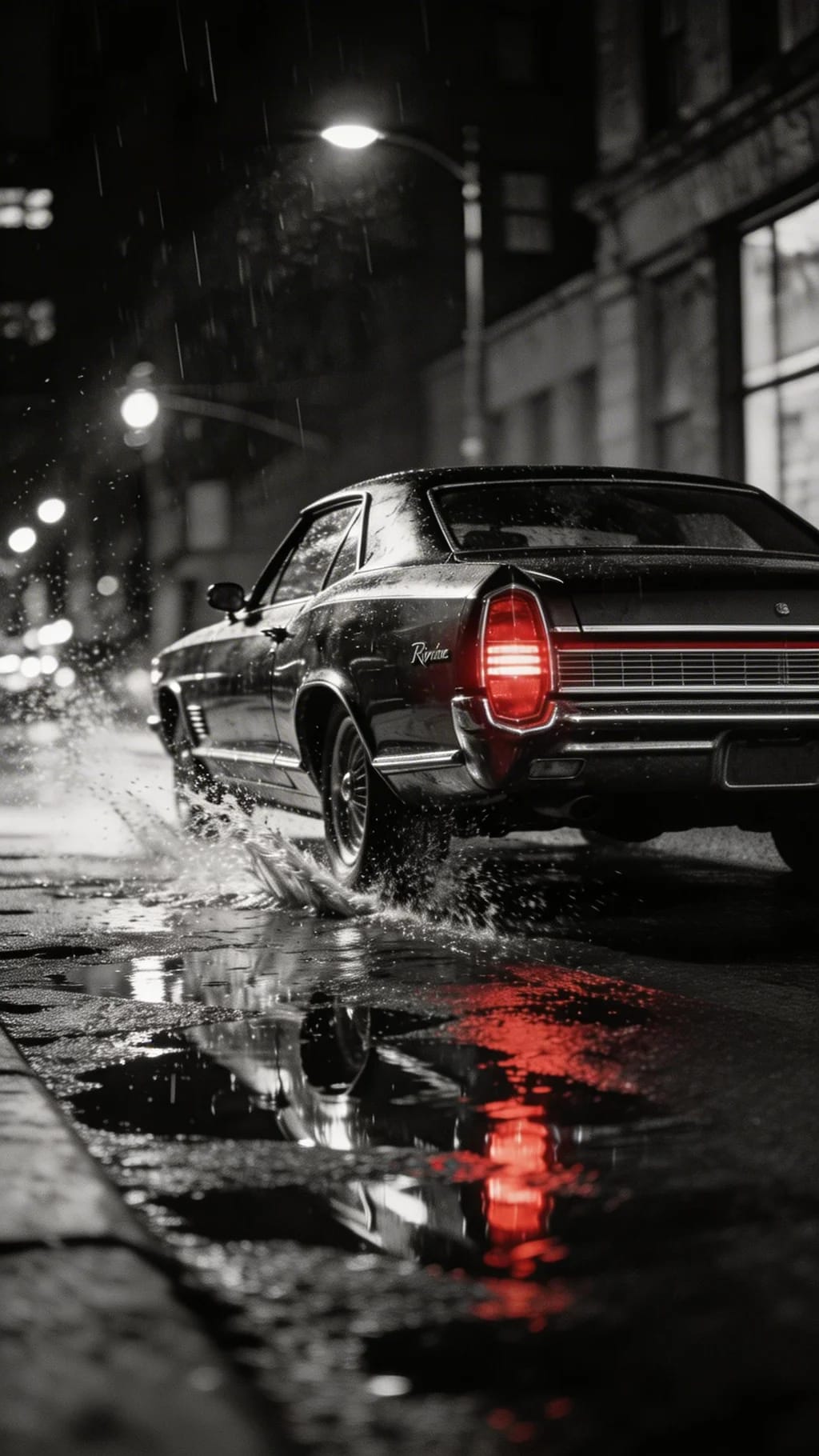
Seedream 5 Lite rapidly generates images up to 3K with deep reasoning, precise prompt-following

HeyGen Avatar 4 quickly generates expressive, lifelike talking avatars from a single photo
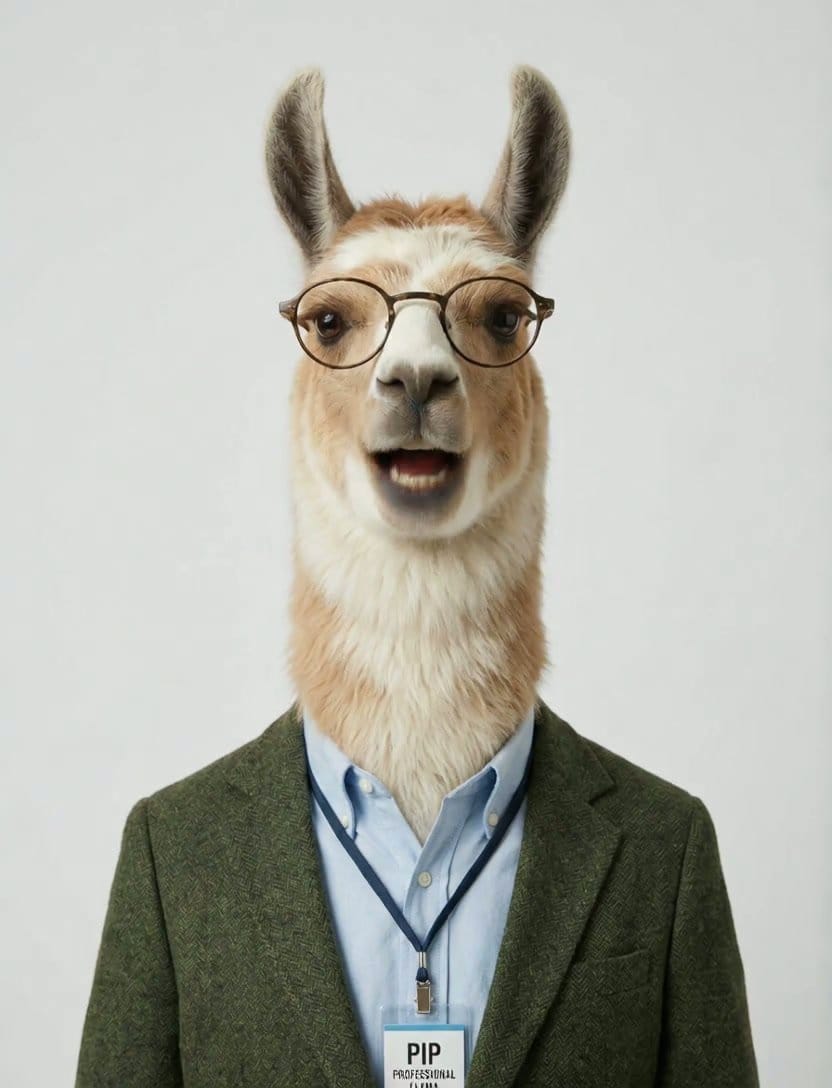
Creatify Aurora transforms a single photo and audio into ultra-realistic AI avatar videos with nuanced motion and visual style
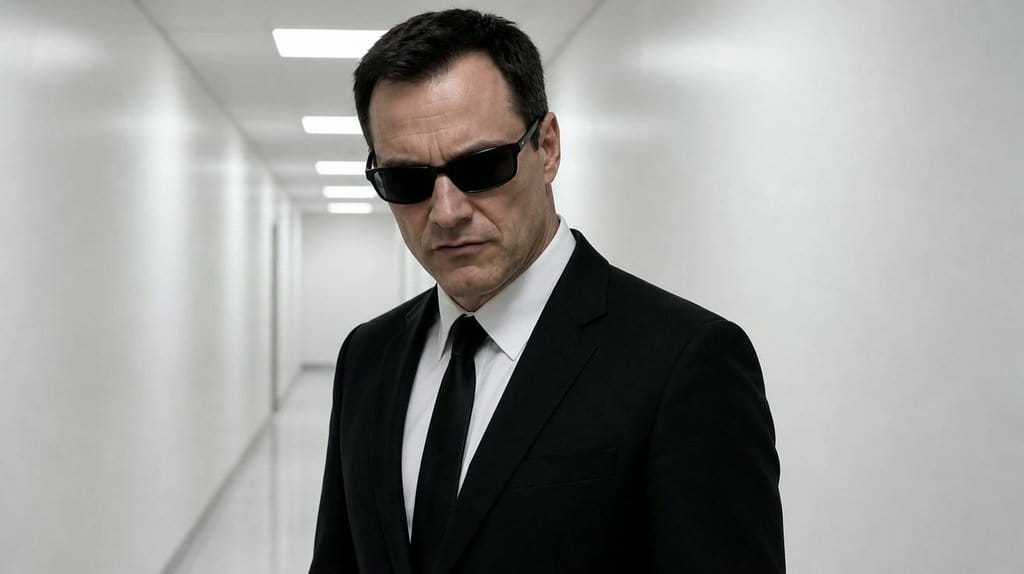
Veed Fabric 1.0 creates realistic talking videos from any image, with lifelike gestures, lip sync, and flexible style control.
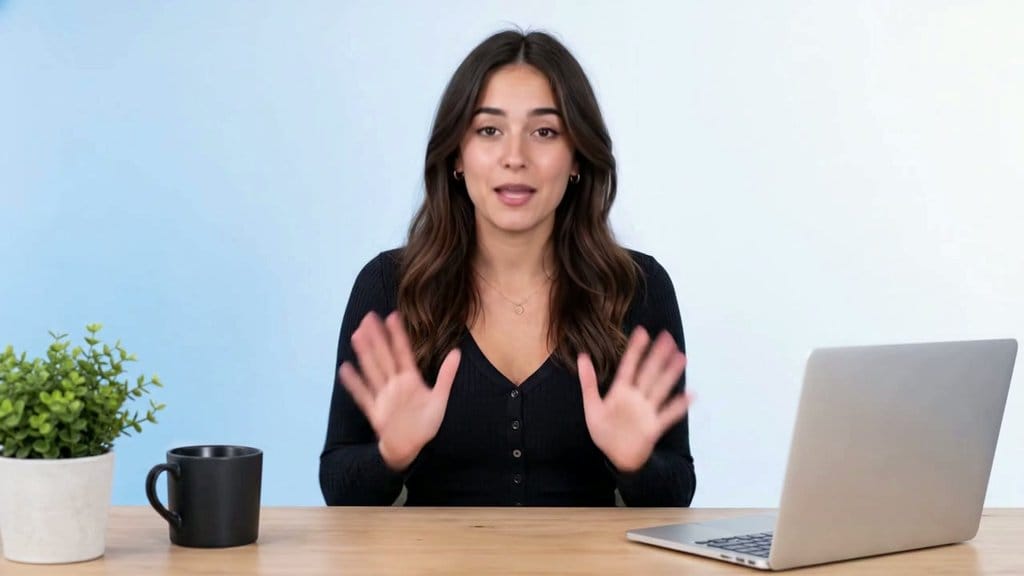
Sync 3 offers 4K lip synced video generation with shot-level realism, emotion preservation


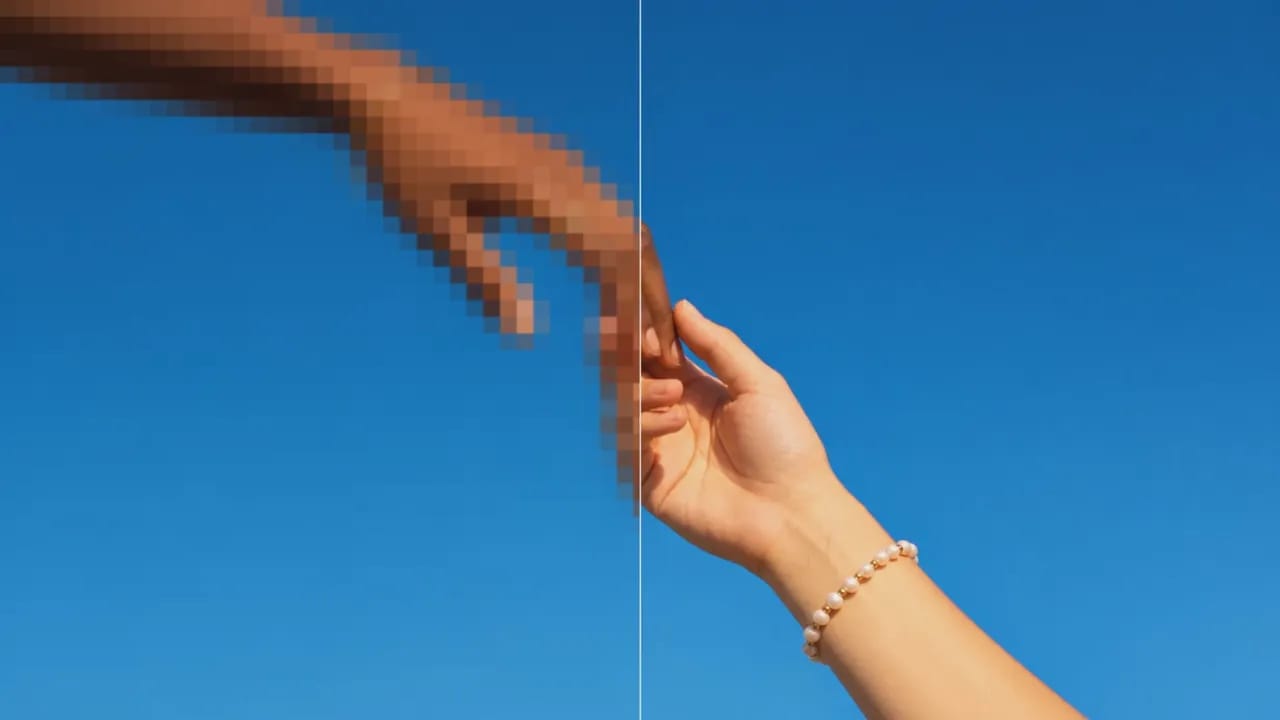
![FLUX.2 [Pro]](/_next/image?url=https%3A%2F%2Fstorage.googleapis.com%2Feleven-public-cdn%2Fdatabase%2Fshared_content%2FiFXZKT3zim1Ym8AhqarJ%2Fthumbnail.jpg&w=3840&q=80)
![FLUX.1 Kontext [Pro]](/_next/image?url=https%3A%2F%2Fstorage.googleapis.com%2Feleven-public-cdn%2Fdatabase%2Fshared_content%2FcZa7DleBnUZI7u01isPG%2Fthumbnail.jpg&w=3840&q=80)


