Workshop Recap: Building an AI SDR in 45 Minutes
- Published
ListenListen to this article
Most sales teams are stuck in reactive mode. High inbound volume, slow response times, and not enough reps to go outbound.
This post recaps the live workshop Build an AI SDR in 45 Minutes — walking through how to build and deploy an AI SDR agent.
Why AI SDR agents matter
The problems ElevenLabs faced before building an AI SDR agent are not unique.
Some of the challenges included:
- Team was not growing as fast as demand
- High inbound volume limiting the capacity for outbound
- Speed to lead was too slow
- Leads coming in outside of business hours got slow reply (Ex: lead came in on a Friday evening, waited until Monday for a reply, then waited again for a meeting that might land on Wednesday)
- Language was becoming a barrier
The business case for automating this became straightforward.
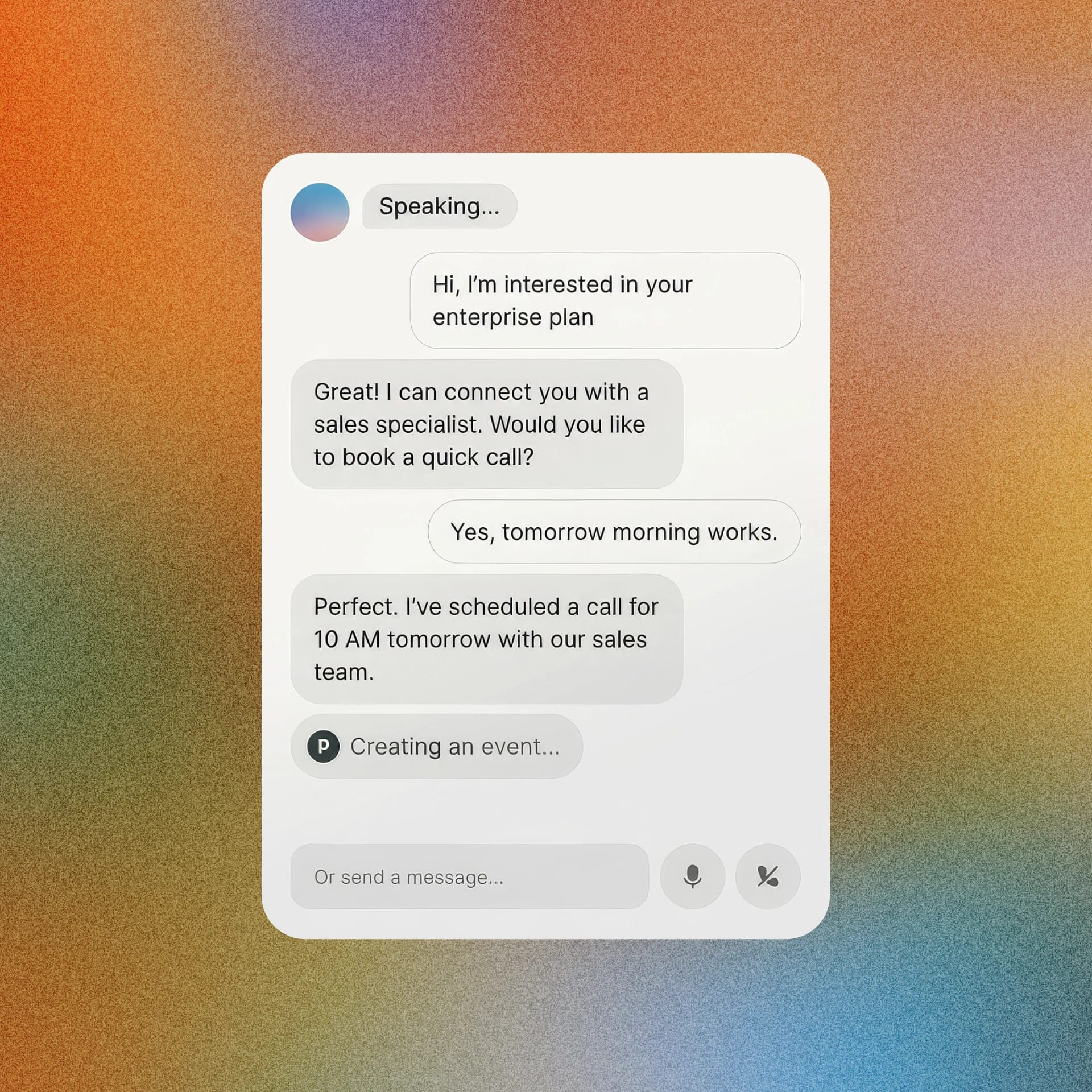
The AI SDR agent runs 24/7, handles more than 70 languages, qualifies leads against defined criteria, and books meetings directly on the calendar during the call. No handoff delay. No time zone friction.
The results today:
- The agent delivers the output of two full-time SDRs
- Qualification accuracy is 88%
- Customer satisfaction averages 8.7 out of 10
Demo 1: The AI SDR in Action
Scenario: A prospect contacts ElevenLabs after submitting a contact sales form. The agent, named Jon, takes the call and works through qualification before booking a meeting.
What was shown:
- Jon identified the prospect's use case: building a voice agent for order status updates handling thousands of weekly customer calls
- The agent answered a security question about data compliance, citing SOC 2 Type 2, HIPAA, GDPR, EU data residency, and the ability to sign BAAs — without missing a beat
- Jon asked qualification questions one at a time: current plan, expected conversation volume, and timeline
- Once the prospect cleared all criteria, the agent transitioned to the scheduling flow
- Jon asked for the prospect's time zone (London), called a live tool to retrieve calendar availability, and offered specific slots
- The prospect selected Tuesday at 3:15 PM. The meeting was booked on the calendar in real time, during the call
- At the end, Jon asked for a satisfaction rating. The prospect said ten out of ten. The agent extracted and logged that score automatically
Why it matters: This is a full qualification and booking workflow completed without a human SDR on the call. The agent handled a compliance objection, navigated a multi-step qualification process, used a live calendar integration, and collected structured data for the CRM — all in one conversation. The call transcript, tool call logs, qualification decision, and CSAT score were all available in the platform immediately after.
Key Components of an AI SDR
System prompt
Defines the agent's goal, personality, environment, and guardrails. For an SDR agent, that means spelling out qualification criteria, defining what the agent should and should not discuss, and describing the context in which it operates. One early lesson: keeping the system prompt concise and moving logic into Workflows reduces errors and makes the agent more predictable.
Workflows
Allow you to break the agent into nodes, each with its own goal and handoff conditions. Use an orchestrator node to determine the right path, a qualification node to ask the right questions in the right order, a support routing node for callers with non-sales questions, and a scheduling node where the tools live. Each node can have its own LLM, its own knowledge base, and its own guardrails.
Knowledge base
Gives the agent what it needs to answer questions accurately. Load product capabilities and more than 100 FAQs drawn from your own SDR team's experience.
Tools
Connect the agent to real systems. The scheduling agent can use a calendar integration (cal.com) to check live availability and book meetings. The same framework supports CRM updates, Slack notifications, and database lookups.
Analysis and data collection
Set up before launch. Define binary success metrics, structured data points (use case, volume, timeline, qualified decision), and a CSAT score extracted automatically from the end of the call. Every variable is visible in the transcript view after the call.
Best practices
- Define success before you build. Write down what "qualified" means for your specific use case. Be precise. The qualification criteria in your agent are only as good as the ones you would give a new SDR on day one.
- Start with one workflow, then iterate. The first version of the ElevenLabs agent had all the logic in the system prompt. Moving to Workflows made the agent more accurate and easier to maintain.
- Match your LLM to your task. Use a lightweight model for simple orchestration logic. Use a more capable model for nodes that require tool use or heavy reasoning. Latency improves when you make this distinction.
- Choose voices that are natively cloned in each language. For multilingual deployments, using a voice cloned natively in a given language produces noticeably higher quality results than applying a single voice across all languages.
- Set guardrails early and add to them over time. One prospect asked the agent for a spaghetti recipe. You will not anticipate every edge case at launch. Build a monitoring process and update guardrails as you learn.
- Use dynamic variables to personalize at runtime. Passing the caller's name, company, or current plan into the agent at the start of a call makes the conversation feel more relevant and reduces clarifying questions.
- Add sound effects during tool calls. While the agent is checking the calendar or writing to a CRM, a typing sound or short audio cue keeps the experience feeling natural rather than silent and awkward.
Watch the full session
Watch the full session here.

Fergal is on the Growth team at ElevenLabs, helping bring the company's research and products to more users. Previously, he worked on product and data at Entrepreneurs First, and spent two years at CloudKitchens building a new retail business vertical from the ground up. He studied at Yale University.