Headspace scales global meditation with ElevenProductions
- Category
- ElevenCreative Stories
- Date

From script to finished video in one place. No juggling tools, no handoffs.
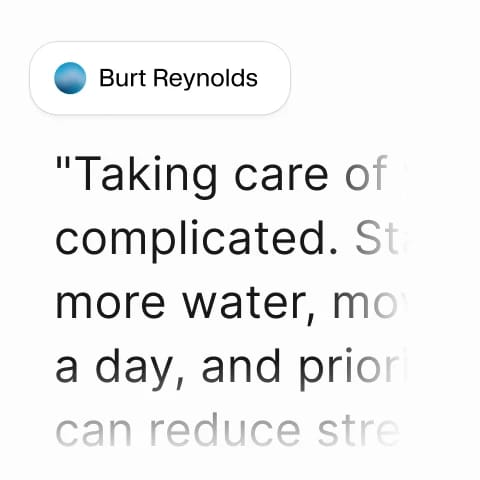
Start with the words. Type a script or paste one in.
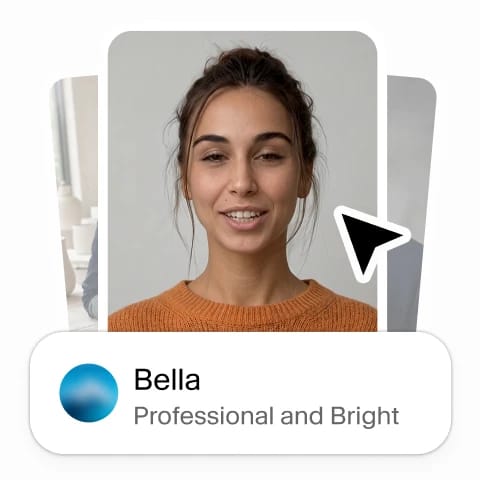
Choose any voice from your library, including cloned voices, and pair it with any avatar.
The voice and the lip-synced video are produced together, in a single step.
Find the perfect Avatar
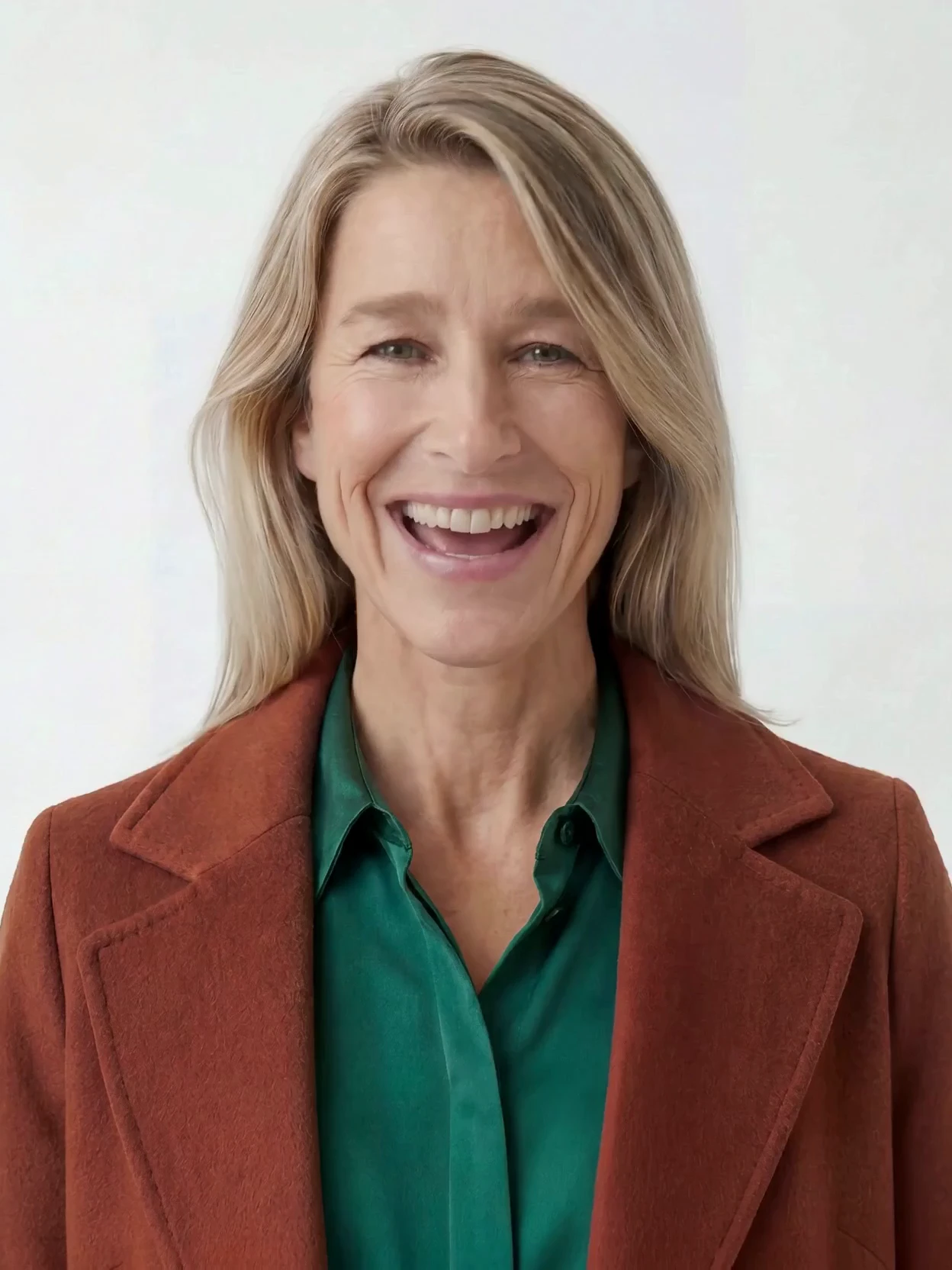
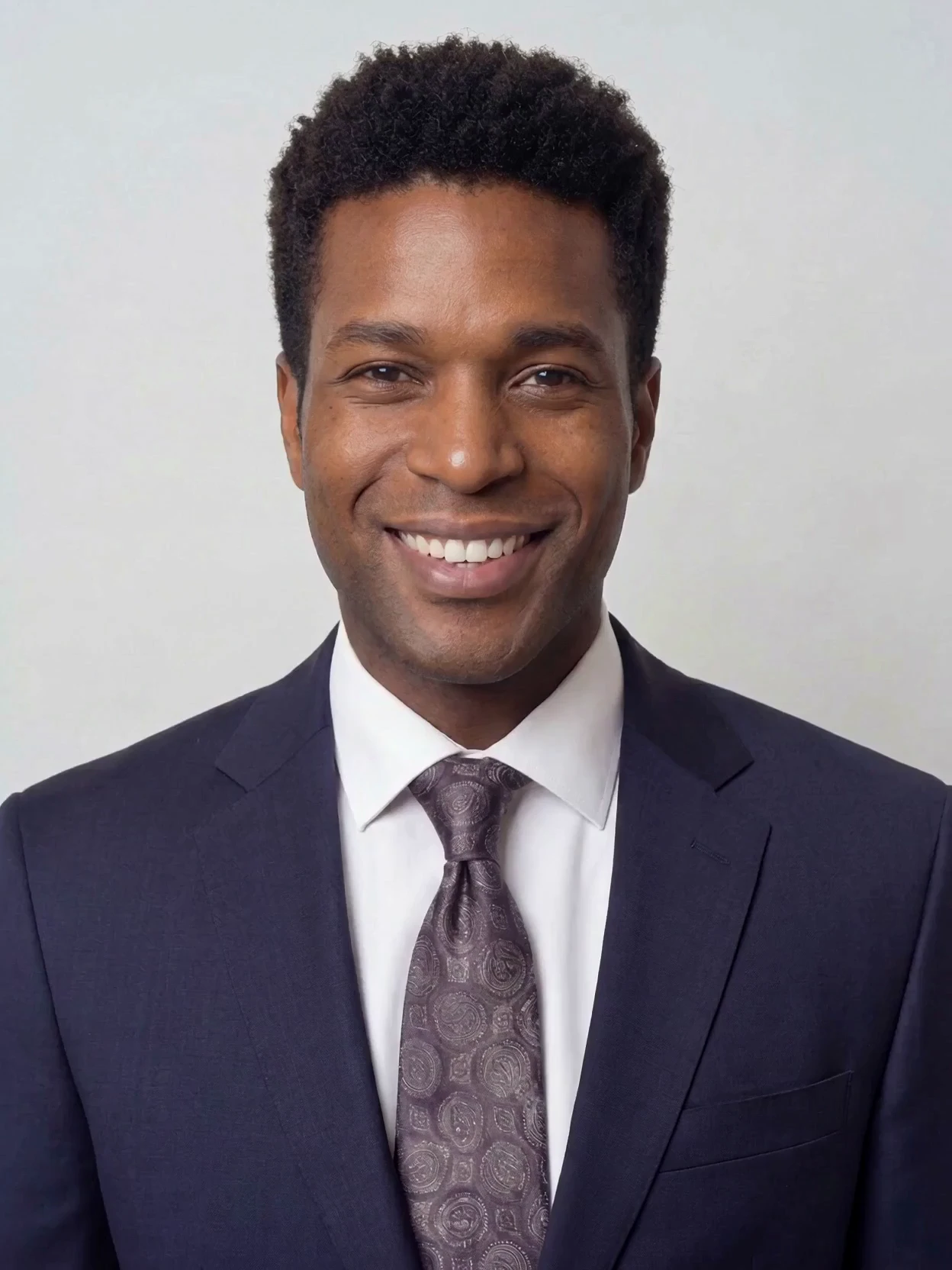
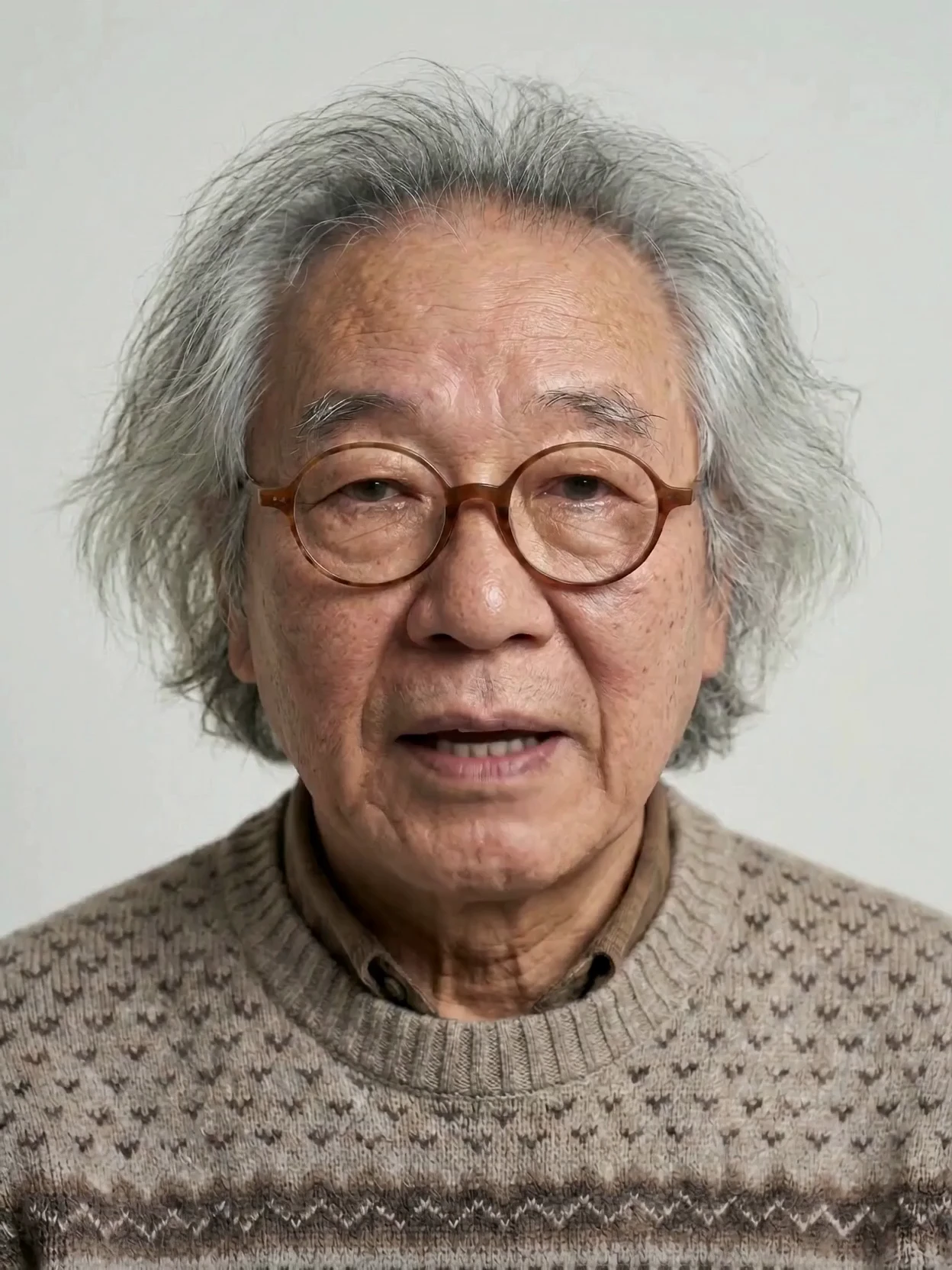
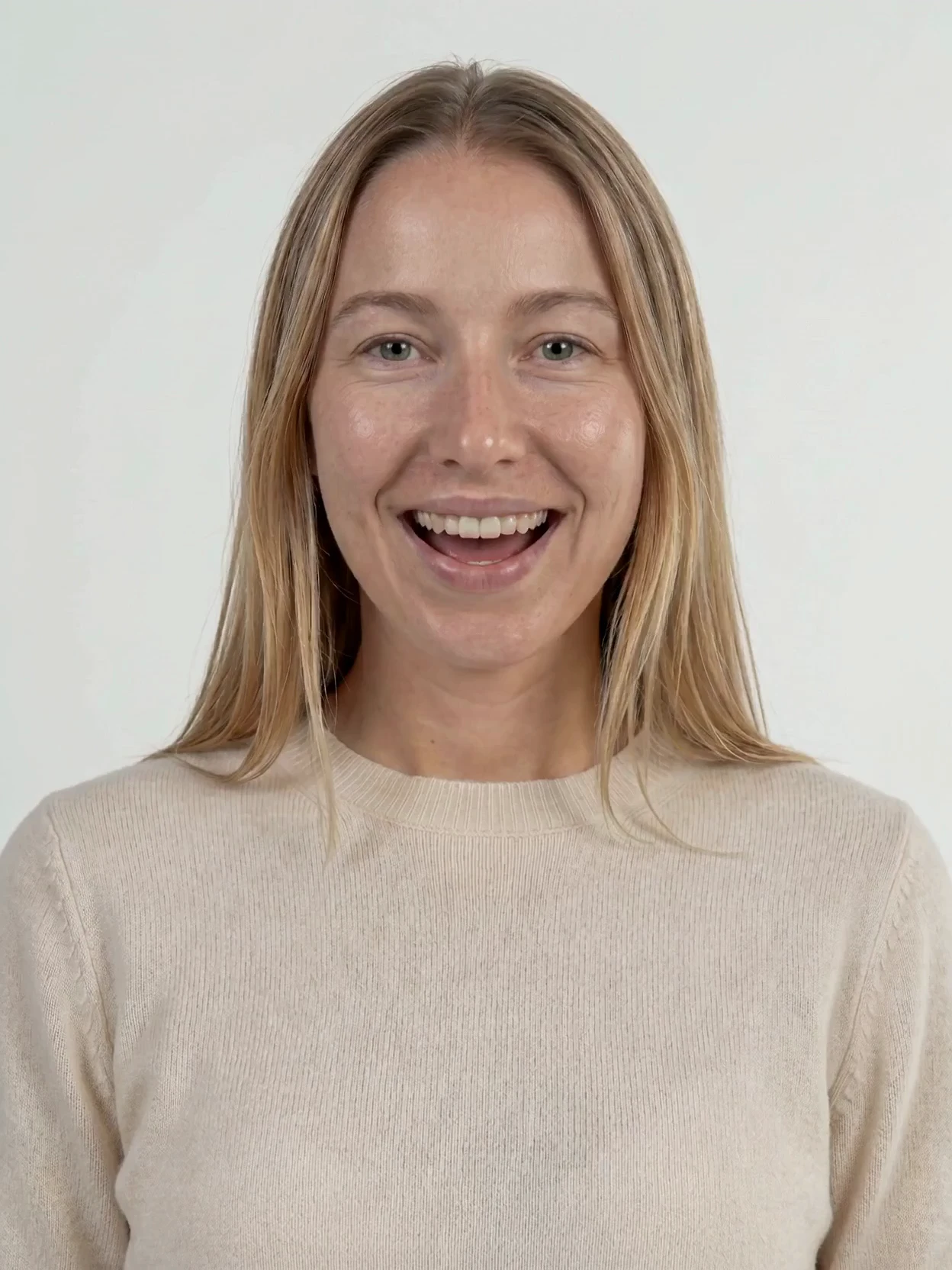
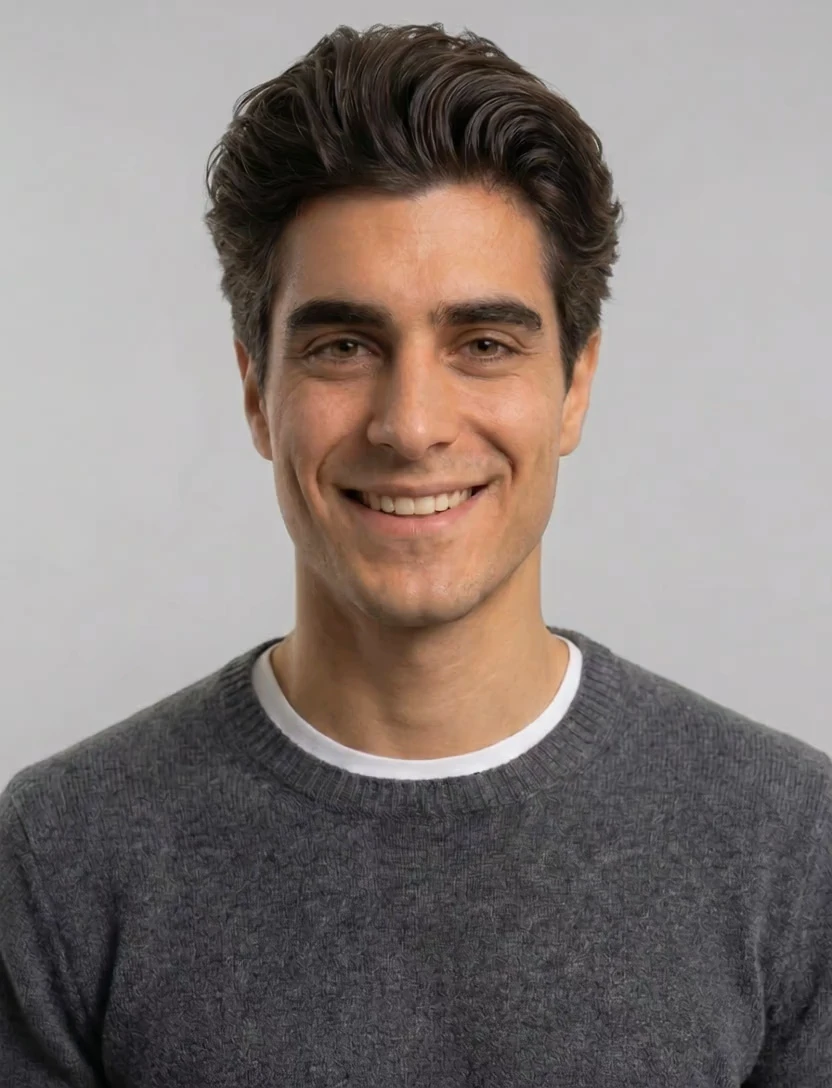
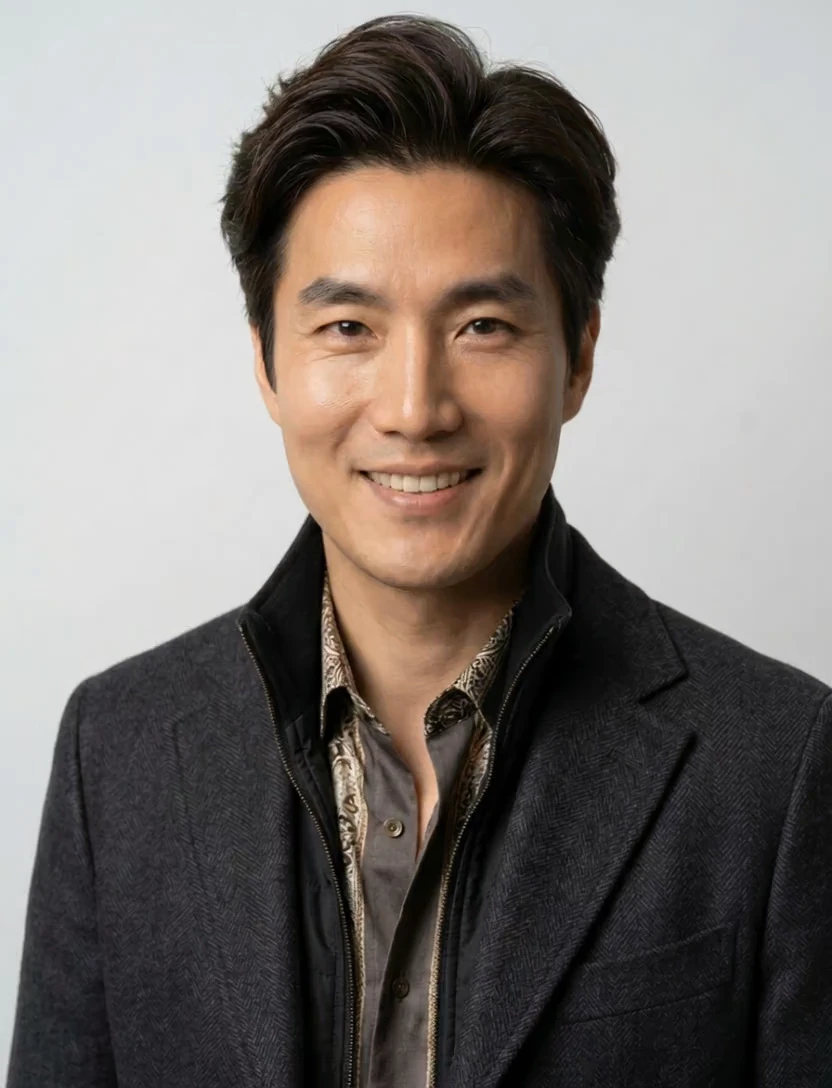
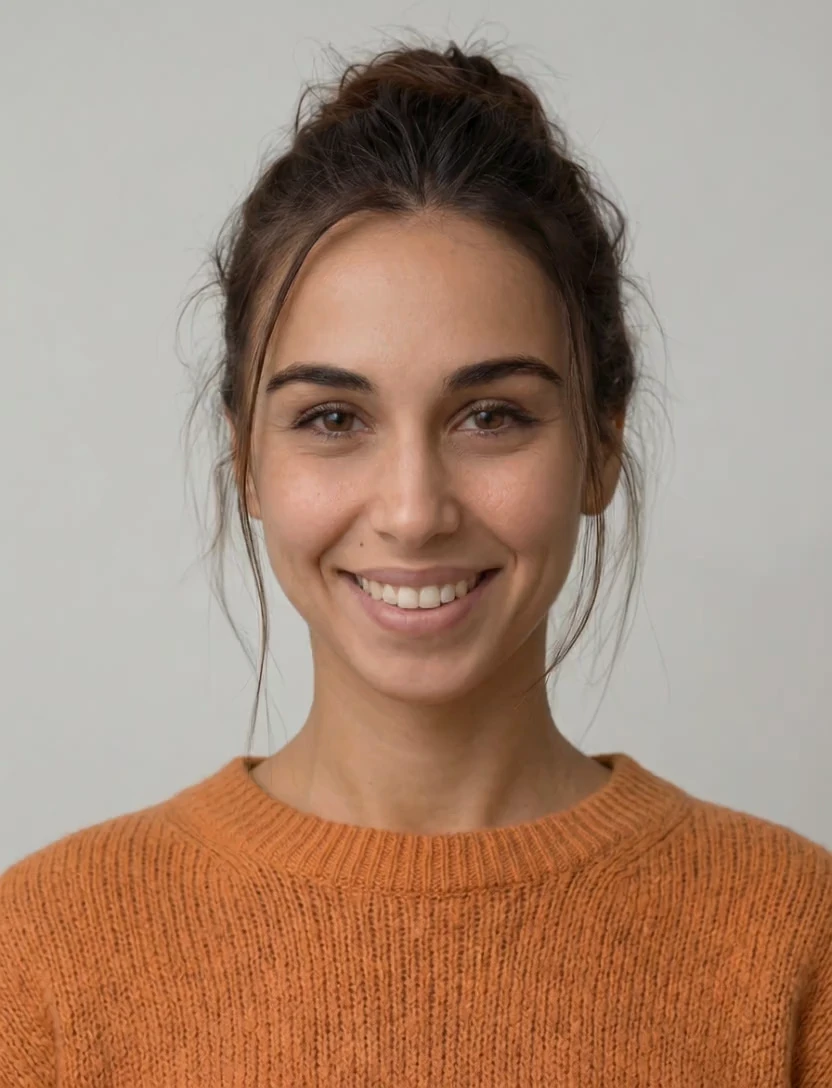
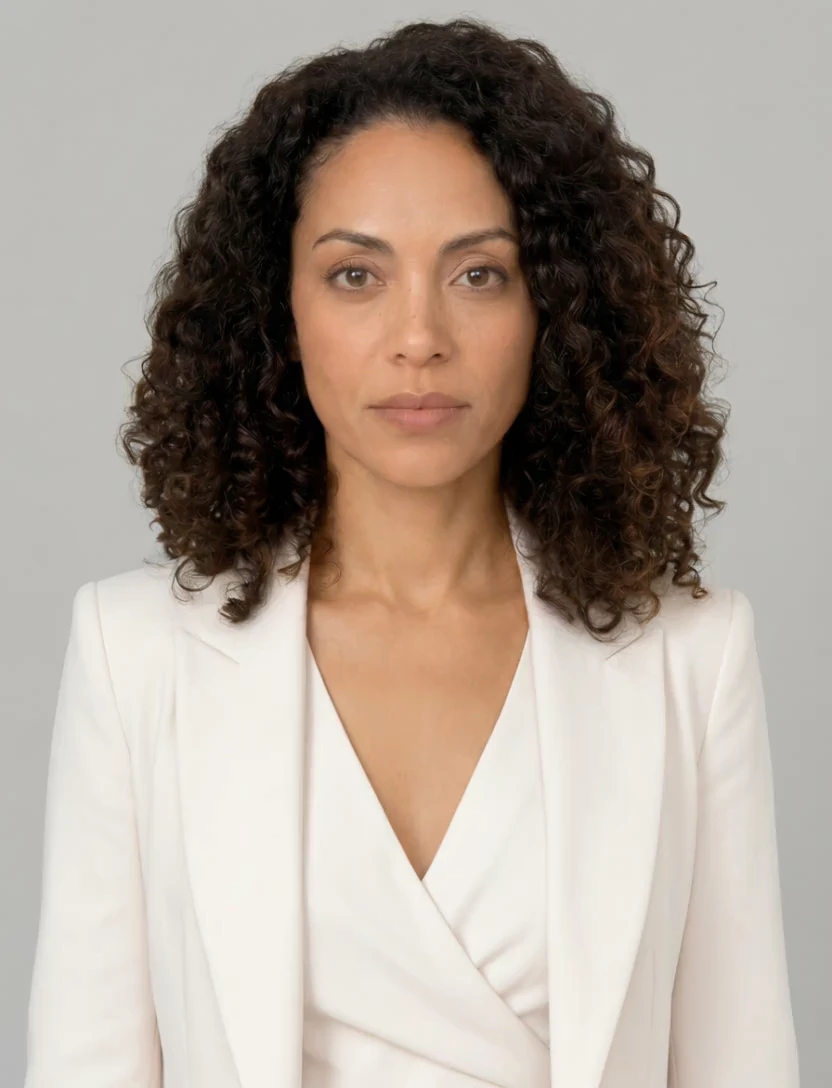
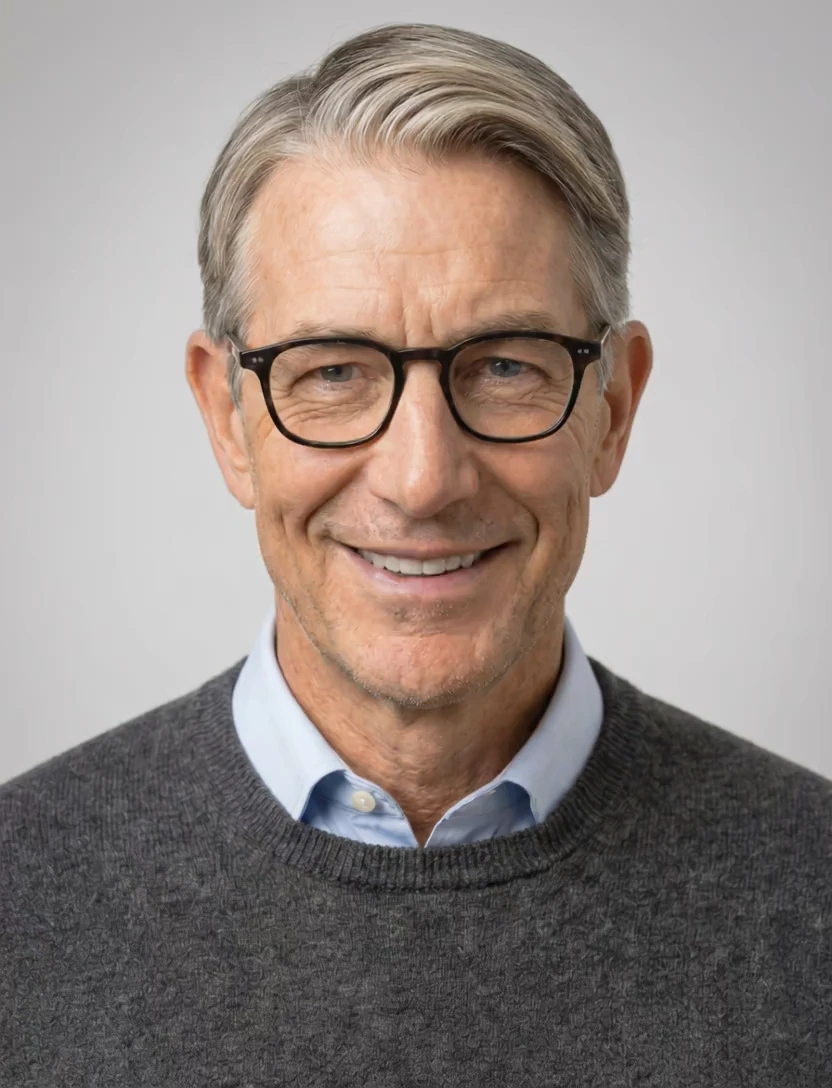
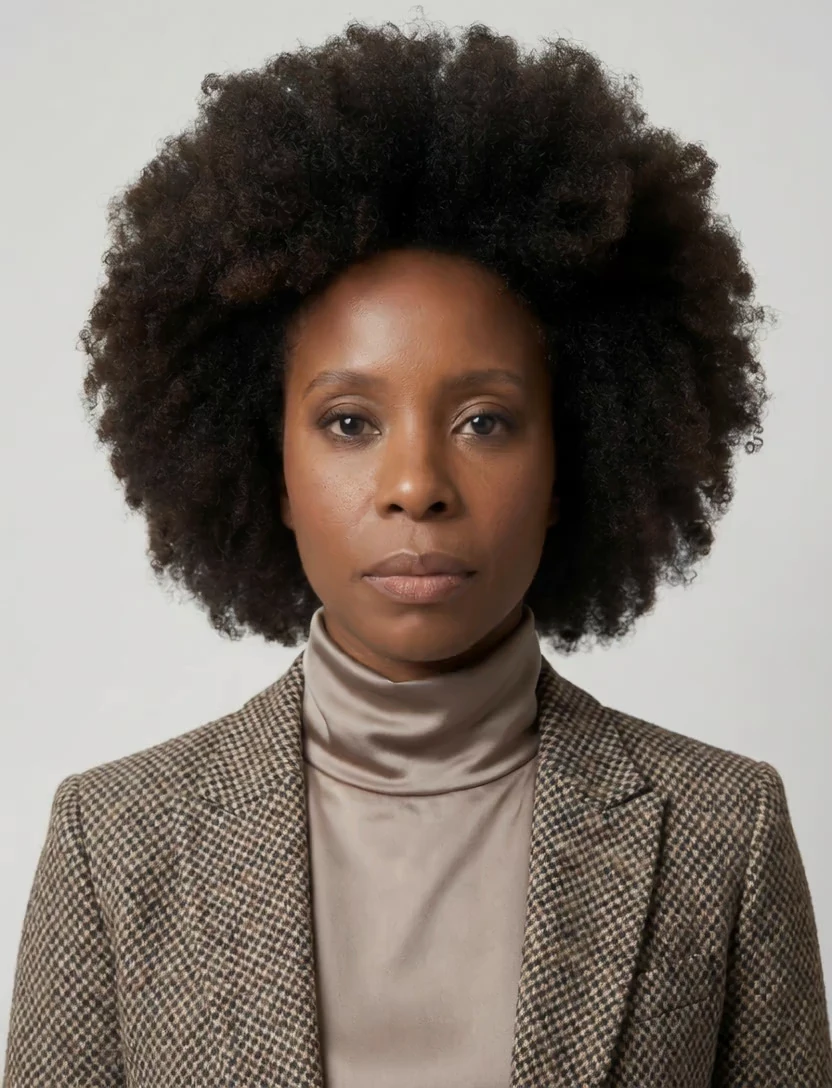
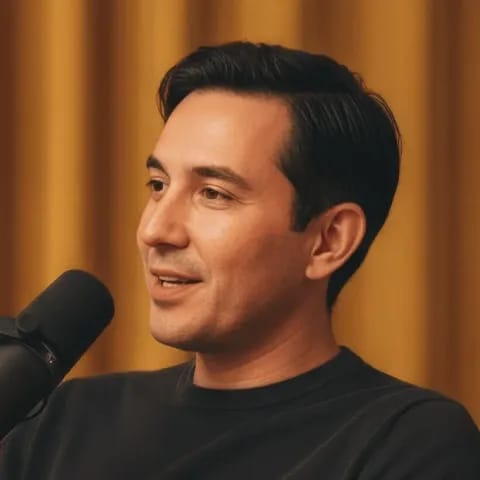
Our AI avatar generator gives you a library of faces in every style. Preview them speaking, or create your own by cloning your face and voice.


Upload reference images, name your avatar, and generate styles. Avatars are reusable identities that persist across hundreds of videos.

Add multiple reference images of the same person or character from different angles.
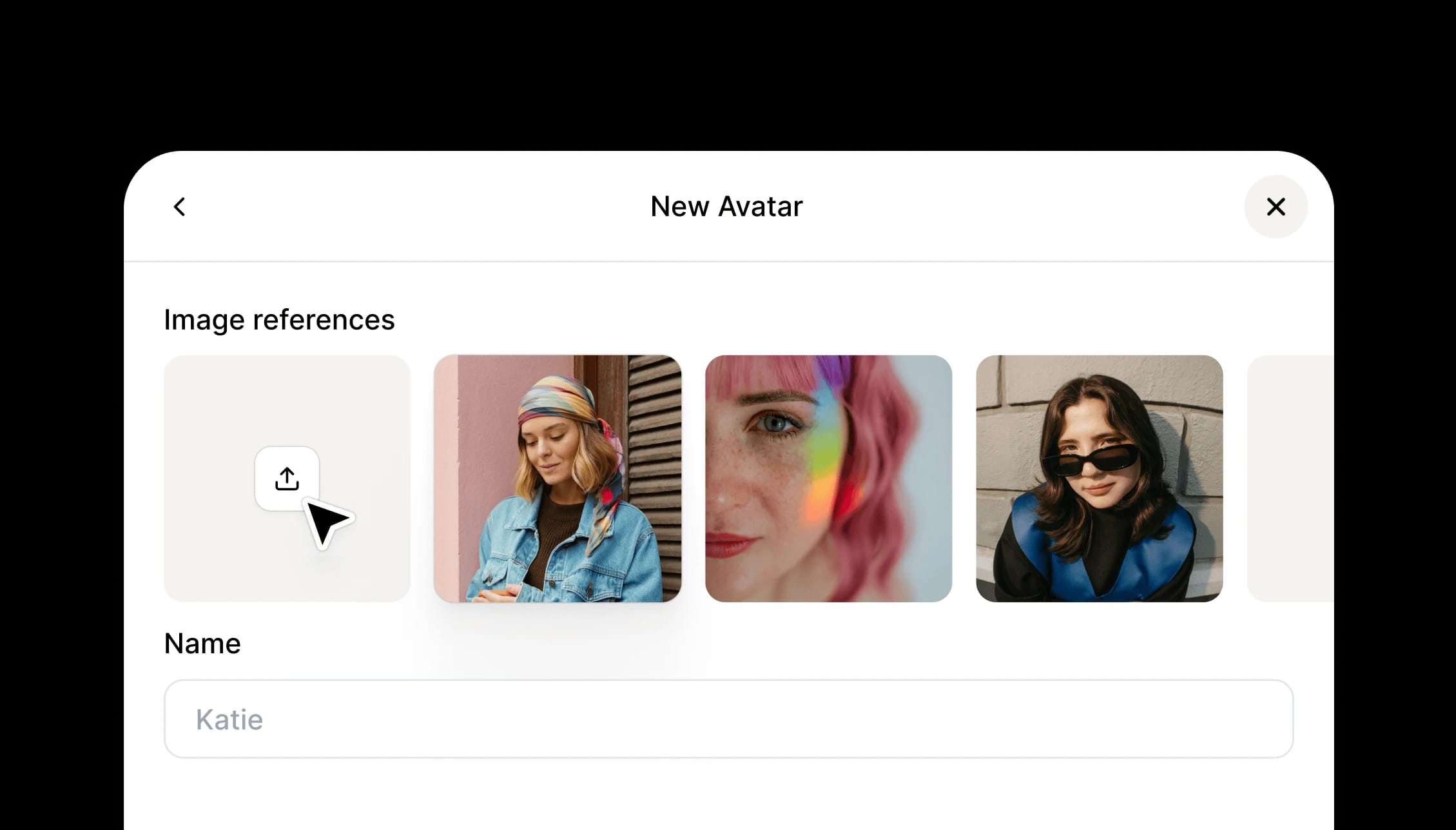
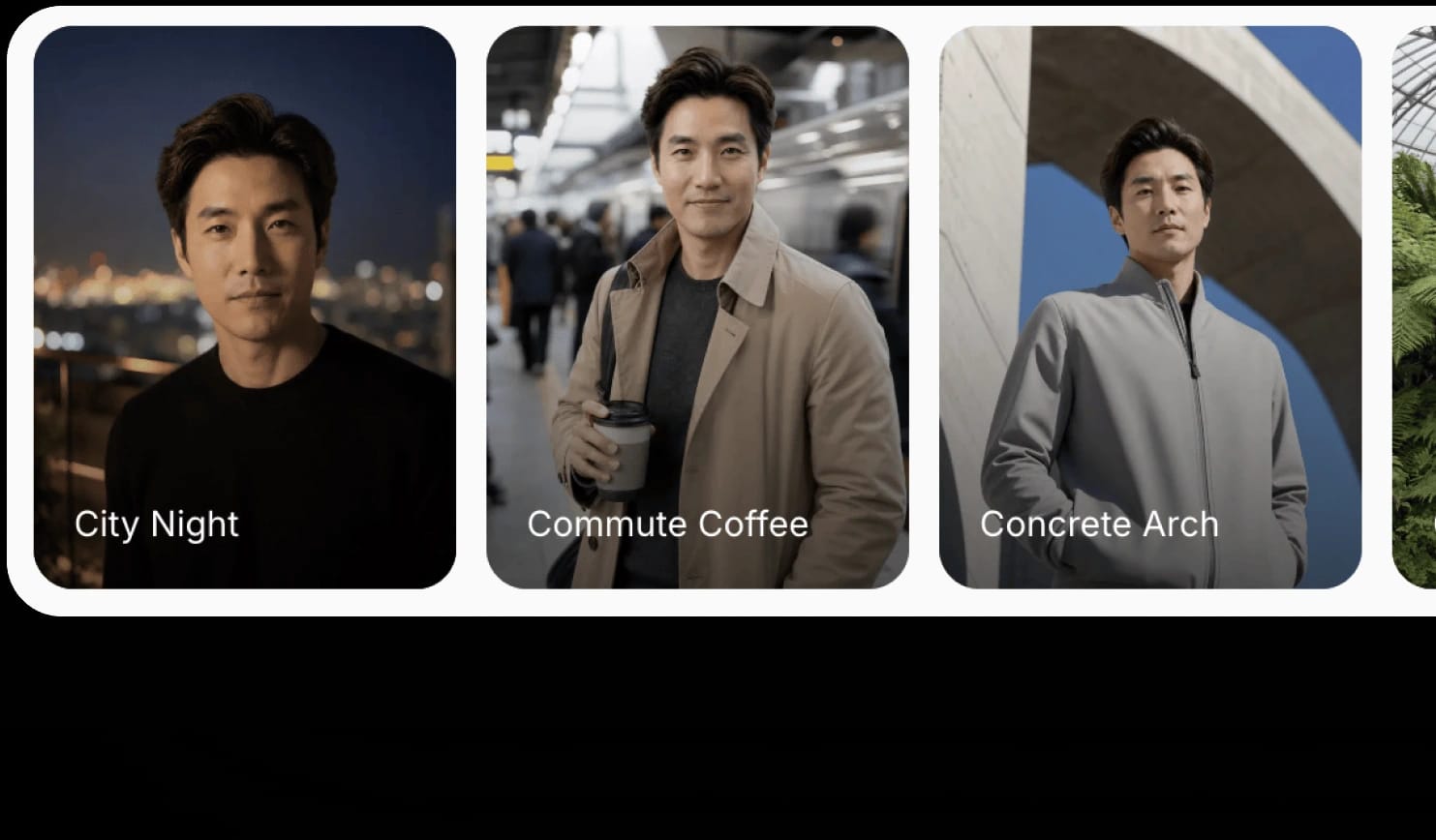
Create variations with different angles, outfits, backgrounds, and lighting.
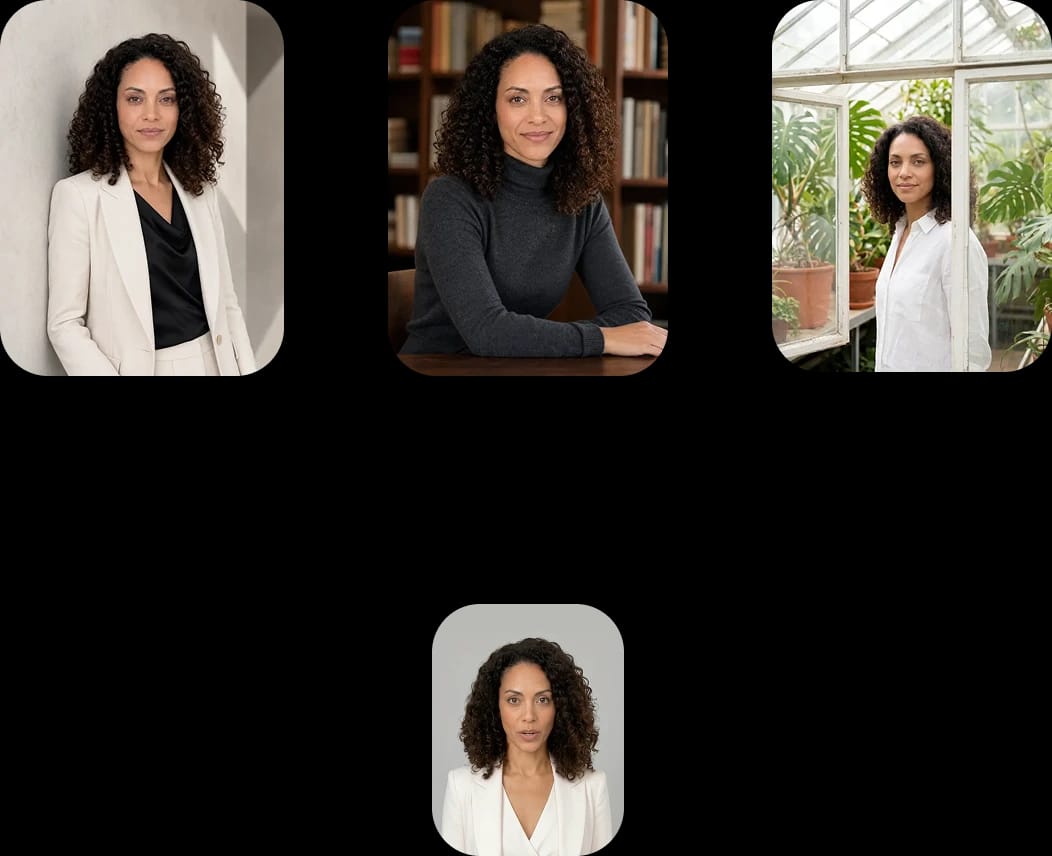
The same identity, video after video. No drift between generations.
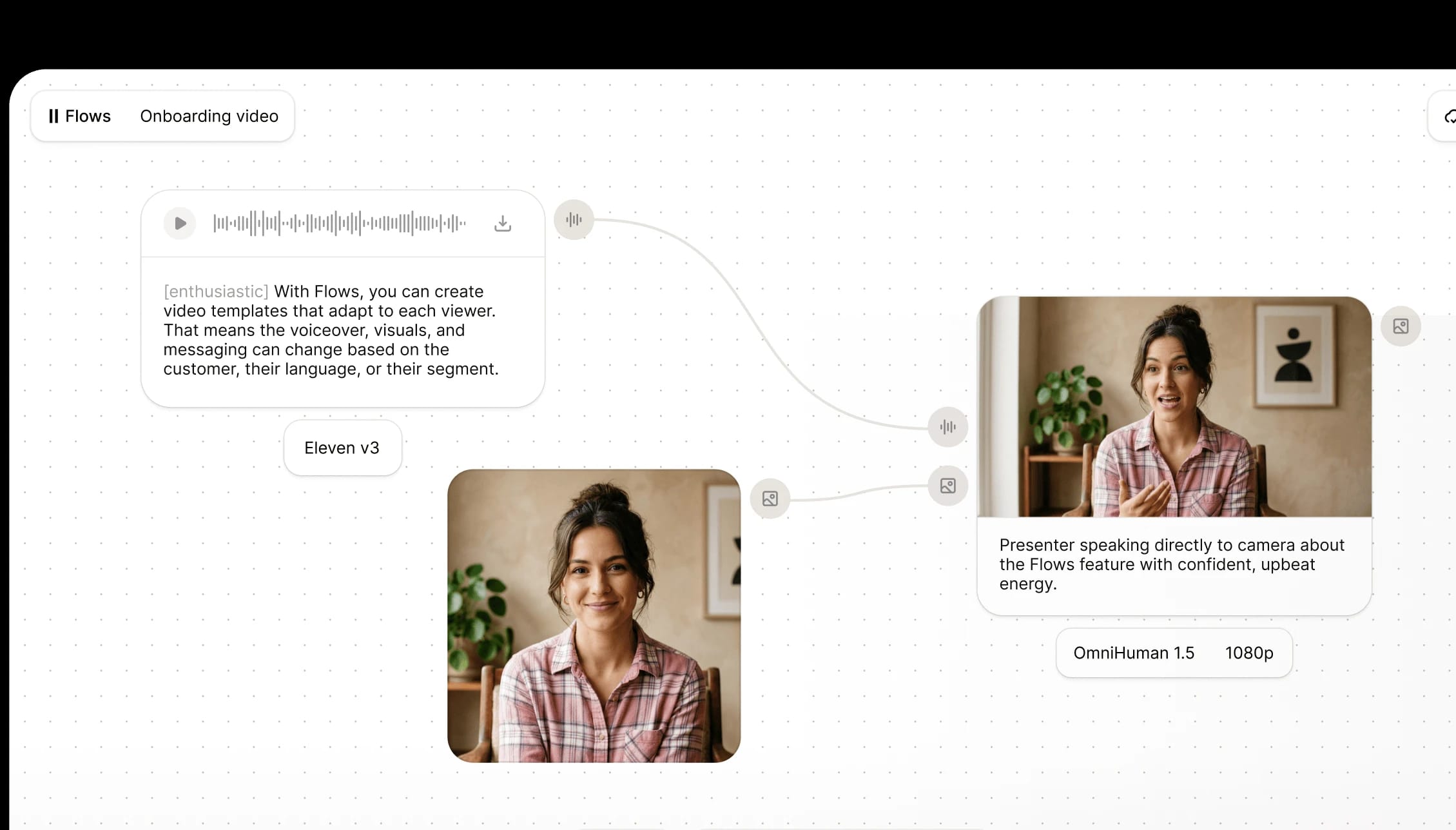
Drop the Avatar node into a flow and batch-produce videos across products, languages, and hooks.
Create with our production-grade ElevenLabs audio models and industry-leading image and video models, all-in-one platform.
Persistent visual identities for the best AI voices. Create an avatar once and reuse it across hundreds of videos.



Avatars are persistent visual identities that you pair with any ElevenLabs voice to generate talking-head videos with synchronized lip movement. An Avatar can be a person, character, or animal. Once created, it lives in your workspace and can be reused across as many videos as you need.
Go to Image & Video or Studio, select the Avatar tab, and click New Avatar. Upload multiple reference images of the same person or character from different angles. Name the Avatar, add an optional description, and click Create. Multiple reference images produce the best results. Single-image results may be inconsistent.
Styles are variations of an existing Avatar. Different camera angles, outfits, backgrounds, or lighting conditions. You can generate new Styles from an existing Avatar or create them from scratch using additional reference images. This lets you keep the same identity across different visual contexts without rebuilding.
Yes. You can select any voice from your library, including cloned voices, and pair it with any Avatar. Text to Speech is integrated directly into the Avatar prompt island, so the voice and the lip-synced video are produced together in one step.
We integrate multiple leading lip-syncing models. The platform selects the best model based on your input format and quality requirements. You do not need to choose a model manually.
Avatars are available on all paid plans. Credit costs follow the existing Image & Video pricing structure and vary by model and resolution. Credits are shared across all ElevenCreative tools.
Yes. A new Avatar node is available in Flows. You can build automated pipelines that generate avatar videos at scale, swapping scripts, voices, and Styles across runs. This is useful for producing dozens of ad variants or localized content in a single execution.
Not at initial launch. API access is planned for a future release.
Previously, generating a lip-synced video meant opening Image & Video, selecting Video, filtering the model picker by lip-sync, and choosing a model. Avatars simplifies this into a single entry point with integrated Text to Speech, persistent identities, and a curated library. It reduces the steps from five to one.
Yes. Avatars support humans, characters, and animals. Upload reference images from different angles and the system generates the Avatar identity the same way it does for human subjects.