跳到内容

AI 转写 Zoom 通话

无论是团队例会、客户演示还是全员大会,ElevenLabs 都能将 Zoom 录音高精度转为 99 种语言的文本。

访谈.pdf

几秒内转写 Zoom 会议

上传 Zoom 录音,AI 自动处理。获取准确、带说话人标签的文本,随时可编辑、下载或分享。

1

Upload your Zoom recording

拖拽 Zoom 录音,或从设备/云端上传。支持所有主流视频和音频格式。

2

Edit your transcript instantly

点击任意单词即可剪切、修正或重新排版。词级时间戳让编辑更快更精准。

3

Export in any format you need

可下载为 TXT、PDF、DOCX、JSON、SRT 或 VTT。随时可编辑、分享或发布。

不仅仅是转写,更懂会议内容

ElevenLabs Zoom 文字稿生成器可识别每位说话人,标注每次发言的时间,并捕捉录音中的所有细节,输出结构化、可搜索的会议文字稿。

顶级准确率

行业领先的转写准确率,即使在复杂音频环境和多样口音下,也能输出干净、可编辑的文本。

Scribe 在准确率基准测试中超越所有竞品模型

编辑文字稿

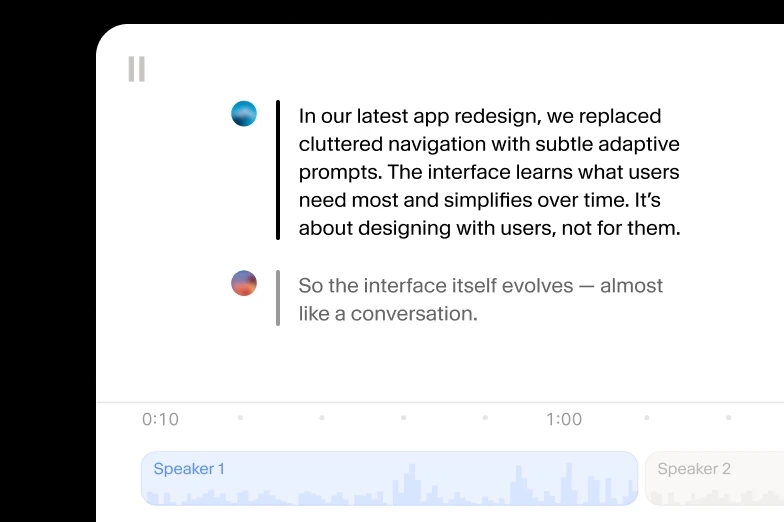
点击任意单词即可剪切、修正或重新排版。可拆分或合并片段、重新分配说话人、微调时间轴,全部在文字稿编辑器中完成。

Amidst the outer atmosphere of the planet Aurora, the sky shimmered with fractured light, as though the planet's veil were made of stained glass suspended in space.
Sensors pulsed with irregular patterns, the kind no algorithm could quite reconcile.
Amidst the outer atmosphere of the planet Aurora, the sky shimmered with fractured light, as though the planet's veil were made of stained glass suspended in space.

99+ 种语言和口音

支持 99 种语言,包括马拉雅拉姆语、粤语、塞尔维亚语等小语种,无需手动切换语言。

Japanese
Hindi
Polish
Swedish
Mandarin
Vietnamese
French

多种格式支持

支持所有主流音频和视频格式:MP3、WAV、MP4、FLAC、OGG 等。可导出为 TXT、DOCX、PDF、SRT、VTT、JSON 或 HTML。

音频事件标记

Scribe 会标记笑声、掌声、脚步声等非语音音效,让文字稿更完整、细致。

说话人时间戳

自动为多达 32 位说话人添加标签,并标注每个词的时间戳,确保每个声音精准定位。

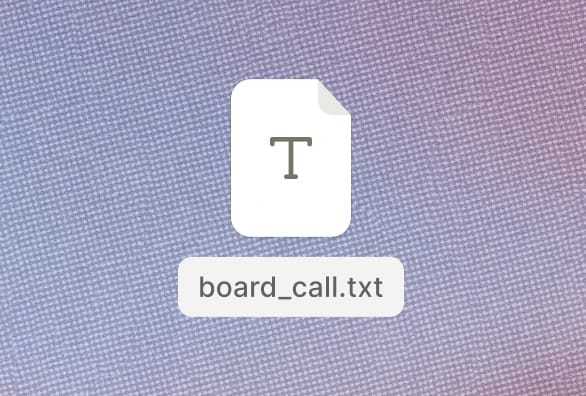
Zoom 会议文字稿导出格式

Text file icon labeled "board_call.txt" on a textured background.

Zoom 会议转 TXT

Document icon with the filename "interview.docx" on a textured background.

Zoom 会议转 DOCX

A document icon labeled "meeting.pdf" on a textured background.

Zoom 会议转 PDF

Icon representing a JSON file named "playlist.json" on a textured background.

Zoom 会议转 JSON

File icon with HTML code and filename "video_ad.html" on a textured background.

Zoom 会议转 HTML

SRT file icon labeled "film.srt" on a textured gradient background.

Zoom 会议转 SRT

Audio file icon labeled "movie.avid" on a red-orange gradient background.

Zoom 会议转 AVID

Closed caption file icon labeled "series.vtt" on a textured background.

Zoom 会议转 VTT

已转写数百万字,持续增长中

  • 我主要用 ElevenLabs 转写音频消息,准确率非常突出。这让我能有效分析学生的朗读流利度,即使说话人是刚学认字的小学生,也能准确了解每个学生的进步。
    G2 logo

    Pedro A.

    技术负责人

  • 非常适合转写访谈,准备演讲时语音质量也很棒。
    G2 logo

    Izabela M.

    客户体验研究员

  • ElevenLabs Scribe v2 模型推理速度极快,转写几乎实时,比我们用过的其他模型都快很多。
    G2 logo

    Vedaswaroop I.

    创始人

立即将音频转文本,起步免费

端到端音频作品

可添加人工审核,确保信息准确传达。

  • 同步字幕与翻译
  • 人工编辑翻译
  • 价格透明可预期
ElevenLabs Studio Capabilities

音频转文本 API 与 SDK

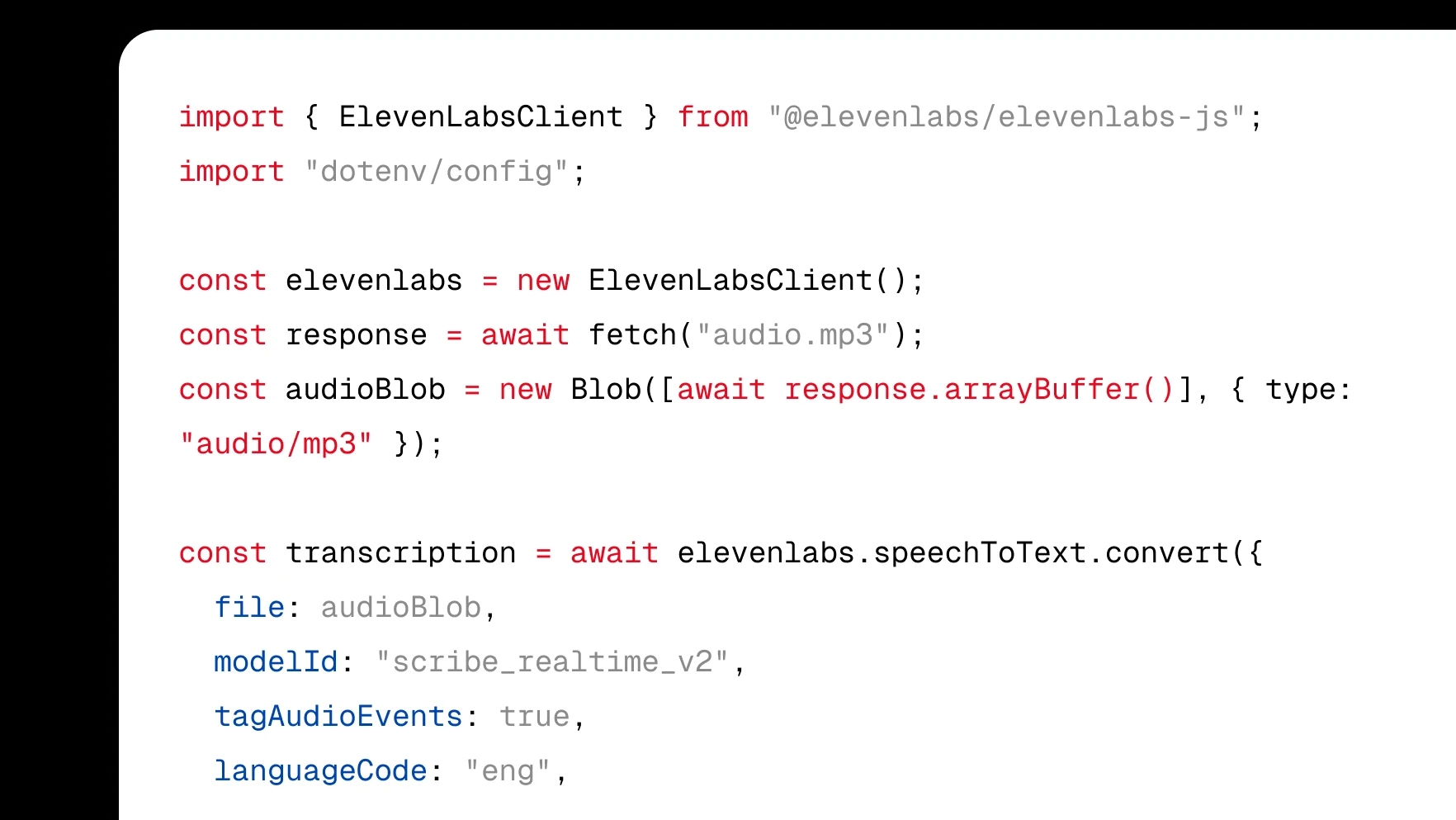
只需几行代码即可将转写功能集成到产品中。

  • 原生 Web 与移动端 SDK
  • WebSocket 与 REST API
  • 10 万开发者社区
Scribe API Graphic

网页端快速开始

通过 ElevenCreative 网页平台,将音频转为文本。

  • 每月赠送 1 万积分
  • 99+ 种语言和口音
  • 大批量灵活定价
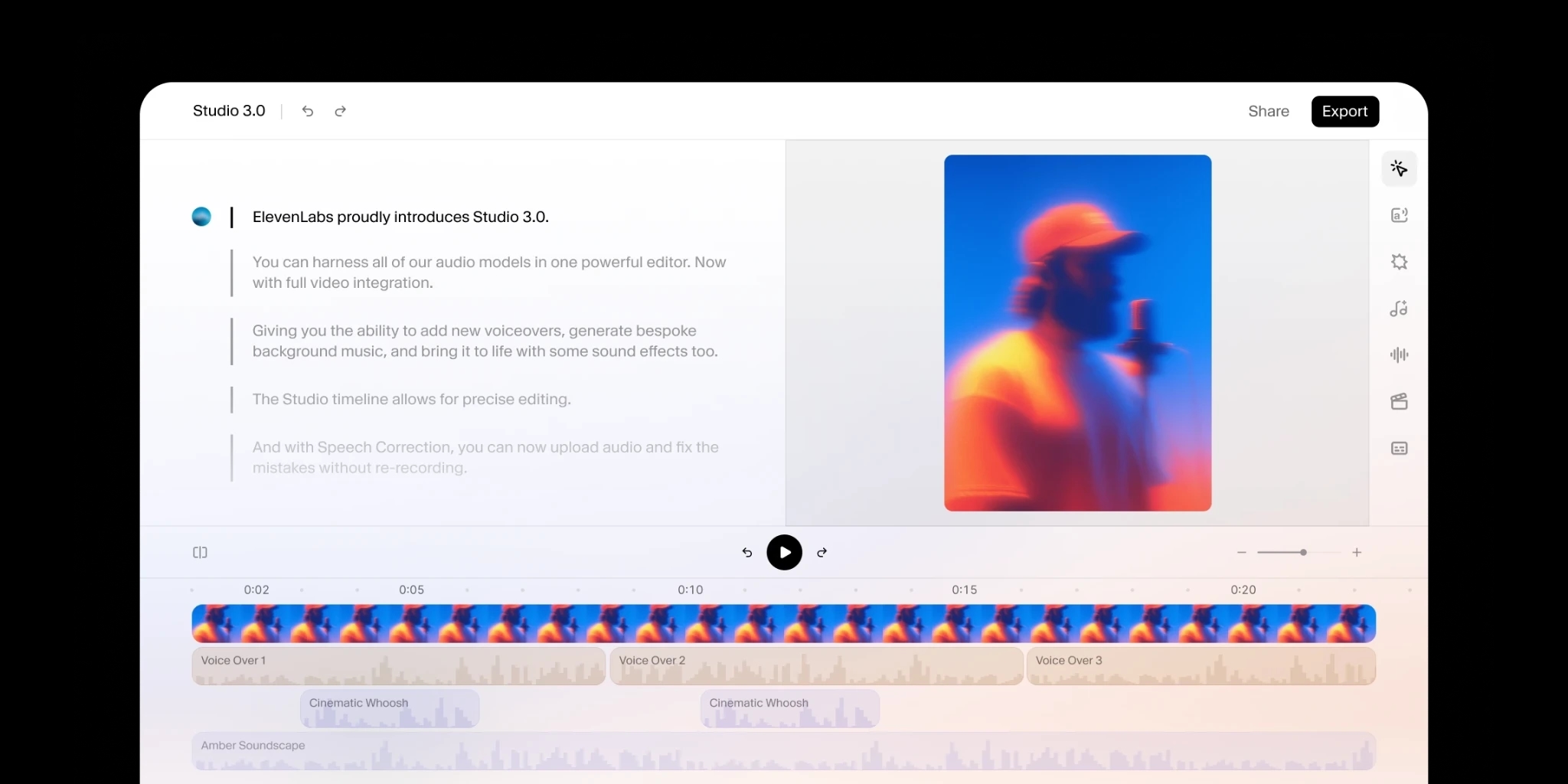
Use TTS in the ElevenLabs Studio

常见问题

用高质量 AI 音频创作