
Cinematic video creation with Google Veo 3.1
Google Veo 3.1
This video presents a bright, clean, and elegant mood, showcasing a sparkling diamond engagement ring. The setting is indoor, likely a studio, with a static and focused activity level as the camera subtly rotates around the ring. The visual style is realistic and high-definition, emphasizing the intricate details and brilliance of the jewelry. The emotional tone is luxurious, aspirational, and peaceful, highlighting the beauty and value of the object. The main subject is a silver or platinum engagement ring with a large, brilliant-cut diamond, flanked by smaller diamonds on the band. The ring rests on a dark, textured slate surface. The artistic style is photorealistic with a focus on product photography. The color characteristics feature cool tones from the silver and diamonds, contrasted with the dark, muted tones of the slate, creating a high-contrast yet sophisticated palette.
Google Veo 3.1
This video presents a bright, clean, and elegant mood, showcasing a sparkling diamond engagement ring. The setting is indoor, likely a studio, with a static and focused activity level as the camera subtly rotates around the ring. The visual style is realistic and high-definition, emphasizing the intricate details and brilliance of the jewelry. The emotional tone is luxurious, aspirational, and peaceful, highlighting the beauty and value of the object. The main subject is a silver or platinum engagement ring with a large, brilliant-cut diamond, flanked by smaller diamonds on the band. The ring rests on a dark, textured slate surface. The artistic style is photorealistic with a focus on product photography. The color characteristics feature cool tones from the silver and diamonds, contrasted with the dark, muted tones of the slate, creating a high-contrast yet sophisticated palette.


Create with Google Veo 3.1 with full control
Create with Google Veo 3.1 with full control
 Select Google Veo 3.1
Choose Google Veo 3.1 from the model library to start creating high-quality videos.
 Enter prompt and add references
Input your prompt, add reference or start frames to guide video style and motion.
 Generate and refine
Optionally add voice, music, and effects to create a more immersive video experience.
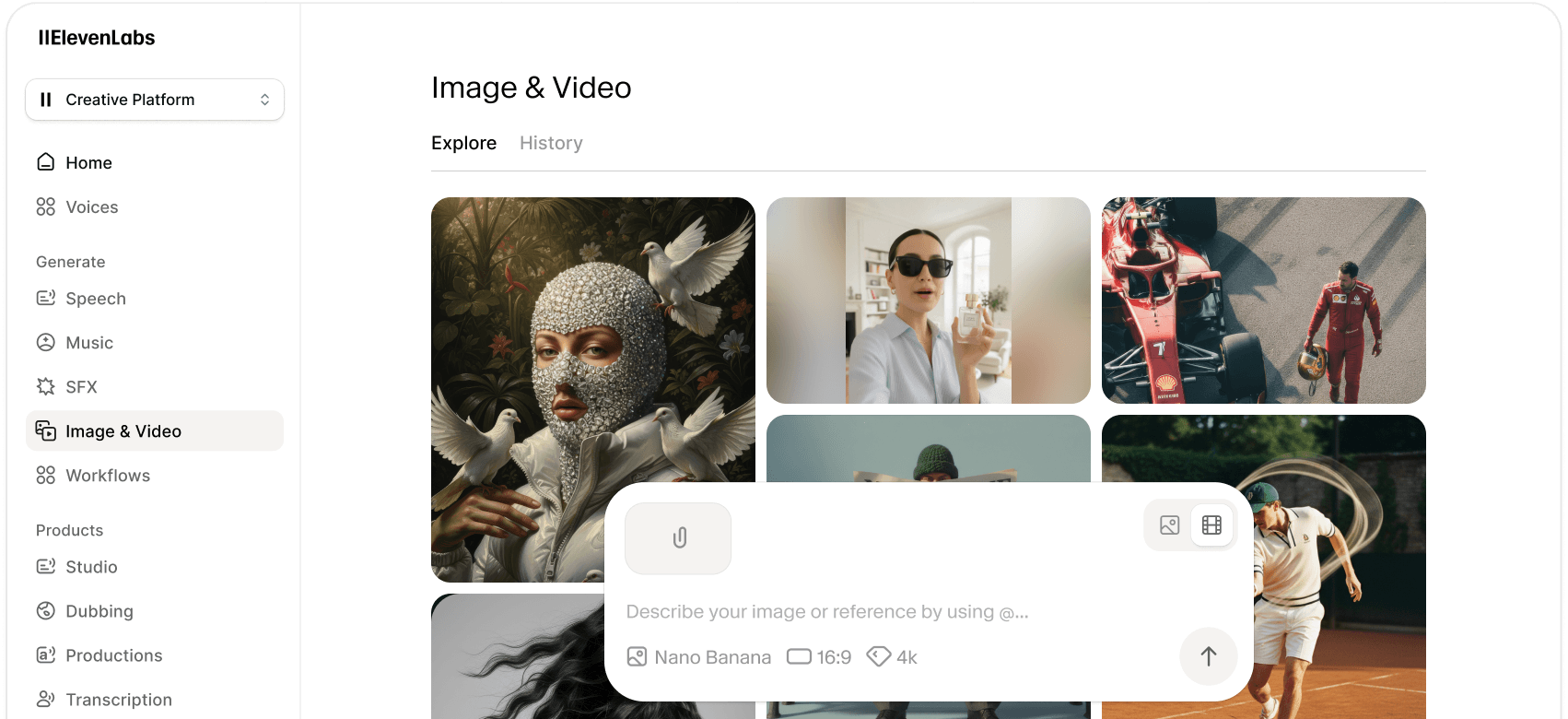
Gemini Omni Flash creates realistic, high-resolution video from text, images, and video prompts all on ElevenLabs.


![FLUX.2 [Pro]](/_next/image?url=https%3A%2F%2Fstorage.googleapis.com%2Feleven-public-cdn%2Fdatabase%2Fshared_content%2FL81pvxlms1ccnxBkXAng%2Fthumbnail.jpg&w=3840&q=80)
![FLUX.1 Kontext [Pro]](/_next/image?url=https%3A%2F%2Fstorage.googleapis.com%2Feleven-public-cdn%2Fdatabase%2Fshared_content%2FcZa7DleBnUZI7u01isPG%2Fthumbnail.jpg&w=3840&q=80)


