

Recraft V4.1 Flash로 멋진 에셋 생성
Recraft V4.1 Flash는 사실적인 인물 사진부터 대담한 일러스트까지 텍스트를 빠르게 완성된 이미지로 바꿉니다.
Recraft V4.1 Flash
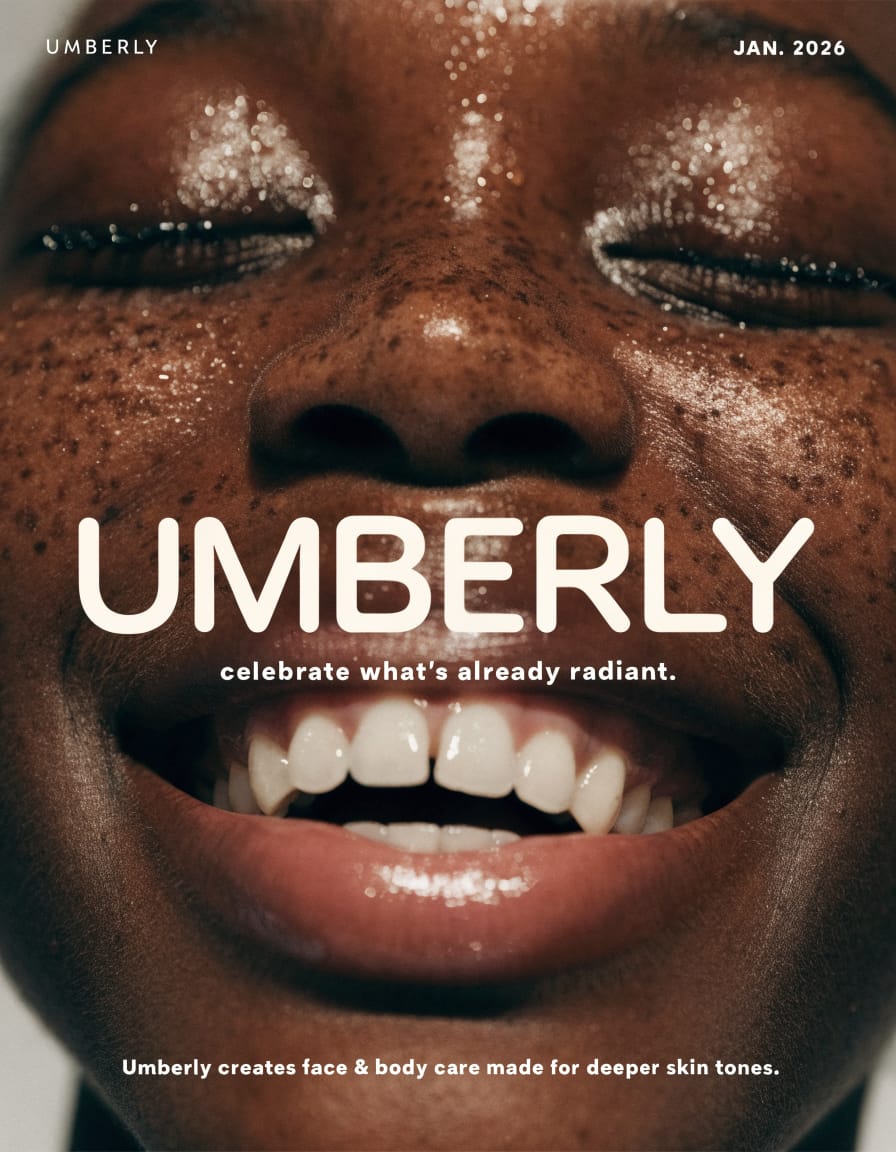
This is a static, close-up advertisement for Umberly skincare, featuring a person with deep skin tones. The overall mood is bright, positive, and radiant, emphasizing natural beauty. The setting is likely a studio, with a simple, light background that highlights the subject's face. The visual style is photorealistic and modern, with a focus on highlighting healthy, glowing skin. The emotional tone is joyful and confident, conveyed through the subject's wide, open-mouthed smile and closed, seemingly blissful eyes. The subject is a person with dark skin, visible freckles, and a radiant, slightly dewy complexion, suggesting moisturized skin. The color palette consists of warm, rich brown skin tones contrasting with the bright white teeth and text, with subtle highlights from the dewy skin.
Recraft V4.1 Flash
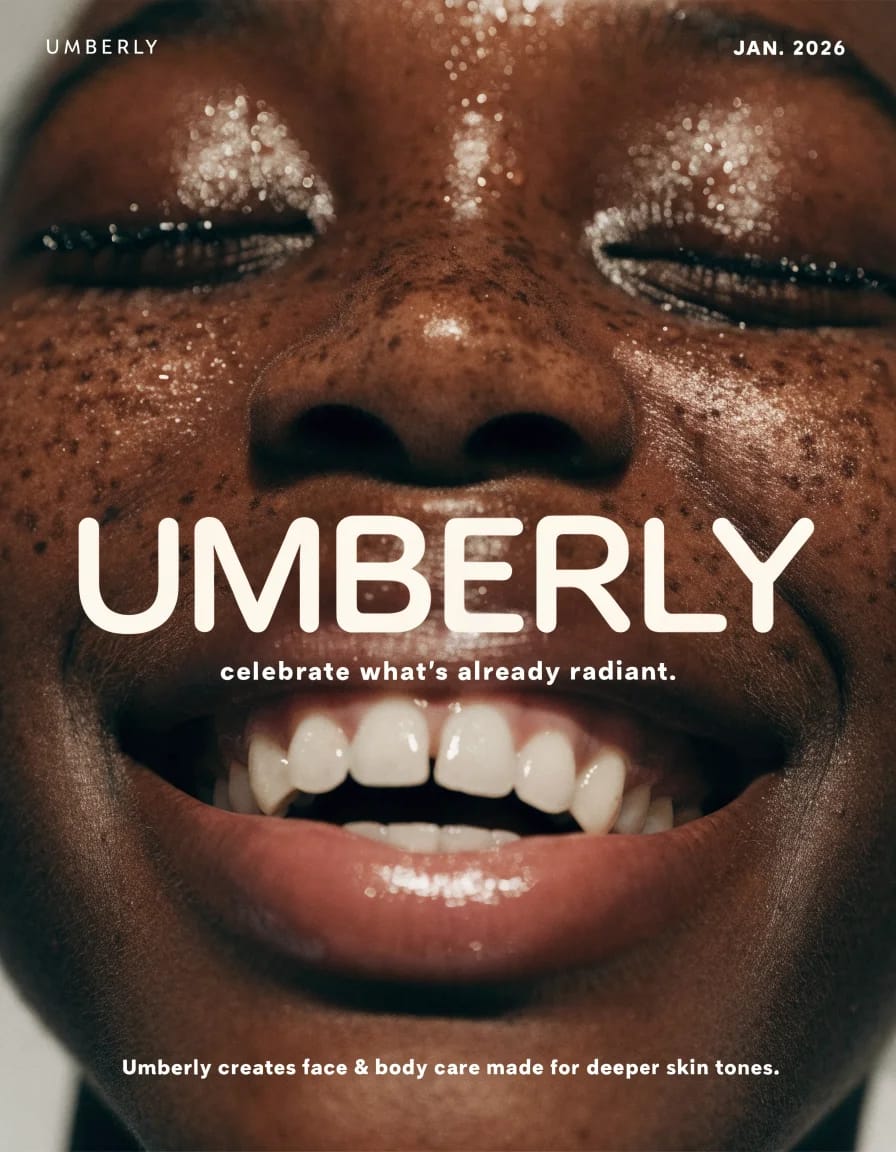
This is a static, close-up advertisement for Umberly skincare, featuring a person with deep skin tones. The overall mood is bright, positive, and radiant, emphasizing natural beauty. The setting is likely a studio, with a simple, light background that highlights the subject's face. The visual style is photorealistic and modern, with a focus on highlighting healthy, glowing skin. The emotional tone is joyful and confident, conveyed through the subject's wide, open-mouthed smile and closed, seemingly blissful eyes. The subject is a person with dark skin, visible freckles, and a radiant, slightly dewy complexion, suggesting moisturized skin. The color palette consists of warm, rich brown skin tones contrasting with the bright white teeth and text, with subtle highlights from the dewy skin.

빠른 텍스트-이미지 생성
글로 적은 아이디어를 빠르게 완성된 이미지로 만들어 보세요. Recraft 특유의 스타일로 인물 사진, 일러스트, 새로운 구도를 탐색할 수 있습니다.
빠른 크리에이티브 반복 작업
이미지를 빠르게 생성한 다음 프롬프트를 바꿔 콘셉트, 조명, 카메라 앵글을 비교해 보세요.
초안이 아닌 완성된 이미지
Recraft의 시각적 스타일로 스케치와 초기 콘셉트를 완성도 높은 이미지로 바꿔 보세요.
자연스러운 디테일의 사실감
자연스러운 불완전함과 깊이감을 갖춘 사진 같은 인물 사진과 분위기 있는 장면을 만들어 보세요.
프롬프트로 제어하는 구도
피사체의 위치, 동작, 객체 수를 설명해 이미지가 구성되는 방식을 안내하세요.
개성 있는 시각 스타일 탐색
텍스트 프롬프트로 하나의 크리에이티브 아이디어를 사진, 일러스트, 혼합 매체 구도로 다양하게 탐색해 보세요.
어떤 배치에도 맞는 이미지 프레이밍
정사각형, 세로형 또는 가로형 화면 비율을 선택해 소셜 게시물, 배너, 프레젠테이션에 맞게 이미지를 구성하세요.
Recraft V4.1 Flash로 자유롭게 창작하세요
Recraft V4.1 Flash로 자유롭게 창작하세요
 Recraft V4.1 Flash 선택
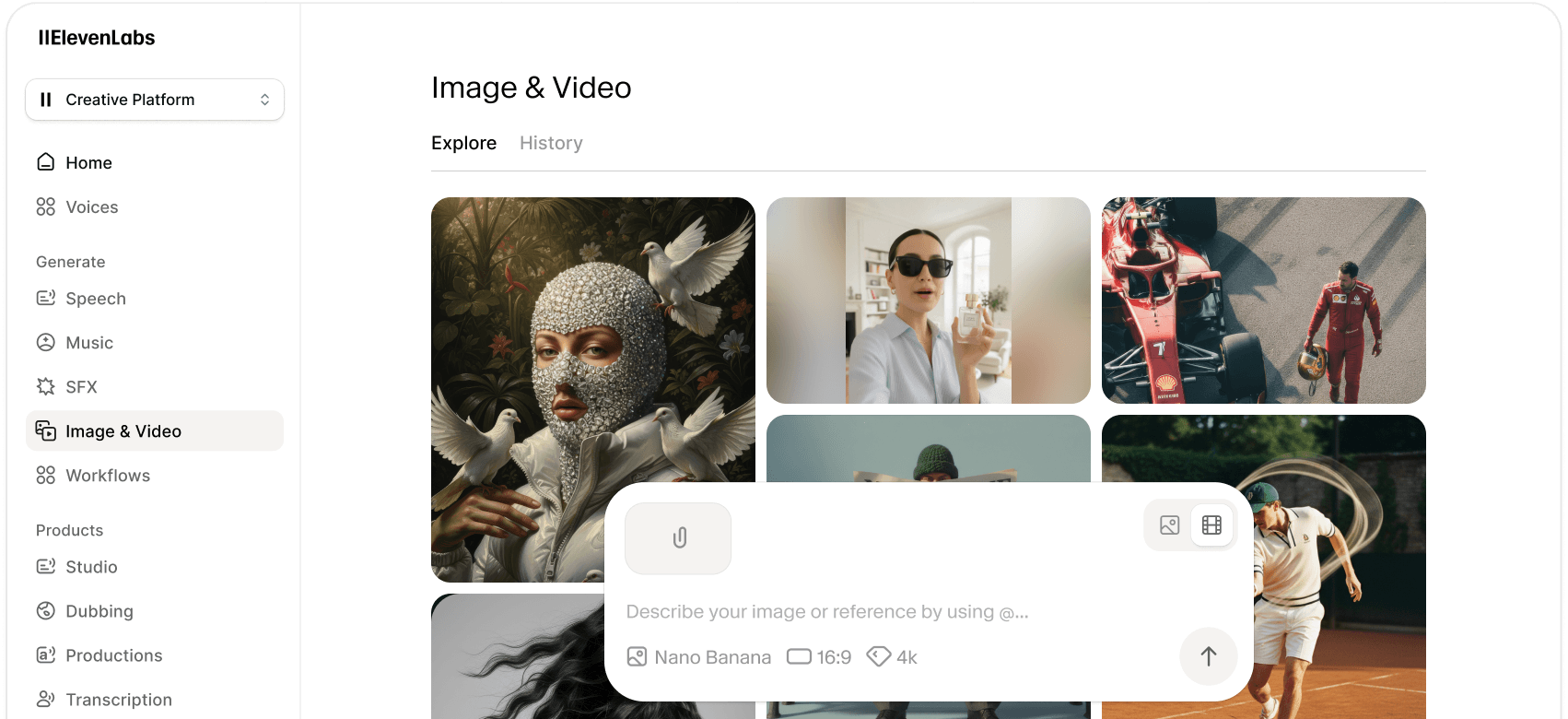
ElevenLabs의 이미지 모델 라이브러리에서 Recraft V4.1 Flash를 선택하세요.
 프롬프트 입력 및 참고 자료 추가
피사체, 시각적 스타일, 조명, 구도를 설명하는 프롬프트를 작성하세요. 용도에 맞는 화면 비율을 선택하세요.
 생성 및 수정
이미지를 생성하고 결과를 검토한 뒤, 프롬프트를 조정해 다른 구도, 스타일 또는 조명 설정을 시도해 보세요.
자주 묻는 질문
더 많은 이미지 & 비디오 생성 모델 둘러보기
각각의 고유한 강점과 기능을 가진 AI 이미지 및 비디오 생성 모델 전체 라이브러리를 확인해보세요.
Kling 4.0 generates cinematic video with stable motion during fast action, complex camera moves
Google Nano Banana 2.1 generates and edits images with precise changes and consistent subjects.
FLUX 3 Image brings precise spatial control and localized editing to your images on ElevenLabs.

GPT Image 2.5 makes precise image edits while preserving subjects, composition, and visual quality.
Minimax H3 Max generates polished, prompt-faithful video faster than real time on ElevenLabs.
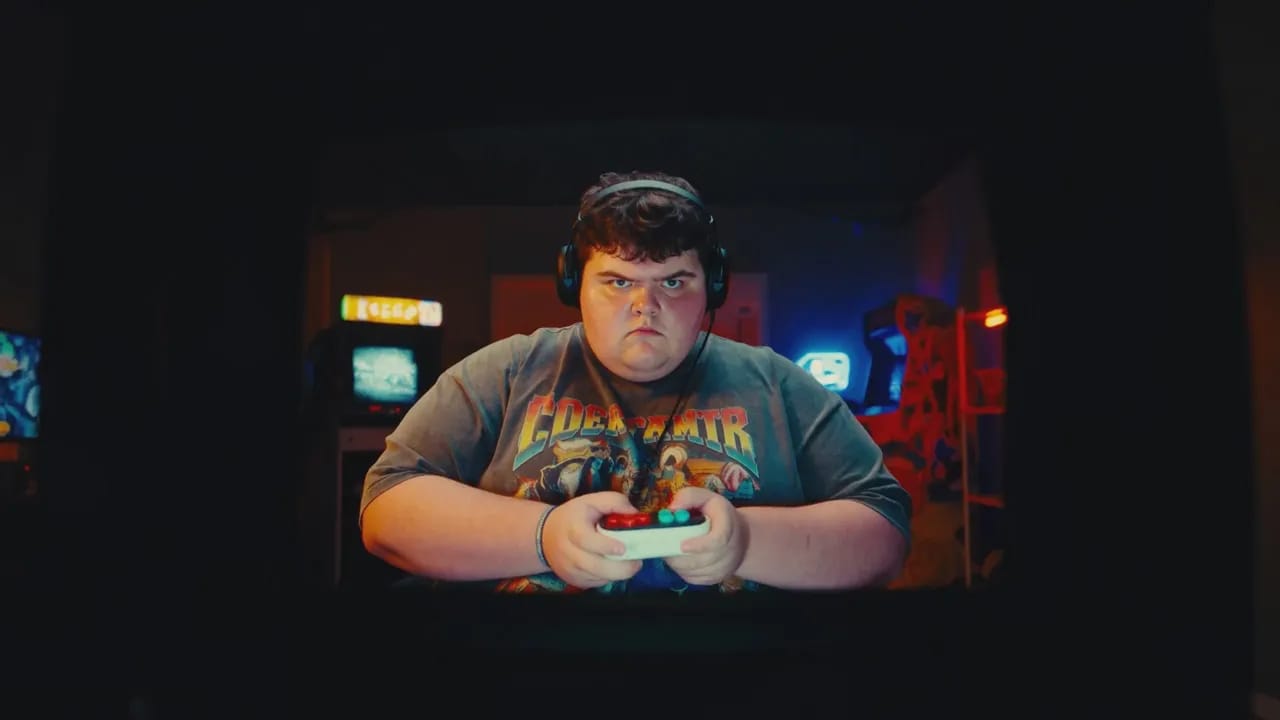
Gemini Omni Flash 1.1 combines fast video generation and conversational editing with precise cinematic control.
Minimax H3 unifies video generation, reference control, and natural-language editing in one model.
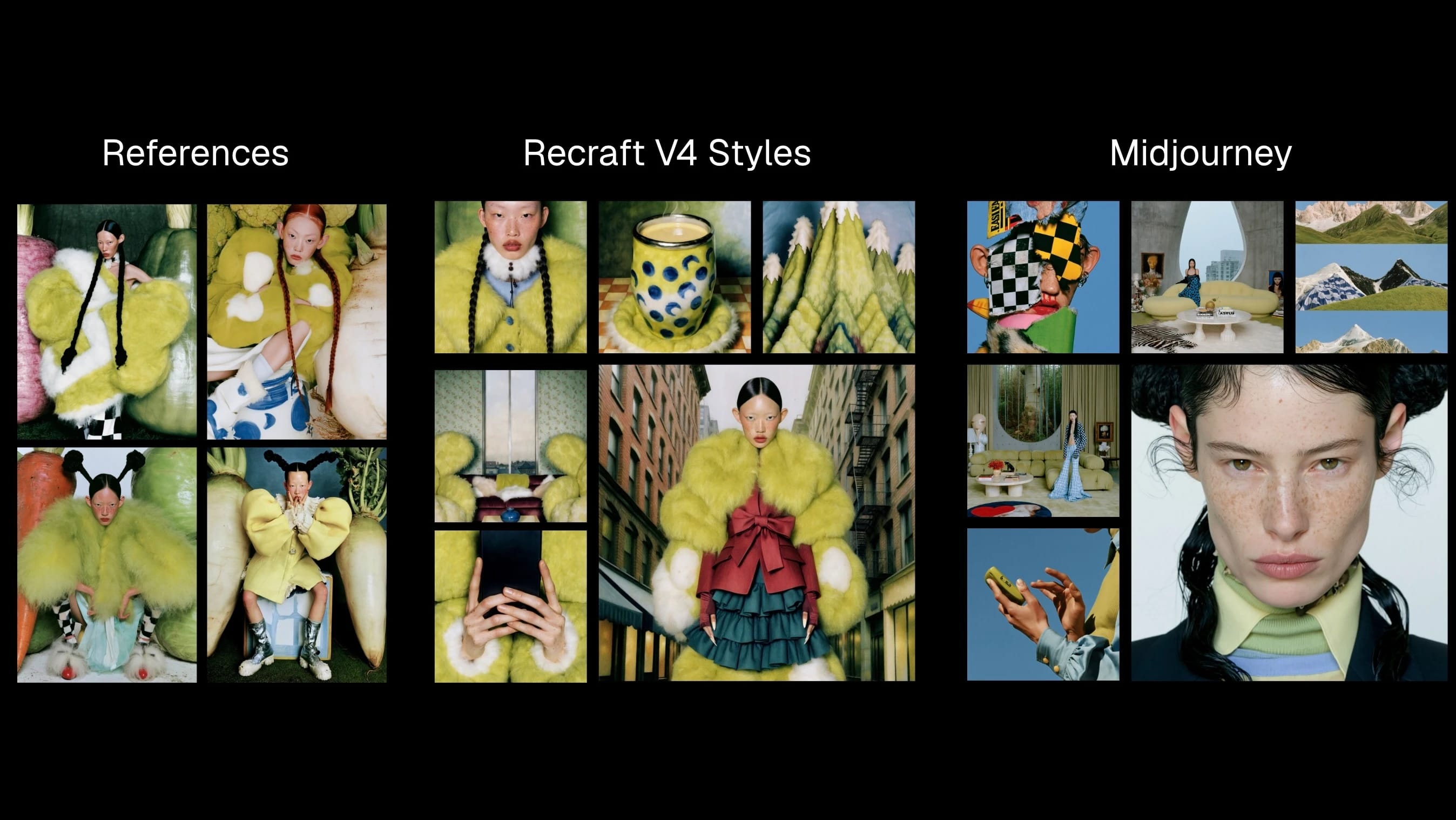
Recraft V4 Styles turns visual references into style-consistent raster and vector images.

Seedance 2.5 Video Edit edits existing footage with reference-guided continuity and motion control.
Flux 3 Video generates grounded, multimodal AI video from prompts, images, and clips.
Seedance 2.5 generates coherent 30-second videos with reference control and targeted edits.
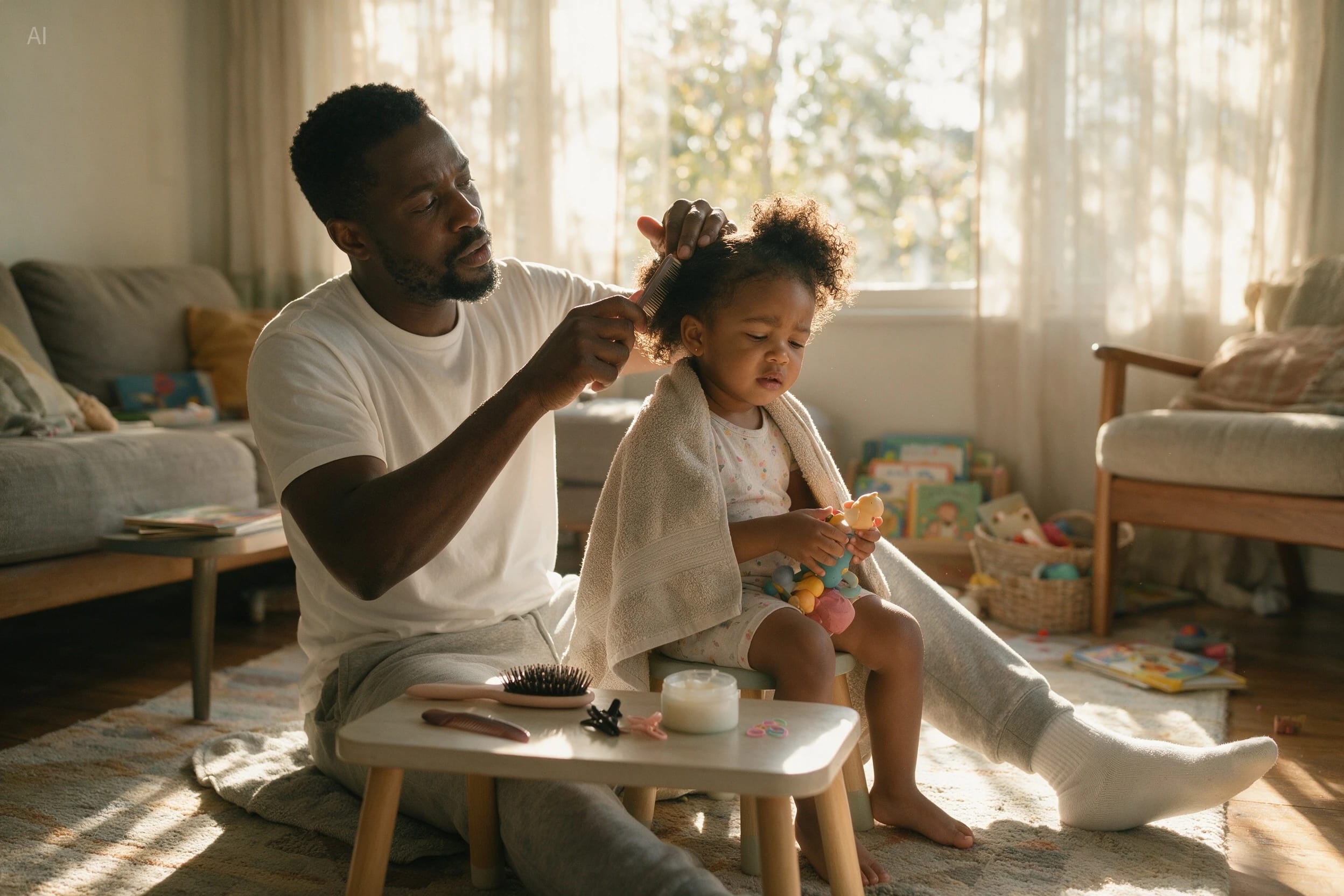
Seedream 5.0 Pro creates controllable commercial images, dense layouts, and realistic product visuals.
Wan 2.5 Video generates short, high-resolution videos from text or images with smooth motion and flexible control.
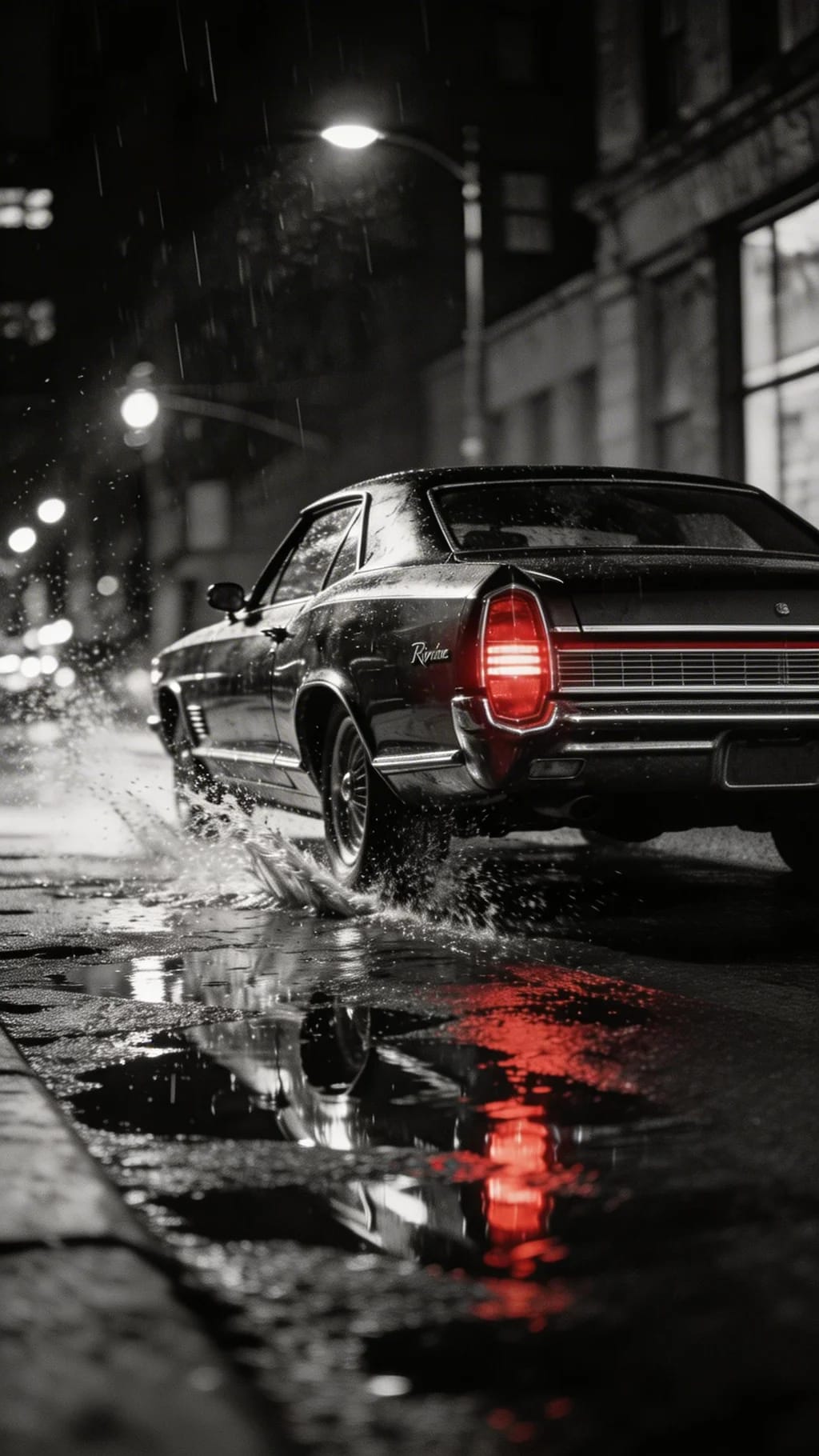
Seedream 5 Lite rapidly generates images up to 3K with deep reasoning, precise prompt-following

HeyGen Avatar 4 quickly generates expressive, lifelike talking avatars from a single photo
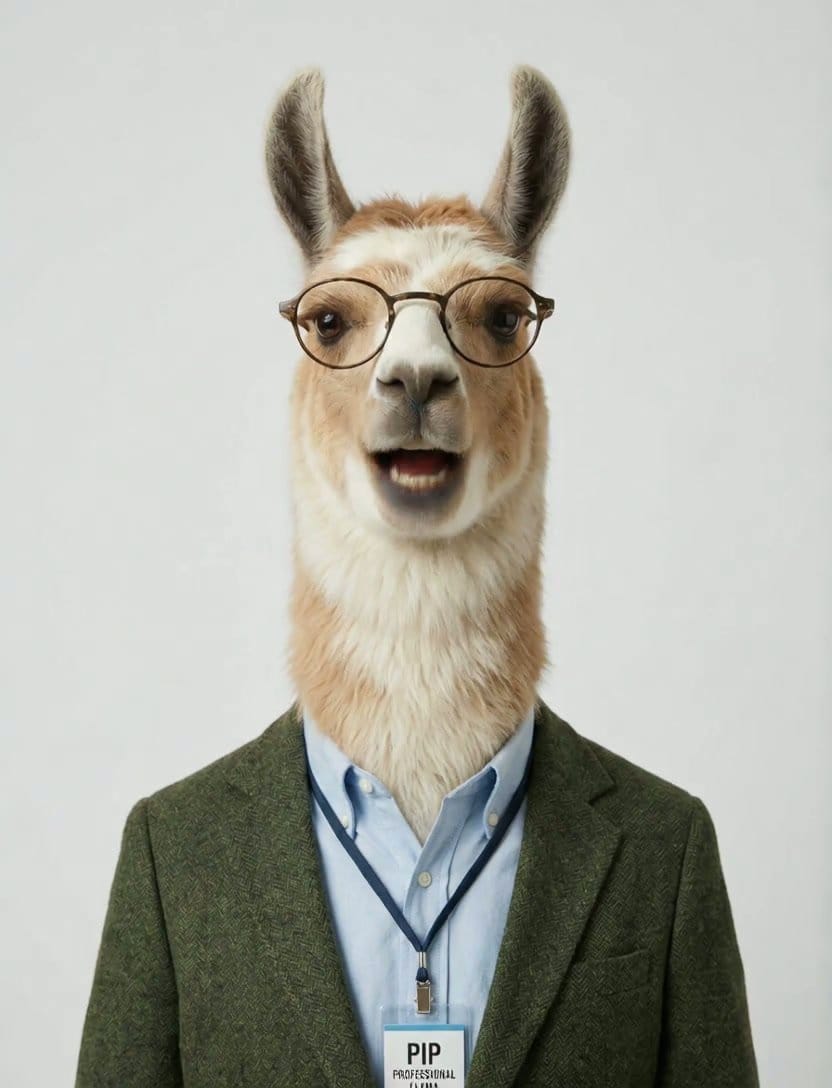
Creatify Aurora transforms a single photo and audio into ultra-realistic AI avatar videos with nuanced motion and visual style
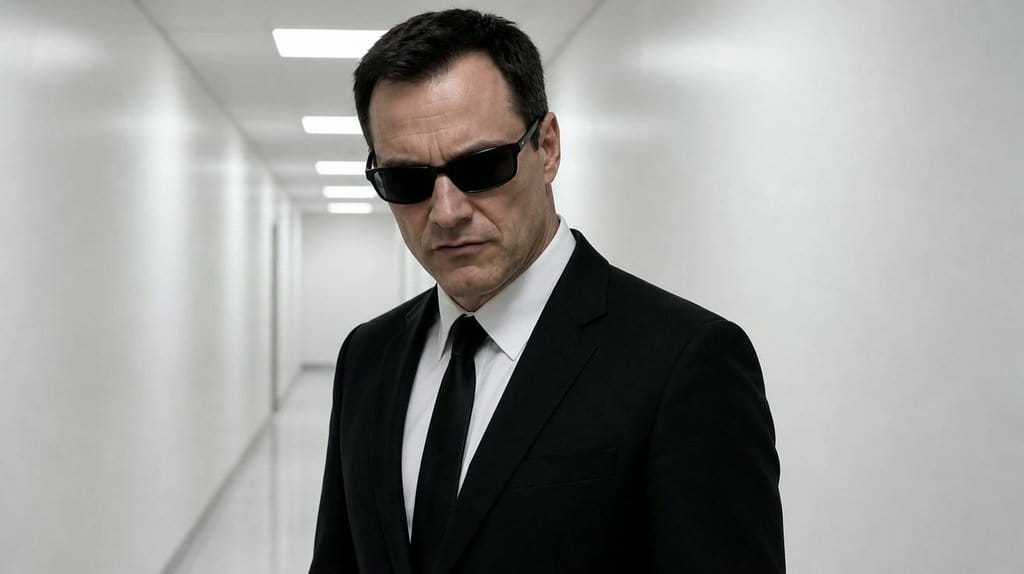
Veed Fabric 1.0 creates realistic talking videos from any image, with lifelike gestures, lip sync, and flexible style control.
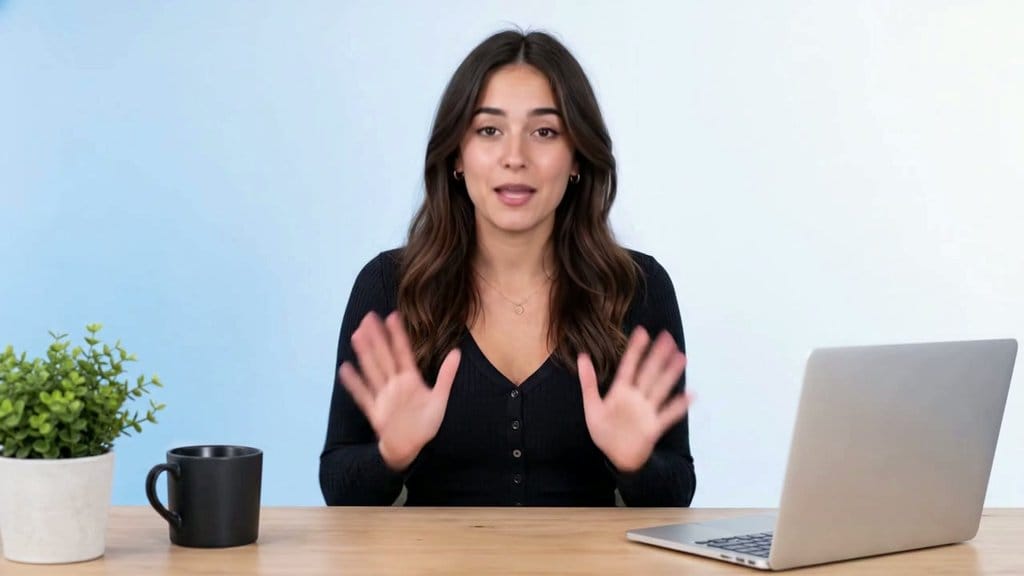
Sync 3 offers 4K lip synced video generation with shot-level realism, emotion preservation
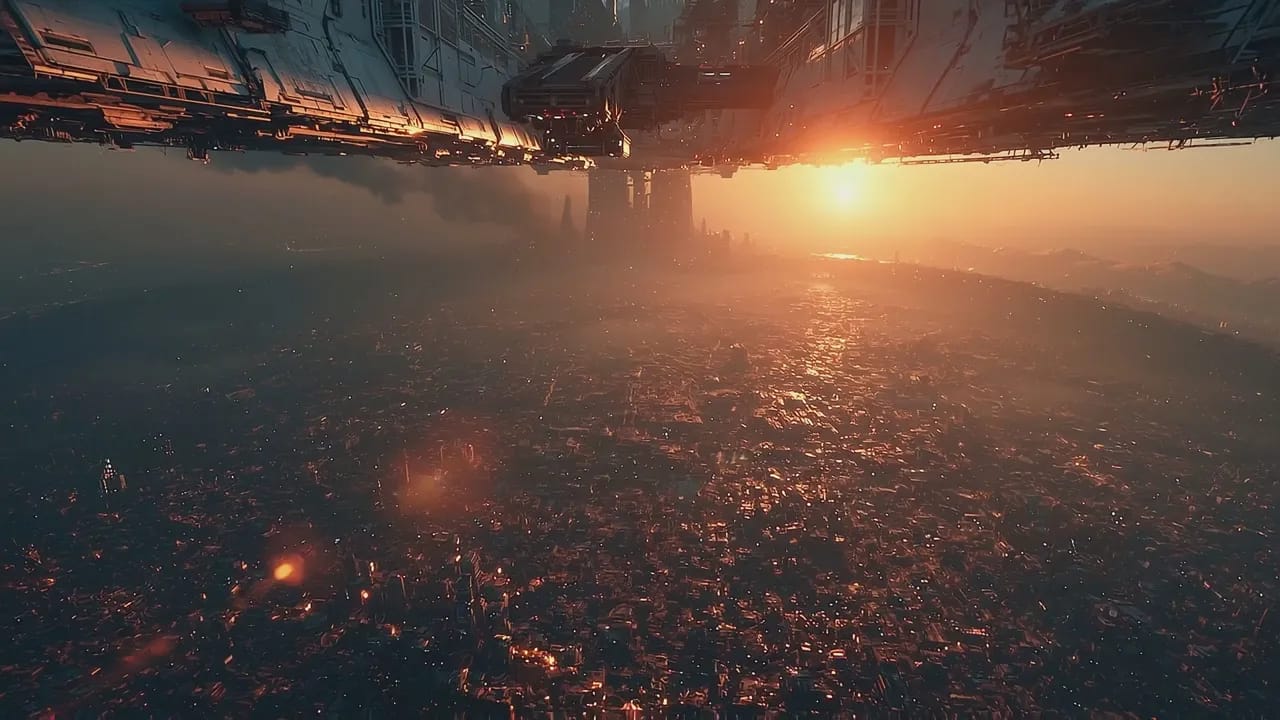
Gemini Omni Flash edits and creates short videos through step-by-step natural language direction.


![FLUX.2 [Pro]](/_next/image?url=https%3A%2F%2Fstorage.googleapis.com%2Feleven-public-cdn%2Fdatabase%2Fshared_content%2FiFXZKT3zim1Ym8AhqarJ%2Fthumbnail.jpg&w=3840&q=80)
![FLUX.1 Kontext [Pro]](/_next/image?url=https%3A%2F%2Fstorage.googleapis.com%2Feleven-public-cdn%2Fdatabase%2Fshared_content%2FcZa7DleBnUZI7u01isPG%2Fthumbnail.jpg&w=3840&q=80)


