Eleven Music: new tools for exploring, editing and producing music with AI
- Category
- Product
- Date
Bring together leading image and video models with Text to Speech, lip-sync, sound effects, and music. Rework any individual step without regenerating everything else.


Describe what you want to create and the agent builds your entire workflow. It selects models, creates nodes, wires connections, and runs the generations. Iterate through conversation to swap voices, try different models, or generate a version in a new language. You can continue refining with the agent or take full manual control at any point.
Flows Agent
Describe your creative brief and get a working pipeline without configuring the canvas manually.
Tell the agent what to change and it modifies the flow and re-runs. No rebuilding from scratch.
The agent asks for your approval before running expensive operations. You stay in control of costs.
Start a complex workflow, close the tab, and come back to a completed flow.
Drop reference images, scripts, or briefs into the chat and the agent uses them to build your workflow.
Batch execute and test variants at scale
Swap products, avatars, and voices systematically to generate ready-to-test creatives. Test multiple hooks and soundtracks without rebuilding the process each time.
Go from idea to finished ad in one workspace. Optionally export to Studio for fine-grained timeline editing.
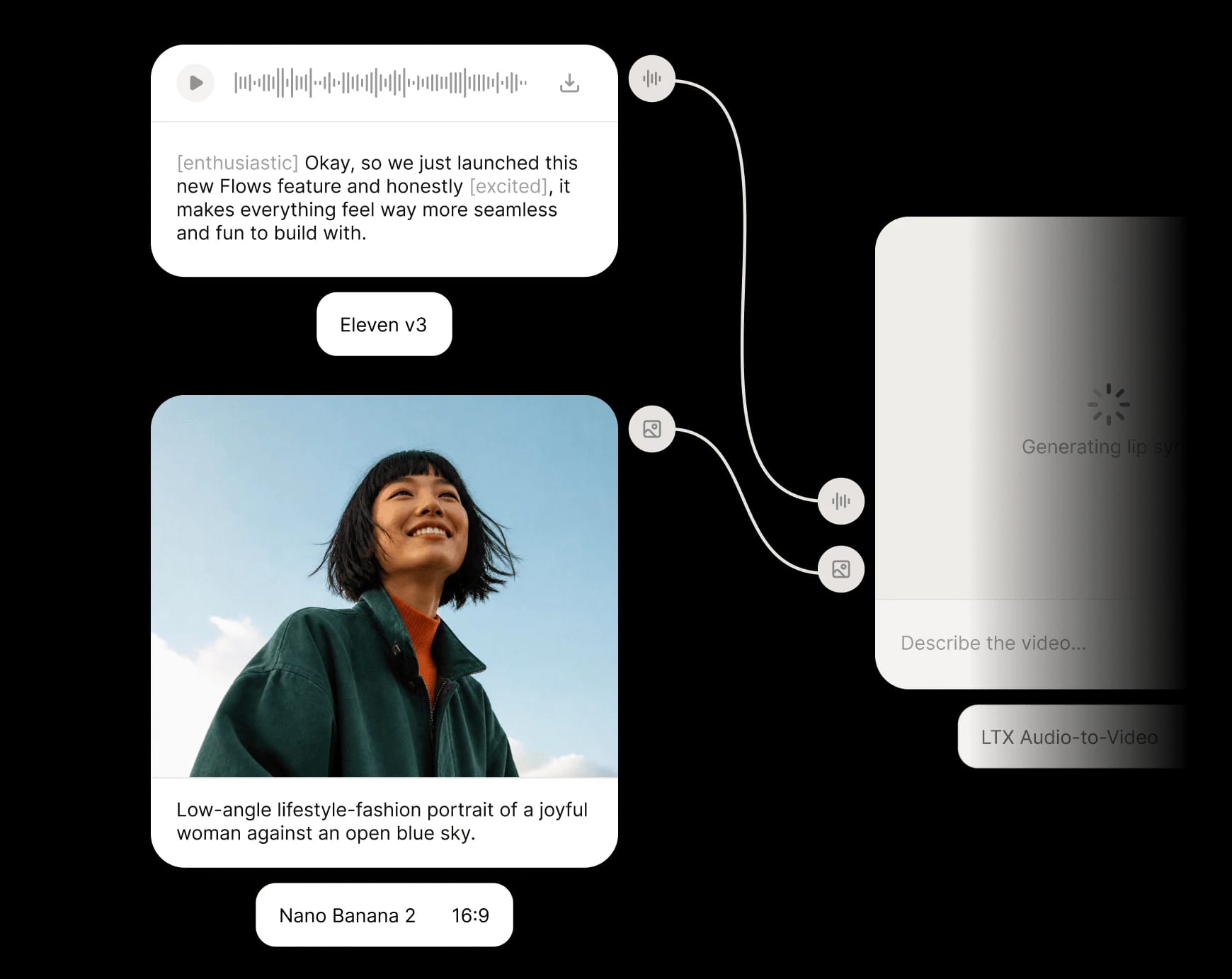
Access ElevenLabs v3, Eleven Music, Veo, Seedance, Sora, Kling, Wan and more – all integrated in one creative workspace, no setup needed.
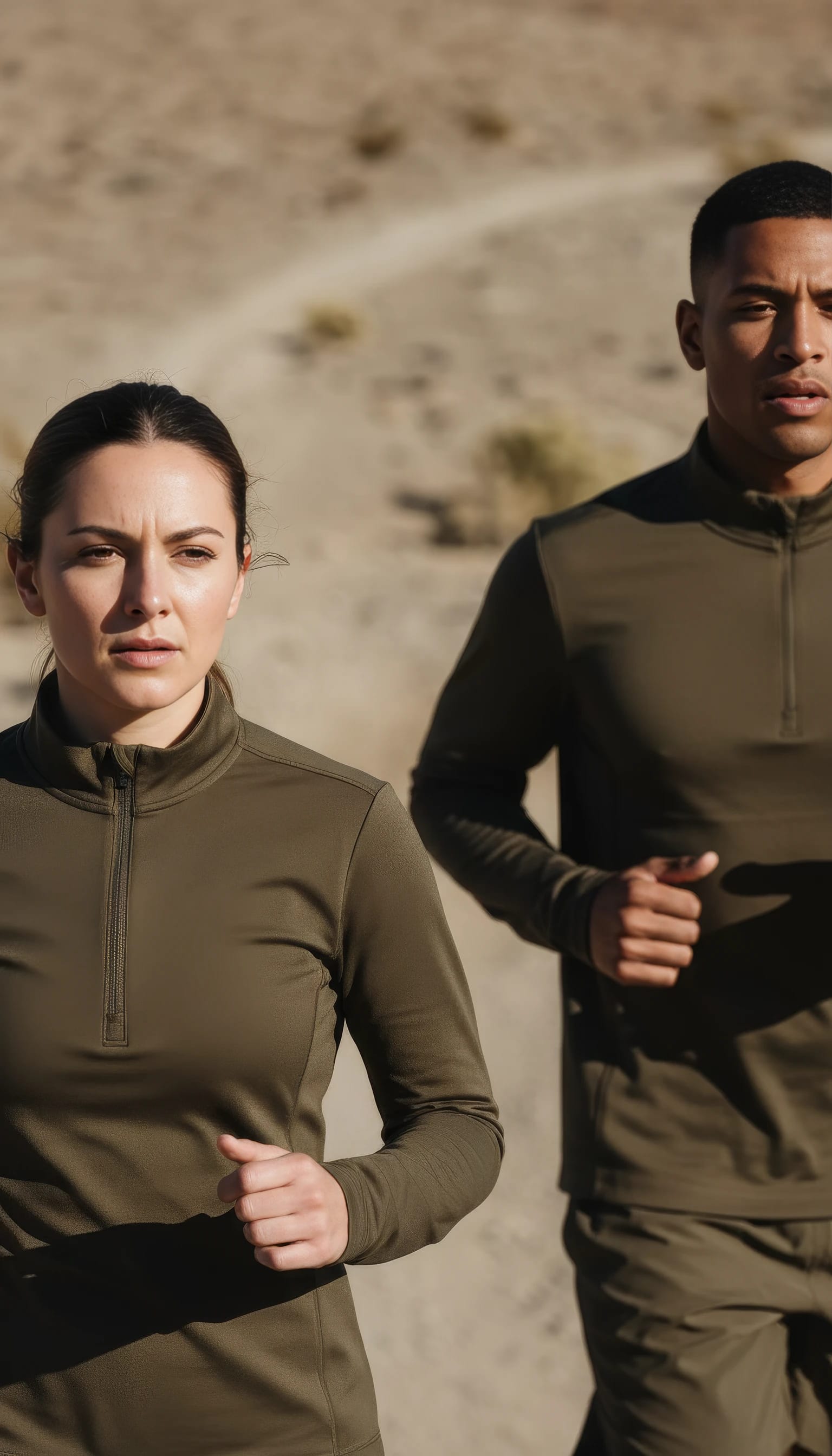

Nano Banana
Veo 3.1

ElevenLabs TTS
Run only the steps you need and refine outputs without regenerating the entire pipeline.
Explore, duplicate, modify and run Flows created by leading creators and teams.
Swap products, avatars, hooks, voices, or languages and generate structured variations automatically.
Video generation

Video generation

Video upscale

Lip syncing
Image generation

Image generation

Video generation

Video generation

Lip syncing

Image generation
Image generation
Multiple team members can open, edit, and run the same Flow simultaneously - with live cursor presence, instant sync, and shared execution.
Live cursor presence shows every collaborator's position on the canvas in real time.
Edits propagate immediately to all connected team members. No manual refresh, no export cycle.
Execute the Flow and everyone sees the outputs at the same time. One run, one source of truth.
Leave feedback, request changes, or approve outputs on individual nodes without leaving the canvas.
Reviewers, managers, and stakeholders can open shared Flows, watch runs, and collaborate at a reduced access tier - no full workspace seat required.
Shared Flows appear in each collaborator's Flows list automatically. Public Flows let external viewers follow along as anonymous participants.
Flows turns your creative process into reusable infrastructure. Generate product imagery, personalize video at scale, and storyboard full campaigns – all from the same visual pipeline
Generate product imagery
Build a reusable pipeline that transforms a single product input into consistent, on-brand visuals across formats, markets, and campaigns.
Personalize onboarding videos
Create dynamic video templates that adapt voiceover, visuals, and messaging for each customer, language, or segment.
Create storyboards
Visually map scenes, generate shots, and structure narrative sequences so you can iterate quickly before moving into final production.


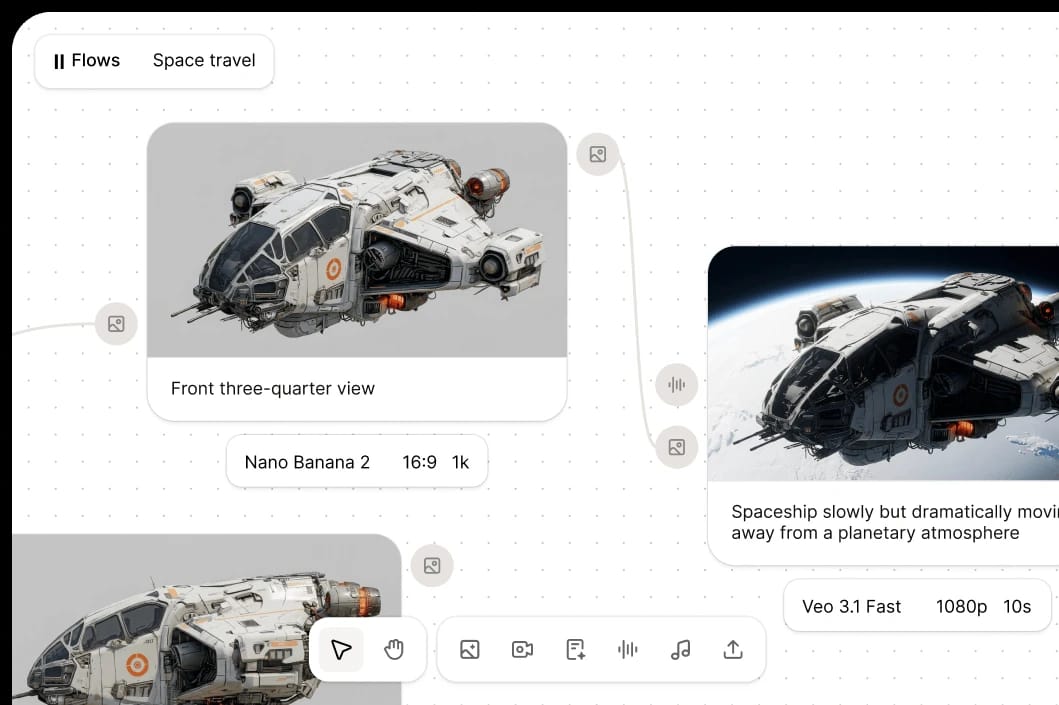
From video creators to performance marketers, Flows accelerates the creative process. It replaces fragmented workflows with a unified, repeatable system.

Start building and running Flows directly inside ElevenCreative with no setup required.

Run the same creative pipelines via API to power automated content generation at scale. Available soon.