Text to speech accessibility: Why voice quality matters
- Written by
- Jack Limebear
- Published
- Last updated
ListenListen to this article
Web accessibility conversations typically revolve around compliance: adapting to Web Content Accessibility Guidelines (WCAG), adhering to the Americans with Disabilities Act (ADA) requirements, and so on. Rarely are the people that depend on these assistive technologies every day the center of conversation.
Across the globe, over 2.2 billion people have some form of vision impairment. With this context, text to speech accessibility transforms from a useful feature into an imperative for the democratization of content. For each of these users, TTS technology enables direct interaction with the internet. On every page, every comment, and every post, TTS is the bridge that connects users to content.
In this article, we’ll explore what TTS accessibility means in context, why it matters, and touch on the compliance frameworks promoting it. We’ll also outline the case for why voice quality is a new accessibility marker that businesses around the world should strive for.
Summary
- Text to speech accessibility converts on-screen text to audio, giving billions of users equal access to online content.
- WCAG compliance offers a regulatory minimum for TTS, but doesn’t account for voice quality as a usability factor.
- Natural-sounding, human-like voices improve comprehension and reduce listener fatigue.
- ElevenLabs provides neural TTS that meets and exceeds accessibility standards for human listeners.
What is text to speech accessibility?
Text to speech accessibility refers to any technology that converts digital text into spoken audio. It allows users who can’t easily read on screen to access the same digital content as everyone else. For example, a user with a visual impairment could use TTS accessibility software to read an online article aloud.
These software systems work across all major digital surfaces, such as blog posts, news sites, PDFs, and within mobile apps. Anywhere text exists (if it’s structured correctly), a TTS system will be able to access and convert it into audio.
While there are other use cases of TTS, such as in voiceover production and as virtual voice agents, these are not for accessibility.
Why accessible TTS impacts more than you think
Beyond the 2.2 billion individuals around the world with visual impairments, numerous others can take advantage of TTS accessibility systems. For example, those with learning difficulties like dyslexia or ADHD find listening to a text easier than reading it.
Even in other scenarios, like someone simply wanting to listen to content out loud while cooking dinner, TTS becomes a useful tool.
From a business perspective, making content accessible offers several benefits:
- Meets compliance: Several compliance standards, like the WCAG, ADA, and the European Accessibility Act (EAA), all require content to be accessible with assistive technology.
- Improves access: Creating accessible content allows you to reach a significantly larger audience. Billions of people depend on this technology, representing an enormous visibility and ethical upside for your company.
- Builds trust: When you embed accessibility into your product, you show the world that you care about democratizing access. Content that works well with assistive TTS technology proves that your content is built for people, strengthening your brand perception with all users.
Whether you frame it as a product or a moral design choice, your business benefits by prioritizing compatibility with TTS accessibility tools.
How does TTS work as an assistive technology?
Text to speech accessibility software scans on-screen text and then converts it into an audio output in real time. Any visible content in the body of an article, including its headings, links, buttons, labels, and alt text from images, is included in this audio file. When a reader hits play, they hear a complete representation of the page.
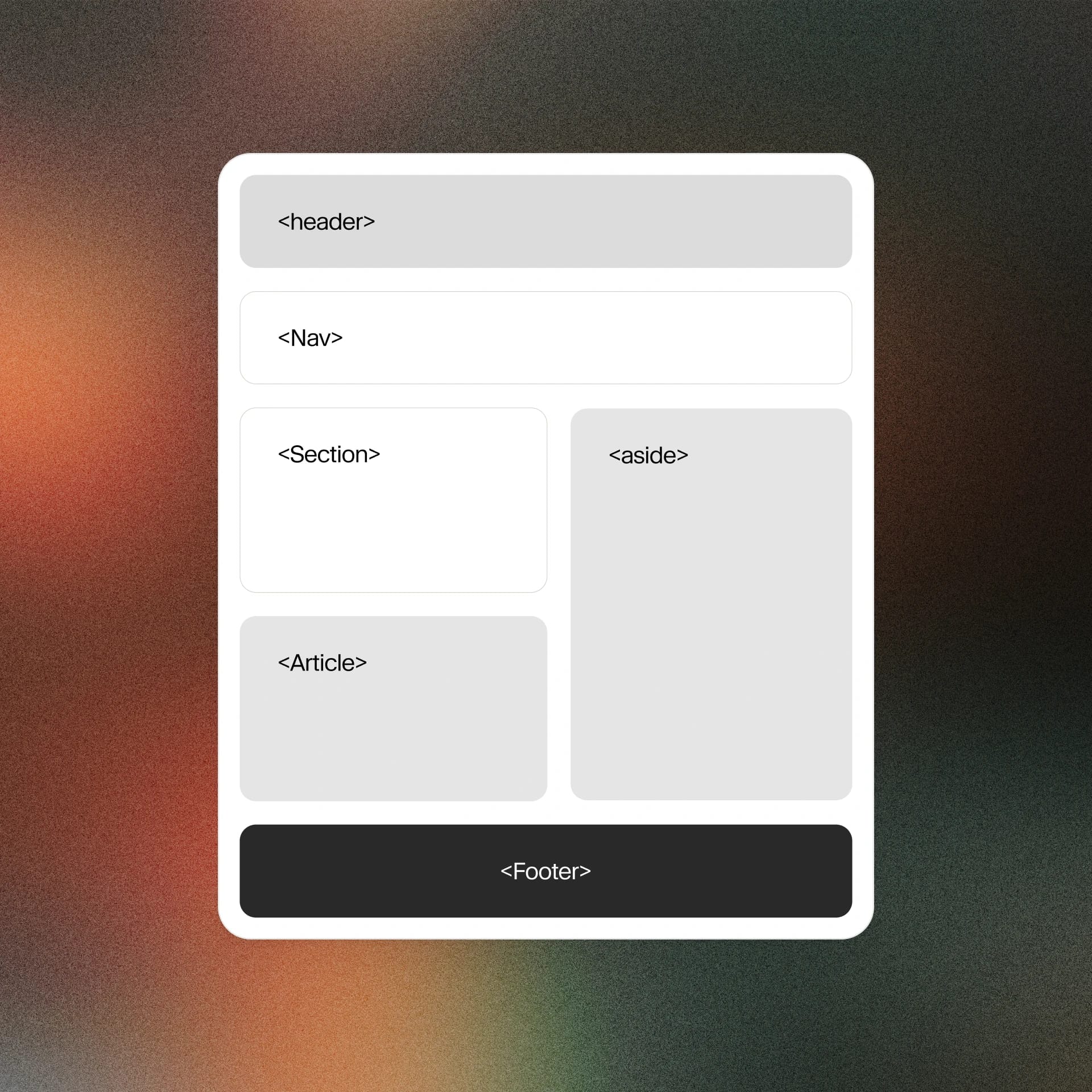
The underlying structure of a page determines the order in which content is processed by these tools. Semantic HTML allows a TTS to understand what each element on the page is and how it interrelates to other segments. When writing a page of content, ensuring you have a heading hierarchy and properly labeled form fields will give assistive technology everything it needs to generate an effective audio experience.
Want to see an accessible text to speech tool in action? Click on the audio reproduction button at the top of this page to see Audio Native bring the article to life.
TTS accessibility for dyslexia and learning disabilities
Dyslexia affects how the brain decodes written text, making reading a slow and sometimes frustrating effort. For the estimated 1 in 10 people that have dyslexia, TTS removes barriers by delivering content as audio, reducing cognitive load and allowing users to focus on comprehending rather than decoding.
TTS accessibility for dyslexia and other learning disabilities also allows for dual-sense input. An individual can listen and read at the same time to improve comprehension. Recent studies even suggest that dual-sense input can raise reading comprehension of a dyslexic individual to match that of non-dyslexic peers.
However, voice quality is essential here, as unnatural pacing or mispronunciation directly disrupts the comprehensive benefit TTS is meant to provide. For both visually impaired users and those with different learning abilities, a human-sounding voice model fundamentally transforms the experience of interacting with content.
Text to speech and WCAG compliance
The Web Content Accessibility Guidelines are the guiding international standard for all forms of digital accessibility.
The four main principles of the WCAG are:
- Perceivable: Information should be perceivable to users and assistive technologies.
- Operable: Interactions with an interface must be simple to achieve, without requiring any complex movements.
- Understandable: Content and interfaces need to be clear for all users.
- Robust: Even as technology evolves, content must remain accessible by all user agents and assistive technologies.
Based on these principles, the WCAG outlines three compliance levels (A, AA, and AAA). Under regulations like the ADA and the EAA, businesses typically need to achieve at least AA level within these frameworks.
How voice quality has become a text to speech accessibility variable
Despite expansive legislation covering TTS accessibility, no compliance framework sets standards in regard to voice itself. A robotic, off-putting TTS voice is technically enough to meet every WCAG requirement. But while it passes an audit, it simultaneously fails the user.
Compliance and usability are not the same things when it comes to text to speech accessibility. You could pass every check that the ADA and WCAG place before you but still deliver an audio experience that frustrates users and undermines the utility of the technology.
Natural-sounding, human-like TTS should always be the target baseline to make content genuinely accessible to the masses. While the industry standard expectation is too low, businesses have the opportunity to deliver accessible content in a better way.
How to make your content TTS accessible
Formatting content to make it accessible for TTS is simple and improves the reach of your content in minutes.
Three central techniques cover the majority of TTS accessibility improvements:
- Semantic HTML: Use the correct heading structure, descriptive alt text on all images, language attributes on your page, and logical reading order. TTS tools use these factors to understand on-page content and translate it to audio.
- Avoid TTS-breaking content: Certain elements, like poorly labeled form fields or images of text, create gaps in the audio experience. Visual information is often the culprit here, making alt texts and other accessibility techniques vital.
- Test with real tools: While you can run automated accessibility tests, these default to the lowest possible standard for meeting compliance. ElevenReader converts articles, webpages, ePubs, or virtually any text into natural-sounding audio. Find errors within your pages and simulate the experience of a person using these technologies.
As these steps bring your content to billions of additional readers, the few extra minutes they take are well worth the effort.
The case for higher voice quality in accessible design
Above all else, voice quality is an equity issue. When a user depends on TTS for their content consumption, they deserve the same high-quality experience as sighted readers. A robotic voice, while technically reading the right words, falls flat. The minimum legal requirement does not provide an equal experience.
From a practical perspective, the need for human-sounding voices is clear. They improve comprehension, reduce fatigue for listeners, and let your readers experience content in a comfortable way.
ElevenLabs builds voices designed for human listening. We meet the needs of the many by providing neural TTS that’s best-in-class. If you’re a nonprofit that could benefit from AI audio, we’d love to hear from you. Our Impact Program offers free licenses for projects that help people learn without barriers.
Get real-time, human-sounding TTS accessibility with ElevenLabs
While compliance sets the floor for TTS accessibility, ElevenLabs demonstrates just how high the ceiling can be. Our voices are built for human listening: natural, accurate, and virtually indistinguishable from the real thing.
Explore ElevenCreative and our diverse Text to Speech models, or register now to get started with accessible content today.
FAQ about text to speech accessibility

Jack Limebear is on the Growth team, acting as a content writer and strategist across the blog and insights pages. Before ElevenLabs, he spent over a decade leading content strategy for organizations ranging from fast-growing SaaS startups to Fortune 500 companies. He holds a Master's degree in English Literature from the University of Cambridge.