Guardrails 2.0: A redesigned control layer in ElevenAgents
- Published
- Last updated
ListenListen to this article
As voice agents take on high impact work across support, sales, marketing, internal workflows, and more, teams need confidence that they will stay safe, on-brand, and compliant at enterprise scale.
Guardrails 2.0 in ElevenAgents is a redesigned control layer that helps guide agents toward the right responses and prevent the wrong ones before they reach the end user.
Layered protections in real-time
A well-crafted system prompt leads to predictable behavior for the majority of interactions. However, since agents are non-deterministic systems, they can drift in long conversations, users can find creative ways to push boundaries, and even well-defined policies don't always hold when the model is under pressure.
That's why teams deploying agents in production need layered defenses: a hardened system prompt as the foundation, plus independent checks on what users say and how agents respond.
Guardrails 2.0 protects conversations at three levels, each reinforcing the others:
Pre-built protections
Pre-built safeguards cover the most common risk areas.
The Focus Guardrail reinforces your agent’s system prompt, helping to keep responses directed, relevant, and consistent with your defined goals and instructions. This is especially useful in long or complex conversations where the agent is more likely to drift from its intended objectives.
Manipulation Guardrails detect and block attempts by users to bypass system instructions. When enabled, the system analyzes user inputs for patterns that indicate prompt injection or instruction override attempts and can terminate conversations that pose a security risk.
Content Guardrails help ensure appropriate agent responses by screening for multiple categories of potentially sensitive or unsafe content, each with tunable thresholds for precise control.
Custom Guardrails: Your rules, enforced automatically
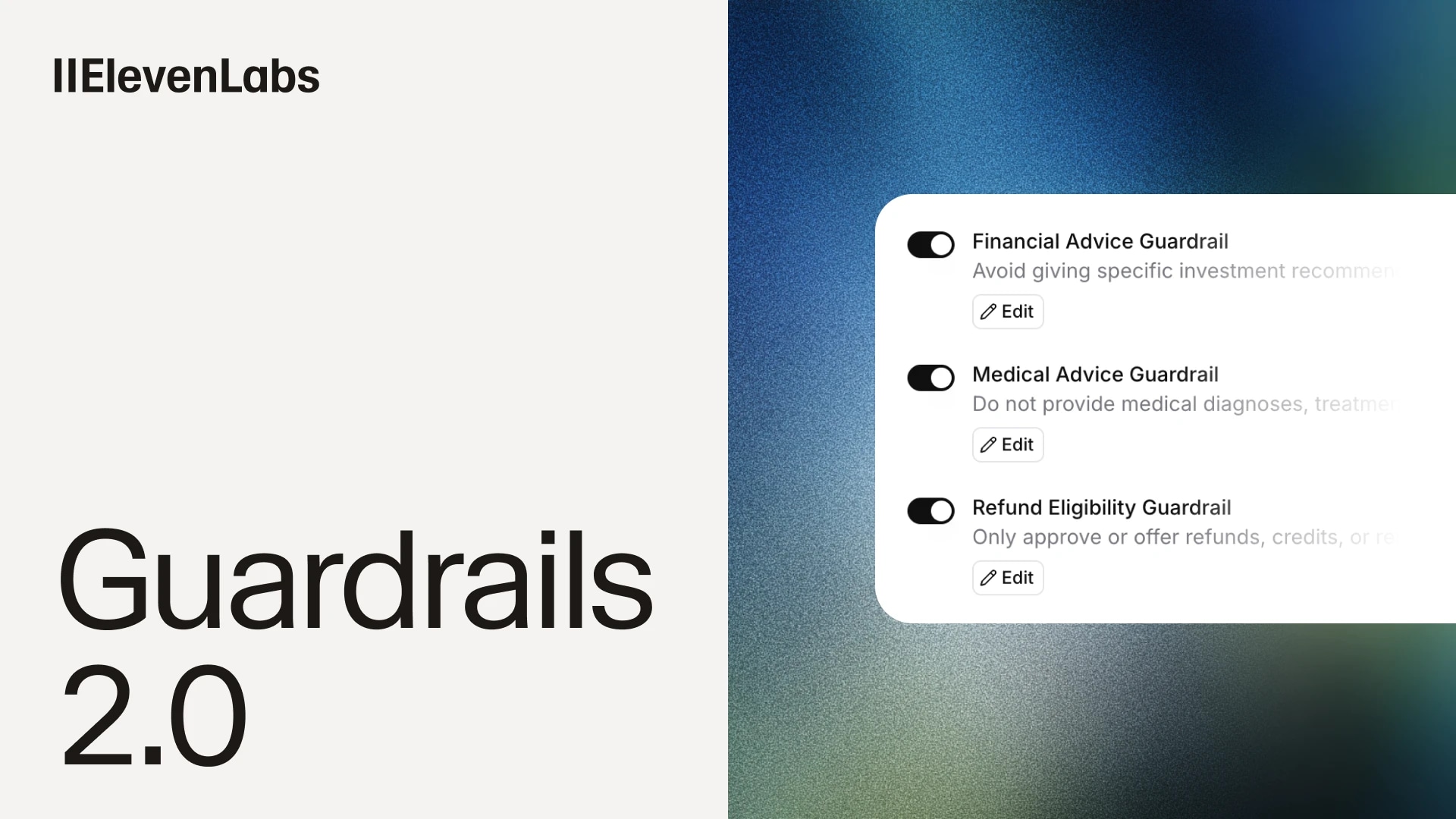
Custom Guardrails let you define domain-specific policies in natural language and enforce them automatically across every call. This helps to reduce incidents, escalations, and the compliance review cycles that can slow down deployment.
.webp&w=3840&q=80)
A lightweight model evaluates every agent response against your rules and returns a block or allow decision, running independently and in parallel with response generation.
Full control over how guardrails run
You can control how policy violations are caught and what happens next.
Execution modes. Configure the tradeoff between speed and strictness - vital for voice, where latency matters most. You can run guardrails alongside the response for near-zero delay, though a fraction of a second of audio may play before interception. Or hold responses until fully cleared - slightly slower, but nothing reaches the user unchecked.
Exit strategies. When a guardrail is triggered, you define what happens next: End the conversation, transfer to a different agent, escalate to a human, or retry the response with corrective instructions.
Content sensitivity levels. Tune sensitivity across individual content categories, tightening enforcement for higher risk use cases and loosening it where over-blocking would hurt user experience.
Granular configuration. Every guardrail can be individually enabled or disabled, and different agents can run different configurations.
Complete visibility. Every trigger is logged in your conversation analytics, including which guardrail fired and what action was taken. This gives teams the data they need refine their system prompts and guardrails over time.
Conversation history redaction
After a call ends, you can automatically redact sensitive information from transcripts, recordings, and webhook payloads. Keep everything you need for analytics, QA, and training while stripping out what you don't.
Detected entities are replaced with placeholders in text and bleeps in audio. You control the granularity down to individual entity types: redact all names or just last names, all financial identifiers or just payment card numbers.
This sits alongside broader data controls like Zero Retention Mode, which can be used for deployments with more stringent compliance requirements.
.webp&w=3840&q=80)
Conversation history redaction and Zero Retention Mode are available to enterprise clients. Contact sales for access.
Part of a broader trust and safety foundation
Guardrails 2.0 and data privacy features support enterprise deployments of ElevenAgents alongside safety tooling for every stage of the agent lifecycle:
Agent development
- System prompt design, guardrail configuration, red teaming, and simulations to stress-test behavior before agents go live
Every conversation
- During: Guardrails 2.0 (Focus, Manipulation, Content, and Custom Guardrails), logging, optional Zero Retention Mode
- After: Evaluation criteria, monitoring, optional Conversation History Redaction
Together, these give teams the controls they need to move from pilot to production with fewer incidents, faster approval cycles, and more consistent agent behavior. These platform foundations also support eligibility for AIUC-1 certification and access to the industry's first agent insurance policies.
Start using Guardrails today
We've been rolling out features over the past few months, and the full Guardrails 2.0 suite is now available in alpha in ElevenAgents.
Turn them on in the Security tab of your agent's settings, or configure via the API. For more information on enterprise deployments, contact our sales team.
For setup guidance and best practices, see:

Eli is on the ElevenAgents growth team, helping drive awareness and adoption of conversational agents. Previously, he was on the growth teams at Rippling and Spot AI, and studied Management Science & Engineering at Stanford University.
.webp&w=3840&q=80)