

The best AI audio models in one powerful agentic editor
Built for video creators, podcasters and audiobook authors — bring your stories to life with expressive AI voiceovers, music and sound effects, and real-world recordings.

.svg)
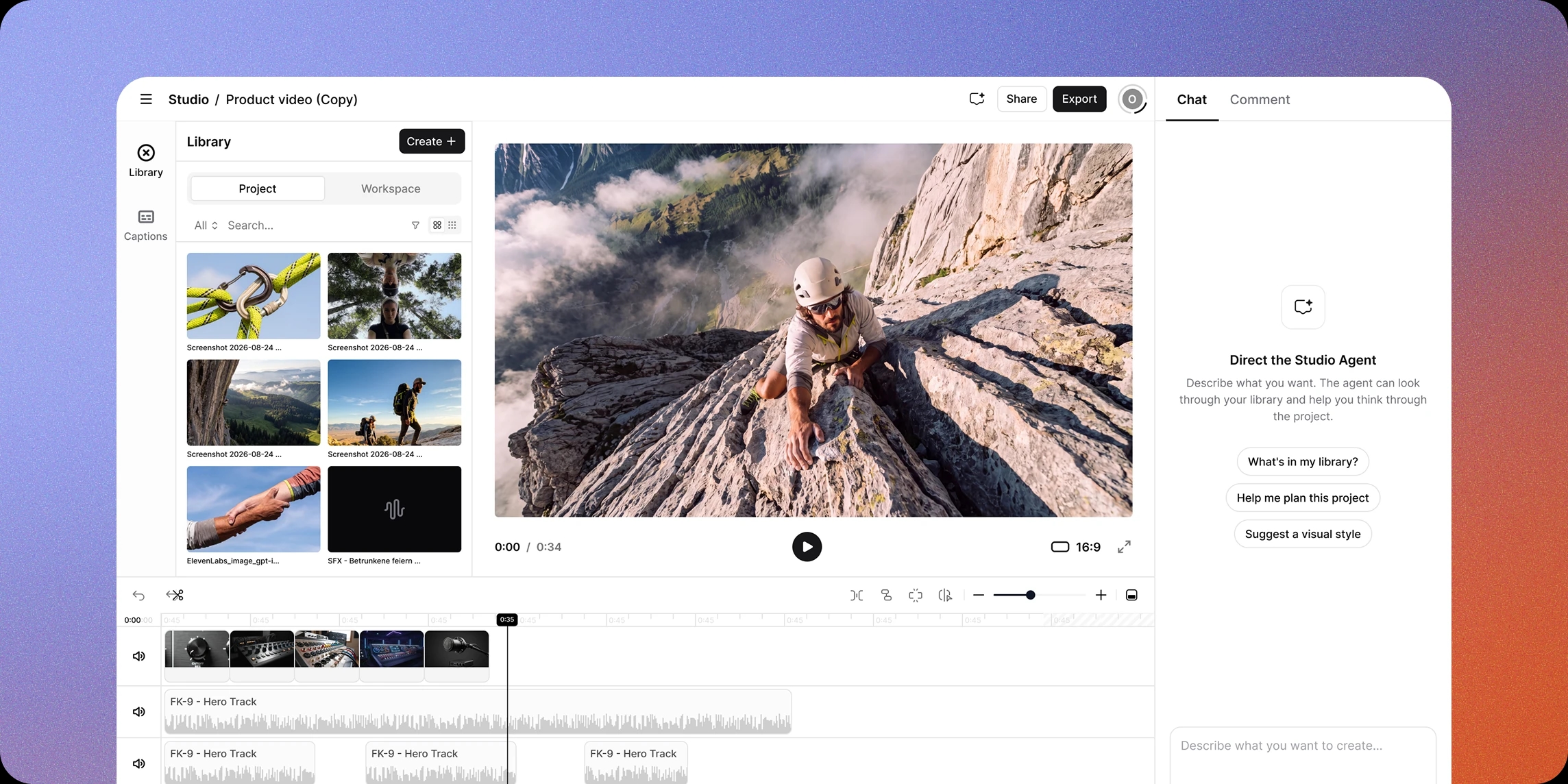
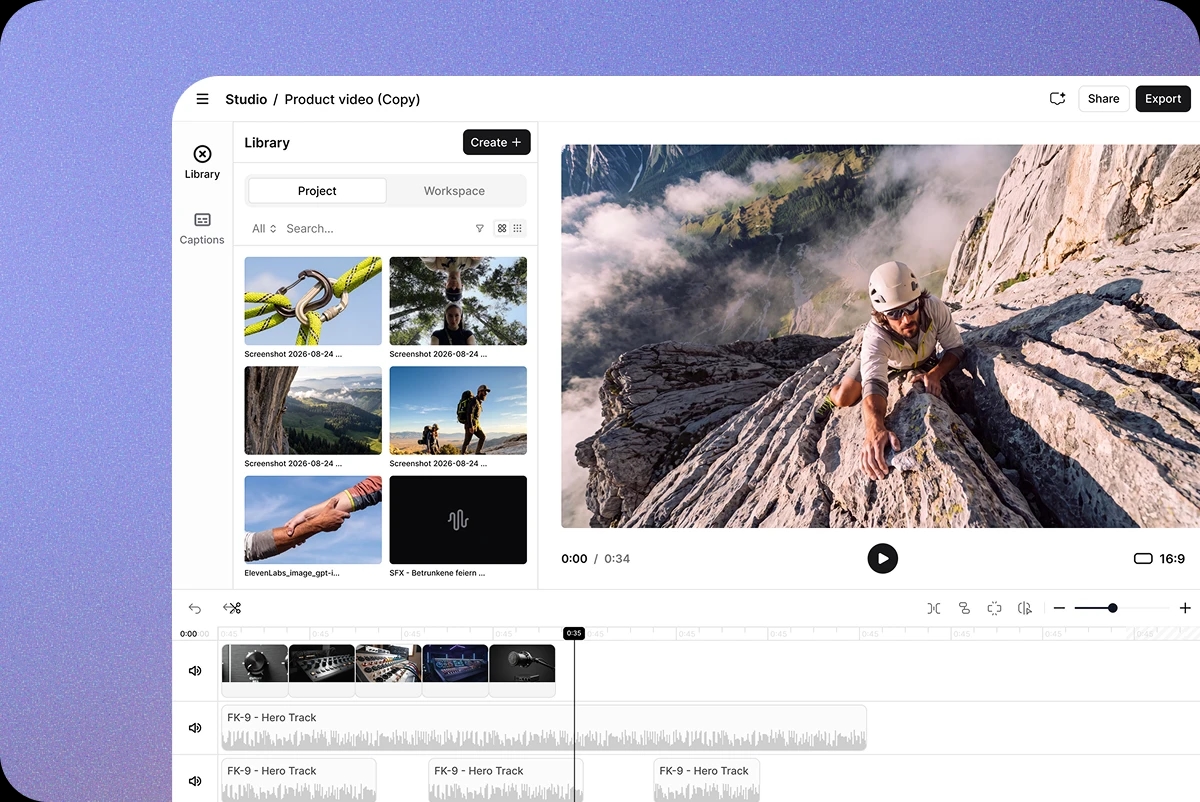
Introducing Studio 4.0
Create immersive experiences with Studio 4.0 — from podcasts and audiobooks to videos. Enhance your content with AI voices, music, and captions, all in one editor.


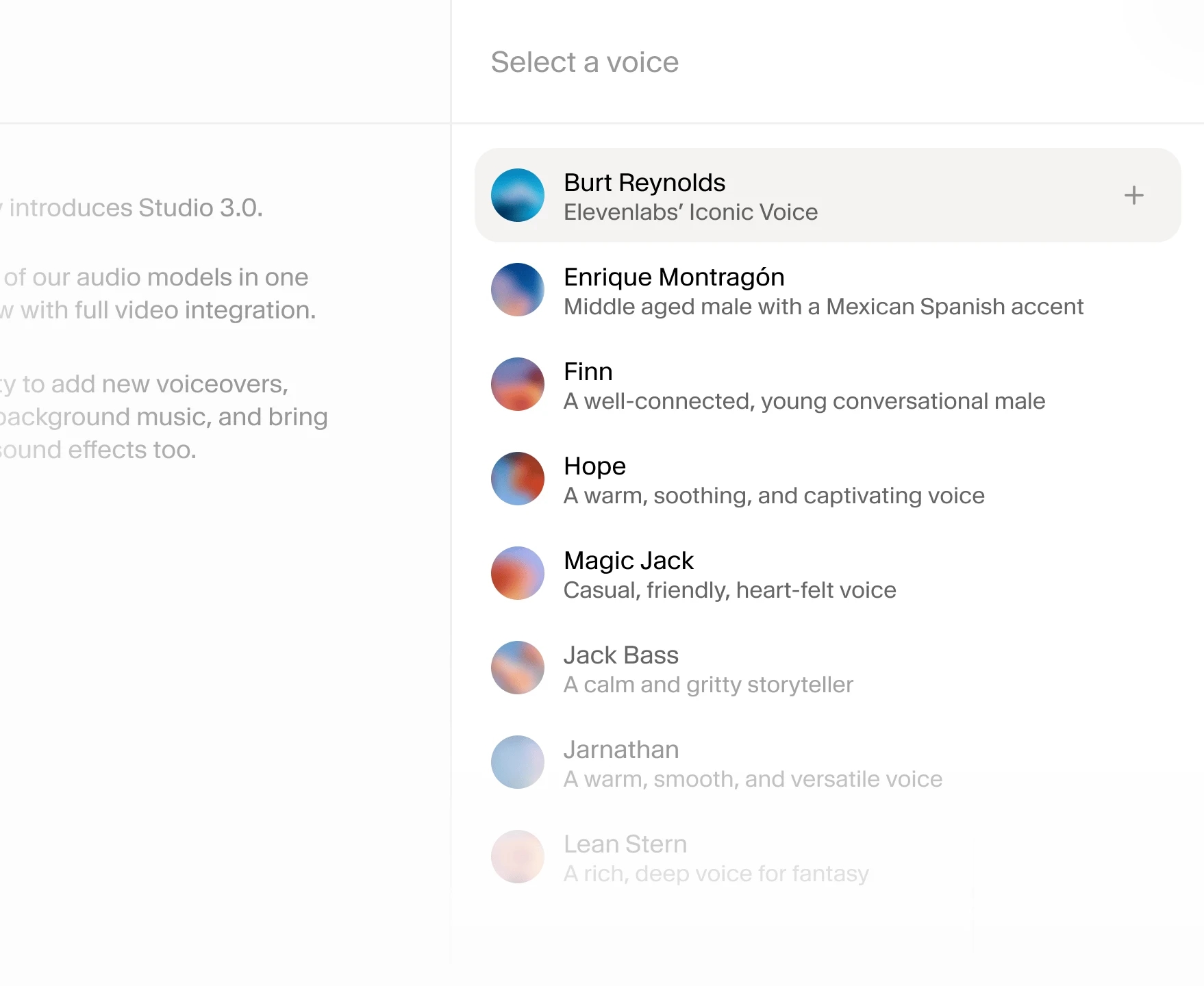
Add new voiceovers
Bring your script to life with natural-sounding voiceovers. Choose from over 10,000 voices - realistic accents, character voices, or professional narration - then edit recordings by simply editing the text.
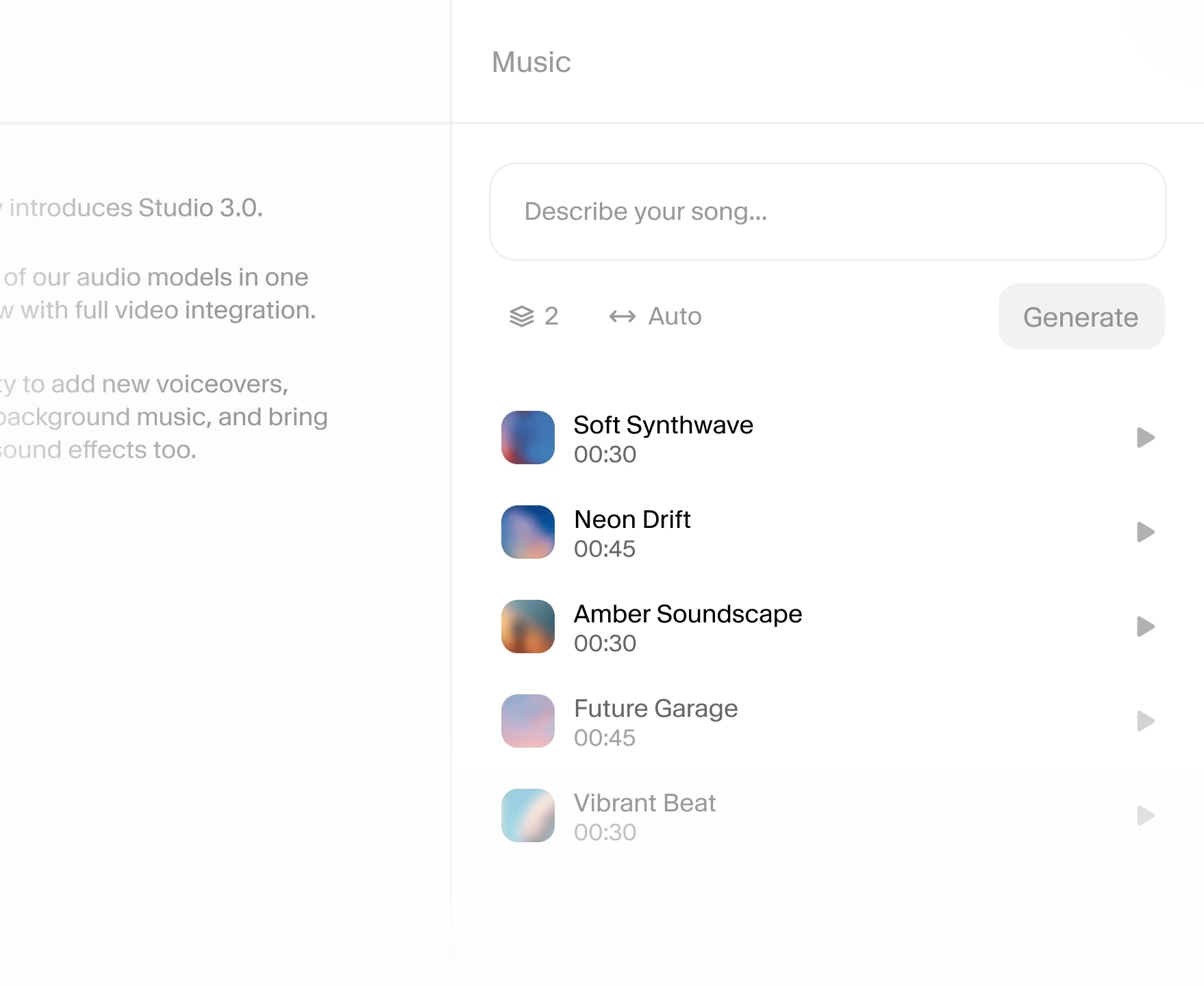
Generate bespoke background music with Eleven Music
Create music that feels custom-made for your content. Generate soundtracks in any genre or style, or let Studio auto-score your video with music created to match your scene.
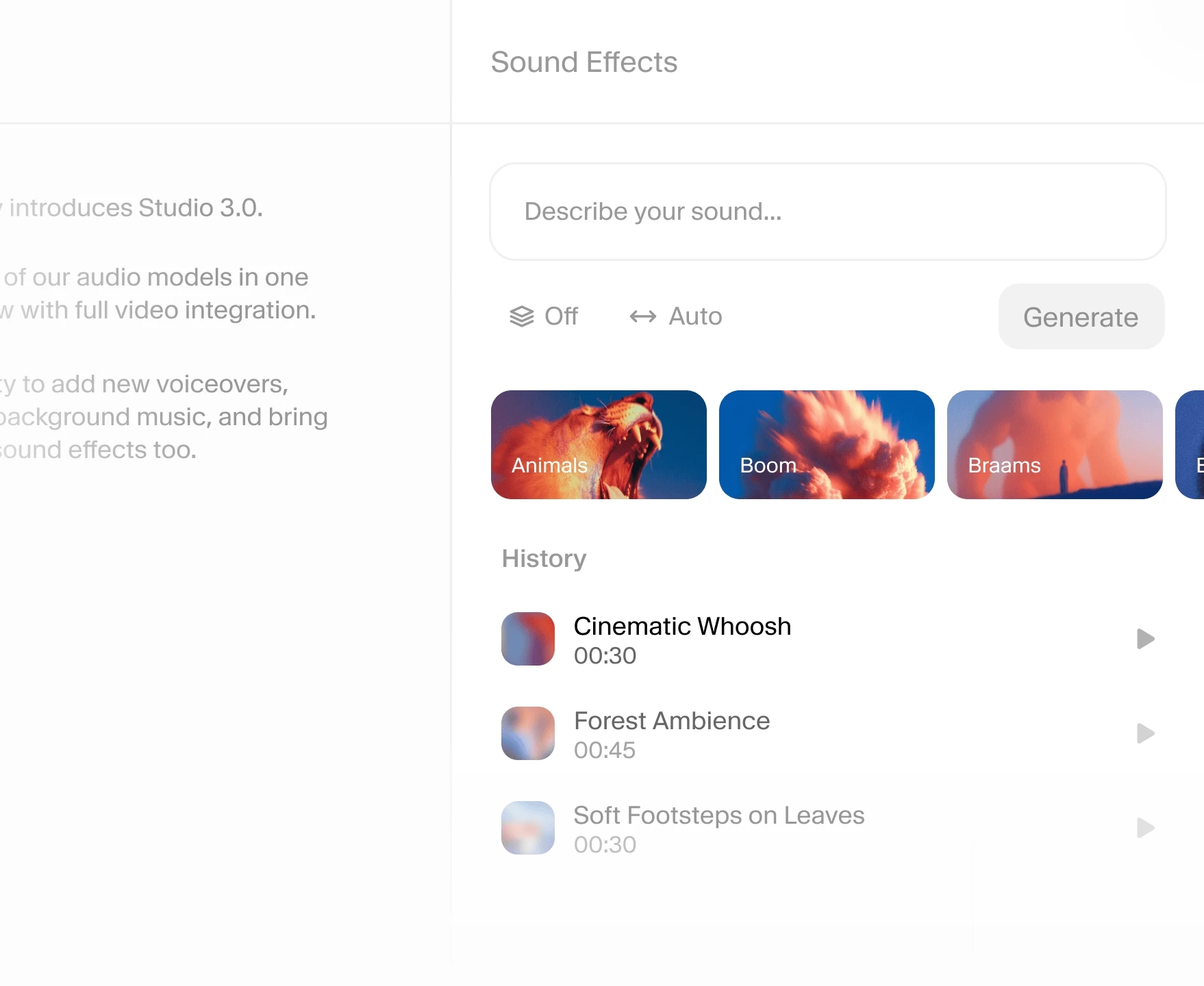
Add custom sound effects
Enrich your content with any sound effect you can describe with a prompt. From subtle ambience to cinematic impact, add effects directly in Studio for a polished production.
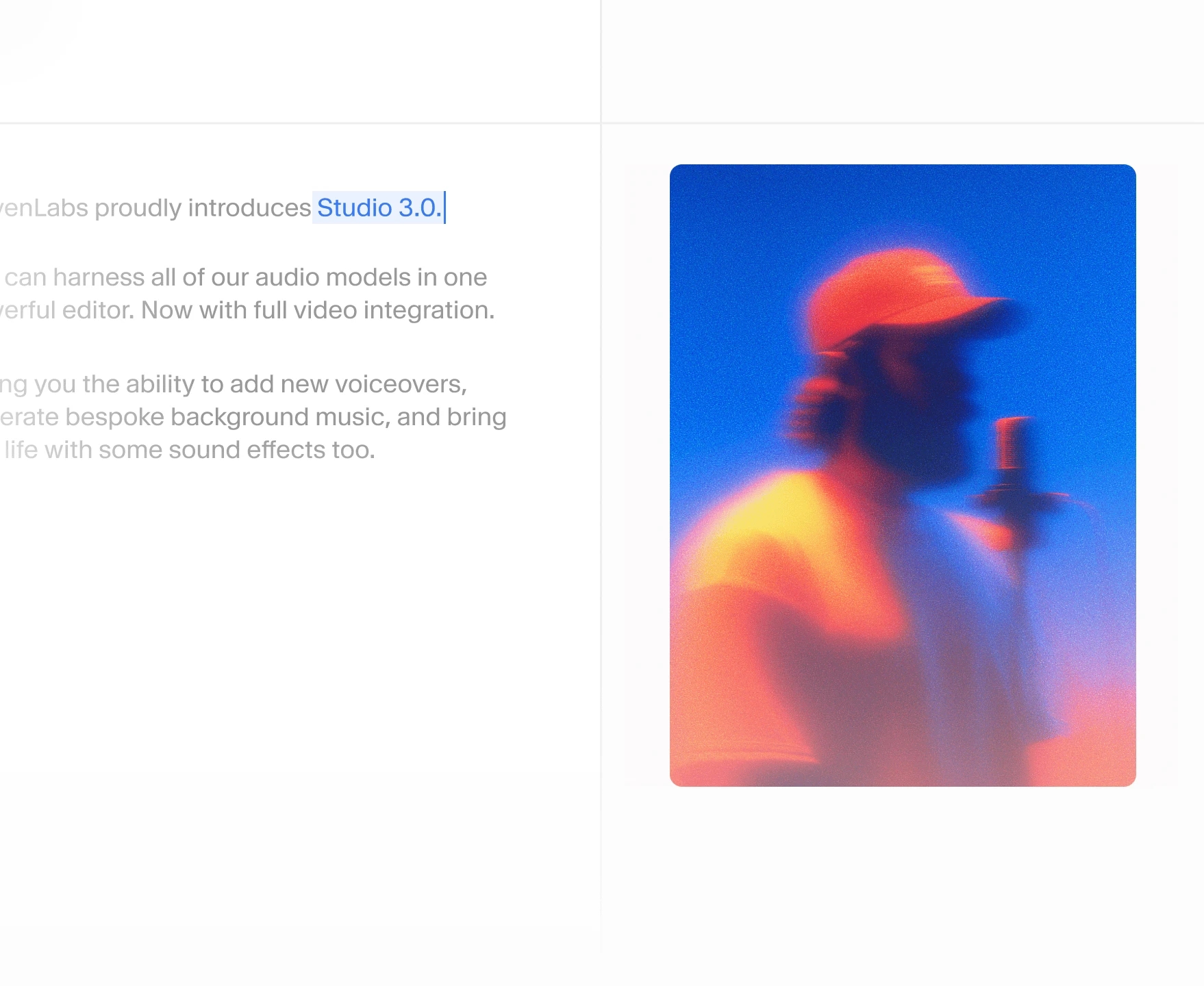
Fix mistakes in seconds with Speech Correction
Edit spoken audio instantly using AI voice cloning. Just change the script, and Studio regenerates the same voice — no re-recording, no extra takes.
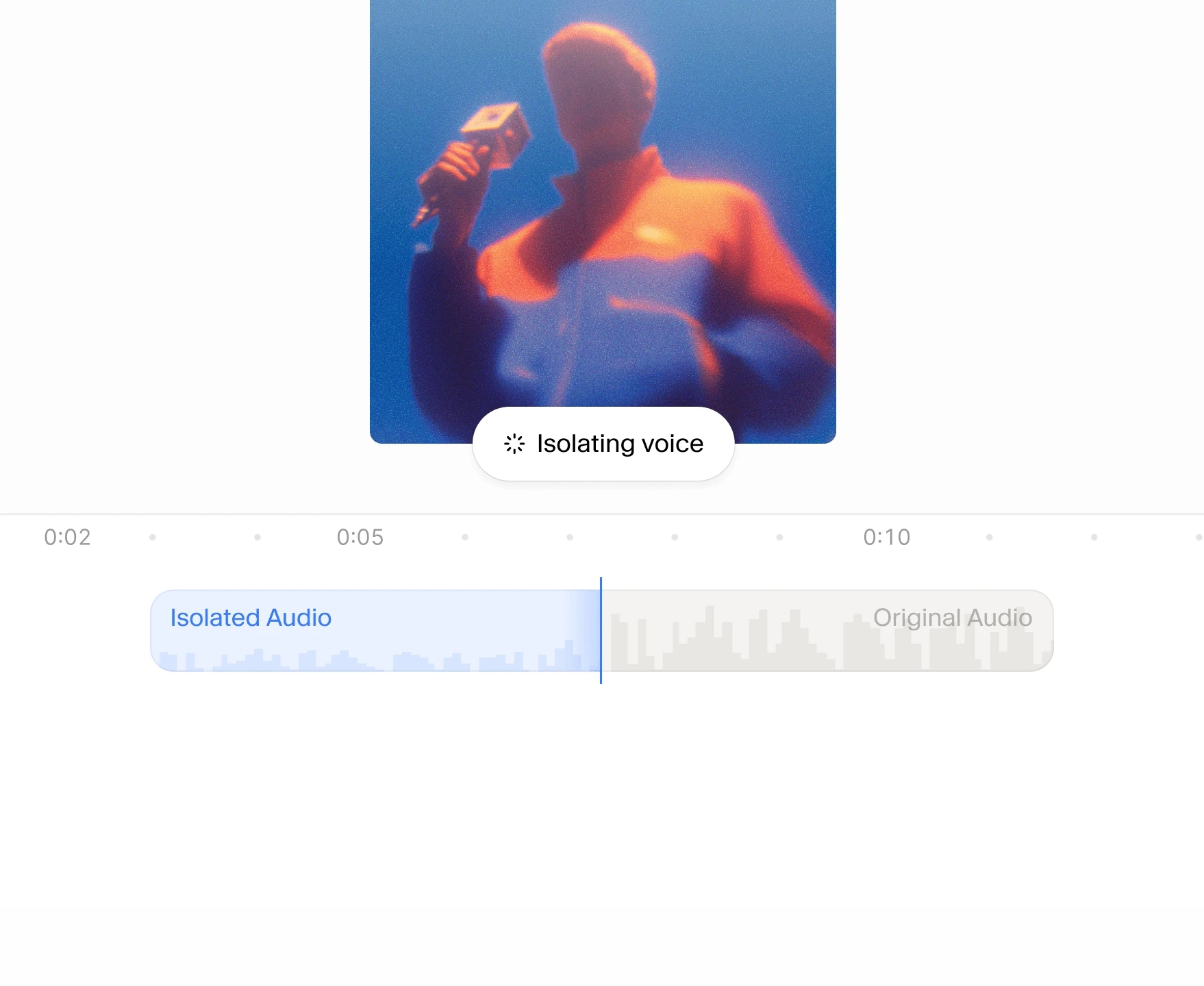
Clean up noisy audio with Voice Isolator
Remove background noise, reverb, and distractions with AI-powered noise reduction. Enhance audio quality so dialogue always sounds clear and professional.
Studio Agent: Your AI co-editor
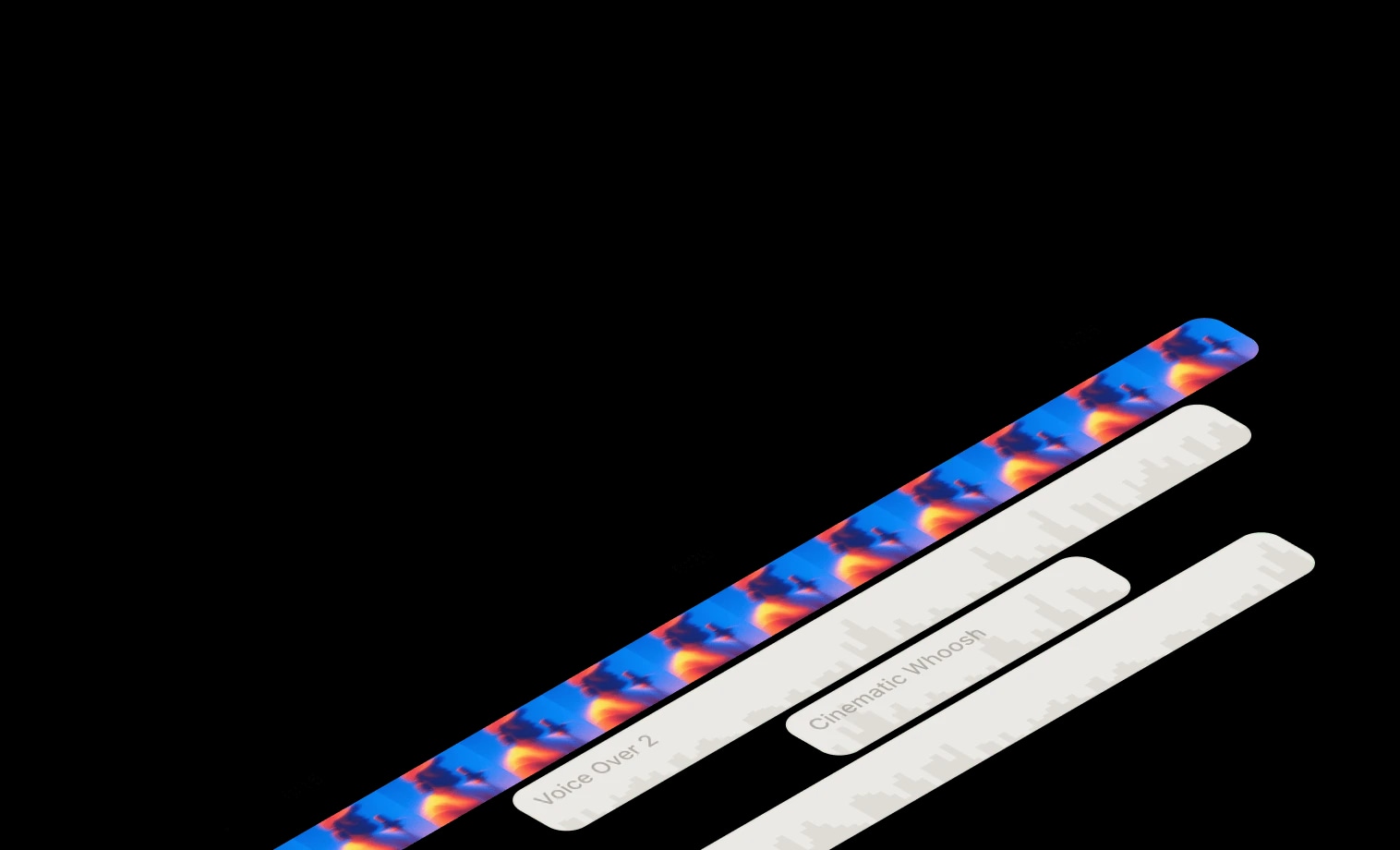
Describe your idea, and watch Studio agent bring it to life. It drafts your script, selects voices, places sound effects, and arranges your clips. You can continue to iterate with the agent or take full manual control at any point.
Studio Agent
Your AI co-editor
All your creative tools, in one seamless timeline
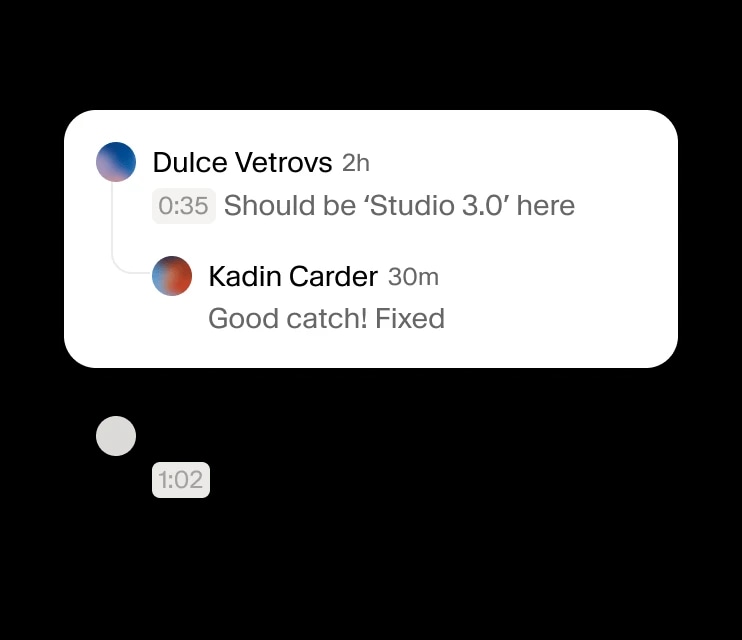
From captions and collaboration to video editing and multilingual audio, Studio 3.0 combines every tool you need to edit, produce, and share at scale.
Timeline
Video support
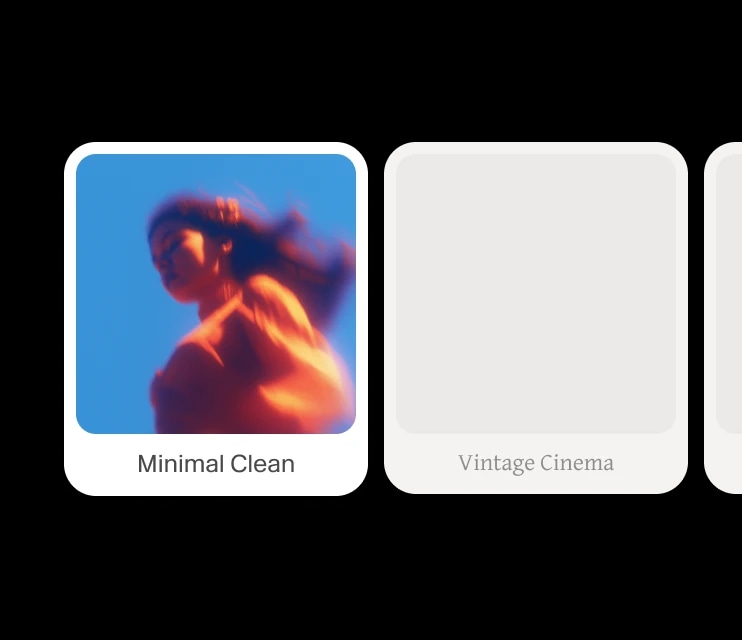
Captions
Public project URLs
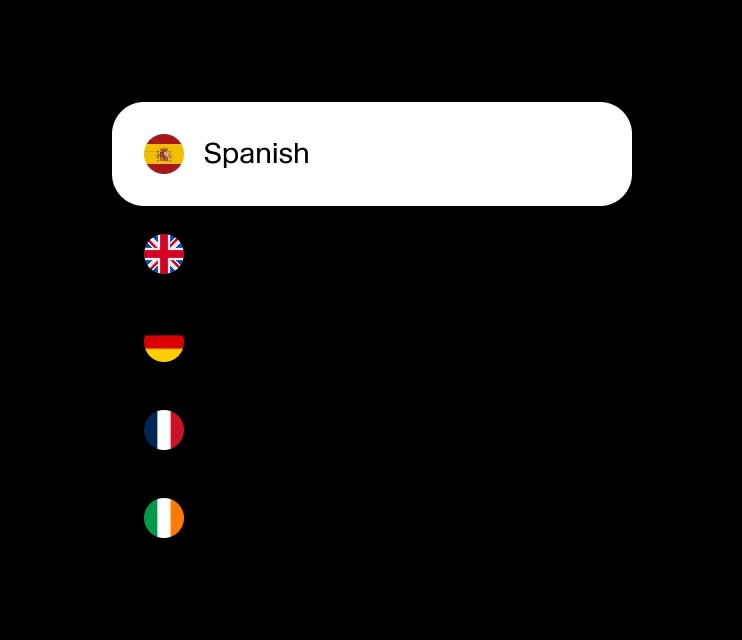
32+ Language support
Built for every creator
From video creators to podcasters and audiobook authors, Studio 3.0 adapts to every workflow — combining AI audio editing, video editing, and professional sound design.

Video creators
Edit video online with AI. Sync narration with visuals, auto-generate captions, and add background music or sound effects to bring your stories to life.

Audiobook authors
Revise narration instantly with text-based editing, enrich audio with custom soundscapes, and generate cinematic audiobook trailers.

Podcasters
Clean up dialogue with noise removal, fix mistakes without re-recording, and design custom theme music or soundscapes for every episode.

AI filmmakers
Combine video, audio, and AI-generated music to prototype scenes, add voiceovers, and experiment with sound design inside a single editor.
Everything in Studio, available through our API
Access the same voices, music, and audio tools behind Studio 3.0 — programmatically, at scale, in any workflow.
Studio Pricing
10k credits per month
Prices exclude all taxes, levies and duties. View all pricing plans.
