
ElevenLabs MCP
Bring ElevenLabs to your AI assistant
Connect your ElevenLabs workspace to the assistants you already use. Manage your voice and chat agents, and generate voice, music, images, and video - all from one connector.


ChatGPT

Claude

Claude Code

Cursor

GrokBot

Hermes
Copy and send this to your agent
Codex
Claude Code

OpenClaw

Hermes
ElevenCreative
Create with voice, music, and sound in your creative workflow
Access over 50 models through the same connector, available in Claude, ChatGPT and Cursor.
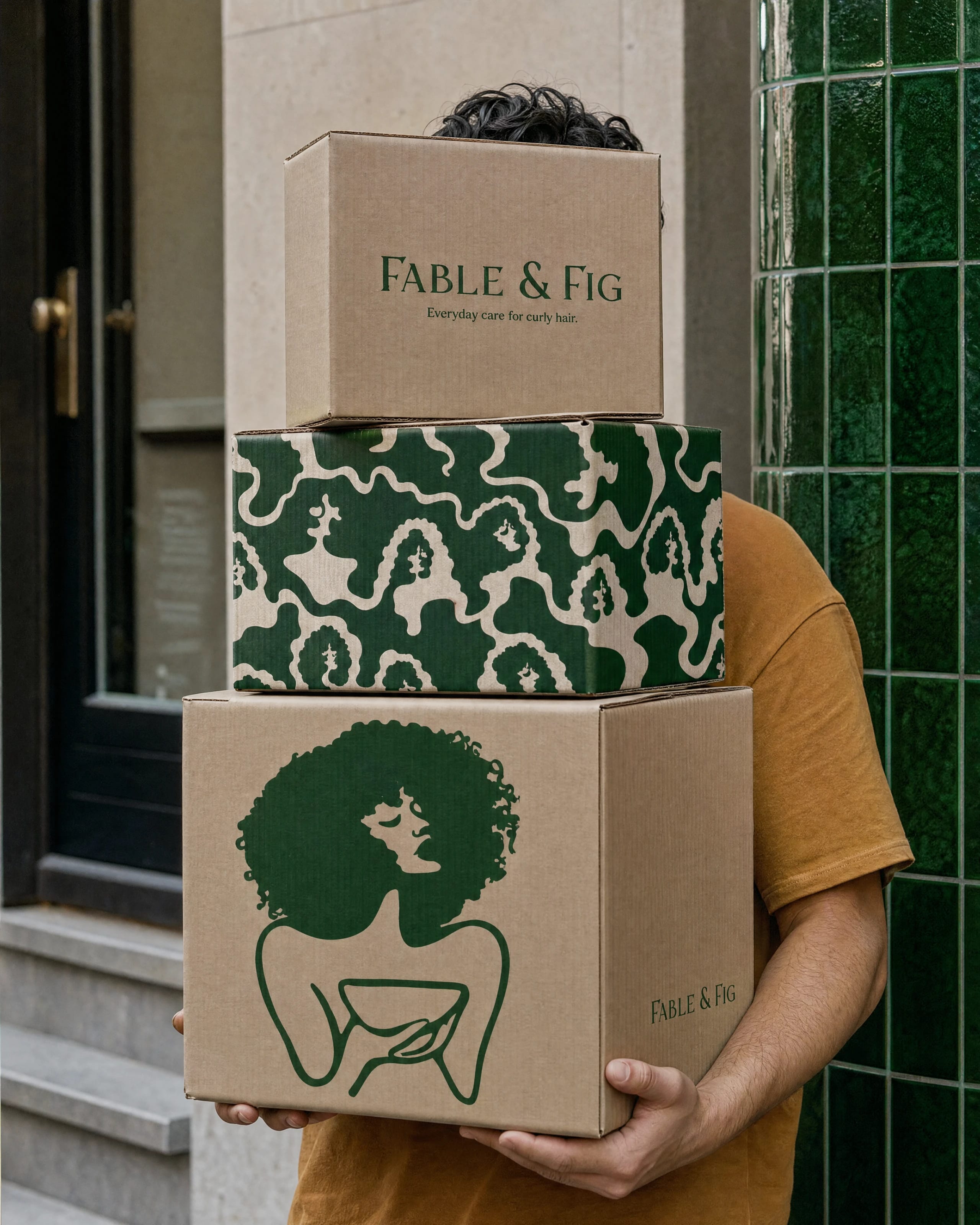
Create marketing campaigns
Turn a creative brief into on-brand ads and campaign content
Your creative partner
Brief it in plain language
Describe the campaign the way you'd brief a person. The agent picks the right models and comes back with finished assets.
Works inside your tools
Connect over MCP to Claude, Cursor, or any client your team uses. No new interface or context switching.
Consistent across every asset
Voice, wardrobe, lighting, and tone carry from the first frame to the last — across dialogue turns and resizes.
Change one layer, keep the rest
Swap the voiceover, music, or a single shot and regenerate just that piece. Everything else stays as approved.
ElevenAgents
Manage your voice and chat agents where you already work
Review performance, create new agents, and update their configuration.
Create conversational agents
Build and configure voice agents for support, sales, scheduling, and more
Manage agents like a teammate
Ask it in plain language
"which agents dropped calls this week" or "spin up a support agent for billing" — and it queries, builds, or edits without you opening a dashboard.
Works inside your tools
Connect over MCP to Claude, Cursor, or any client your team uses. No new interface or context switching.
Grounded in real conversations
Answers come from transcripts, latency, and outcomes — not summaries. Review failed calls to identify errors.
Change it and ship it
Update a prompt, swap a voice, or rewire a tool and push it live in the same turn. No redeploy, no handoff to engineering.
