

Seedance 2.5 Video Edit के साथ सुंदर एसेट्स बनाएं
Seedance 2.5 वीडियो एडिट रेफरेंस-गाइडेड निरंतरता और मोशन कंट्रोल के साथ मौजूदा फुटेज को एडिट करता है।
Seedance 2.5 Video Edit
Seedance 2.5 Video Edit
Seedance 2.5 के साथ प्रोडक्शन के लिए तैयार, रेफरेंस-गाइडेड वीडियो एडिटिंग
टेक्स्ट और रेफरेंस के साथ सीधे एडिट करें - किसी हिस्से को बेहतर बनाएं, मोशन गाइड करें या पूरे शॉट में किरदारों को एक-जैसा रखें।
रेफरेंस-गाइडेड एडिटिंग
किरदार की पहचान, सीन कंपोज़िशन और विज़ुअल स्टाइल के आधार पर एडिटिंग गाइड करने के लिए रेफरेंस इमेज और वीडियो का इस्तेमाल करें।
वीडियो के किसी हिस्से में बदलाव
सीन के बाकी हिस्से को बरकरार रखते हुए किसी खास ऑब्जेक्ट, डिटेल या एरिया में बदलाव करें।
नियंत्रित मोशन पाथ
स्पष्ट इरादे के साथ मोशन गाइड करने के लिए ऐक्शन, कैमरा मूवमेंट और सब्जेक्ट की दिशा बताएं।
स्थिर सीन निरंतरता
जटिल मल्टी-सब्जेक्ट शॉट्स समेत, एडिट्स के दौरान किरदारों, लाइटिंग और माहौल को एक-जैसा रखें।
सिनेमैटिक यथार्थवाद
विज्ञापनों, सोशल वीडियो और कॉन्सेप्ट फिल्मों के लिए जीवंत ऐक्शन, प्राकृतिक लाइटिंग और निखरी हुई विज़ुअल टेक्सचर बनाएं।
विस्तृत प्रॉम्प्ट नियंत्रण
एक ही एडिट प्रॉम्प्ट में सब्जेक्ट, माहौल, कैमरा, मूड, लाइटिंग और स्टाइल तय करें।
Seedance 2.5 Video Edit के साथ पूरी तरह से नियंत्रण में बनाएं
Seedance 2.5 Video Edit के साथ पूरी तरह से नियंत्रण में बनाएं
 Seedance 2.5 Video Edit चुनें
ElevenLabs मॉडल लाइब्रेरी खोलें, फिर वीडियो एडिट और बेहतर बनाने के लिए Seedance 2.5 वीडियो एडिट चुनें।
 प्रॉम्प्ट दर्ज करें और संदर्भ जोड़ें
एडिट प्रॉम्प्ट लिखें, फिर किरदार, स्टाइल, मोशन या सीन की डिटेल्स गाइड करने के लिए रेफरेंस इमेज जोड़ें - या पेड प्लान में वीडियो जोड़ें।
 जनरेट करें और सुधारें
जनरेशन चलाएं, एडिट किए गए वीडियो को देखें और एक और प्रयास के लिए प्रॉम्प्ट या रेफरेंस में बदलाव करें।
अक्सर पूछे जाने वाले प्रश्न
Seedance 2.5 Video Edit के साथ शुरू करें
सबसे अच्छे इमेज, वीडियो, और ऑडियो मॉडल — सभी ElevenCreative के अंदर। आज ही जनरेट करना शुरू करें।
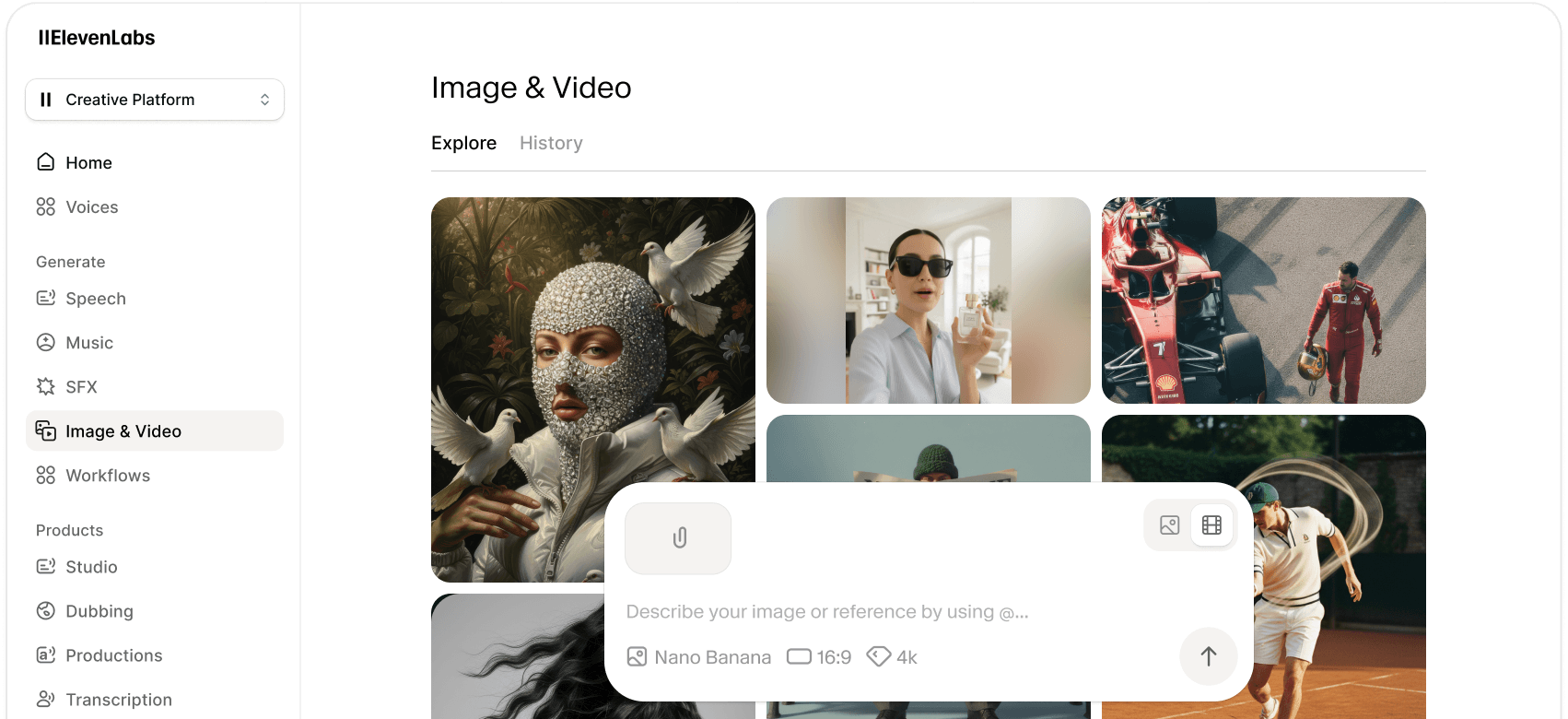
और अधिक इमेज और वीडियो जनरेशन मॉडल खोजें
हमारी AI इमेज और वीडियो जनरेशन मॉडल की पूरी लाइब्रेरी का अन्वेषण करें, जिनमें से प्रत्येक की अपनी अनूठी ताकत और क्षमताएं हैं।
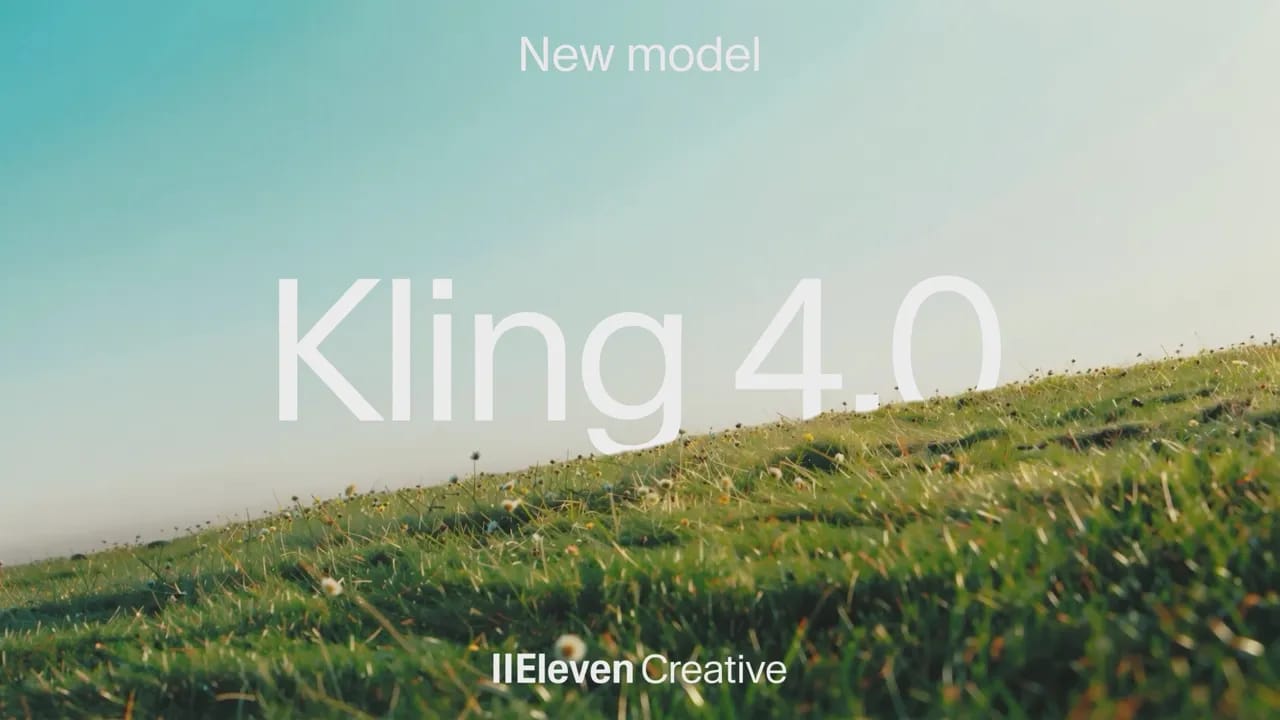
Kling 4.0 generates cinematic video with stable motion during fast action, complex camera moves
Google Nano Banana 2.1 generates and edits images with precise changes and consistent subjects.

Recraft V4.1 Flash turns text into finished images fast, from realistic portraits to bold illustrations.
FLUX 3 Image brings precise spatial control and localized editing to your images on ElevenLabs.

GPT Image 2.5 makes precise image edits while preserving subjects, composition, and visual quality.

Minimax H3 Max generates polished, prompt-faithful video faster than real time on ElevenLabs.
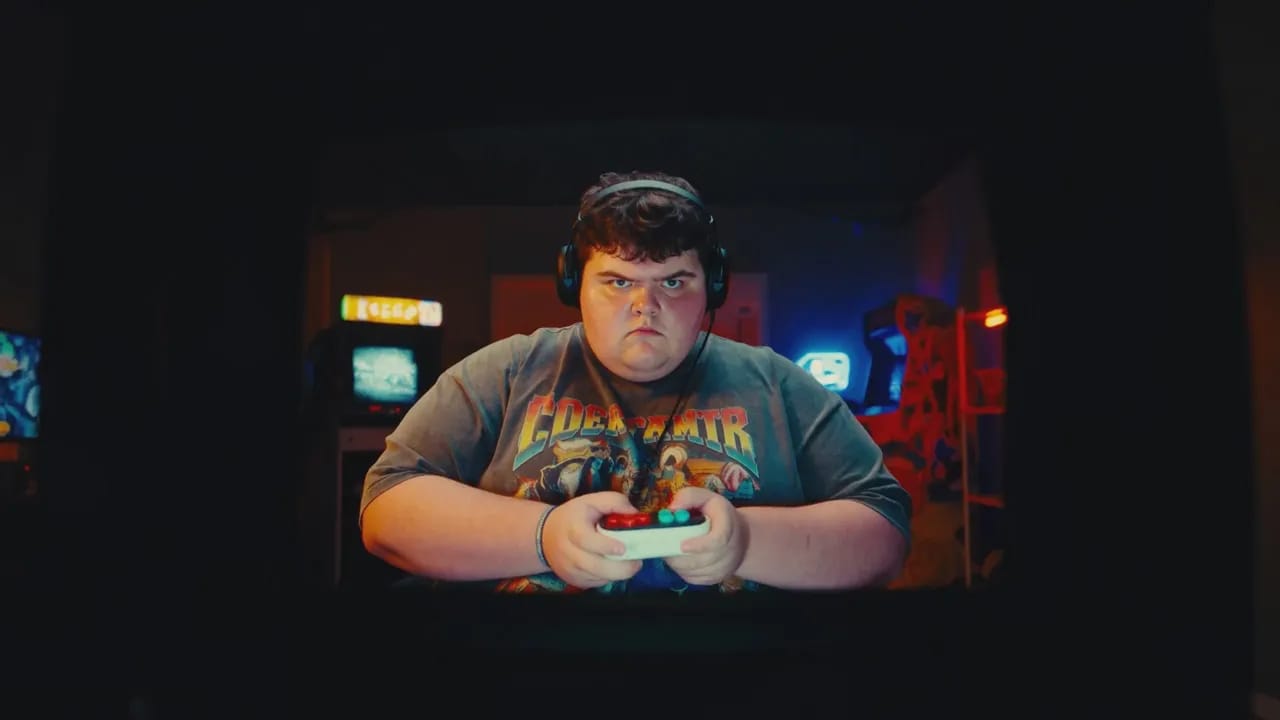
Gemini Omni Flash 1.1 combines fast video generation and conversational editing with precise cinematic control.
Minimax H3 unifies video generation, reference control, and natural-language editing in one model.
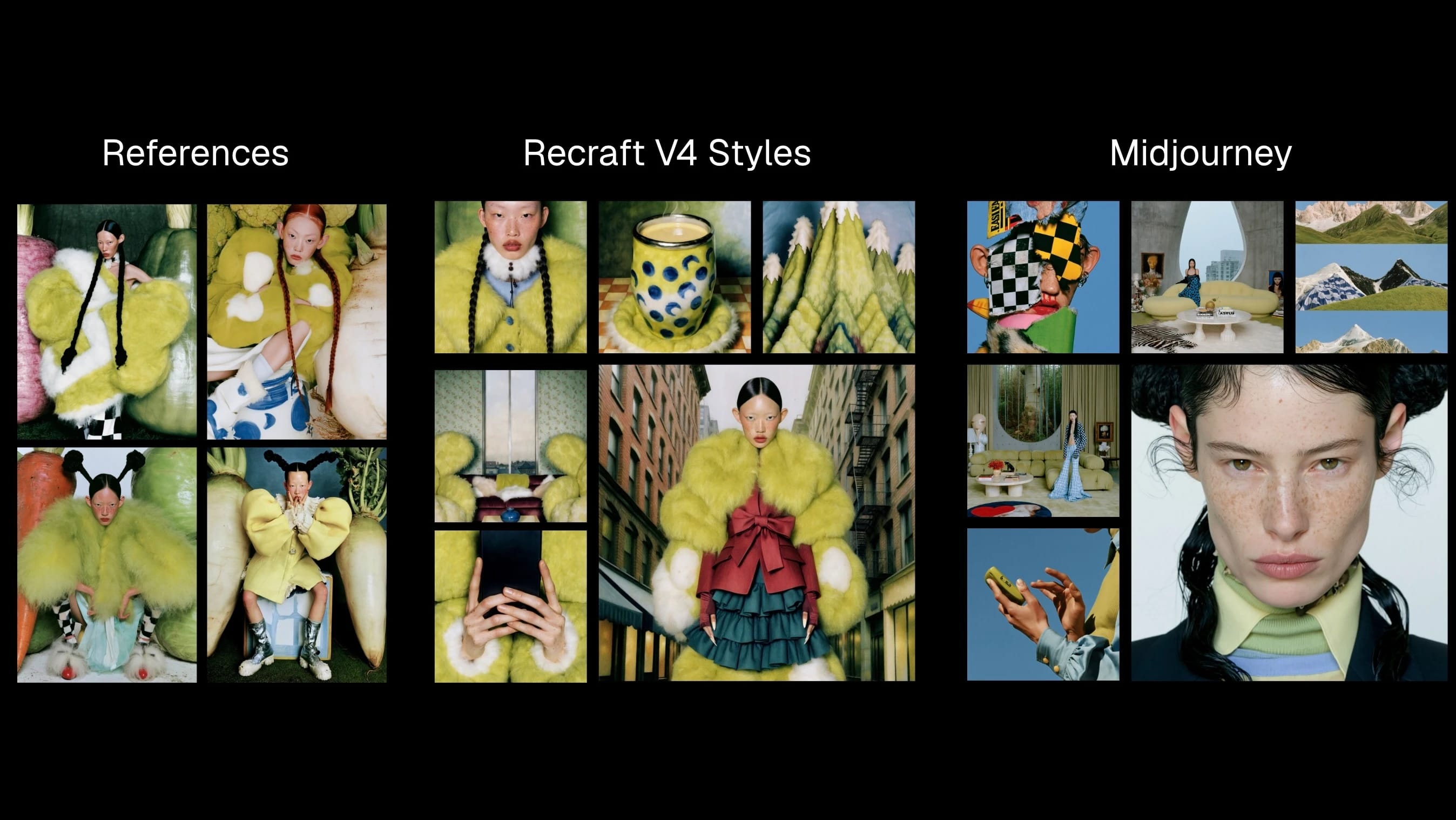
Recraft V4 Styles turns visual references into style-consistent raster and vector images.
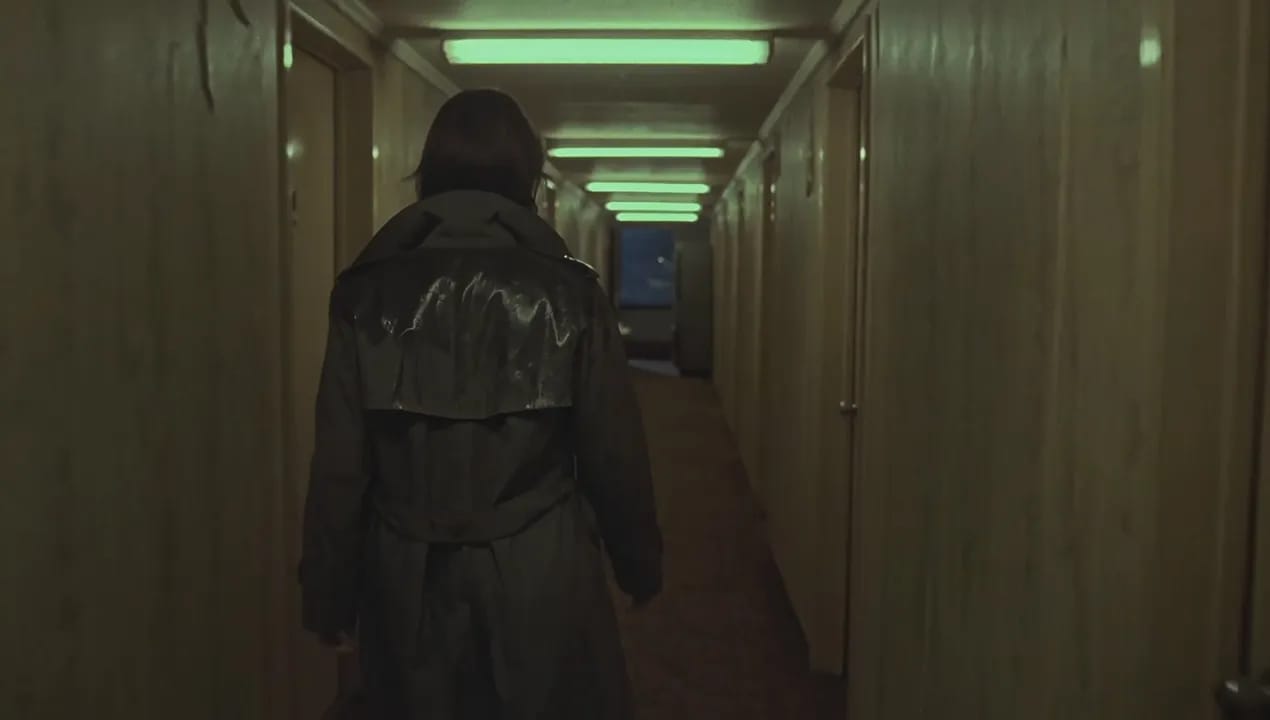
Flux 3 Video generates grounded, multimodal AI video from prompts, images, and clips.

Seedance 2.5 generates coherent 30-second videos with reference control and targeted edits.

Seedream 5.0 Pro creates controllable commercial images, dense layouts, and realistic product visuals.

Wan 2.5 Video generates short, high-resolution videos from text or images with smooth motion and flexible control.

Seedream 5 Lite rapidly generates images up to 3K with deep reasoning, precise prompt-following

HeyGen Avatar 4 quickly generates expressive, lifelike talking avatars from a single photo

Creatify Aurora transforms a single photo and audio into ultra-realistic AI avatar videos with nuanced motion and visual style

Veed Fabric 1.0 creates realistic talking videos from any image, with lifelike gestures, lip sync, and flexible style control.
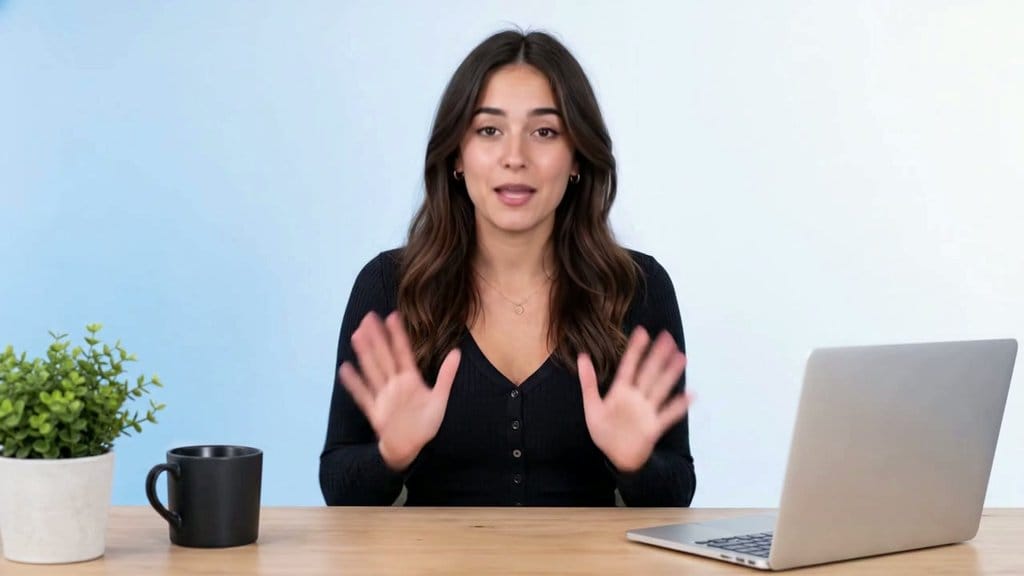
Sync 3 offers 4K lip synced video generation with shot-level realism, emotion preservation
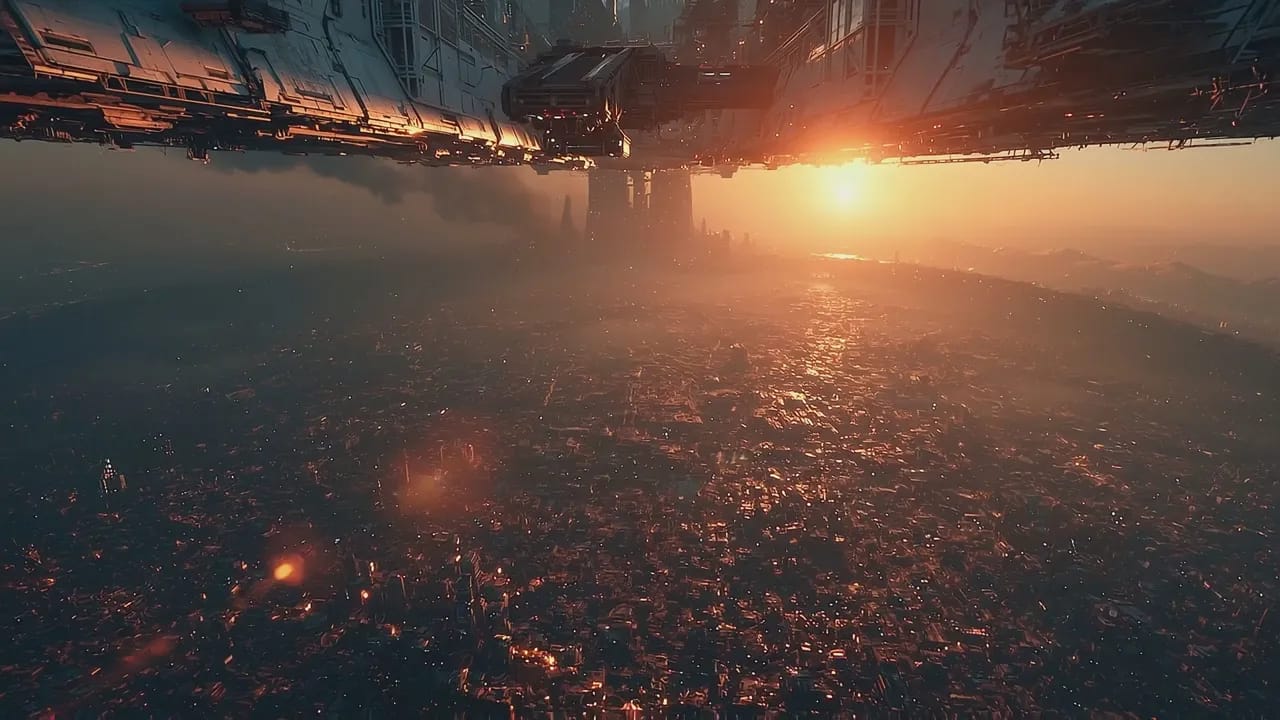
Gemini Omni Flash edits and creates short videos through step-by-step natural language direction.



![FLUX.2 [Pro]](/_next/image?url=https%3A%2F%2Fstorage.googleapis.com%2Feleven-public-cdn%2Fdatabase%2Fshared_content%2FiFXZKT3zim1Ym8AhqarJ%2Fthumbnail.jpg&w=3840&q=80)
![FLUX.1 Kontext [Pro]](/_next/image?url=https%3A%2F%2Fstorage.googleapis.com%2Feleven-public-cdn%2Fdatabase%2Fshared_content%2FcZa7DleBnUZI7u01isPG%2Fthumbnail.jpg&w=3840&q=80)


