

How to Update an Audio Native Player
Made edits to your website or decided to use a new voice? Here’s how to update your Audio Native player to reflect those changes:
Open the Studio project
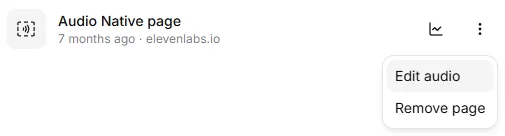
Go to the Audio Native page, click the three dots next to the page you’d like to update, and select Edit Audio. This will open the corresponding Studio project.
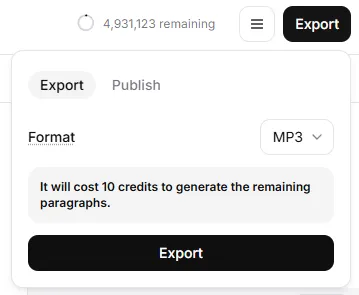
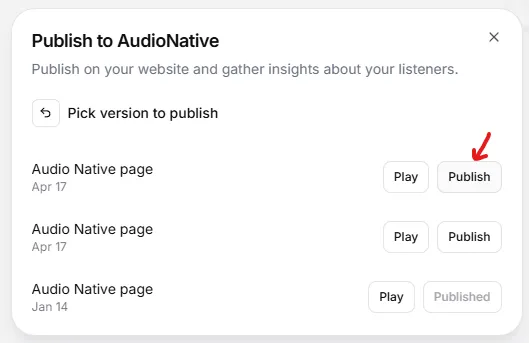
Your Audio Native player will now reflect the latest version of your project.
Updating the Player Title and Author
To change the title or author shown in the Audio Native player:
-
Go to the corresponding Studio project editor
-
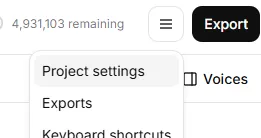
Click the hamburger menu (☰) and select Project Settings
-
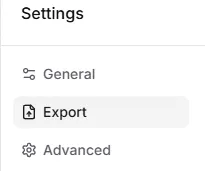
Go to the Export tab
-
Edit the Title and Author fields
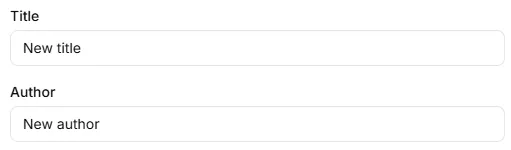
These changes will be reflected automatically in the embedded player.