

What is Studio?
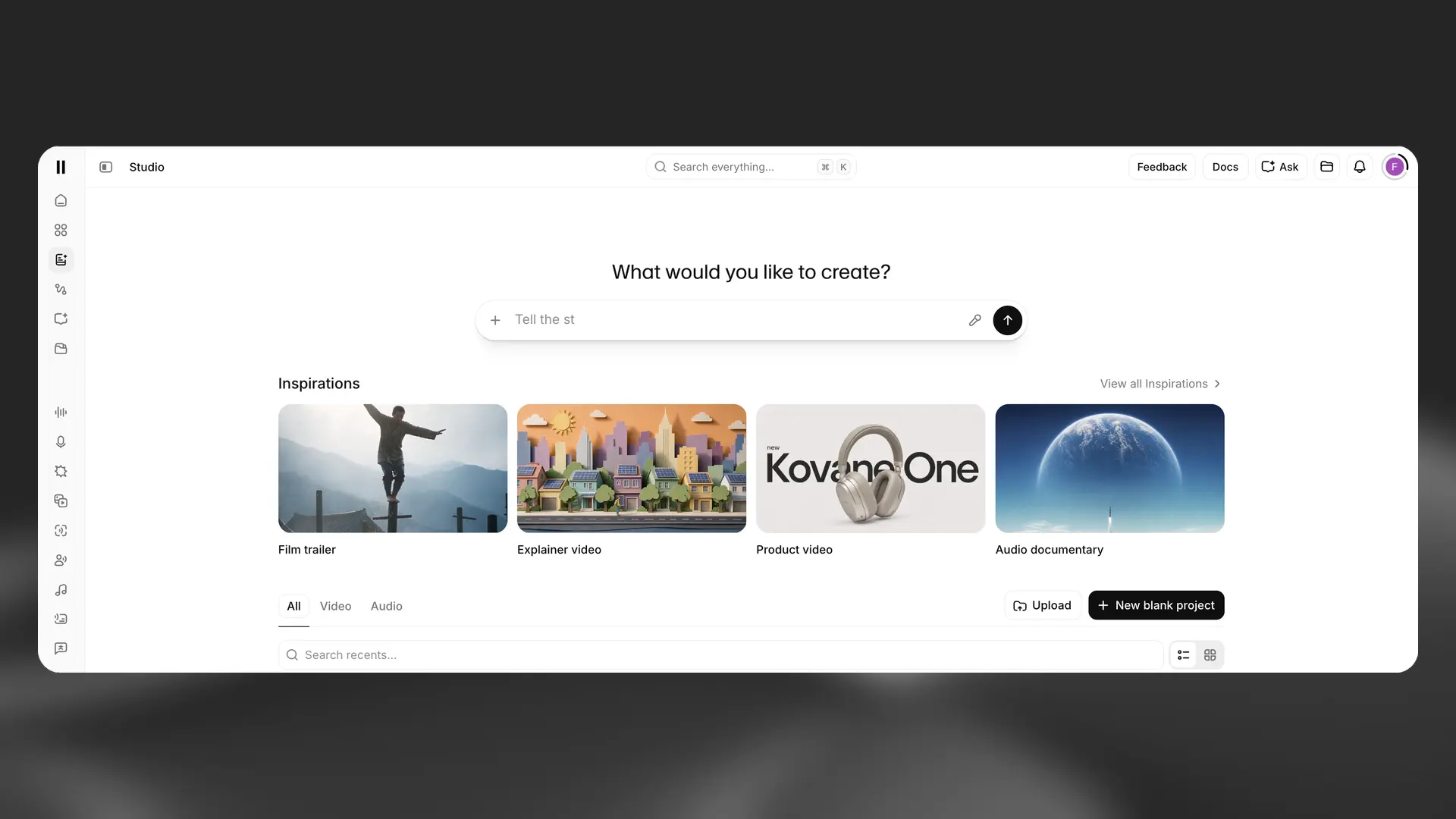
ElevenCreative Studio is a workspace for creating audio and video projects. Studio 4.0 combines a prompt-first workflow with timeline editing, generated media, sharing, and comments.
Audio projects
Use Audio projects to create long-form narration, podcasts, and audiobooks. Upload a script or document, assign voices, and arrange narration, music, and sound effects on the timeline.
The Audio project editor includes:
- A contextual sidebar for voice, model, playback, and generation settings.
- A Chapters sidebar for organizing long-form content.
- Generation history and paragraph locking.
- Actor Mode for guiding speech delivery with a recording.
- MP3 and WAV export options.
Video projects
Use Video projects to combine video, images, speech, music, sound effects, text, and captions. Start with a prompt, an Inspiration, an upload, or a blank project.
The Video project editor includes:
- A Library for project and workspace assets.
- A Script panel for narration and pronunciation rules.
- A Captions panel for transcript and style controls.
- A multi-track timeline for arranging media.
- Aspect ratios for widescreen, vertical, portrait, and square video.
- Studio Agent for planning and editing video projects.
Sharing and export
Share a project to collect comments from teammates. Select Export to render the current chapter or project as audio or video.
For detailed instructions, see the ElevenCreative Studio guide.