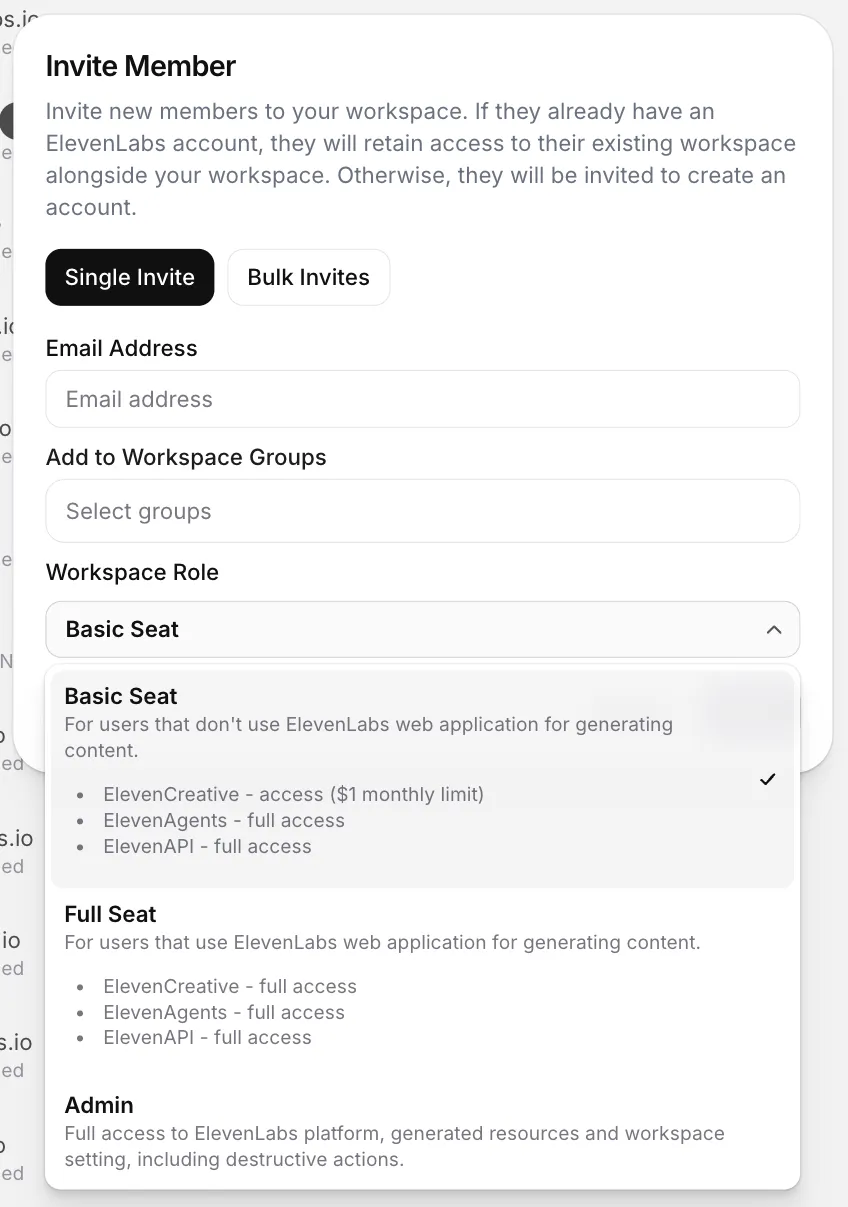
How do I assign a Basic Seat?
Workspace admins can manage seat types at any time.
To assign or change a seat:
Go to the Members tab
The available seat types depends on your subscription plan. Additional Full and Admin seats are available on Pro, Scale, Business, and Enterprise plans. Self-serve workspaces can have up to 11 Full Seats in total. See Members for how to buy and remove seats.
You can also assign the seat type when inviting a new member to your workspace.