AI Sepia Filter
Transform any photo into a timeless masterpiece with our free online sepia filter. Apply warm, nostalgic sepia tones to your images in seconds. Whether you want a subtle vintage look or a deep, rich old photo effect, our AI-powered sepia tone converter delivers professional results instantly. Then take it further by adding AI voiceovers to create talking photo videos that bring your vintage memories to life.
How to Apply a Sepia Filter to Your Photos
Turn any image into a vintage photo with warm brown tones in three simple steps.
What Is a Sepia Filter and Why Use It?
A sepia filter transforms your photos by applying a warm brown color tone that mimics the look of early photography. The sepia effect originated from a chemical process used in the 1880s that gave photographs their distinctive yellowish-brown appearance while also helping preserve them longer. Today, the sepia tone has become synonymous with nostalgia, elegance, and timeless beauty. Our digital sepia filter replicates this classic aesthetic instantly, turning modern snapshots into sepia images that feel like cherished memories from the past.
Create Nostalgic Sepia Photos with Warm Brown Tones
The sepia effect does more than just change colors. It evokes emotion, creates atmosphere, and tells a story. When you apply a sepia filter, you strip away the distractions of modern color photography and replace them with a warm, contemplative mood. Wedding photos become vintage heirlooms. Travel snapshots transform into timeless postcards. Portraits gain the depth and gravitas of old photographs. Whether you want a subtle hint of warmth or a full vintage transformation, our adjustable sepia tone lets you achieve exactly the look you envision for your photo editing projects.
Make Your Sepia Photos Talk with AI Voice
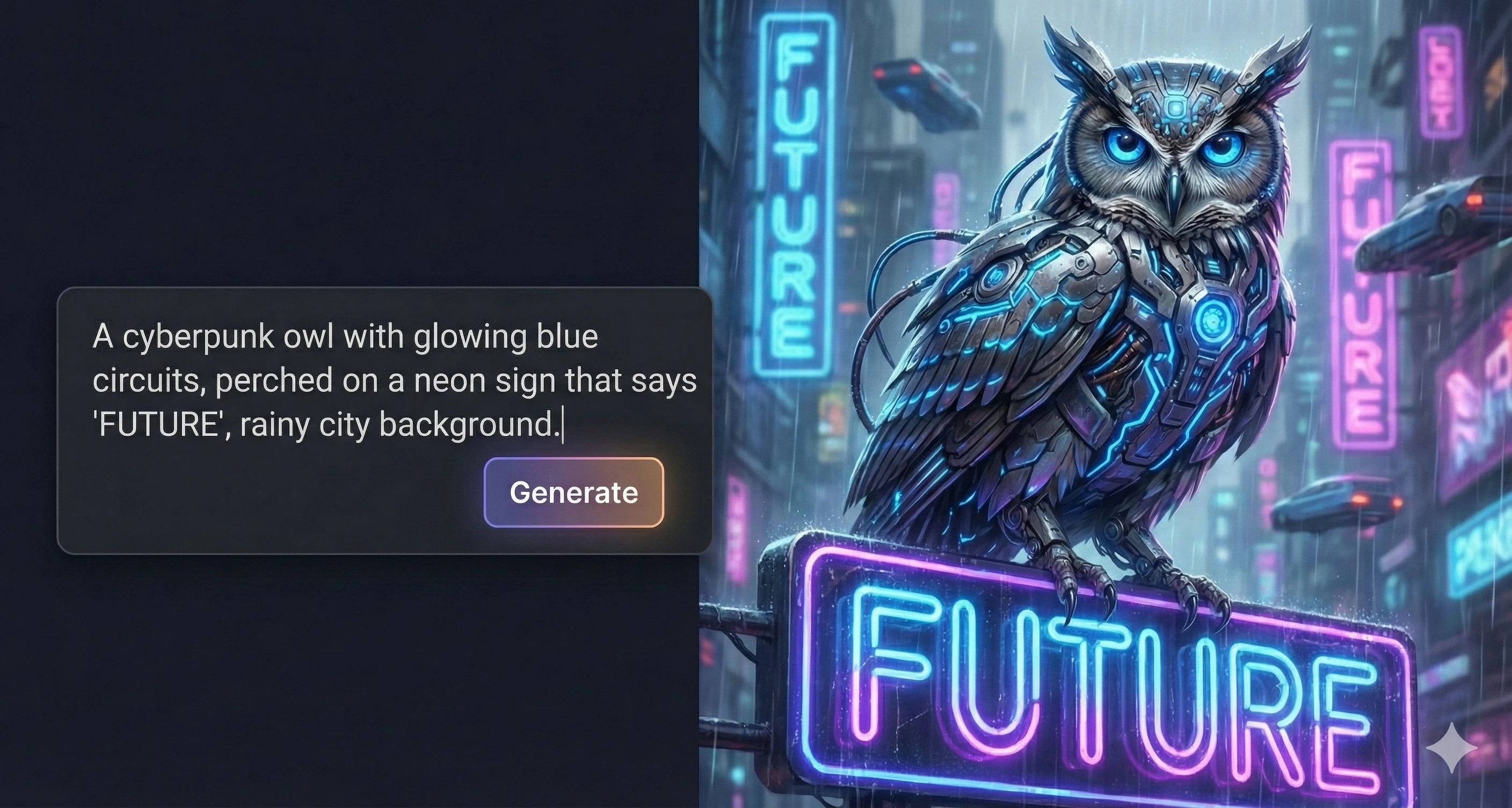
This is where your vintage creations truly come alive. After applying the perfect sepia tone, add a natural-sounding AI voiceover to create talking photo videos. Imagine a sepia-toned portrait of your grandparents narrating their love story. A vintage landscape describing its own history. A retro product photo delivering a classic advertisement. Choose from over 10,000 voice options or clone your own voice to give your sepia images a unique personality. Perfect for social media content, family memories, educational projects, and creative storytelling.
Achieve Any Sepia Tone You Want
Not all sepia tones are the same. Some photographers prefer a cooler, almost antique brown, while others want a richer, warmer umber. Our sepia filter converter gives you complete control over the intensity and warmth of your sepia effect. Use the saturation slider to fine-tune exactly how much color transformation you want. Combine with other photo effects like vignette or grayscale for even more creative possibilities. The result is always a professional-quality sepia image that looks authentic and uniquely yours.
Why Choose This Sepia Filter
Our sepia photo filter combines professional photo editing with world-class voice synthesis for a complete creative workflow.
Instant Results
Adjustable Intensity
Free and Browser-Based
Quality Preserved
Voice Integration