

Templates
Ready-made creative workflows powered by ElevenCreative Flows
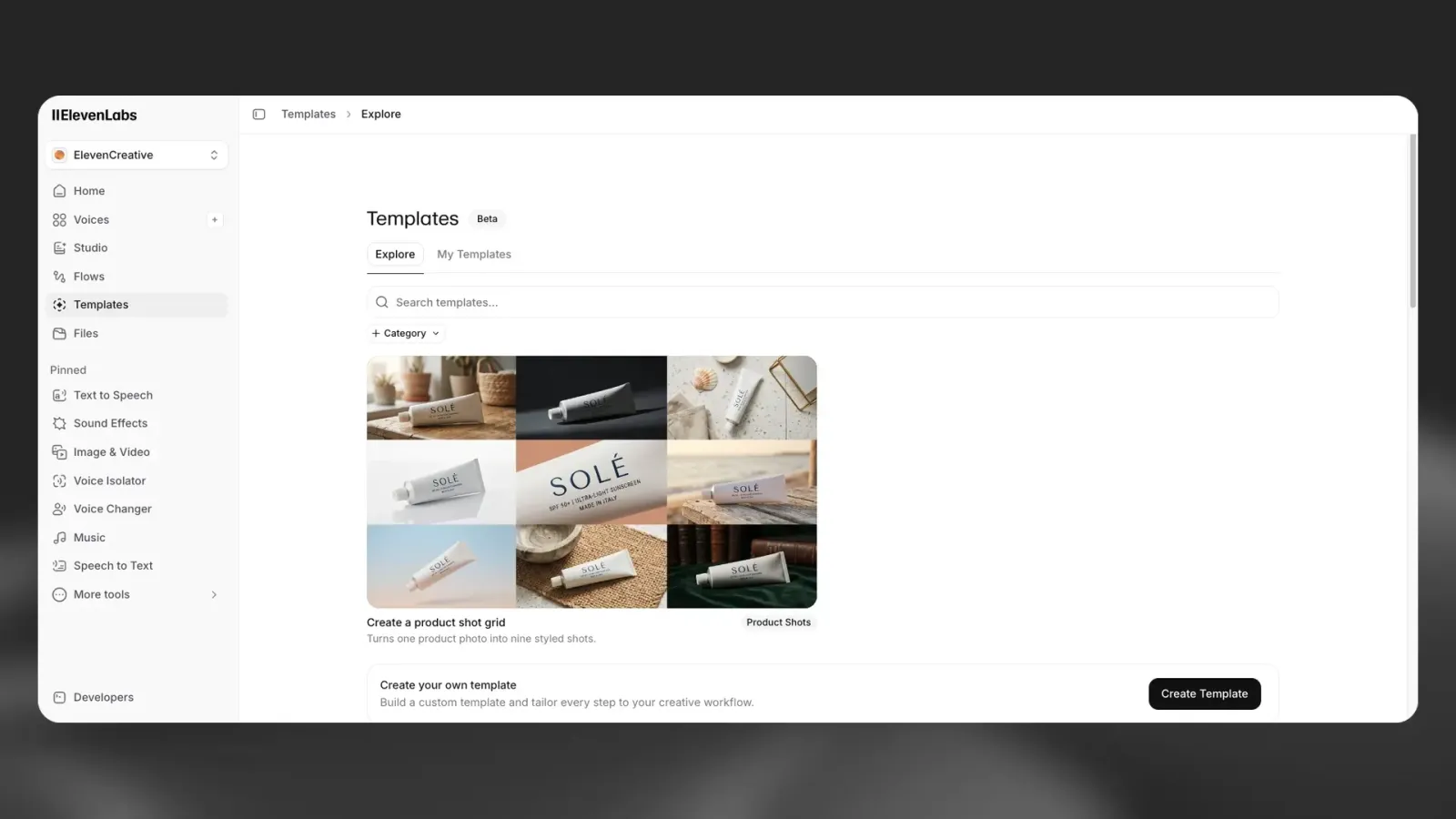
Overview
Templates are ready-made creative workflows inside ElevenCreative. Each template chains together image, video, voice, music, and sound effect models into a single pipeline. You provide the inputs and the template handles the rest.
Templates are built on ElevenCreative Flows, our node-based visual workspace combining image, video, voice, music, and sound effects. Anyone can create a template by building a flow, defining its inputs and outputs, and publishing it. You can keep your templates private for personal use or share them with the community for others to browse and run.
Templates are available for all plans, including free, but video generation is only available on paid subscriptions.
Guide
Browse the gallery
Open Templates. The Explore tab lists community and featured templates; search by name or filter by Category. Templates you created, or that were shared with your workspace, are under My Templates.
Select a template
Choose a template that matches your goal. Its page shows the inputs it needs, with guidance from the template author, and examples of what it produces.
Upload inputs
Provide the required inputs based on what the template needs. Templates can accept images, video files, audio files, and text fields.
Any content generated by templates is available in the specific product history (e.g., Music, Image & Video) so you can continue iterating outside of Templates.
How Templates work
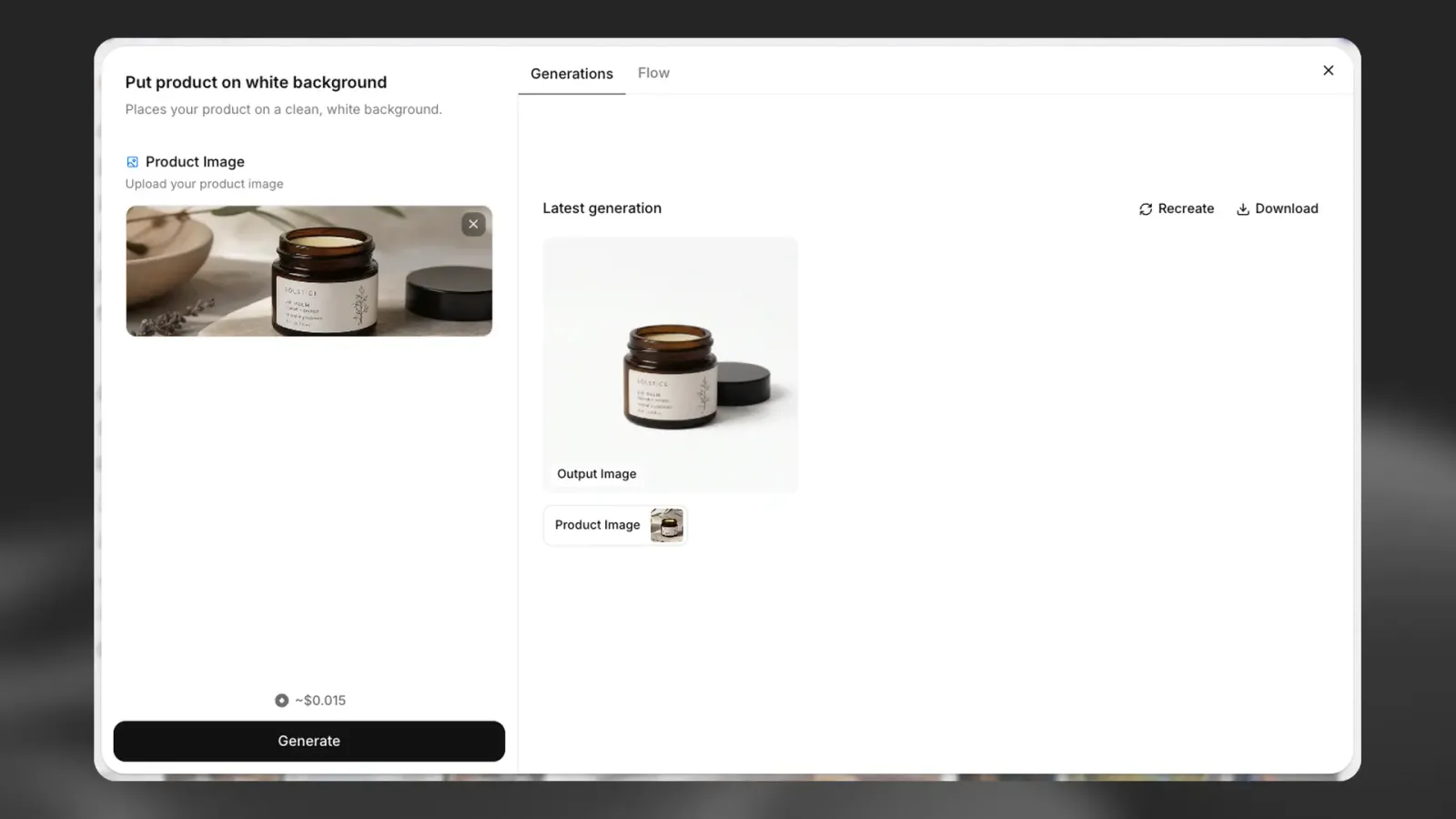
Templates are curated pipelines built on the same multi-model infrastructure as ElevenCreative Flows. Each template defines its inputs (images, video, text, audio) and outputs (generated assets), so you know exactly what to provide and what you get back.
When you run a template, it executes a pre-built flow that chains together the necessary models and processing steps. The template handles all configuration and file transfers between steps automatically.
Templates support:
- Multiple input types (images, video, audio, text fields)
- Multiple output assets per template
- One-click execution without manual configuration
- Access via web and mobile app
- Programmatic runs through the Templates API
Featured templates
The template gallery is organized into categories. Browse the full gallery to discover templates for your use case.
Create your own template
You can create your own templates in two ways:
- From an existing flow: Open any flow in ElevenCreative Flows and click the Create Template button to convert it into a template
- From scratch: Click the + New Template button on the Templates page to start building a new template from scratch
Either way, you pick the template’s inputs and outputs, then publish it. See Creating a template for the steps.
When creating a template, you can choose from various sharing options:
When saving your template, choose who can access it:
- Just me: the template can only be used by you.
- Workspace: the template can be used by anyone in your workspace.
- Link only: the template can be used by anyone with the link.
- Explore: the template will be submitted for review. Once approved, it will be visible to everyone in the Templates Explore tab.
Run templates with the API
Templates can also be run from your own code, for example to connect a CMS or a product catalog to a template for automated content production. A template’s API tab in the app shows ready-to-use code with one placeholder per input. The Templates quickstart runs your first template end to end, and Run your team’s template covers passing each kind of input, pinning a version and reading the outputs.
Running templates through the API requires a Pro plan or above. Templates that use a model which is not available through the API cannot be run this way.
Key features
Powered by ElevenCreative Flows
Each template is built using ElevenCreative Flows. The optimal models, settings, and connections between steps are all preselected and preconfigured for you.
One-click execution
Upload your image, video, or text, run the template, and get the output. Templates require no specialized configuration or manual model selection. Prompt engineering is built into each template to optimize results.
Multi-input and multi-output
Templates can accept multiple files, text fields, and selections. They can also return multiple generated assets depending on their design.
Available on web and mobile
Templates work the same way on web and the ElevenLabs mobile app. Browse the gallery and run templates from any device.
Billing and pricing
Templates consume credits from your existing plan at the same rate as running the same models manually. There is no additional markup for using Templates.
Credit cost depends on the models used in the template. You can preview the estimated cost before running.
Credit usage is calculated based on:
- Model used for each step
- Duration or size of the output
- Number of outputs generated