For AI agents: a documentation index is available at the root level at /llms.txt and /llms-full.txt. Append /llms.txt to any URL for a page-level index, or .md for the markdown version of any page.
Connect
BlogHelp CenterAPI PricingSign up
OverviewElevenCreativeElevenAgentsElevenAPIAPI referenceChangelog
  • Get started
    • Overview
    • Quickstart
  • Playground
    • Text to Speech
    • Voice Changer
    • Sound Effects
    • Speech to Text
    • Image & Video
  • Products
    • Studio
    • Audiobooks
    • Flows
    • Templates
    • Music
    • Dubbing
    • Transcripts
    • Subtitles
  • Voices
    • Voice library
    • Voice cloning
    • Voice Design
    • Payouts
  • Audio tools
    • Audio Native
    • Voiceover Studio
    • Voice Isolator
    • AI Speech Classifier
  • Services
    • Troubleshooting
LogoLogo
Login
Login
Connect
BlogHelp CenterAPI PricingSign up
On this page
  • Overview
  • Guide
Audio tools

Voice isolator

A guide on how to remove background noise from audio recordings.
Was this page helpful?
Previous

AI speech classifier

A guide on how to detect AI audio
Next
Built with

Overview

Voice isolator is a tool that allows you to remove background noise from audio recordings.

Guide
Voice isolator

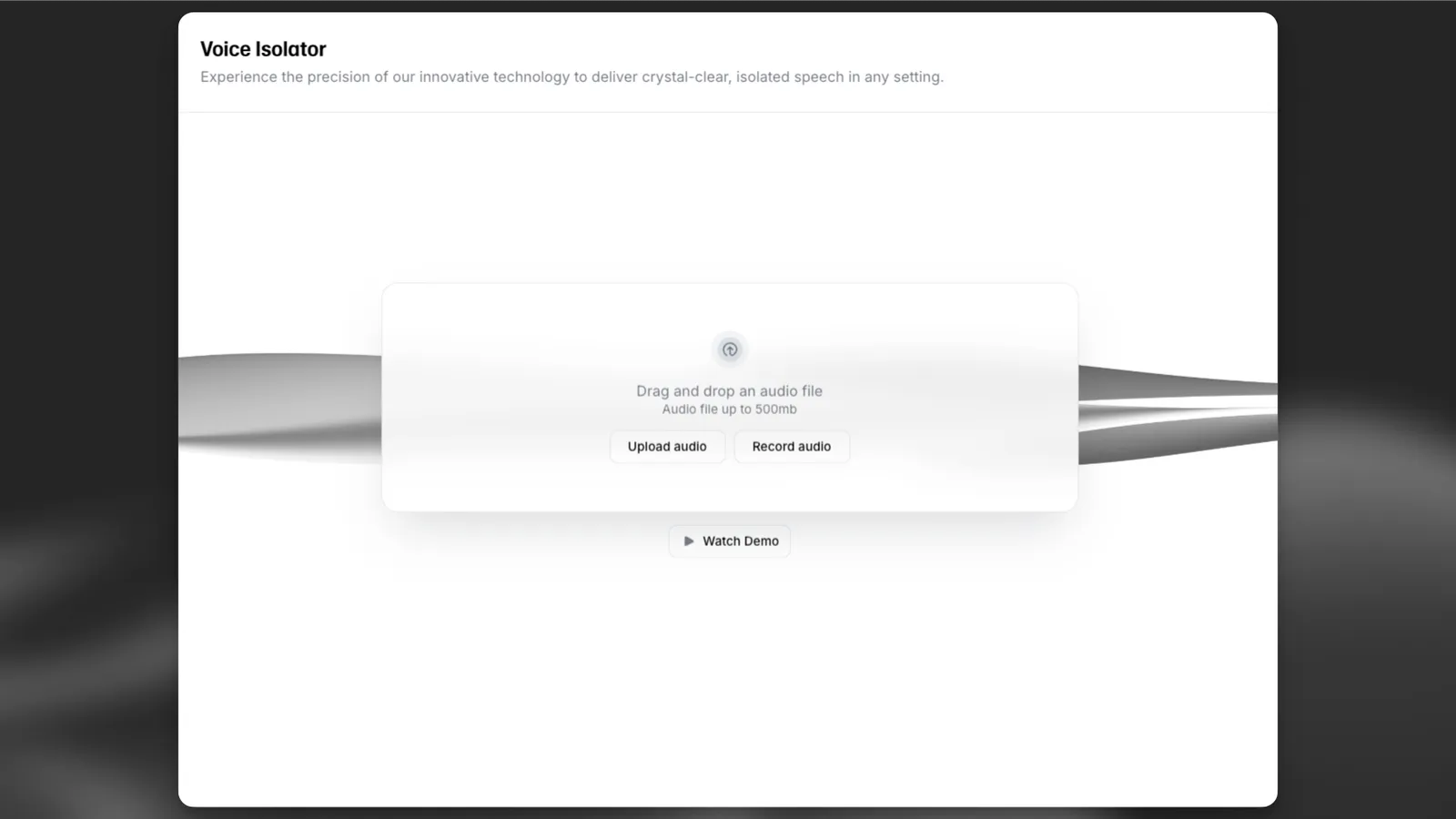
To use the voice isolator app, navigate to Voice Isolator under the Audio Tools section. Here you can upload or drag and drop your audio file into the app, or record a new audio file with your device’s microphone.

Click “Isolate voice” to start the process. The app will isolate the voice from the background noise and return a new audio file with the isolated voice. Once the process is complete, you can download the audio file or play it back in the app.

The voice isolator functionality is also available via the API to easily integrate this functionality into your own applications.

Voice isolator app

Use the voice isolator app.

API reference

Use the voice isolator API.