For AI agents: a documentation index is available at the root level at /llms.txt and /llms-full.txt. Append /llms.txt to any URL for a page-level index, or .md for the markdown version of any page.
Connect
BlogHelp CenterAPI PricingSign up
OverviewElevenCreativeElevenAgentsElevenAPIReception AIAPI referenceChangelog
  • Get started
    • Overview
    • Quickstart
  • Configure
    • Overview
    • Voice & language
      • Multi-voice support
      • Pronunciation dictionary
      • Speed control
      • Expressive mode
      • Voice design
      • Language
    • Knowledge base
    • Tools
    • Personalization
    • Authentication
  • Deploy
    • Overview
    • Environment variables
    • WhatsApp
    • Batch calls
  • Monitor
    • Overview
    • Users
    • Testing
    • Experiments
    • Versioning
    • Conversation Analysis
    • Analytics
    • Real-time monitoring
    • OpenTelemetry traces
    • Privacy
    • Cost optimization
    • CLI
  • Advanced
    • Events
    • Custom models
    • LLM cascading
    • Post-call webhooks
  • Resources
    • UI components
  • Guides
    • Chat Mode
    • Burst pricing
    • ElevenLabs' docs agent
    • Scaling user interviews
    • Simulate Conversations
LogoLogo
Login
Login
Connect
BlogHelp CenterAPI PricingSign up
On this page
  • Overview
  • Configuration
  • Update the speed
  • How it works
  • Best practices
ConfigureVoice & language

Speed control

Learn how to adjust the speaking speed of your ElevenLabs agent.
Was this page helpful?
Previous

Expressive mode

Build voice agents that adapt tone, timing, and emotional delivery based on conversational context.
Next
Built with

Overview

The speed control feature allows you to adjust how quickly or slowly your agent speaks. This can be useful for:

  • Making speech more accessible for different audiences
  • Matching specific use cases (e.g., slower for educational content)
  • Optimizing for different types of conversations

Configuration

Speed is controlled through the speed parameter with the following specifications:

  • Range: 0.7 to 1.2
  • Default: 1.0
  • Type: Optional

Update the speed

Update via the dashboard
Update via the CLI
Update via the API

Open your agent in the dashboard, navigate to the Voice tab, and adjust the speed control. Save your changes.
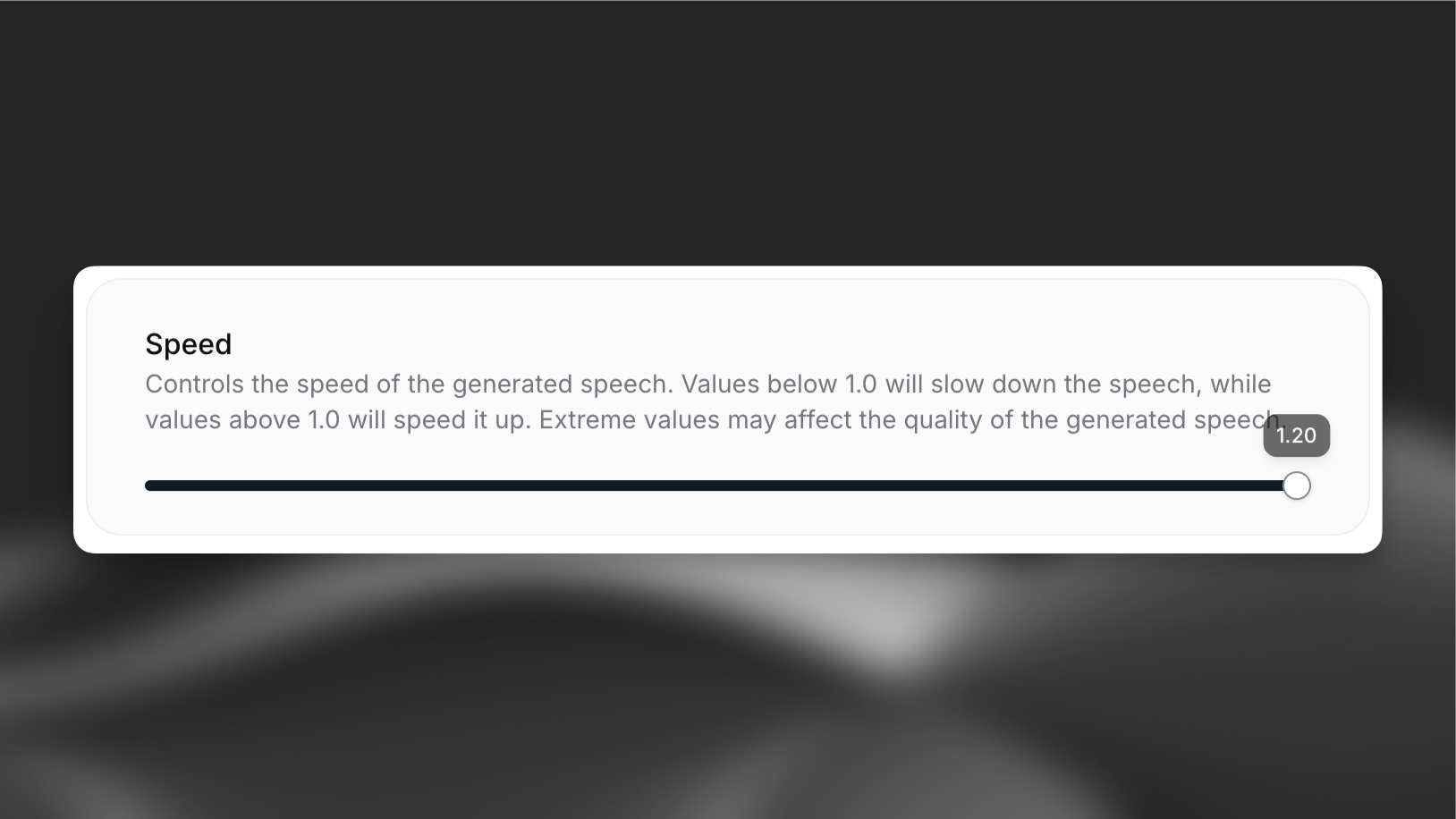
Speed control settings under the Voice tab

How it works

The speed parameter affects the pace of speech generation:

  • Values below 1.0 slow down the speech
  • Values above 1.0 speed up the speech
  • 1.0 represents normal speaking speed

Extreme values near the minimum or maximum may affect the quality of the generated speech.

Best practices

  • Start with the default speed (1.0) and adjust based on user feedback
  • Test different speeds with your specific content
  • Consider your target audience when setting the speed
  • Monitor speech quality at extreme values
Values outside the 0.7-1.2 range are not supported.