
Twilio personalization
Configure personalization for incoming Twilio calls using webhooks.

When receiving inbound Twilio calls, you can dynamically fetch conversation initiation data through a webhook. This allows you to customize your agent’s behavior based on caller information and other contextual data.
caller_id, agent_id, called_number, call_sid) as argumentsThe system uses Twilio’s connection/dialing period to fetch webhook data in parallel, creating a seamless experience where:
In the settings page of ElevenAgents, configure the webhook URL and add any secrets needed for authentication.
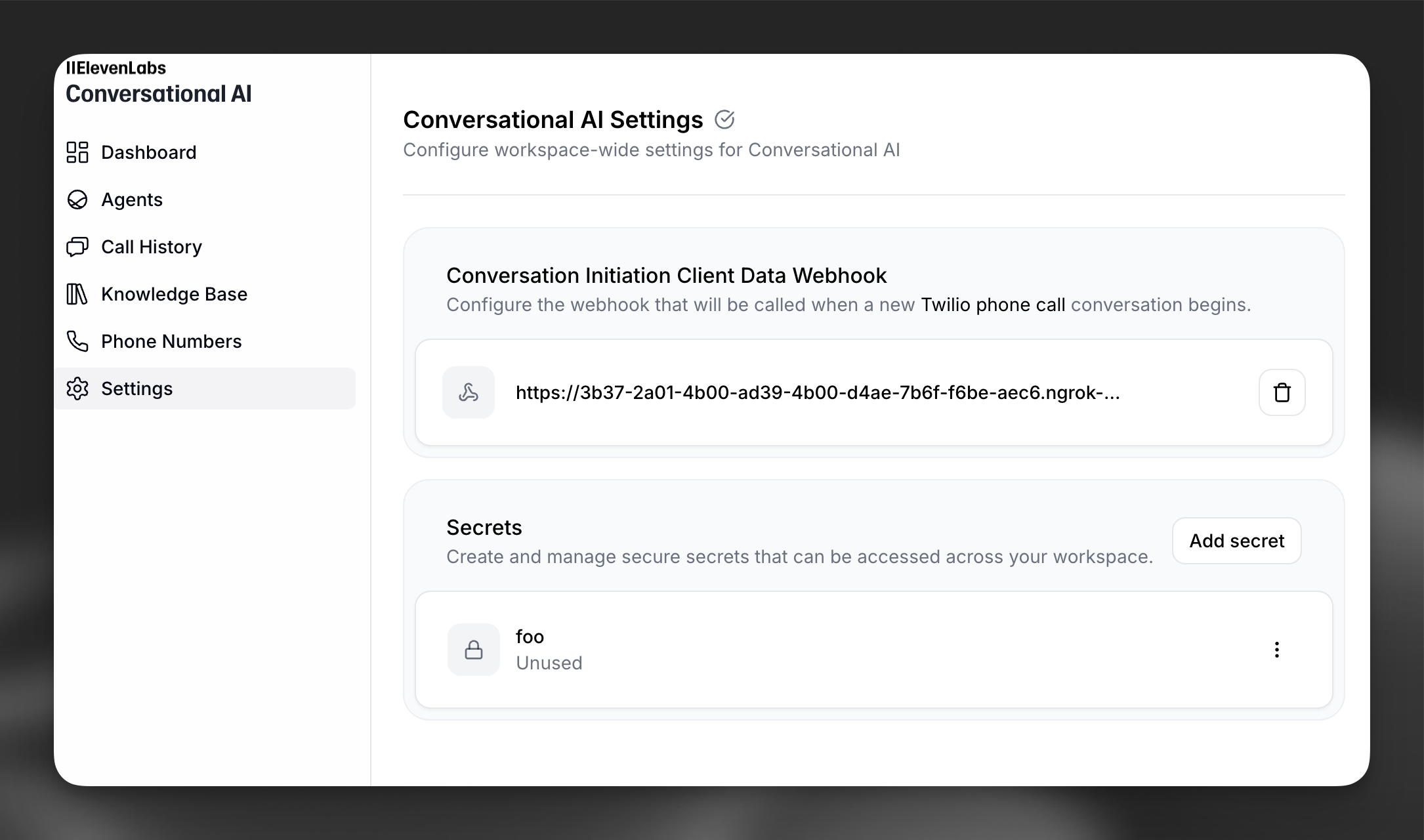
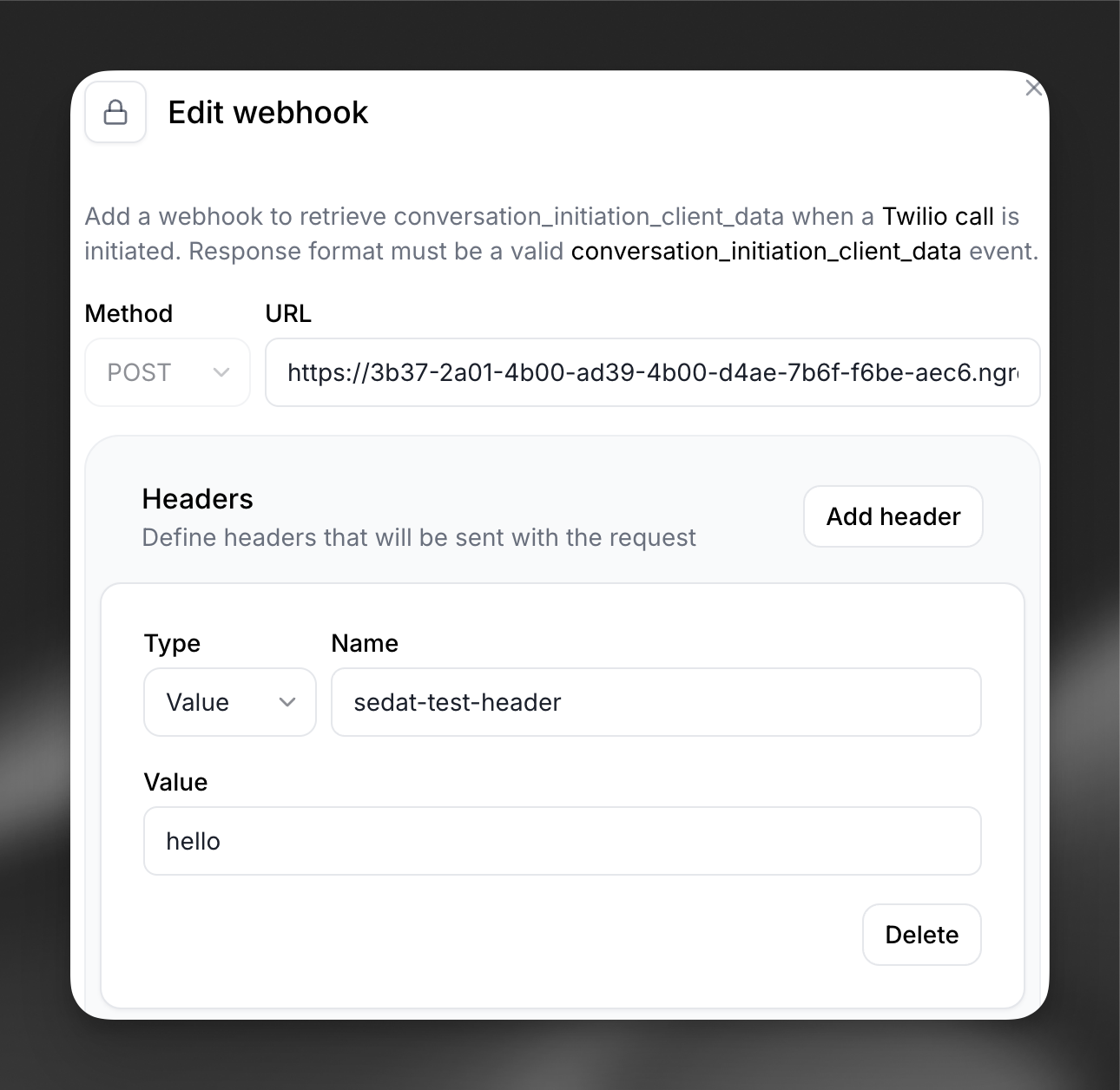
Click on the webhook to modify which secrets are sent in the headers.
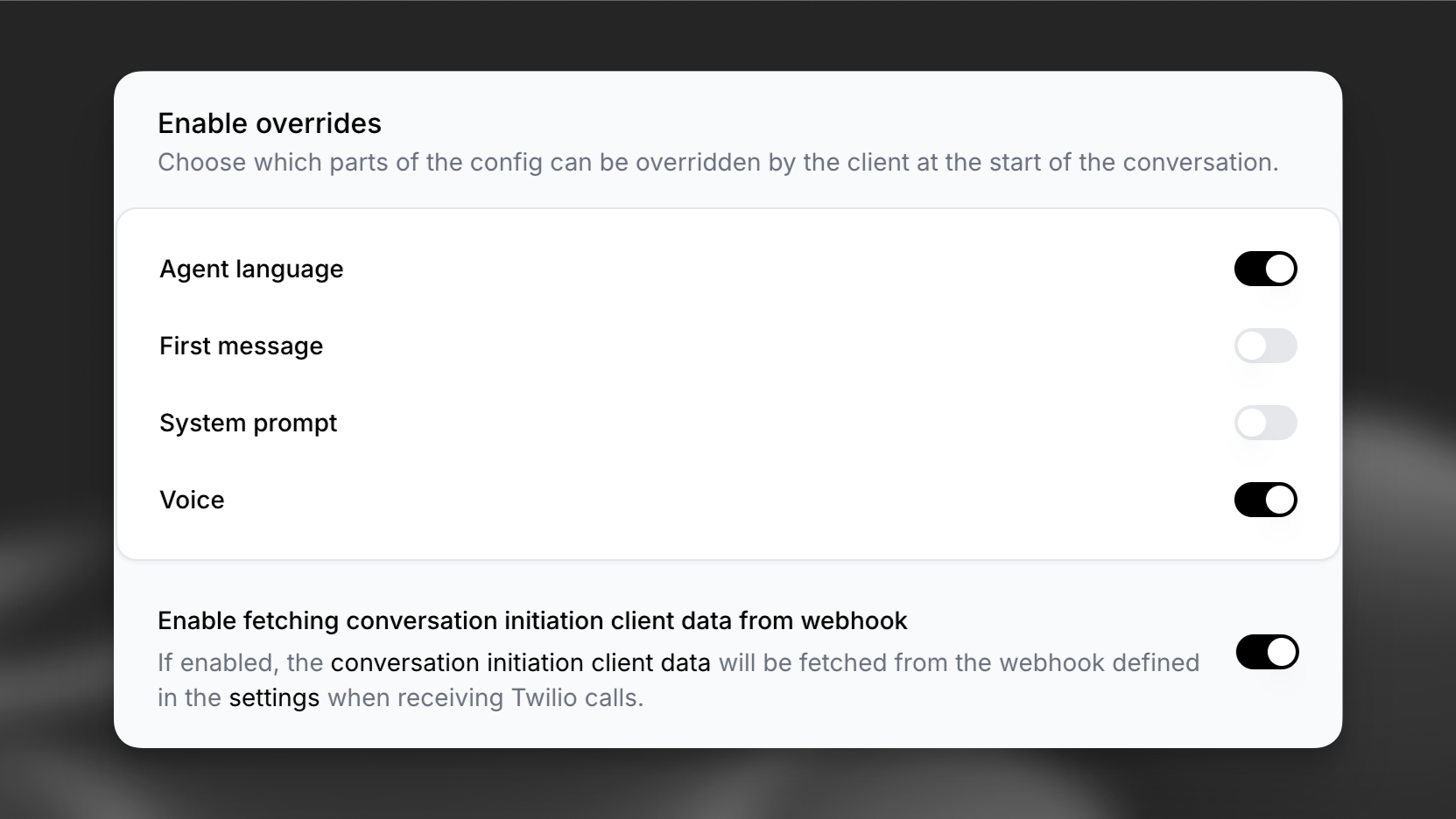
In the “Security” tab of the agent’s page, enable fetching conversation initiation data for inbound Twilio calls, and define fields that can be overridden.
The webhook will receive a POST request with the following parameters:
Your webhook must return a JSON response containing the initiation data for the agent.
The dynamic_variables field must contain all dynamic variables defined for the agent. Overrides
on the other hand are entirely optional. For more information about dynamic variables and
overrides see the dynamic variables and
overrides docs.
An example response could be:
ElevenAgents will use the dynamic variables to populate the conversation initiation data, and the conversation will start smoothly.
Ensure your webhook responds within a reasonable timeout period to avoid delaying the call handling.