

Payouts
Overview
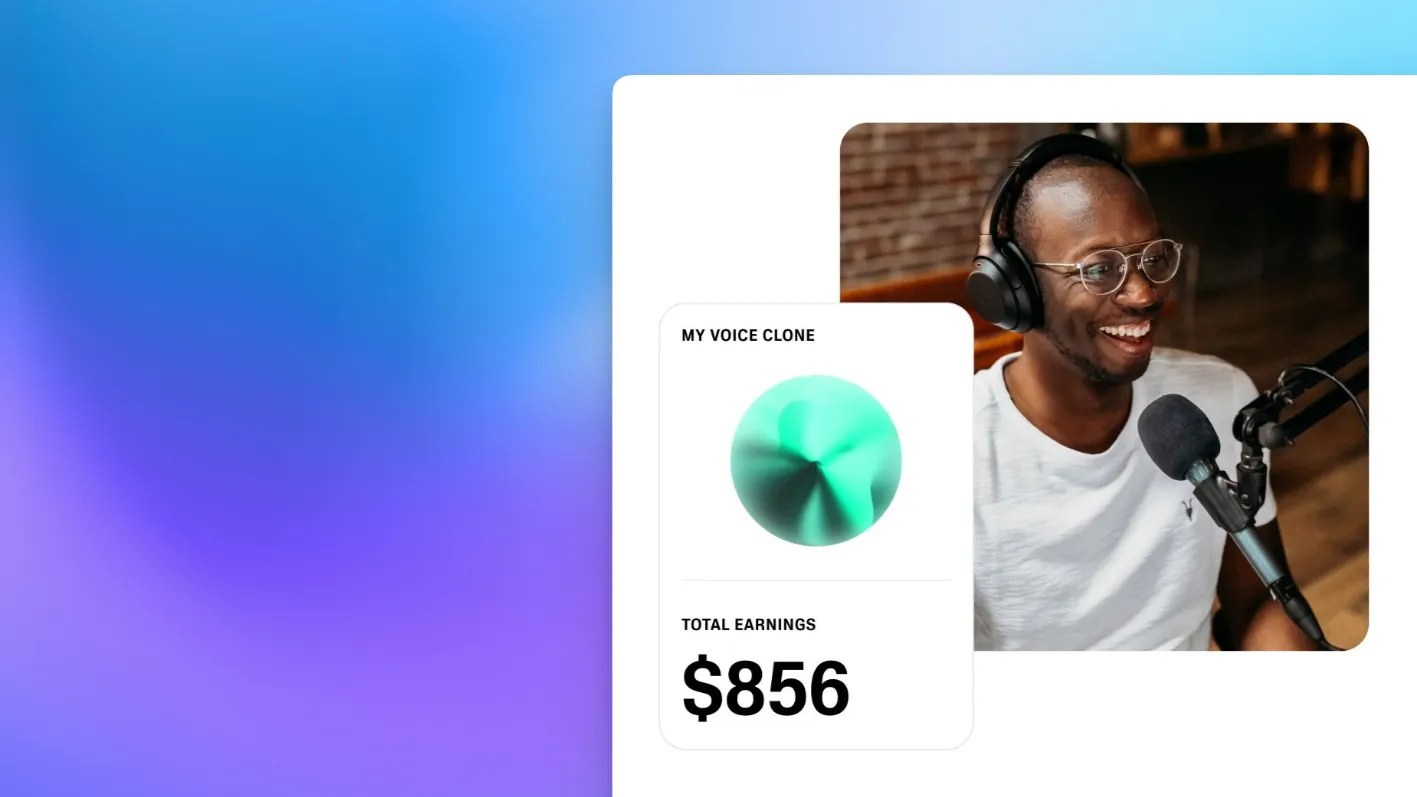
The Payouts system allows you to earn rewards for sharing voices in the Voice library. A paid ElevenLabs subscription is not required to receive these rewards.
ElevenLabs uses Stripe Connect to process reward payouts.
Account setup
To set up your Payouts account:
- Click on your profile icon in the top right corner and select Payouts.
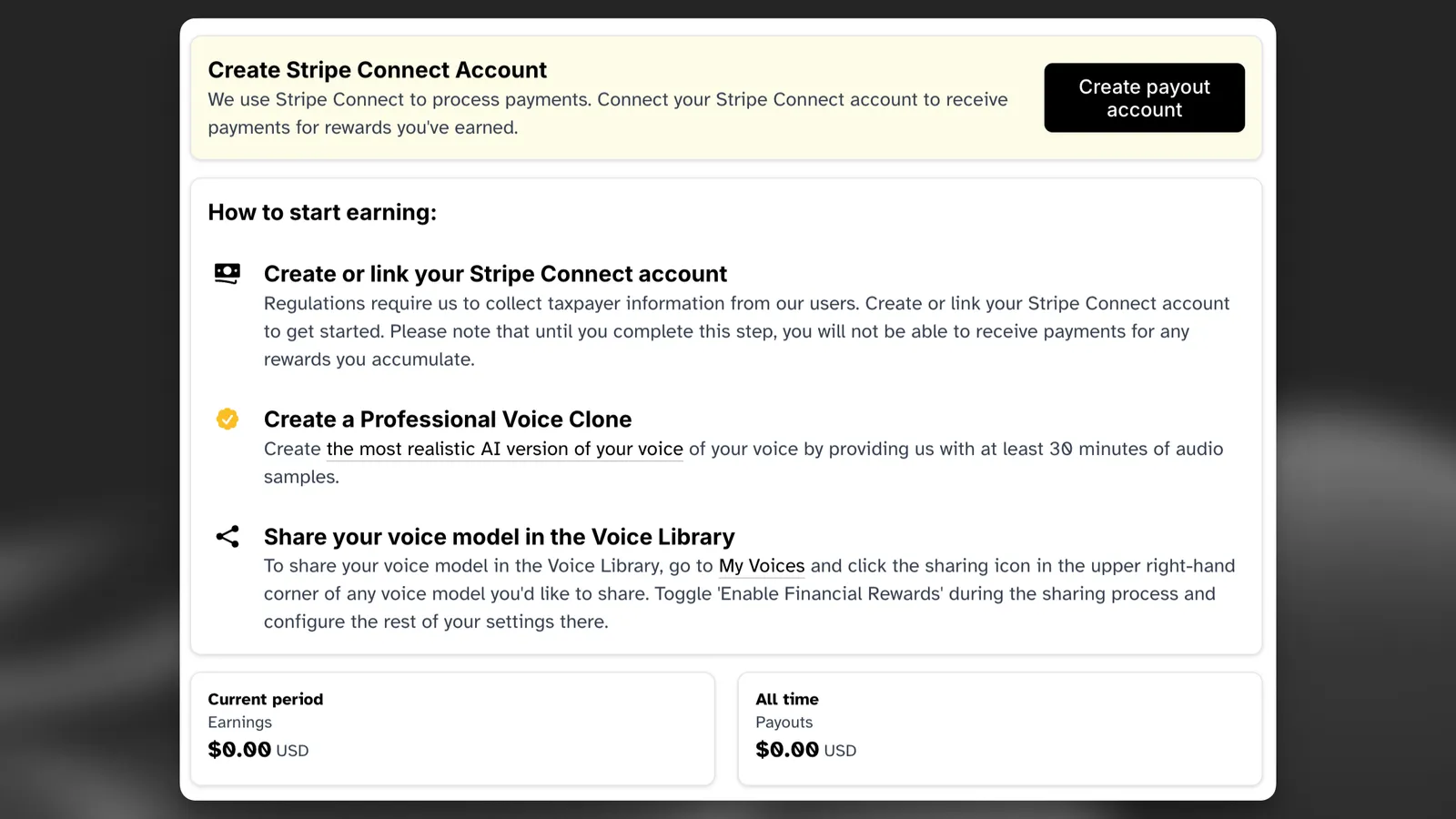
- Follow the prompts from Stripe Connect to complete the account setup.
Tracking usage and earnings
- You can track the usage of your voices by going to My Voices, clicking View to open the detailed view for your voice, then clicking the sharing icon at the bottom. Once you have the Sharing Options open, click View Metrics.
- The rewards you earn are based on the options you selected when sharing your voice in the Voice Library.
- You can also see your all-time earnings and past payouts by going back to your Payouts page.
Reader app rewards
- If your voice is marked as Studio Quality and you have activated the “Available in ElevenReader” toggle, your voice will made be available in the ElevenReader app. Rewards for ElevenReader are reported separately – to view your Reader App rewards, check the “ElevenReader” box on your “View Metrics” screen.
Things to know
-
Rewards accumulate frequently throughout the day, but payouts typically happen once a week as long as your accrued payouts exceed the minimum threshold. In most cases this is $10, but some countries may have a higher threshold.
-
A paid ElevenLabs subscription is not required to receive payouts.
-
You can see your past payouts by going to your Payouts page in the sidebar.
Supported countries
- Currently, Stripe Connect is not supported in all countries. We are constantly working to expand our reach for Payouts and plan to add availability in more countries when possible.
Supported countries
- Argentina
- Australia
- Austria
- Belgium
- Bulgaria
- Canada
- Chile
- Colombia
- Croatia
- Cyprus
- Czech Republic
- Denmark
- Estonia
- Finland
- France
- Germany
- Greece
- Hong Kong SAR
- China
- Hungary
- Iceland
- India
- Indonesia
- Ireland
- Israel
- Italy
- Japan
- Latvia
- Liechtenstein
- Lithuania
- Luxembourg
- Malaysia
- Malta
- Mexico
- Monaco
- Netherlands
- New Zealand
- Nigeria
- Norway
- Peru
- Philippines
- Poland
- Portugal
- Qatar
- Romania
- Saudi Arabia
- Singapore
- Slovakia
- Slovenia
- South Africa
- South Korea
- Spain
- Sweden
- Switzerland
- Thailand
- Taiwan
- Turkey
- United Arab Emirates
- United Kingdom
- United States
- Uruguay
- Vietnam
FAQ
|
|
|
|
|
|


