> This is a page from the ElevenLabs documentation. For a complete page index, fetch https://elevenlabs.io/docs/llms.txt. For the full documentation in a single file, fetch https://elevenlabs.io/docs/llms-full.txt.
# Subtitles
 ## Subtitle Editor
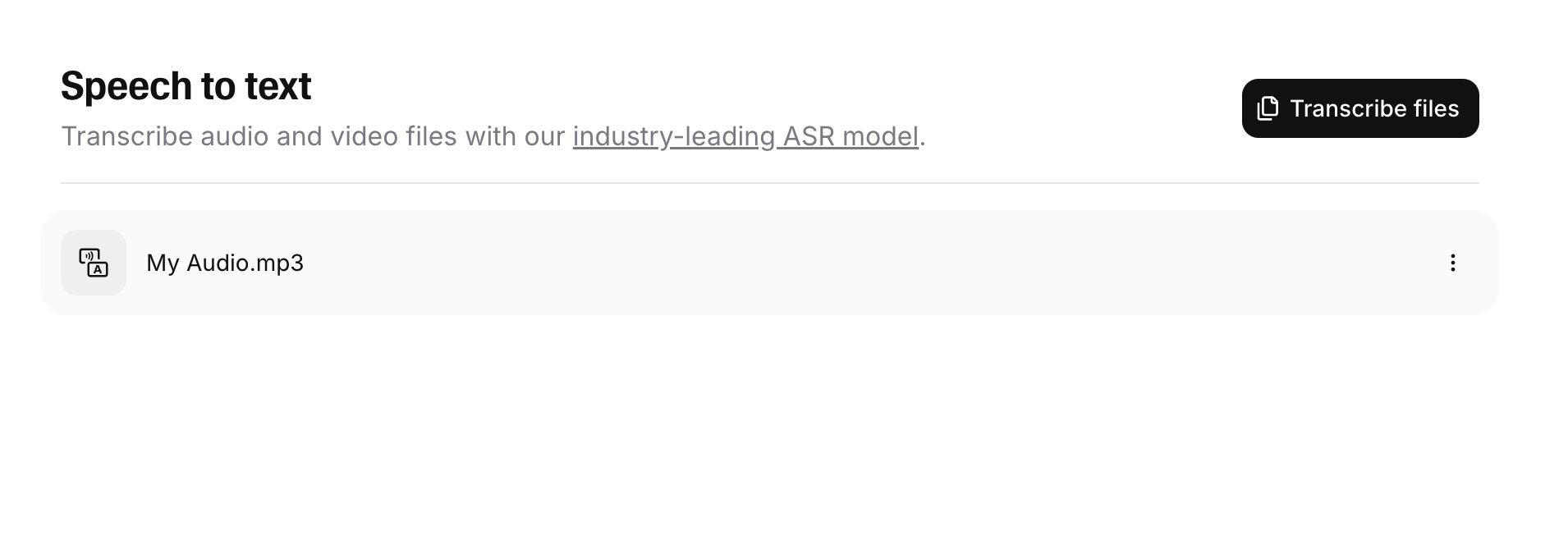
You can use the subtitling mode of our transcript editor to edit your subtitles. Navigate to the Speech to Text page of your ElevenLabs account and click any transcript to get started.
You can rename your subtitles in the panel on the right side of the screen.
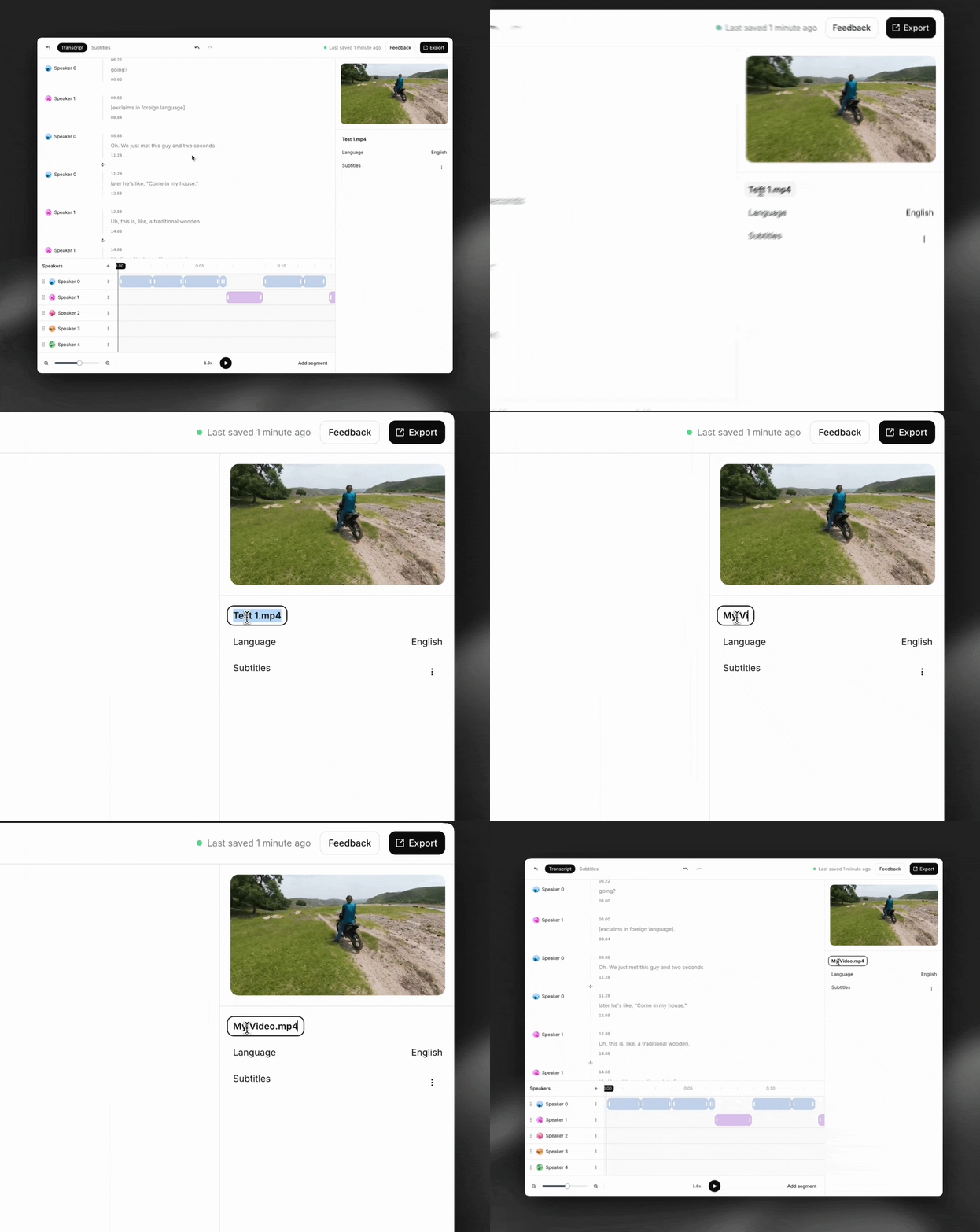
If you didn't add subtitles when creating the transcript, you can do so by clicking the "+" next to "Subtitles" in the panel on the right side of the screen.
You can switch between transcription and subtitling mode at any time using the tabs at the top of the editor.
Tip: you can also add subtitles during the transcript creation process by enabling the 'Include subtitles' toggle.


Our subtitle editor uses red and green colors to give you real-time feedback on whether your subtitles respect formatting rules like characters per line, lines on screen, and cue length.
To edit these rules, click the three dots next to 'Subtitles' in the panel on the right side of the screen and select 'Edit rules'


Our subtitle editor is WYSIWYG. Click anywhere and start typing to edit the text.
Tip: Use command+z to undo changes easily.

Drag the handles on the timeline to adjust the start and end timestamps for a cue. You can also type in exact timestamps in the panel on the right side of the screen.
Important: the transcript and subtitles for a video are completely separate from each other. Changes you make to subtitles (e.g. changing cue start/end times, adding/removing words, etc.) do NOT affect the transcription, and vice versa.

To split a cue, click in the text where you want to split and press **Enter.**
To merge two cues, click the 'merge cues' button.

To add a cue, click 'Add cue' and select a location on the timeline.
To delete a cue, select the cue and click ‘Delete’ in the panel on the right side of the screen, or press the Delete key.

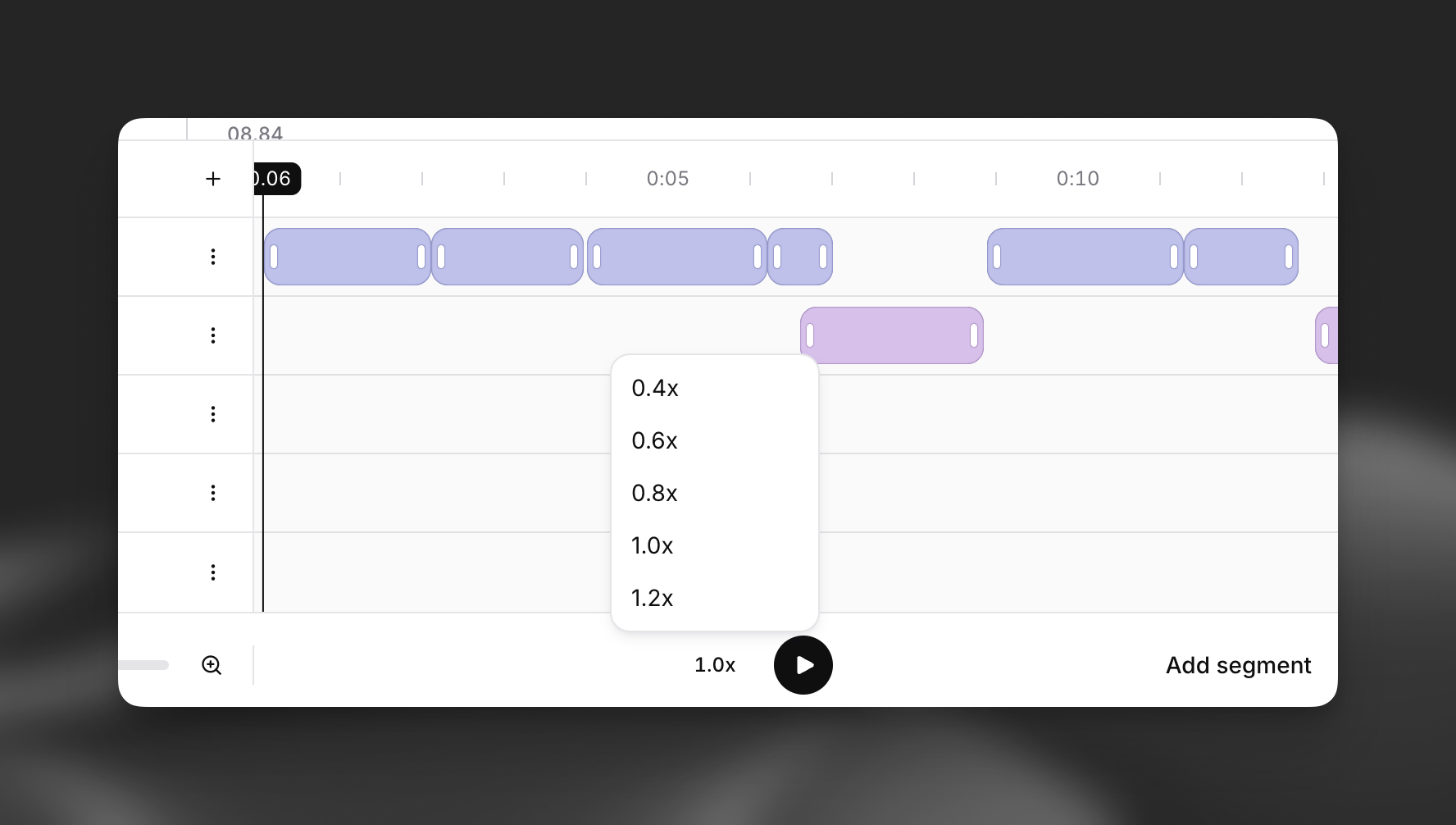
You can adjust the playback speed of the source media by clicking the indicator next to the play button.
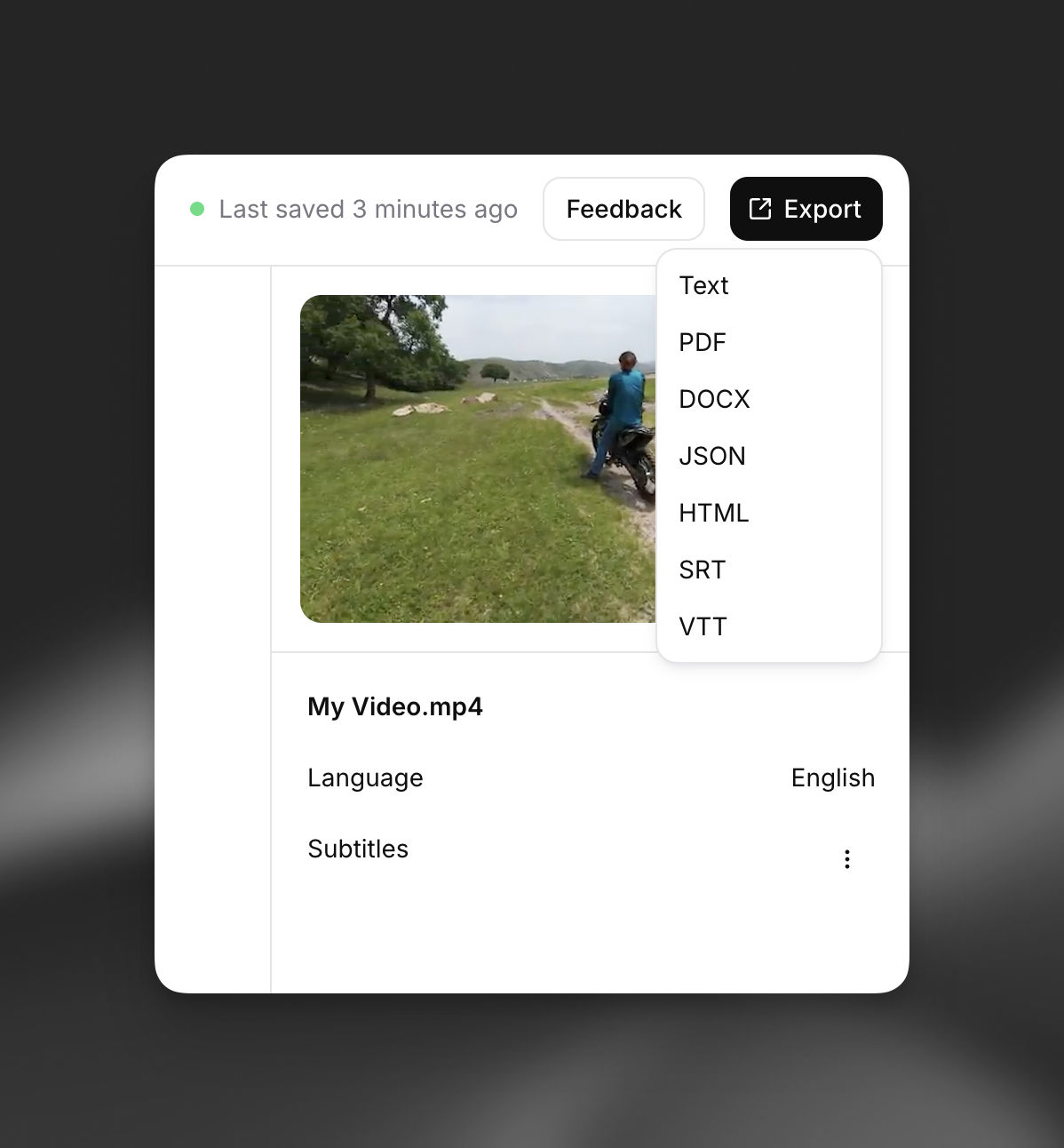
Click the export button in the top right of the screen and select one of the subtitle export formats:
* SRT
* VTT
## FAQ
Yes – subtitles have specific formatting rules and requirements that do not apply to transcripts.
Below is a summary of some (but not all) of the major differences between the two:
| Feature | Transcripts | Subtitles |
| ------------------------------ | ----------- | ---------------------------------------------------------------- |
| Word-level timestamps | Yes | No - only start/end times of cues |
| Speaker names/labels | Yes | No |
| Constraints | No | Yes - characters per line, lines on screen at once, cue duration |
| Overlapping segments supported | Yes | No |
For more information about transcripts, please see our [Transcripts guide](/docs/eleven-creative/products/transcripts).
No – transcripts and subtitles are completely separate from each other in our editor. That means that changes you make to one will NOT affect the other.
Yes – our Productions team offers human subtitling services from \$2.20 per minute. What you get from us:
* A subtitling expert edits your subtitles to ensure they adhere to all formatting rules and requirements
* If you choose, our language teams translate your subtitles into different languages
For more information please see the 'Productions' section of your ElevenLabs account (currently in beta and available to select users) or contact us at [productions@elevenlabs.io](mailto:productions@elevenlabs.io).
## Subtitle Editor
You can use the subtitling mode of our transcript editor to edit your subtitles. Navigate to the Speech to Text page of your ElevenLabs account and click any transcript to get started.

You can rename your subtitles in the panel on the right side of the screen.

If you didn't add subtitles when creating the transcript, you can do so by clicking the "+" next to "Subtitles" in the panel on the right side of the screen.
You can switch between transcription and subtitling mode at any time using the tabs at the top of the editor.
Tip: you can also add subtitles during the transcript creation process by enabling the 'Include subtitles' toggle.


Our subtitle editor uses red and green colors to give you real-time feedback on whether your subtitles respect formatting rules like characters per line, lines on screen, and cue length.
To edit these rules, click the three dots next to 'Subtitles' in the panel on the right side of the screen and select 'Edit rules'


Our subtitle editor is WYSIWYG. Click anywhere and start typing to edit the text.
Tip: Use command+z to undo changes easily.

Drag the handles on the timeline to adjust the start and end timestamps for a cue. You can also type in exact timestamps in the panel on the right side of the screen.
Important: the transcript and subtitles for a video are completely separate from each other. Changes you make to subtitles (e.g. changing cue start/end times, adding/removing words, etc.) do NOT affect the transcription, and vice versa.

To split a cue, click in the text where you want to split and press **Enter.**
To merge two cues, click the 'merge cues' button.

To add a cue, click 'Add cue' and select a location on the timeline.
To delete a cue, select the cue and click ‘Delete’ in the panel on the right side of the screen, or press the Delete key.

You can adjust the playback speed of the source media by clicking the indicator next to the play button.

Click the export button in the top right of the screen and select one of the subtitle export formats:
* SRT
* VTT

## FAQ
Yes – subtitles have specific formatting rules and requirements that do not apply to transcripts.
Below is a summary of some (but not all) of the major differences between the two:
| Feature | Transcripts | Subtitles |
| ------------------------------ | ----------- | ---------------------------------------------------------------- |
| Word-level timestamps | Yes | No - only start/end times of cues |
| Speaker names/labels | Yes | No |
| Constraints | No | Yes - characters per line, lines on screen at once, cue duration |
| Overlapping segments supported | Yes | No |
For more information about transcripts, please see our [Transcripts guide](/docs/eleven-creative/products/transcripts).
No – transcripts and subtitles are completely separate from each other in our editor. That means that changes you make to one will NOT affect the other.
Yes – our Productions team offers human subtitling services from \$2.20 per minute. What you get from us:
* A subtitling expert edits your subtitles to ensure they adhere to all formatting rules and requirements
* If you choose, our language teams translate your subtitles into different languages
For more information please see the 'Productions' section of your ElevenLabs account (currently in beta and available to select users) or contact us at [productions@elevenlabs.io](mailto:productions@elevenlabs.io).