> This is a page from the ElevenLabs documentation. For a complete page index, fetch https://elevenlabs.io/docs/llms.txt. For the full documentation in a single file, fetch https://elevenlabs.io/docs/llms-full.txt.
# Audio Native with Webflow
> **Info**
>
> Follow the steps in the [Audio Native overview](/docs/eleven-creative/audio-tools/audio-native) to
> get started with Audio Native before continuing with this guide.
#### Add HTML to your blog post
Navigate to your Webflow blog, sign in and open the editor for the blog post you wish to narrate.
#### Add the embed code to your blog post
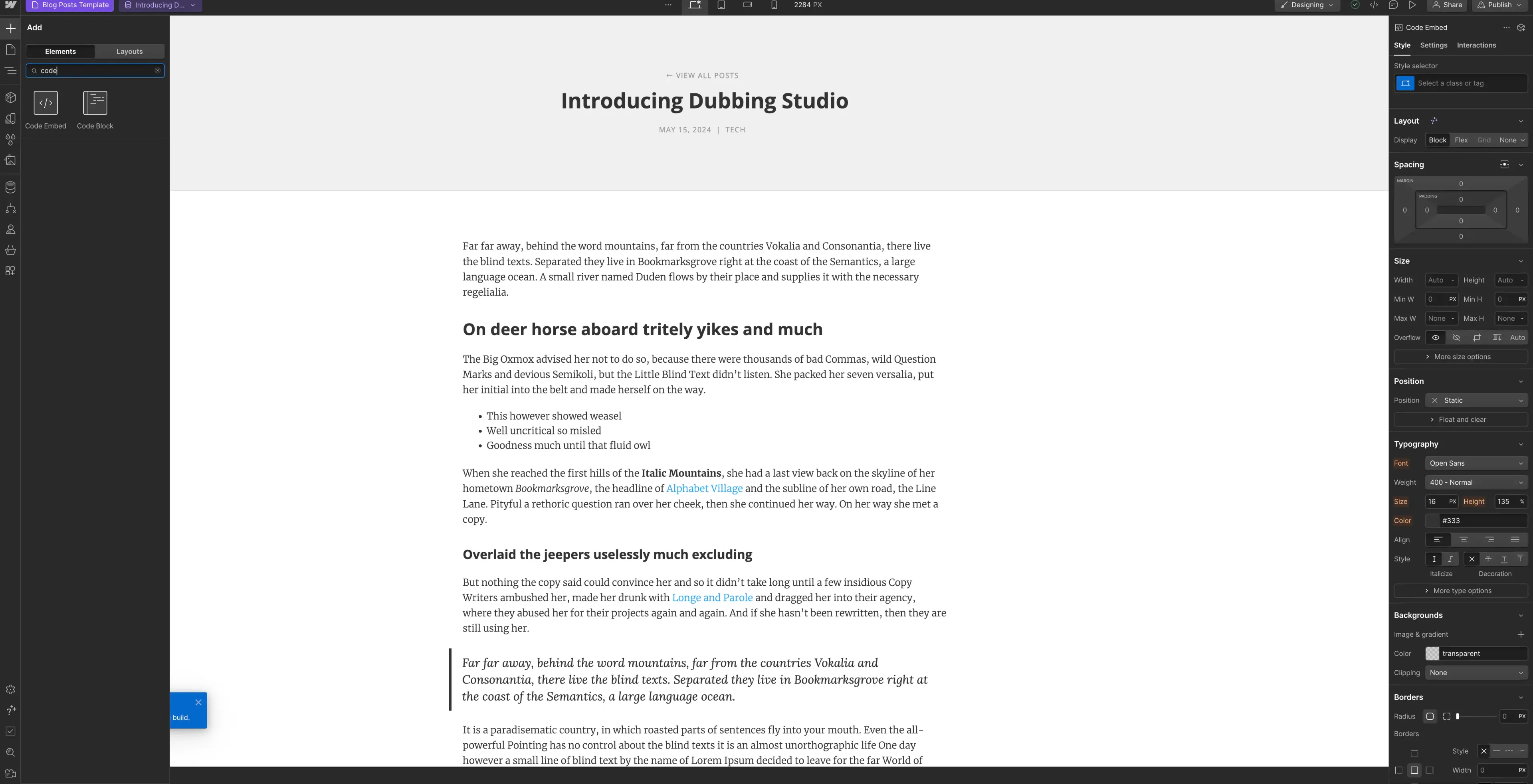
Click the "+" symbol in the top left and select "Code Embed" from the Elements menu.
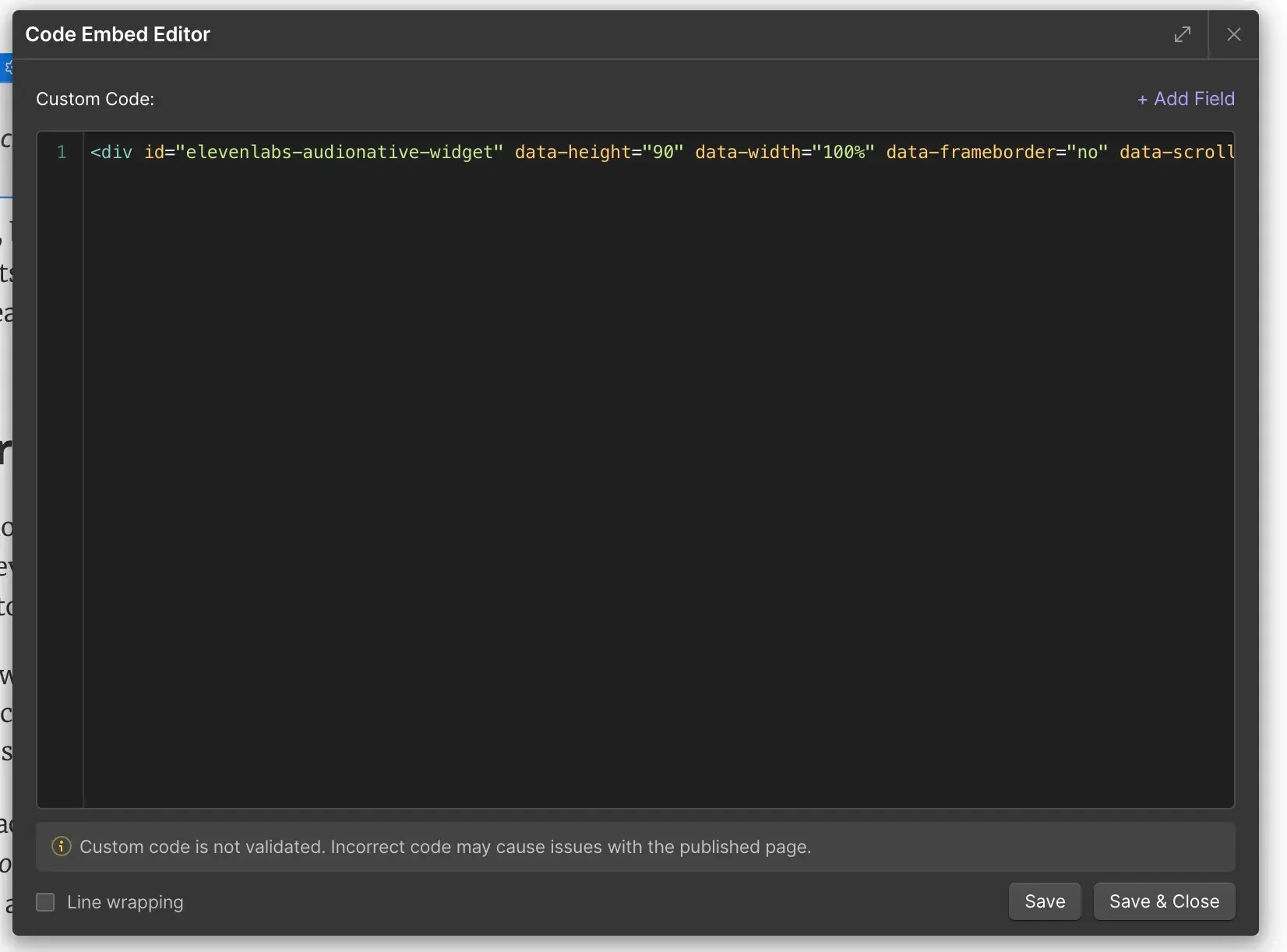
Paste the Audio Native embed code into the HTML box and click "Save & Close".
**`Embed code snippet`**
```html title="Embed code snippet"
```
#### Re-position the code embed
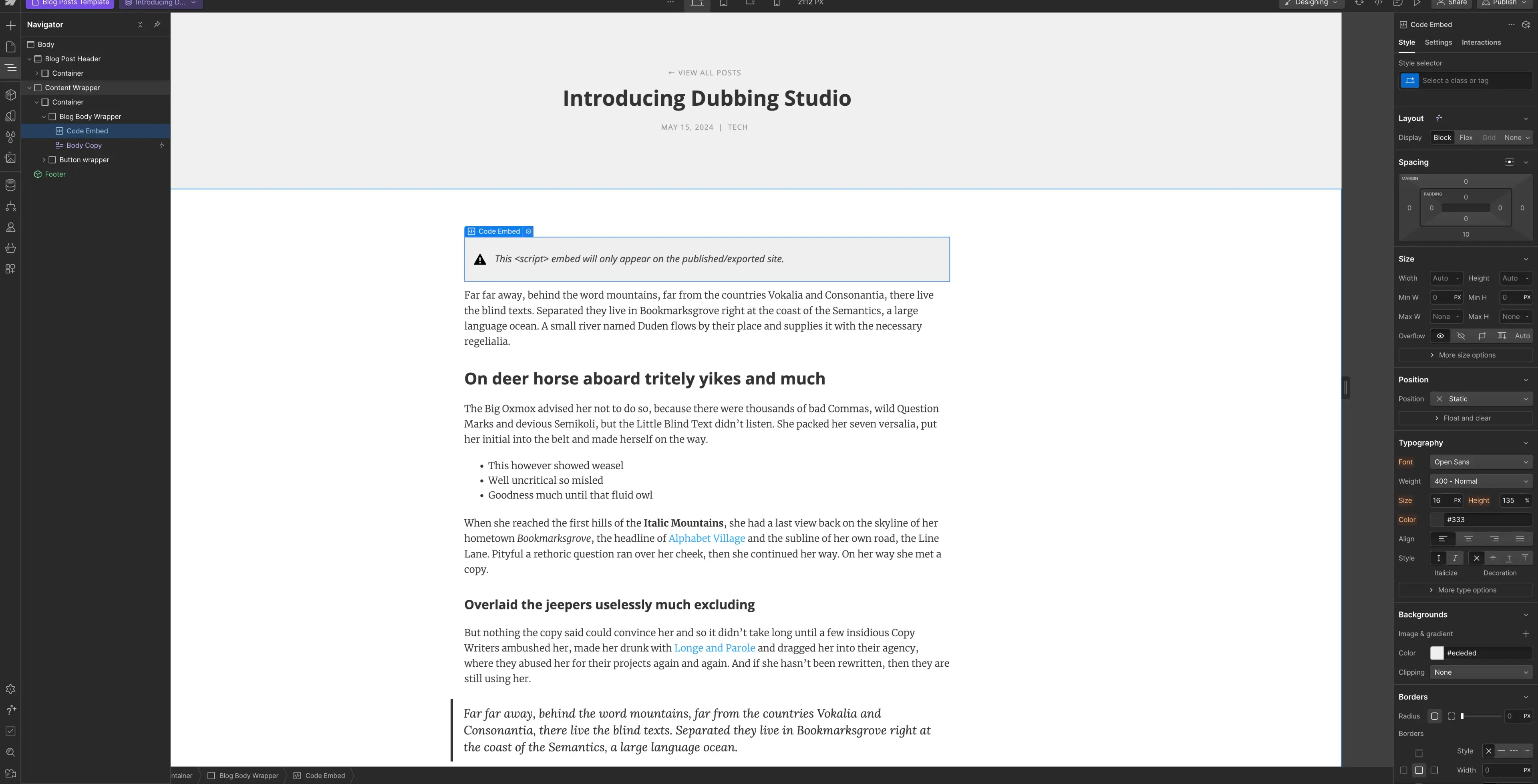
In the Navigator, place the code embed where you want it to appear on the page.
#### Publish your changes
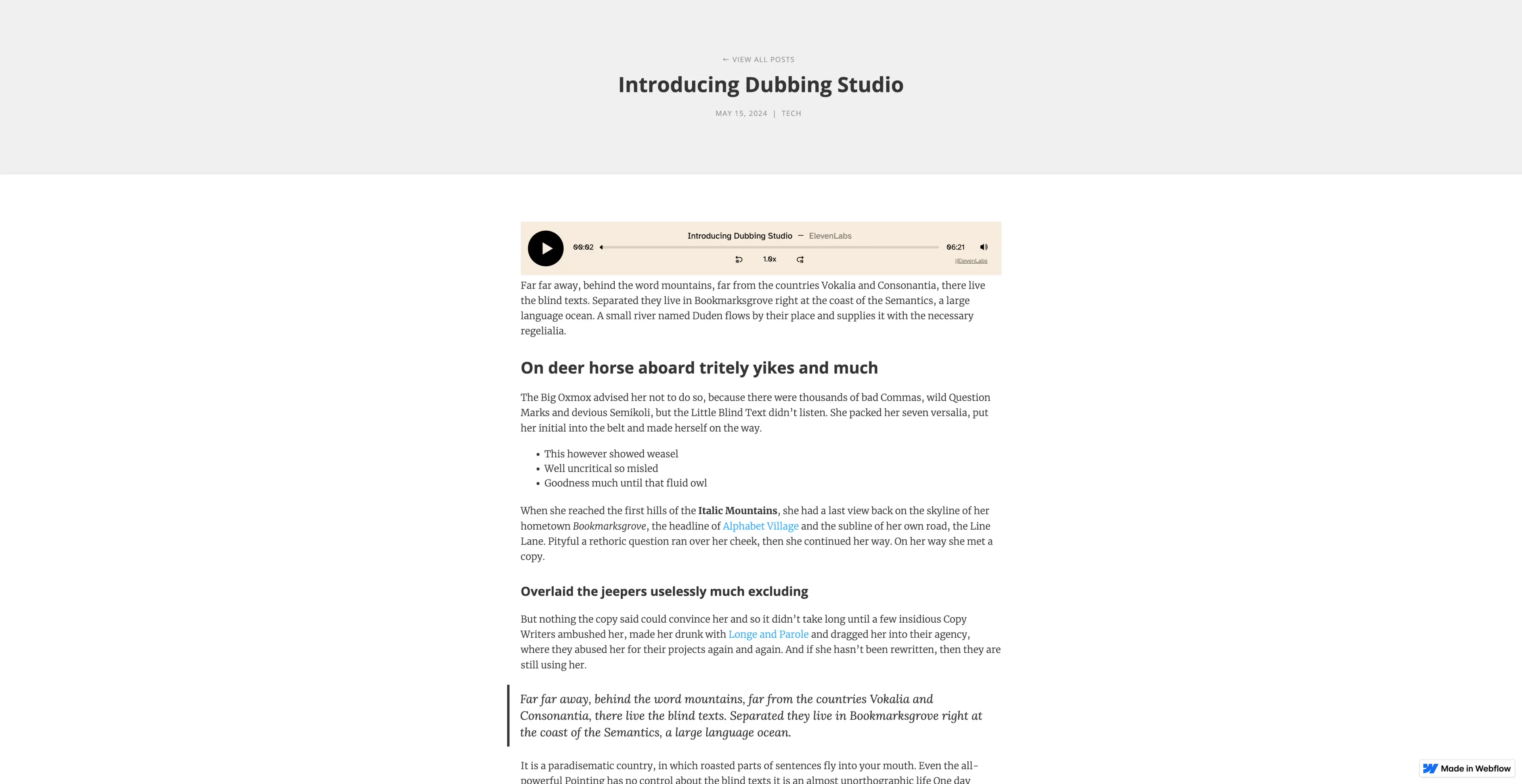
Finally, publish your changes and navigate to the live version of the blog post. You should see a message to let you know that the Audio Native project is being created. After a few minutes the text in your blog will be converted to an audio article and the embedded audio player will appear.
> ElevenLabs provides APIs and SDKs for text to speech, voice cloning, speech to text, sound effects, voice isolator, voice changer, and conversational AI agents. Build voice-enabled applications with lifelike audio generation.