> This is a page from the ElevenLabs documentation. For a complete page index, fetch https://elevenlabs.io/docs/llms.txt. For the full documentation in a single file, fetch https://elevenlabs.io/docs/llms-full.txt.
# Audio Native with Webflow
Follow the steps in the [Audio Native overview](/docs/eleven-creative/audio-tools/audio-native) to
get started with Audio Native before continuing with this guide.
Navigate to your Webflow blog, sign in and open the editor for the blog post you wish to narrate.
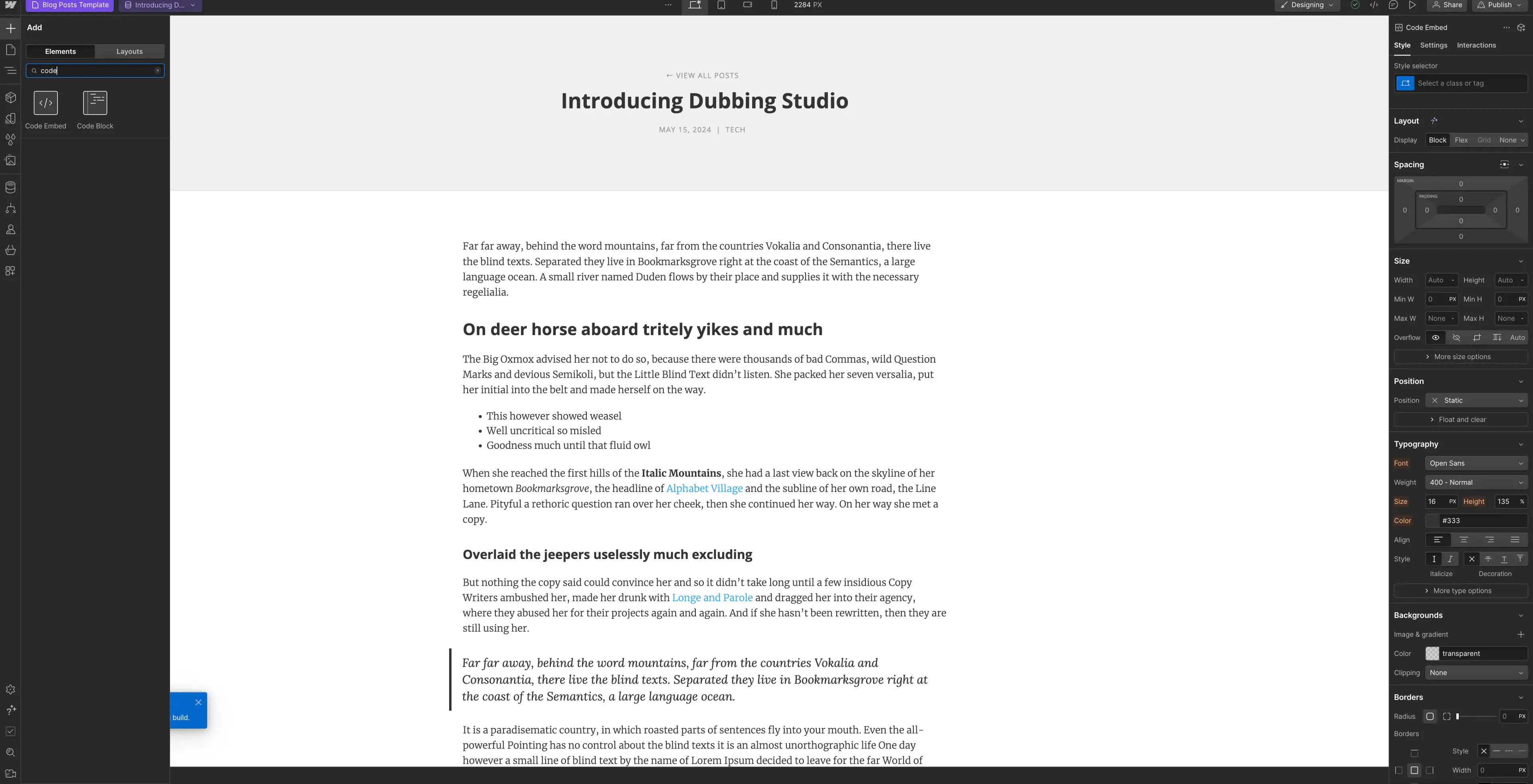
Click the "+" symbol in the top left and select "Code Embed" from the Elements menu.
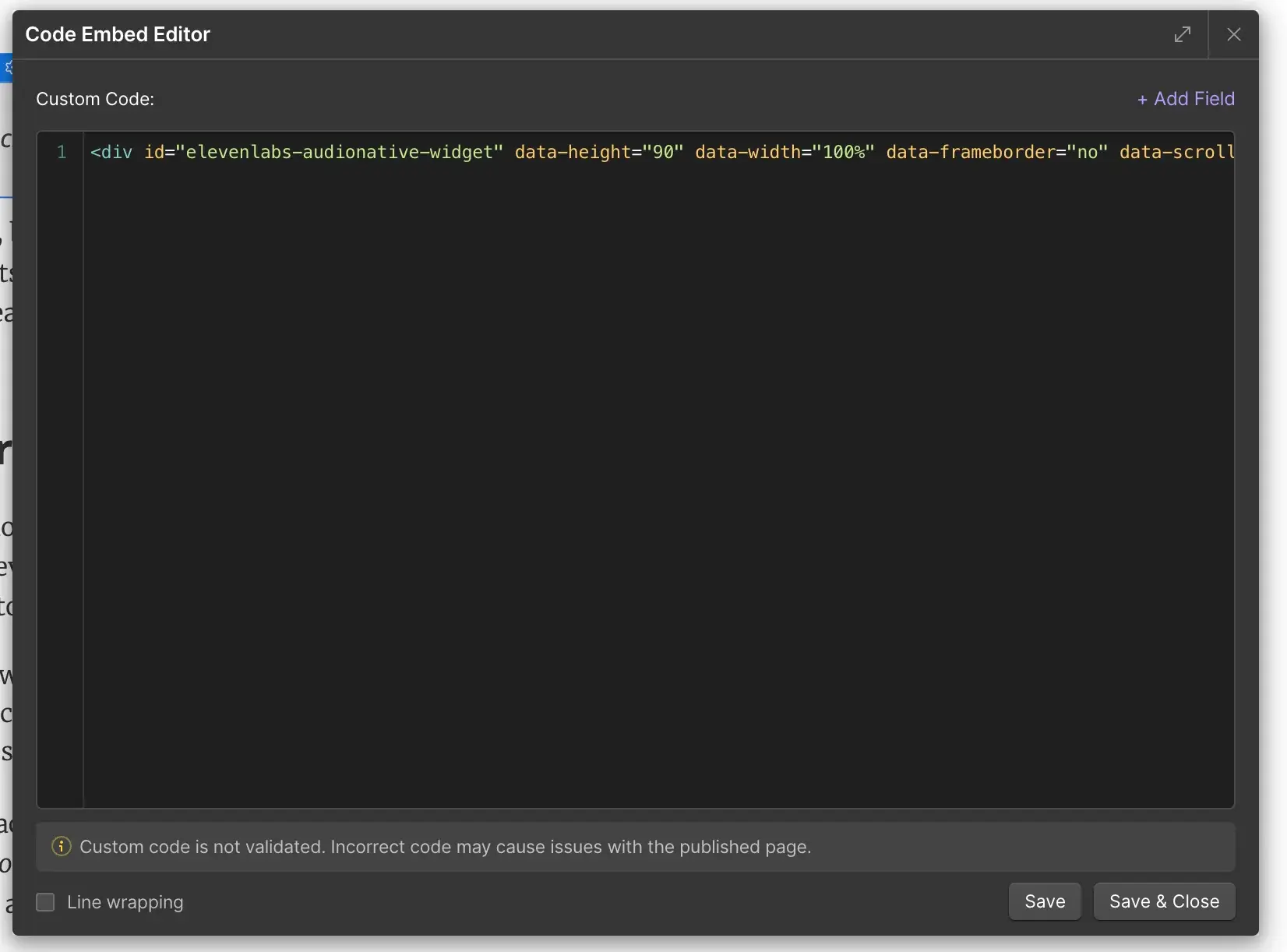
 Paste the Audio Native embed code into the HTML box and click "Save & Close".
```html title="Embed code snippet"
```
Paste the Audio Native embed code into the HTML box and click "Save & Close".
```html title="Embed code snippet"
```
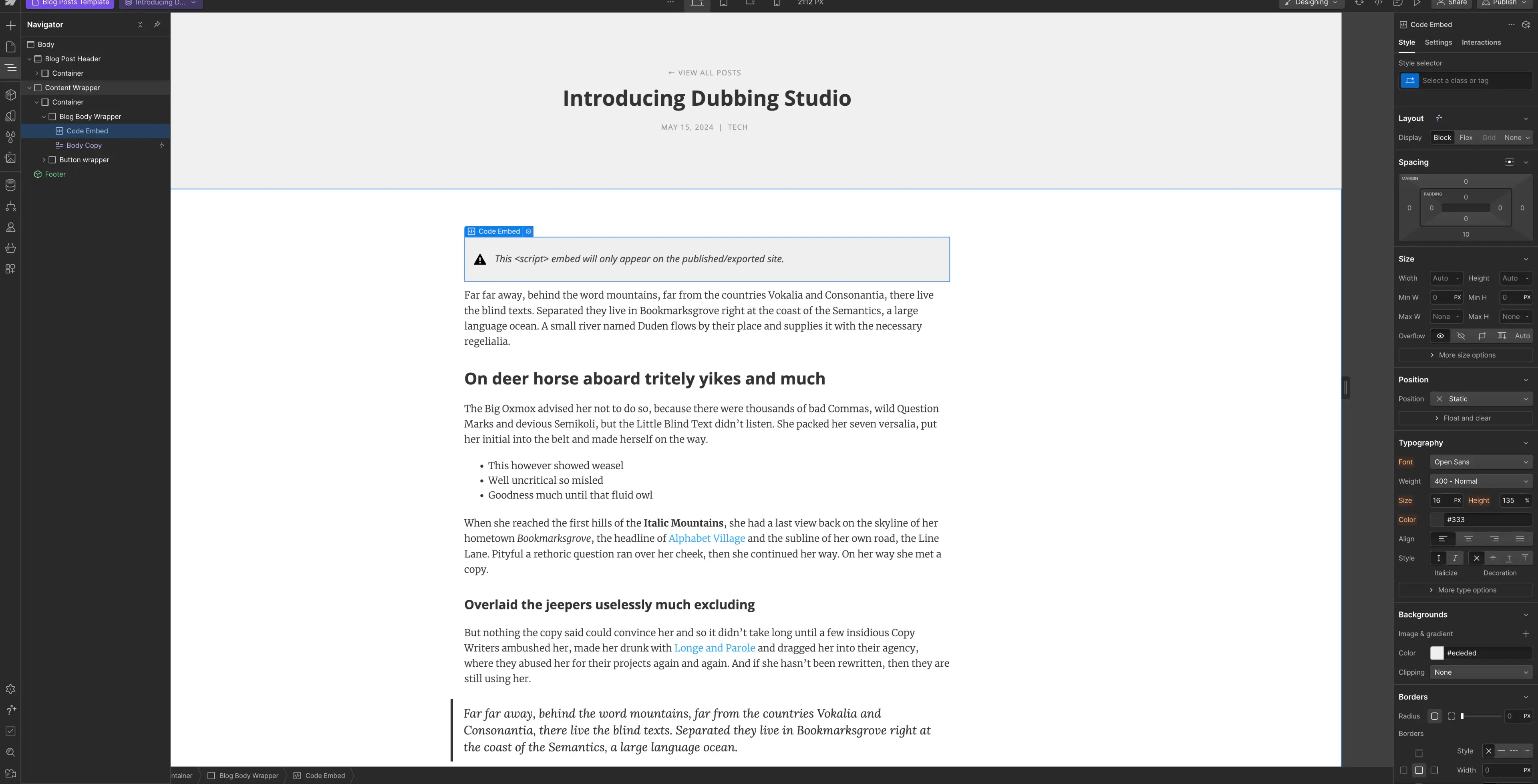
 In the Navigator, place the code embed where you want it to appear on the page.
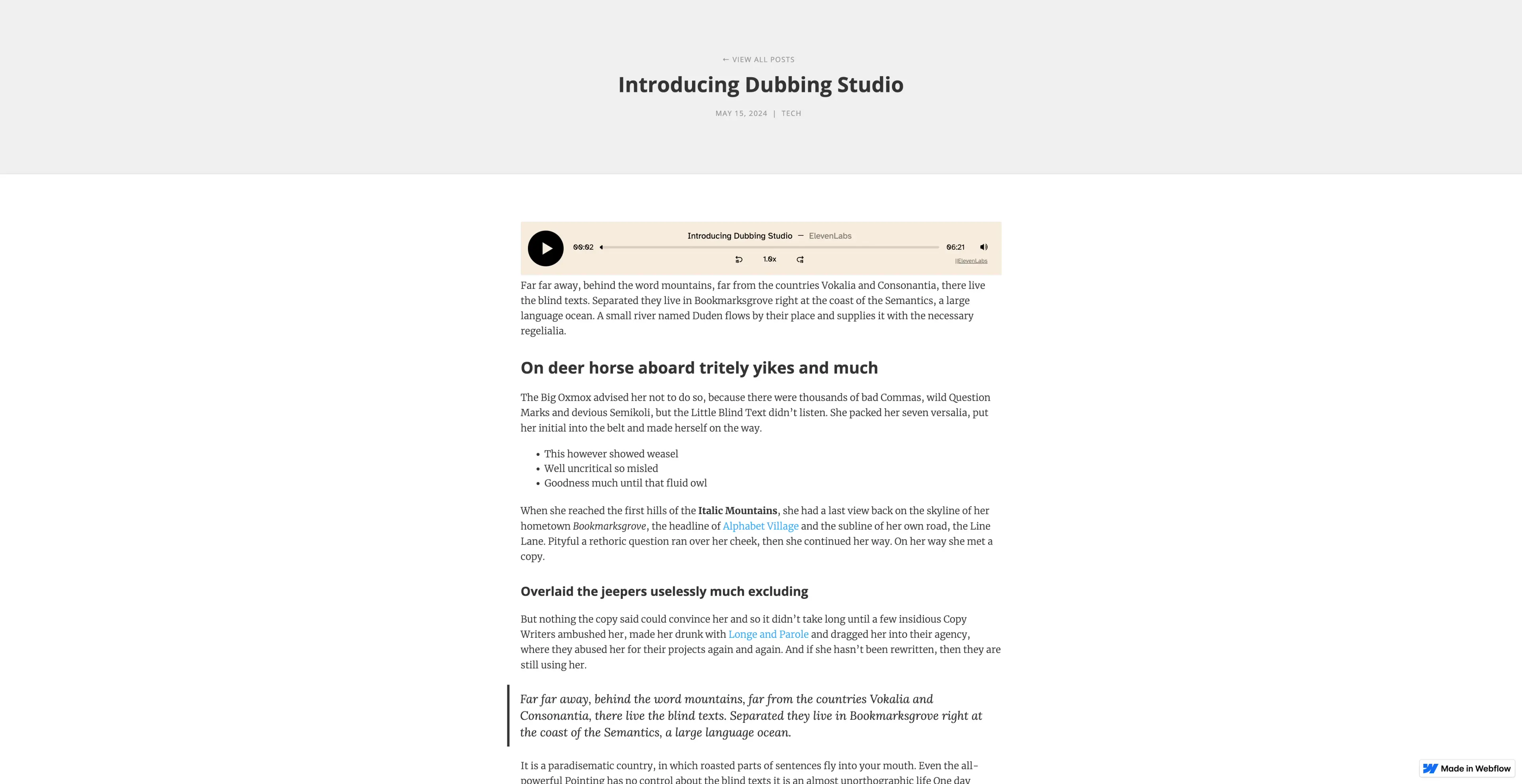
 Finally, publish your changes and navigate to the live version of the blog post. You should see a message to let you know that the Audio Native project is being created. After a few minutes the text in your blog will be converted to an audio article and the embedded audio player will appear.