> This is a page from the ElevenLabs documentation. For a complete page index, fetch https://elevenlabs.io/docs/llms.txt. For the full documentation in a single file, fetch https://elevenlabs.io/docs/llms-full.txt.
# WhatsApp tools
## Overview
You can give your agent a tool to send messages on WhatsApp, even during conversations on another channel (e.g. phone).
## Setup
Follow the instructions [here](/docs/eleven-agents/whatsapp) to import your WhatsApp business
account.
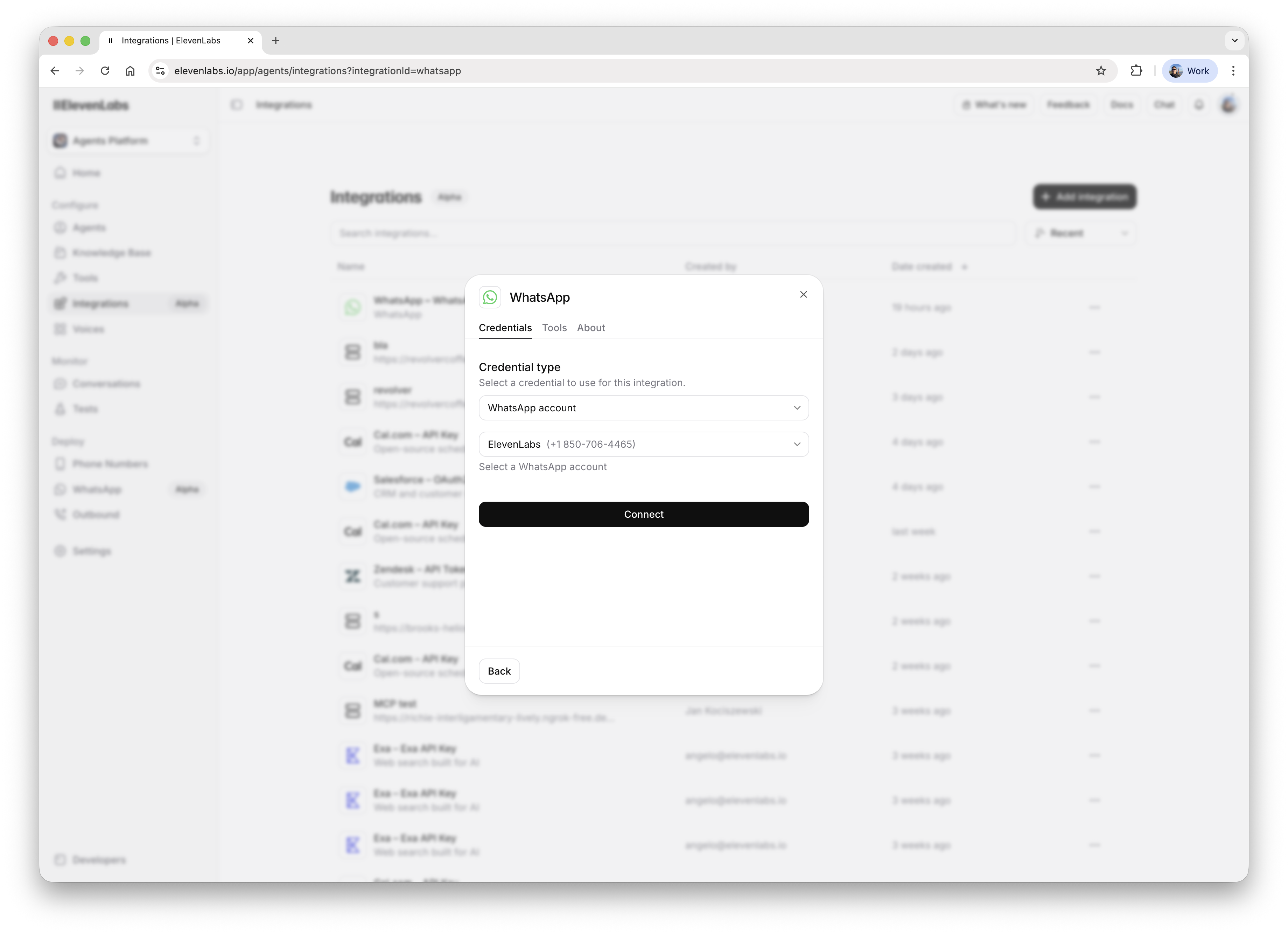
Go to the [Integrations page](https://elevenlabs.io/app/agents/integrations), click the ***Add
integration*** button, select WhatsApp and connect your account:
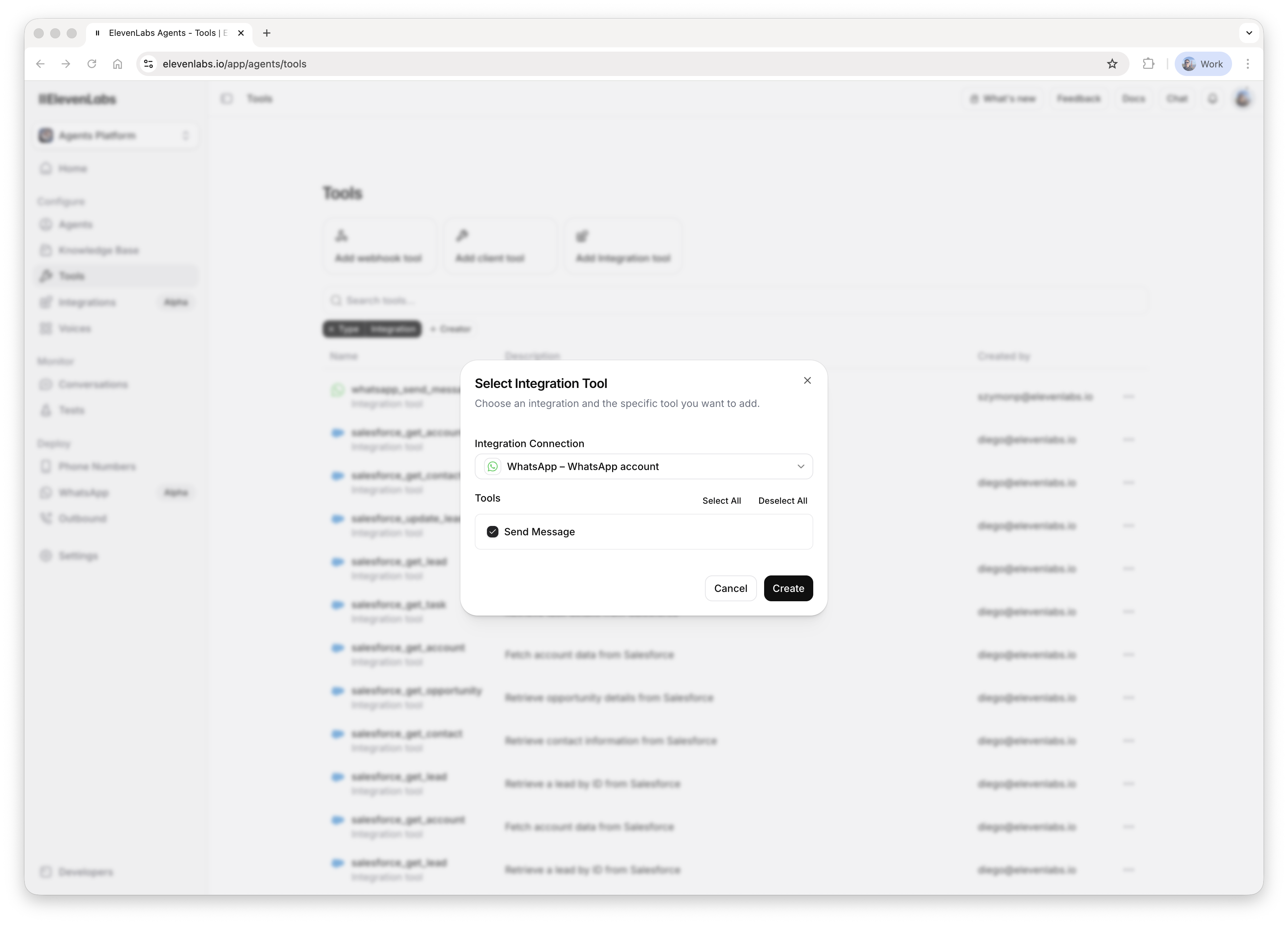
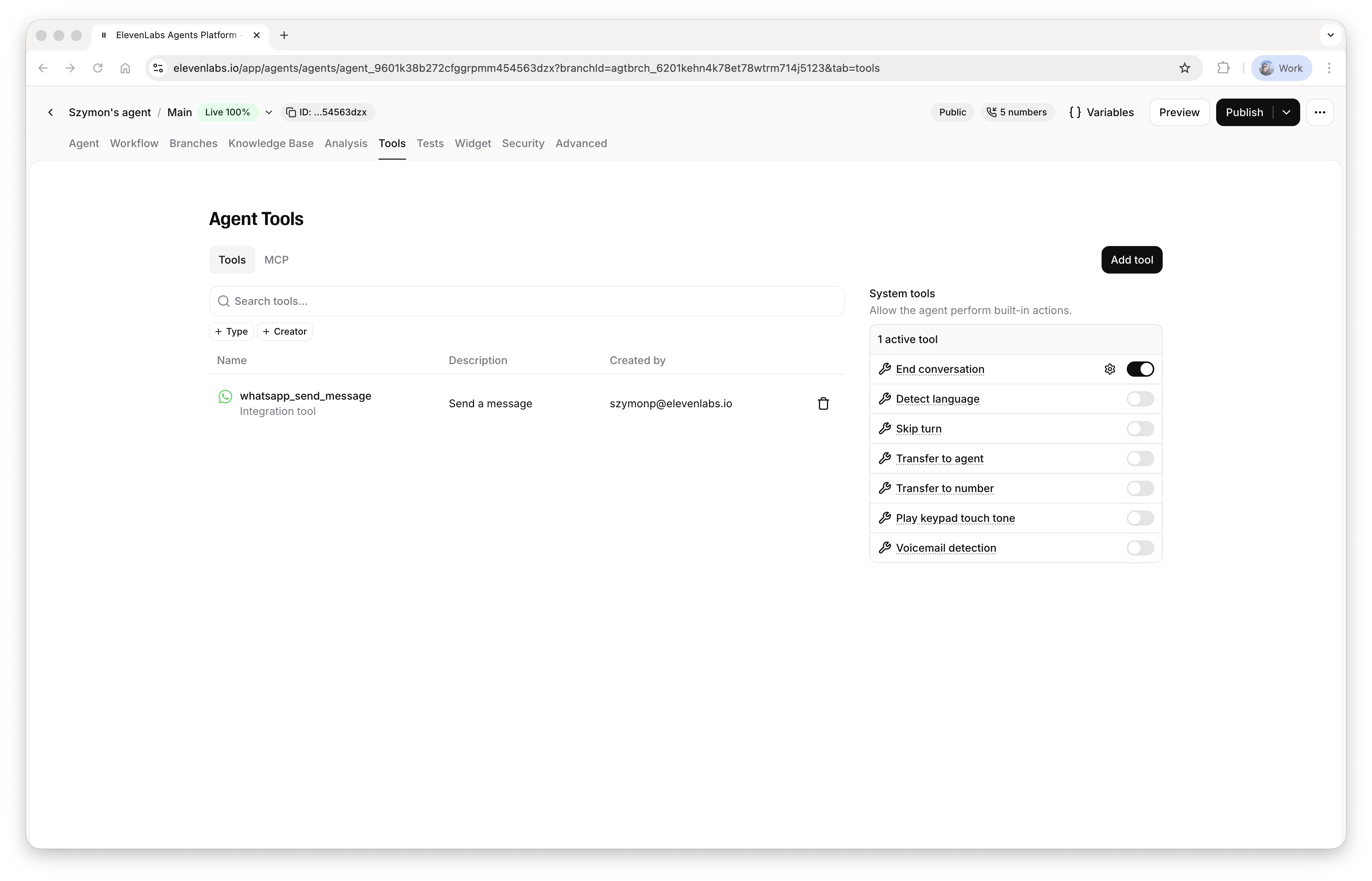
 Go to the [Tools page](https://elevenlabs.io/app/agents/tools), click the ***Add integration
tool*** button, select the WhatsApp integration and the ***Send Message*** tool:
Go to the [Tools page](https://elevenlabs.io/app/agents/tools), click the ***Add integration
tool*** button, select the WhatsApp integration and the ***Send Message*** tool:
 ## Using the tool
Go to [WhatsApp Manager](https://business.facebook.com/latest/whatsapp_manager/), open the
***Manage templates*** page and create a message template:
## Using the tool
Go to [WhatsApp Manager](https://business.facebook.com/latest/whatsapp_manager/), open the
***Manage templates*** page and create a message template:
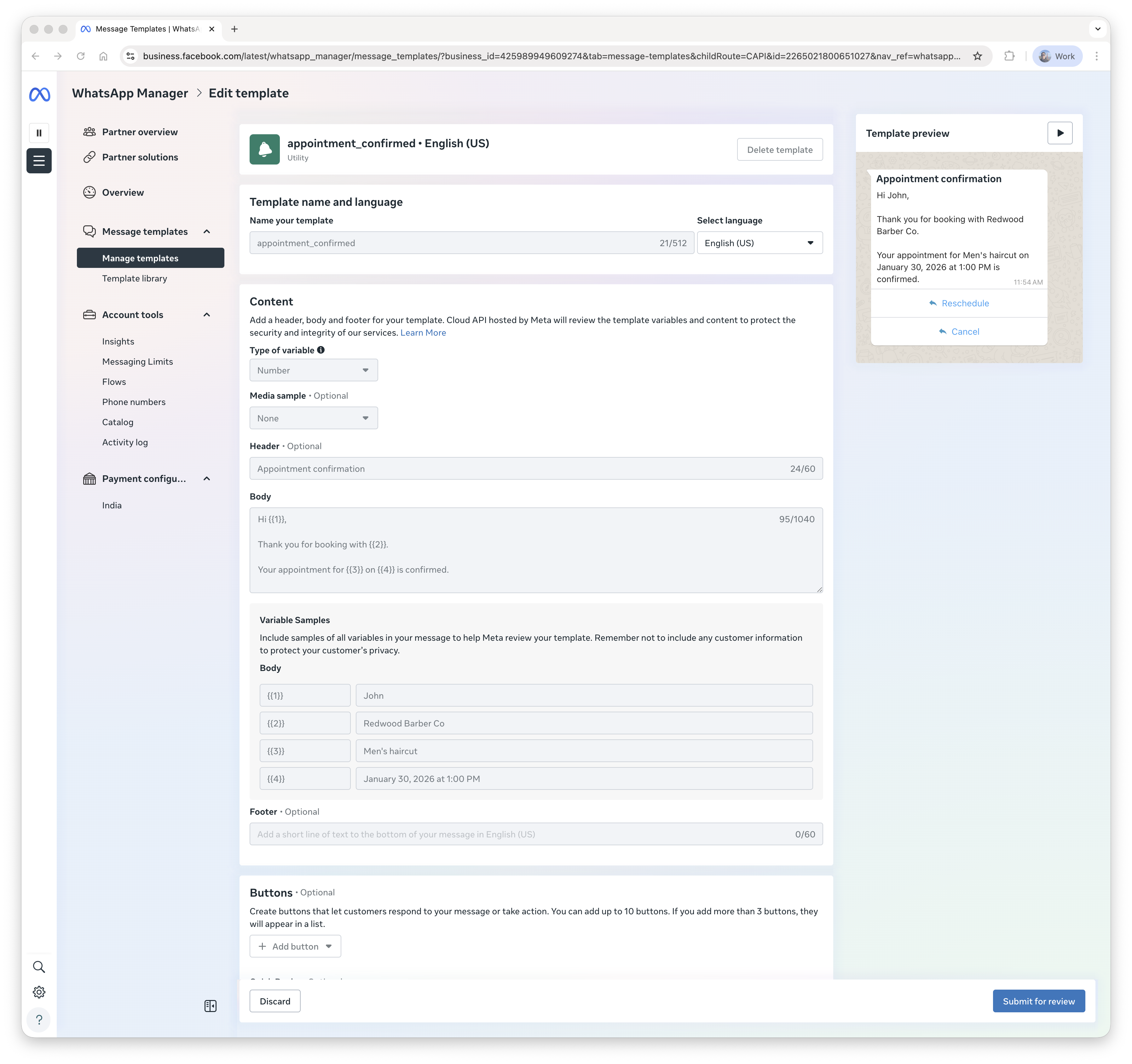 The tool currently only supports parameters in message body.
Go to your agent configuration and add the tool:
The tool currently only supports parameters in message body.
Go to your agent configuration and add the tool:
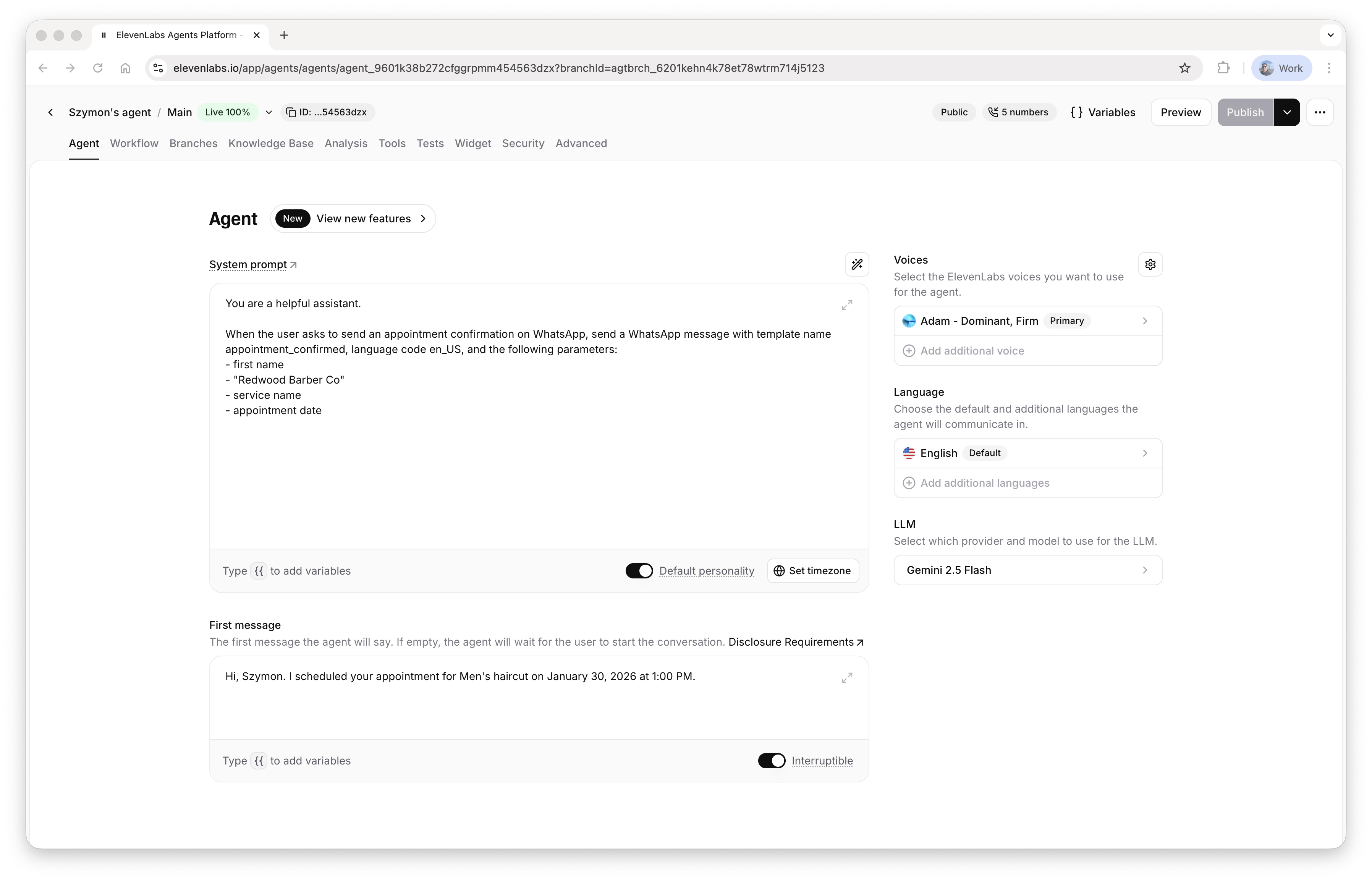
 In the system prompt, tell the agent: - when to use the tool - what template name and language
code to use - what parameters to pass
In the system prompt, tell the agent: - when to use the tool - what template name and language
code to use - what parameters to pass
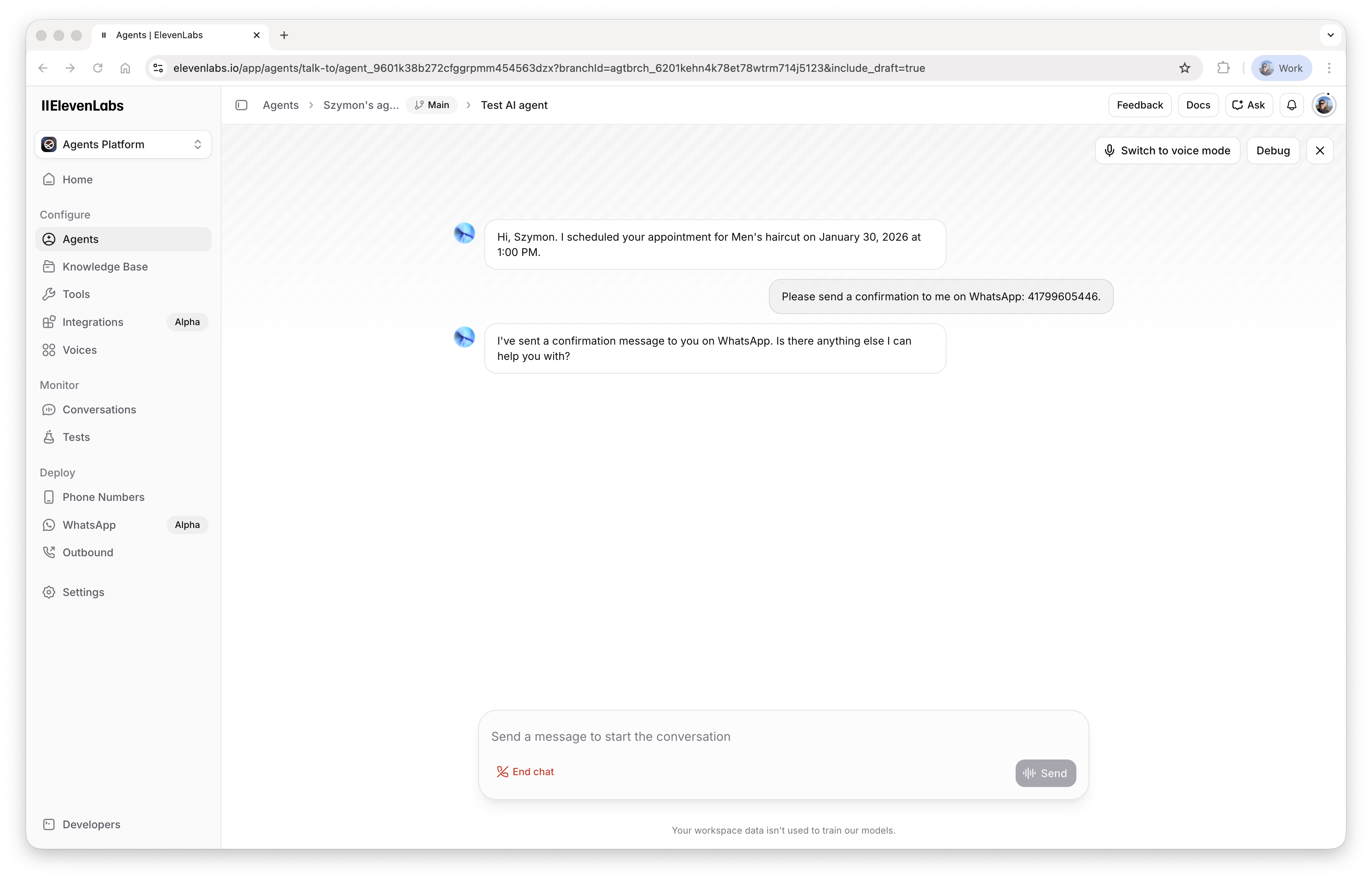
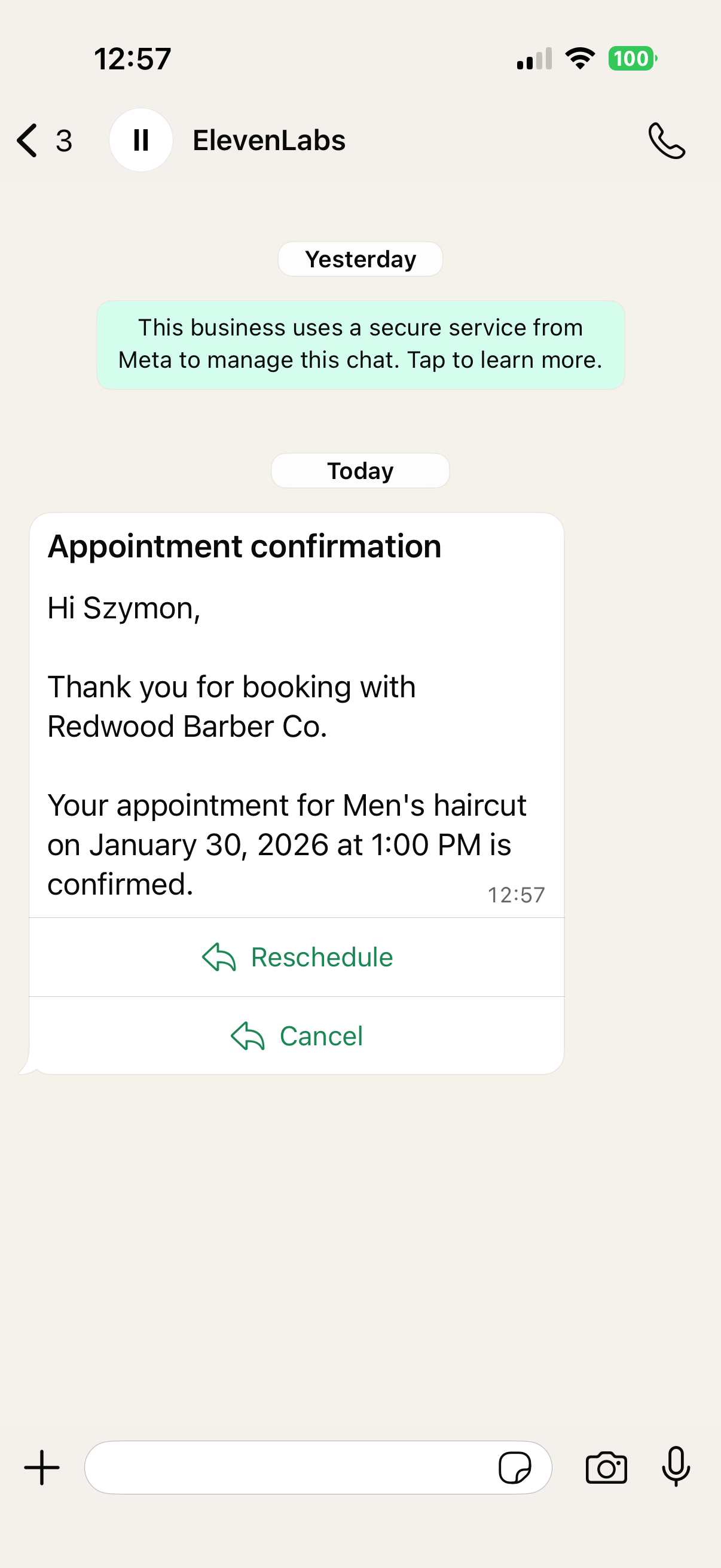
 Finally, it's time to test the tool configuration: