> This is a page from the ElevenLabs documentation. For a complete page index, fetch https://elevenlabs.io/docs/llms.txt. For the full documentation in a single file, fetch https://elevenlabs.io/docs/llms-full.txt.
# Speed control
## Overview
The speed control feature allows you to adjust how quickly or slowly your agent speaks. This can be useful for:
* Making speech more accessible for different audiences
* Matching specific use cases (e.g., slower for educational content)
* Optimizing for different types of conversations
## Configuration
Speed is controlled through the [`speed` parameter](/docs/api-reference/agents/create#request.body.conversation_config.tts.speed) with the following specifications:
* **Range**: 0.7 to 1.2
* **Default**: 1.0
* **Type**: Optional
### Update the speed
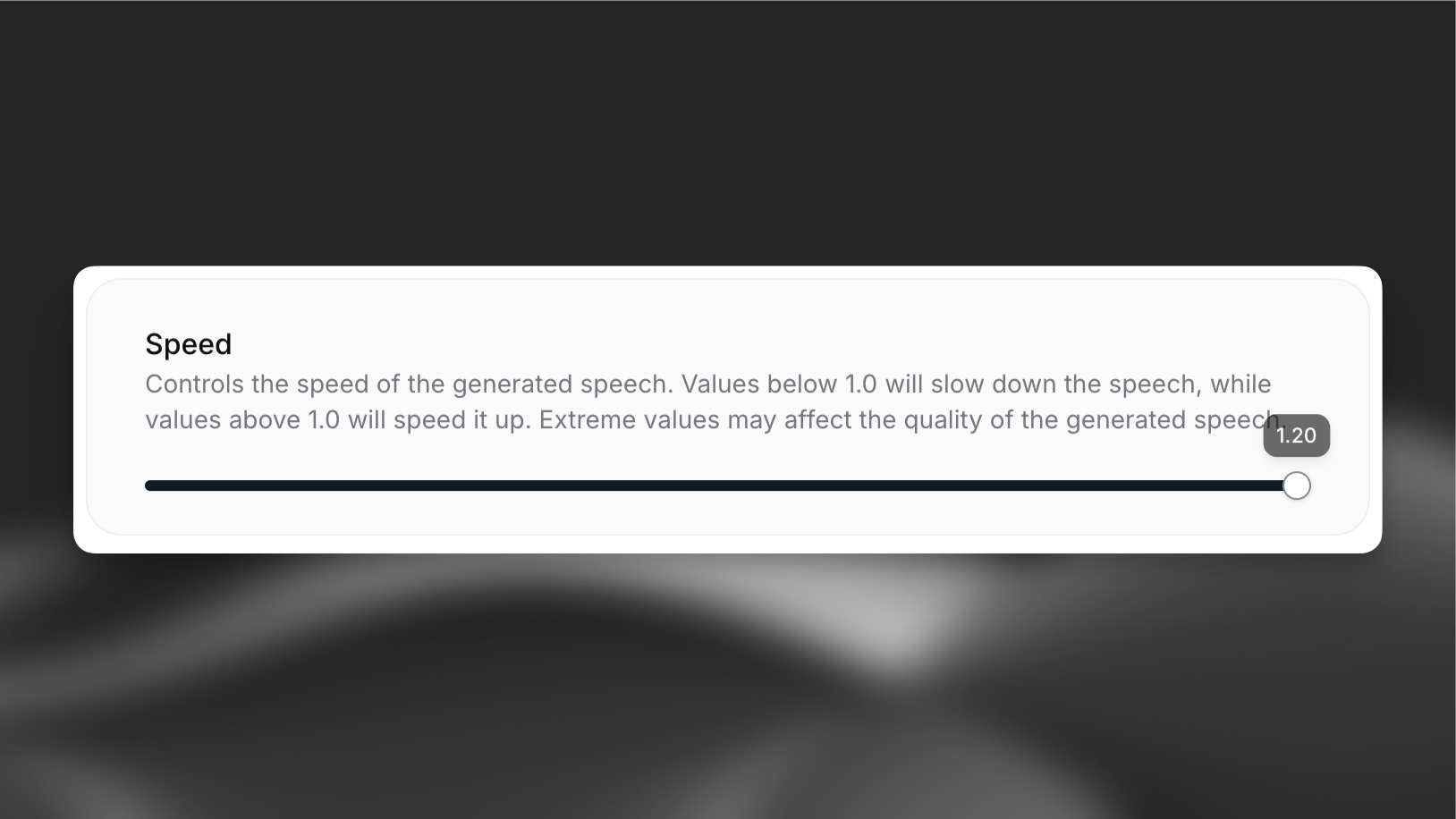
Open your agent in the dashboard, navigate to the **Voice** tab, and adjust the speed control. Save your changes.
 ```bash
elevenlabs agents pull --agent ""
```
Set `conversation_config.tts.speed`:
```json
{
"conversation_config": {
"tts": {
"speed": 1.1
}
}
}
```
```bash
elevenlabs agents push --agent ""
```
```python
from elevenlabs import ElevenLabs
elevenlabs = ElevenLabs()
elevenlabs.conversational_ai.agents.update(
agent_id="agent_7101k5zvyjhmfg983brhmhkd98n6",
conversation_config={
"tts": {"speed": 1.1},
},
)
```
```typescript
import { ElevenLabsClient } from "@elevenlabs/elevenlabs-js";
const elevenlabs = new ElevenLabsClient();
await elevenlabs.conversationalAi.agents.update("agent_7101k5zvyjhmfg983brhmhkd98n6", {
conversationConfig: {
tts: { speed: 1.1 },
},
});
```
## How it works
The speed parameter affects the pace of speech generation:
* Values below 1.0 slow down the speech
* Values above 1.0 speed up the speech
* 1.0 represents normal speaking speed
Extreme values near the minimum or maximum may affect the quality of the generated speech.
## Best practices
* Start with the default speed (1.0) and adjust based on user feedback
* Test different speeds with your specific content
* Consider your target audience when setting the speed
* Monitor speech quality at extreme values
Values outside the 0.7-1.2 range are not supported.
```bash
elevenlabs agents pull --agent ""
```
Set `conversation_config.tts.speed`:
```json
{
"conversation_config": {
"tts": {
"speed": 1.1
}
}
}
```
```bash
elevenlabs agents push --agent ""
```
```python
from elevenlabs import ElevenLabs
elevenlabs = ElevenLabs()
elevenlabs.conversational_ai.agents.update(
agent_id="agent_7101k5zvyjhmfg983brhmhkd98n6",
conversation_config={
"tts": {"speed": 1.1},
},
)
```
```typescript
import { ElevenLabsClient } from "@elevenlabs/elevenlabs-js";
const elevenlabs = new ElevenLabsClient();
await elevenlabs.conversationalAi.agents.update("agent_7101k5zvyjhmfg983brhmhkd98n6", {
conversationConfig: {
tts: { speed: 1.1 },
},
});
```
## How it works
The speed parameter affects the pace of speech generation:
* Values below 1.0 slow down the speech
* Values above 1.0 speed up the speech
* 1.0 represents normal speaking speed
Extreme values near the minimum or maximum may affect the quality of the generated speech.
## Best practices
* Start with the default speed (1.0) and adjust based on user feedback
* Test different speeds with your specific content
* Consider your target audience when setting the speed
* Monitor speech quality at extreme values
Values outside the 0.7-1.2 range are not supported.